







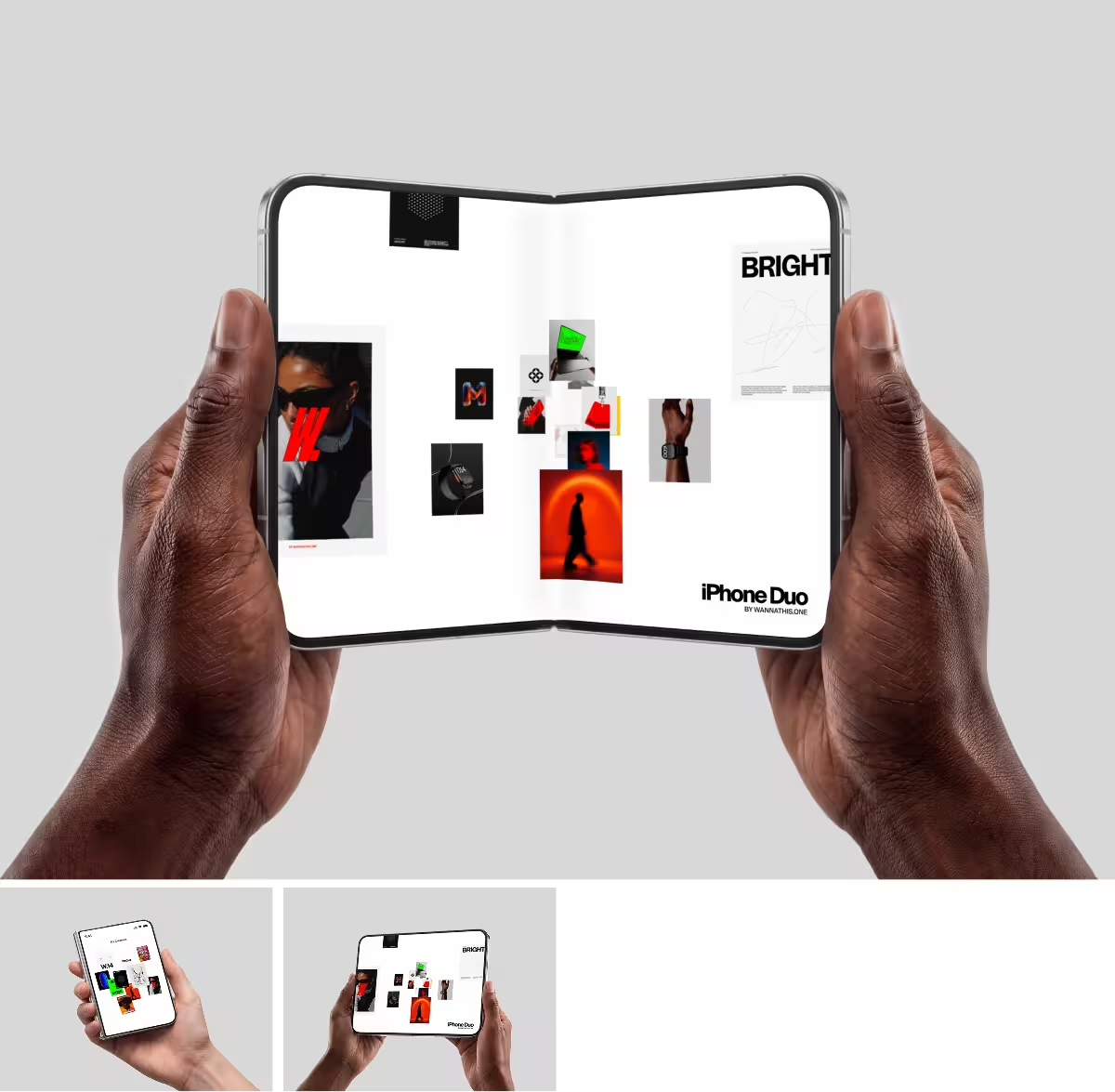




Rotato vs Wannathis
Rotato or Wannathis? A phone you turn in 3D, or one already in a hand or on a sofa, compared feature by feature.
Rotato
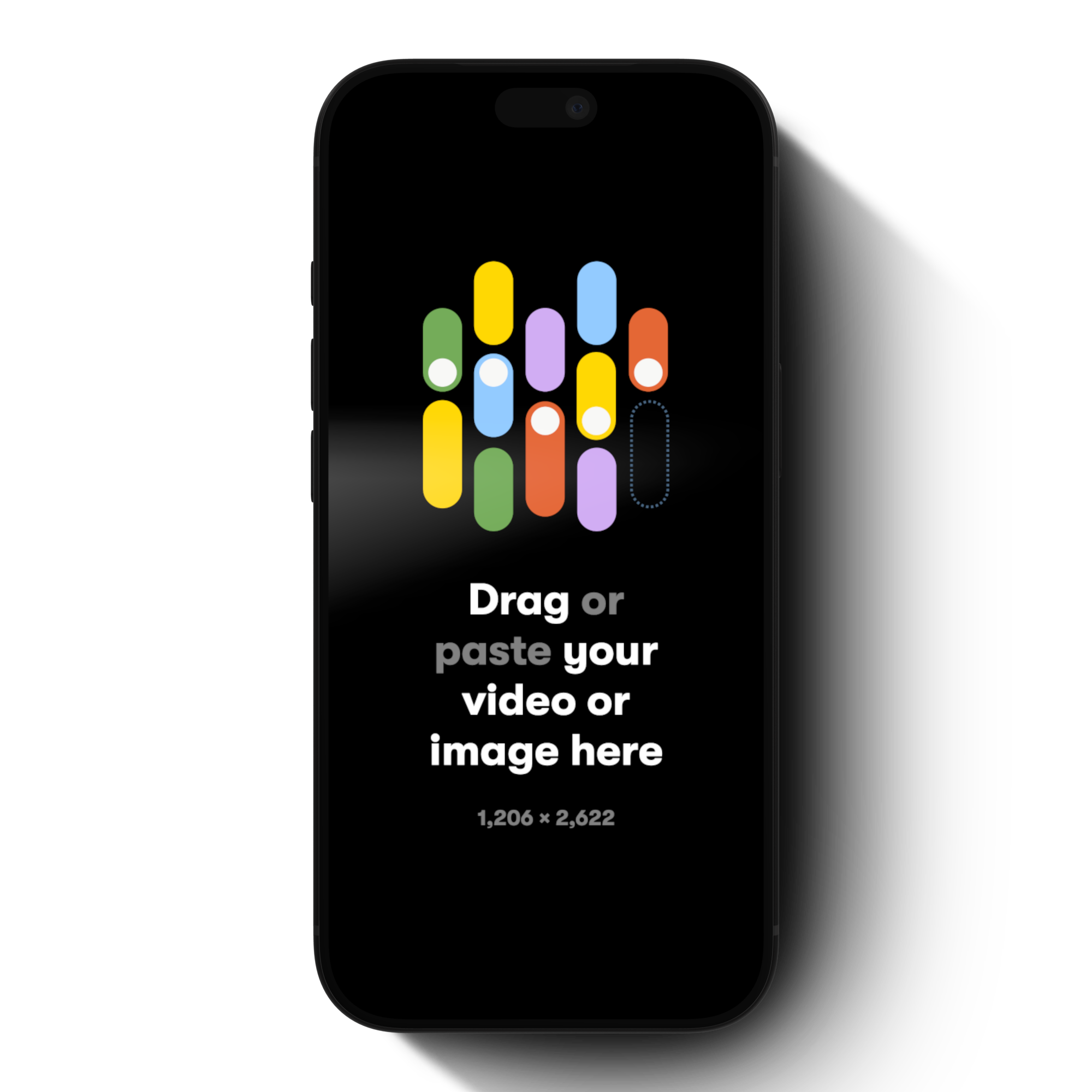
Rotato renders your screens on 3D devices. You turn the device, pick the light and the background, make it move on a timeline and save a still or a video.
It runs as a Mac app or in the browser as Rotato Web, and you export the render, not a Figma or PSD file.
Wannathis
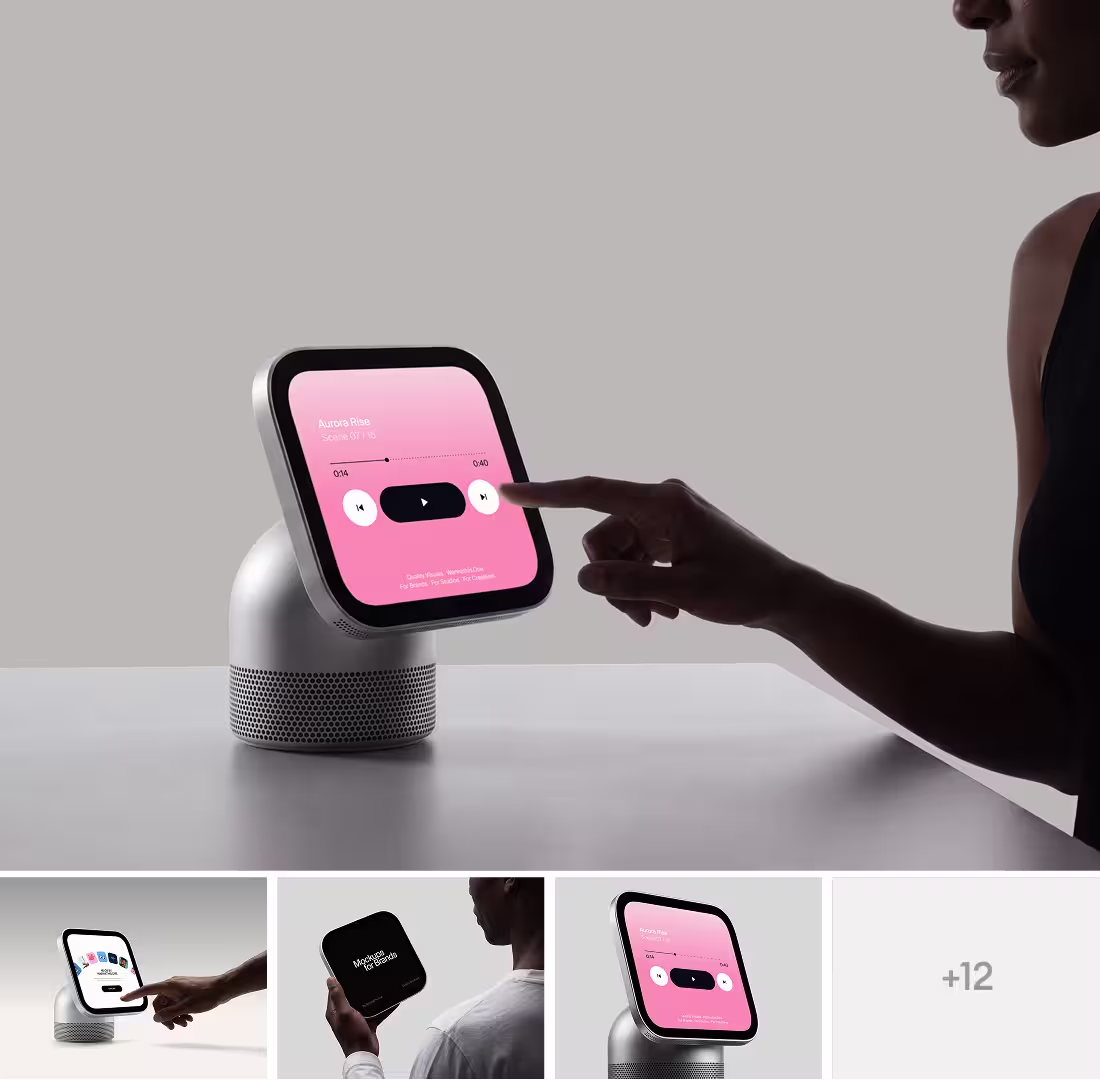
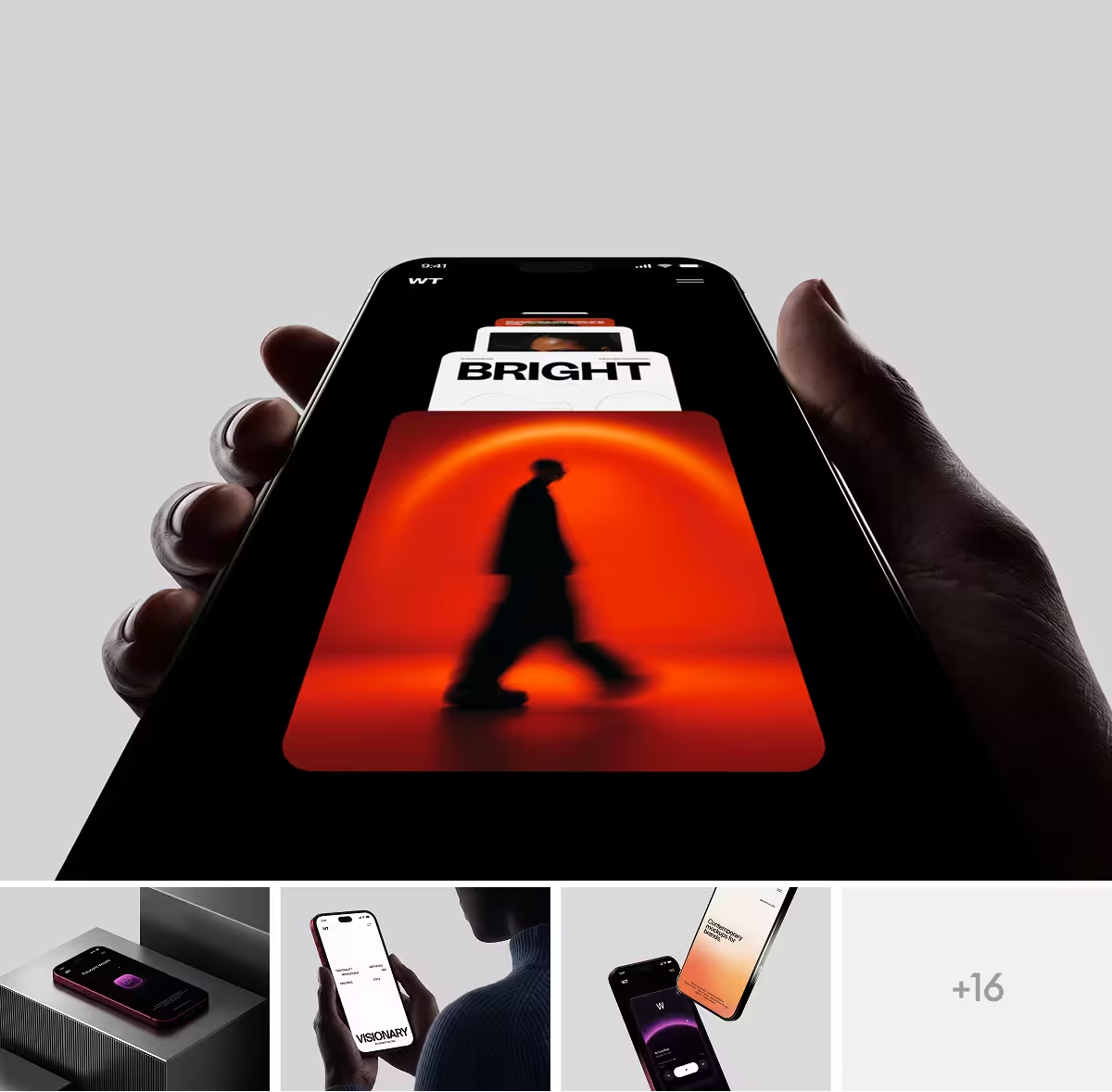
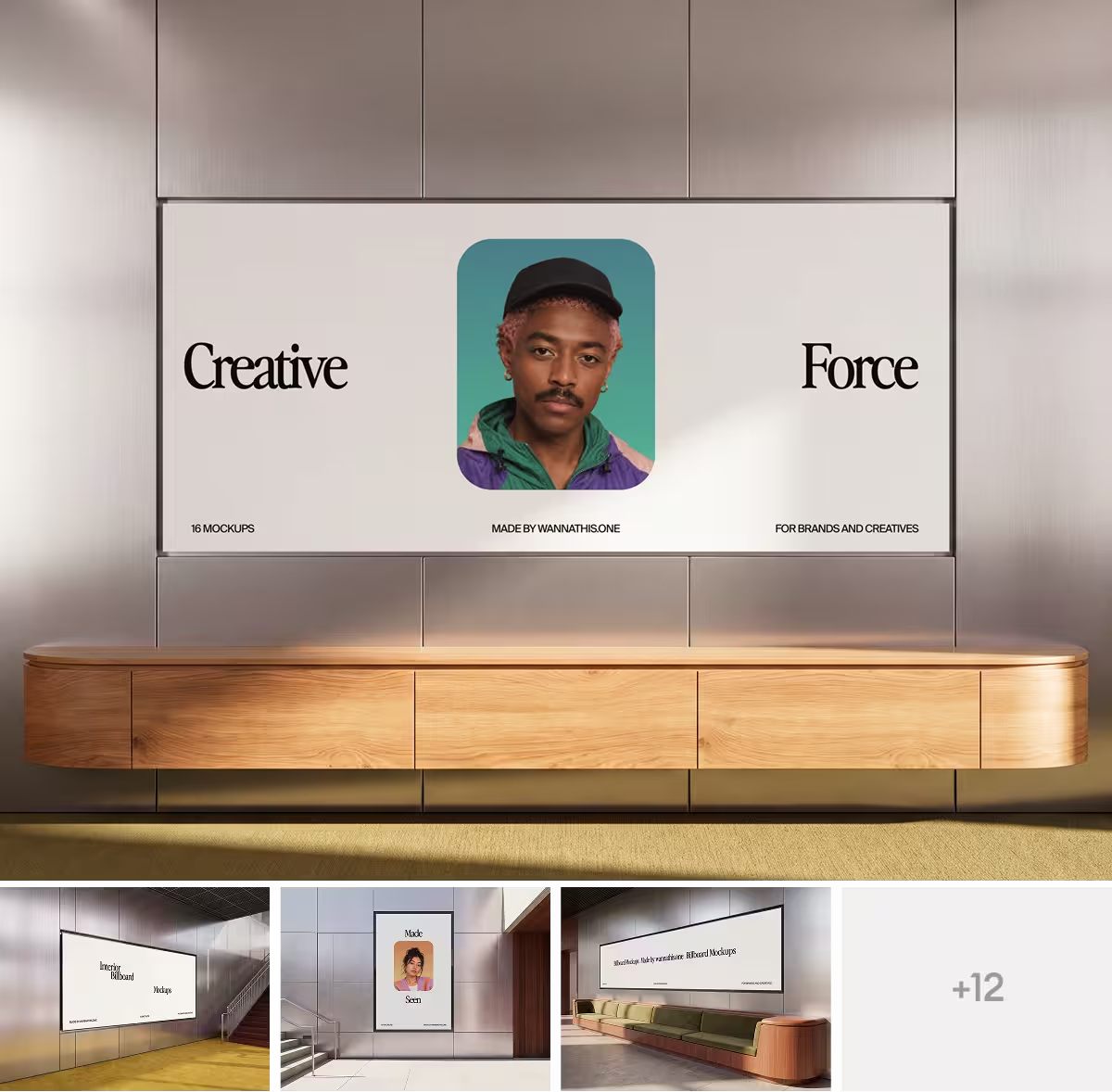
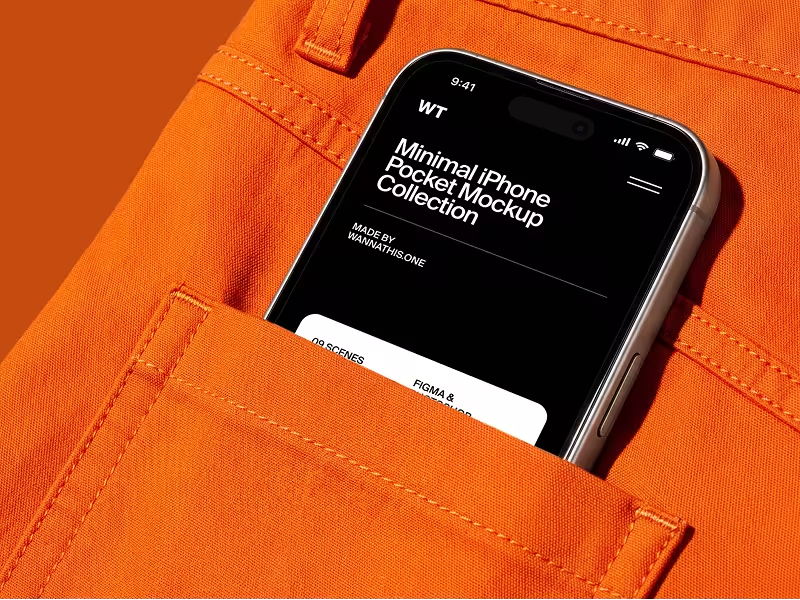
Wannathis sells premium mockups in art-directed sets, each a series in one style: iPhones in hands, pockets and rooms, MacBooks on sofas and desks, and print, apparel and packaging beyond devices.
Your design goes onto these scenes in Figma, Photoshop or, for those marked Edit online, the online editor, and Pro Access lets you use them for clients.
Rotato vs Wannathis: feature comparison
A cross means No. Regular prices and features, as each site lists them on November 10, 2026.
Key differences between Rotato and Wannathis
3D render or art-directed scene
Rotato renders one of its 3D devices against a backdrop of your choice, with shadows and reflections you set. You frame every shot yourself, and no hand or room comes with the device.
A Wannathis scene comes art-directed: an iPhone in a hand or a pocket, a MacBook on a sofa, its framing, light and texture already set. Each set keeps one style across its scenes, so the mockups of one case study belong together. Start with the iPhone mockups.
Your own animation or ready scenes
Animation is where Rotato leads. The device turns and moves on a timeline or in a video template. The export is a video, with your screen recording on its screen.
Wannathis has ready animated scenes, and in the online editor your video plays on the screen of a still scene. If the phone itself has to move, pick Rotato.
A Mac app or any computer
Rotato is a Mac app first. Its Figma plugin needs the app open, and on Windows you get only the browser version, on a plan of its own.
Wannathis needs no Mac. On a PC you get the same: the Figma plugin, the Figma or PSD files and the online editor.
Price and license
Rotato for Mac is a one-time payment: $79 covers the phones, with 6 months of new devices, and $89 or $199 adds every device and video templates, with 12 months. Rotato Web is a separate subscription, at $15 a month or $79 a year. Pro Access costs $144 a year or $78 a quarter and covers every Wannathis set, the Figma plugin and the online editor. One set on its own is a single payment.
Rotato lets you use your exports in any work, commercial or not, with one computer per license. With Pro Access you can use the mockups in paid work and for clients, as long as your company has 10 people or fewer. A larger team needs the Business plan.
Choose Rotato if
- You want the device itself to move in a launch video.
- You make App Store screenshots and need every size at once.
- You want to set the angle, the lens and the light of every shot yourself.
- You work on a Mac and would rather pay once for an app.
Choose Wannathis if
- You want people, hands and rooms around your screens, not a device on a backdrop.
- You want the mockups of a whole case study to match.
- You design in Figma and want the mockup as a Figma file you can edit.
- You work on Windows and want Figma or PSD files and a Figma plugin there too.
- You also need print, apparel or packaging mockups for the same brand.
Rotato vs Wannathis: questions
Rotato, if you want the iPhone in 3D, at any angle and in motion. Wannathis, if you want the phone held by someone or set on a sofa, in an art-directed scene ready for Figma, Photoshop or your browser.
Try it with your design
Open a scene, upload your design and download the picture. No setup, no software.
Explore mockups
Rotato is a trademark of its owner. Wannathis is not affiliated with or endorsed by them.