





Canva vs Wannathis
Mockups inside Canva, or art-directed sets for Figma, Photoshop and the browser.
Canva
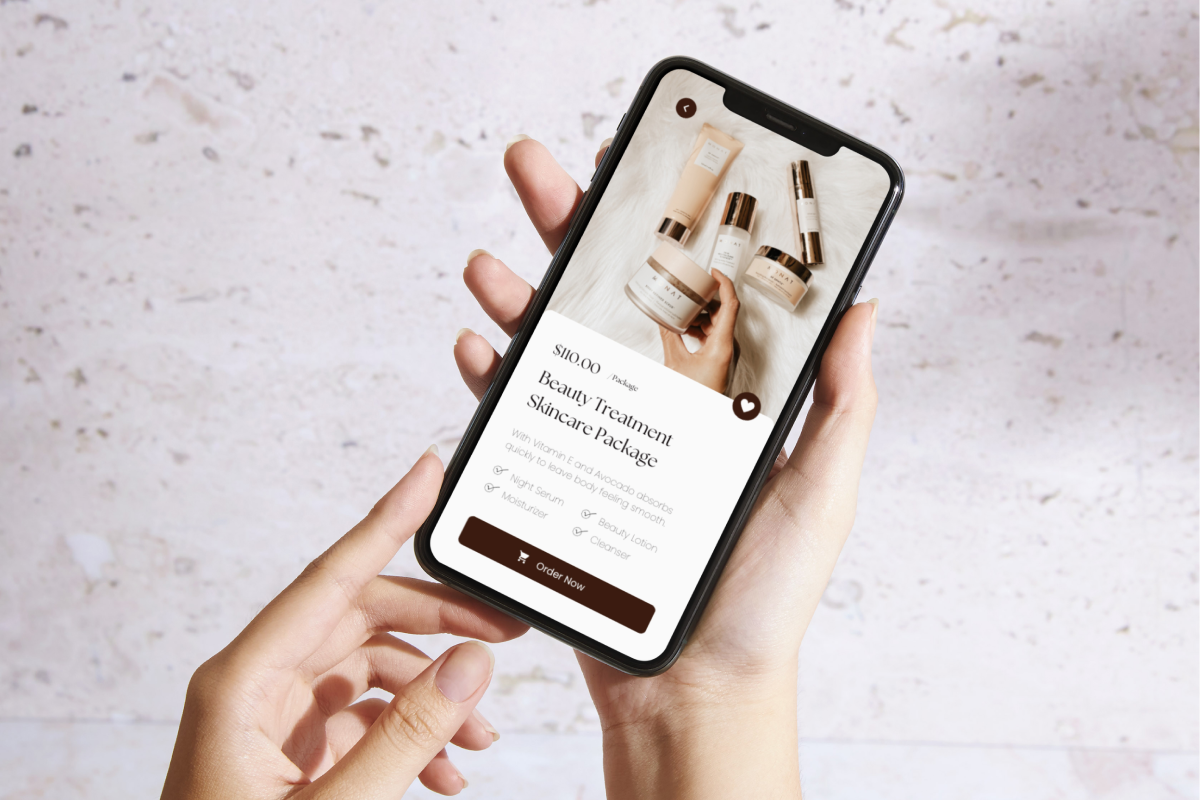
Canva is an online design platform, and its Mockups app puts an image on a product scene inside any Canva design, on every plan.
Pick a scene, drag in your image and download the picture. On Pro you can also make a scene out of your own photo. No mockup downloads as a Figma or PSD file.
Wannathis
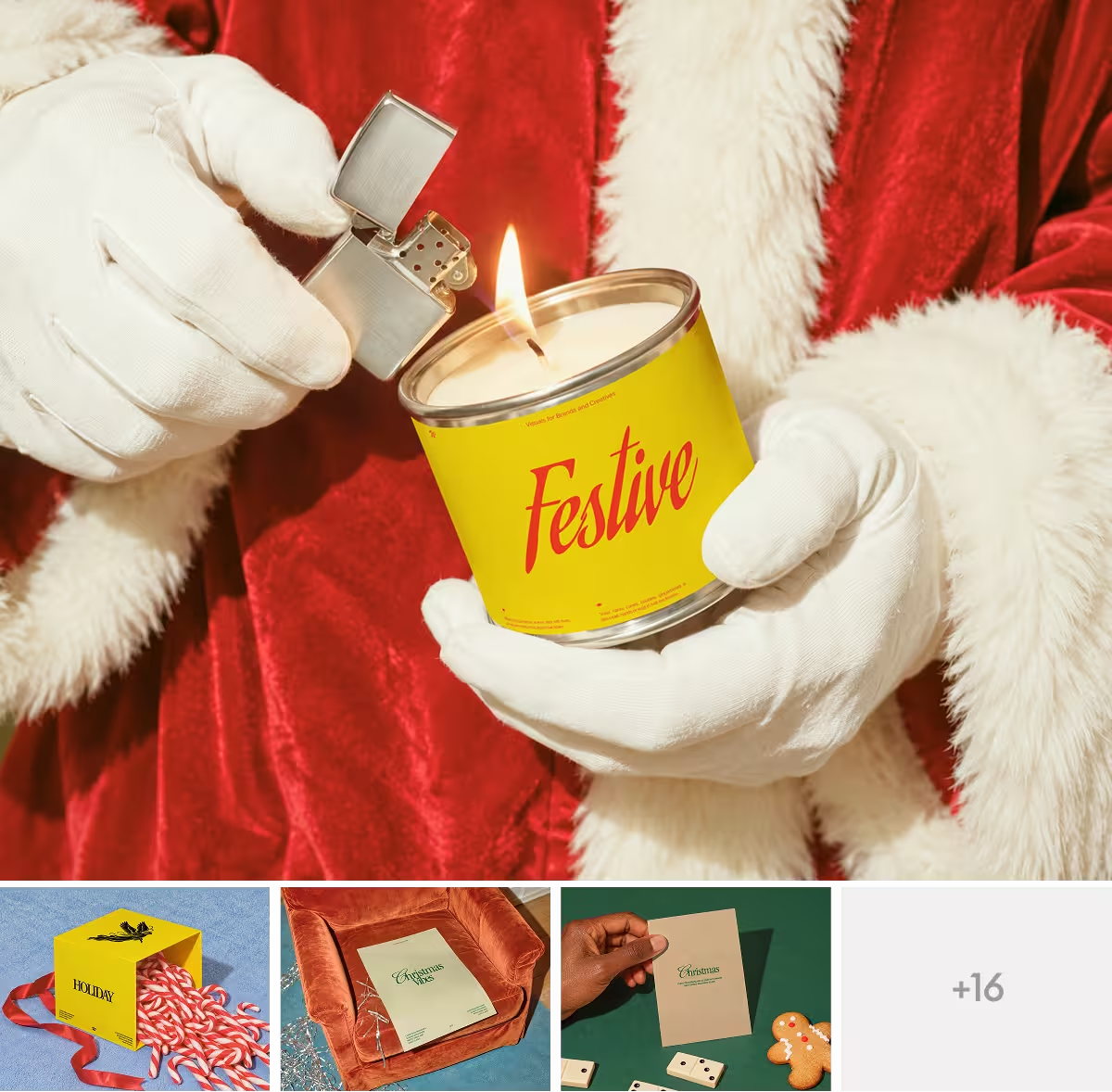
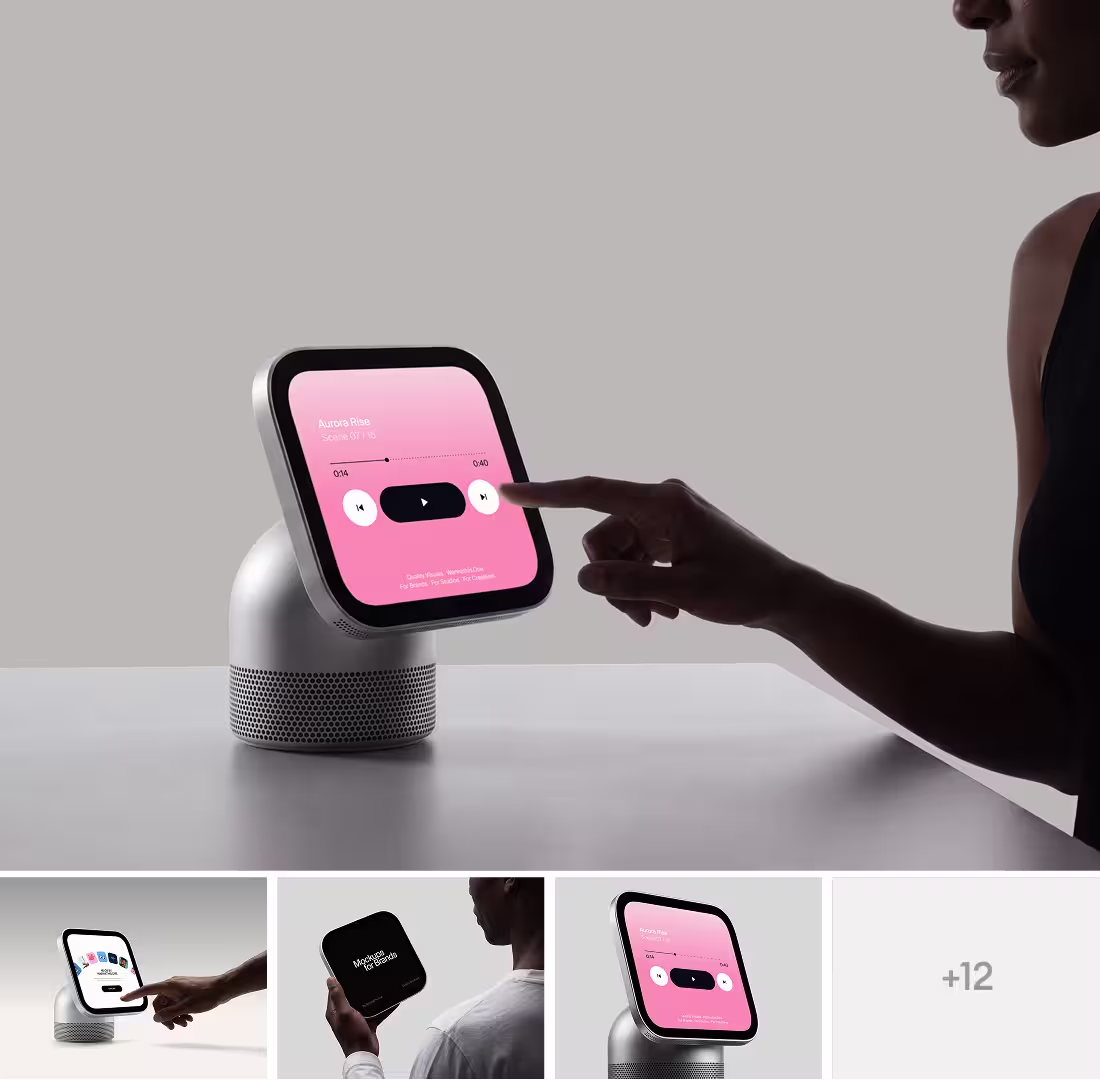
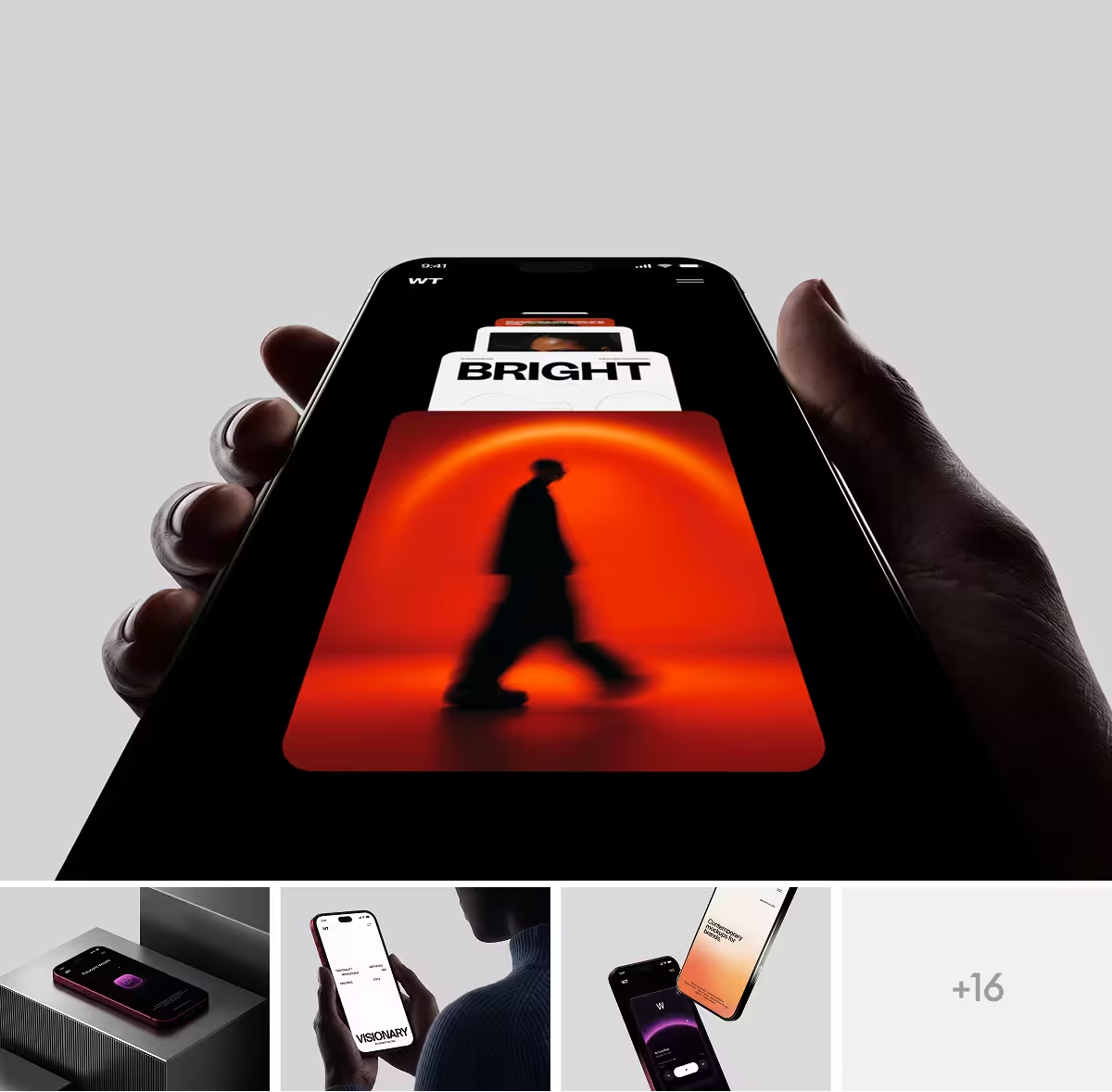
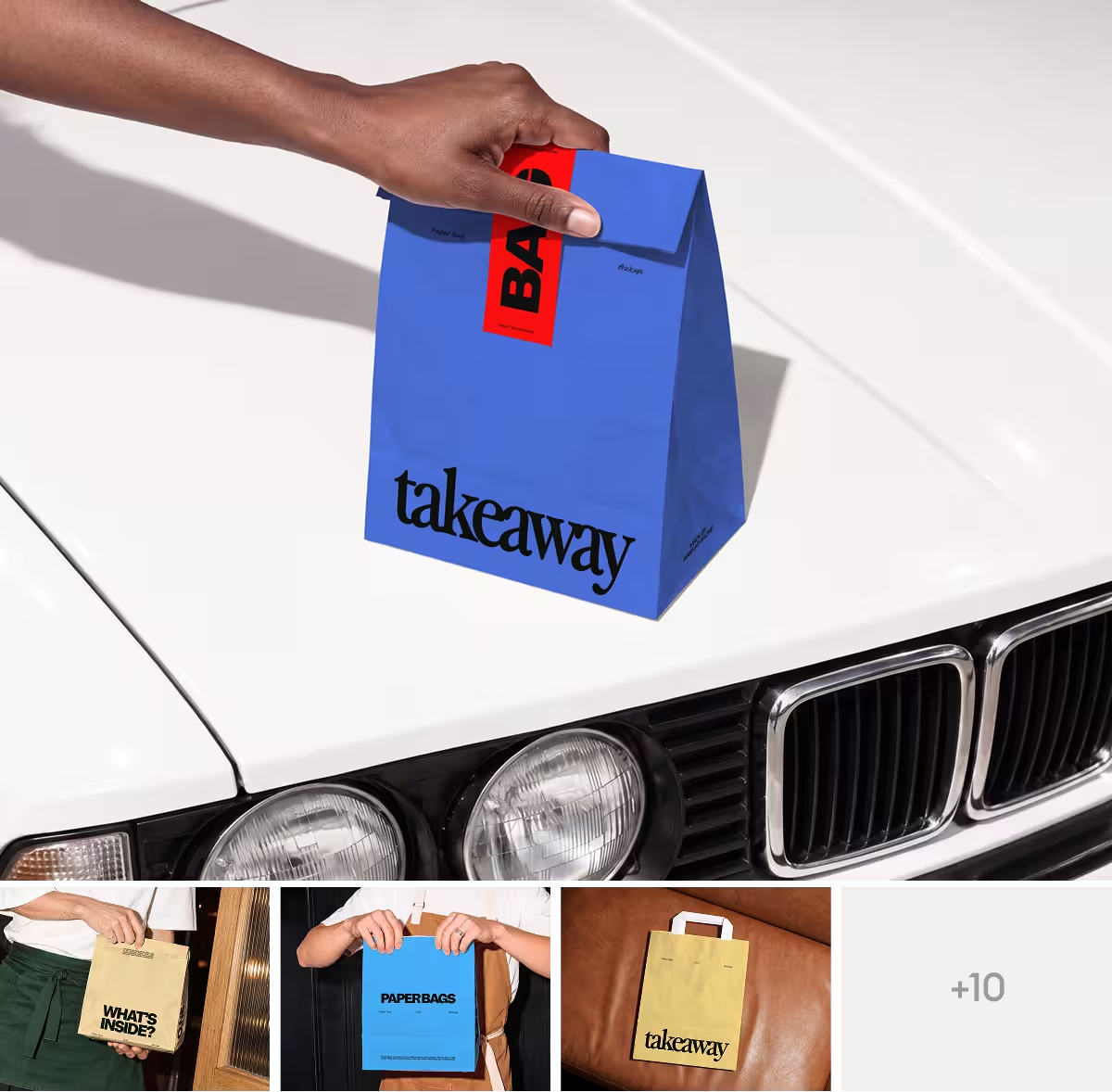
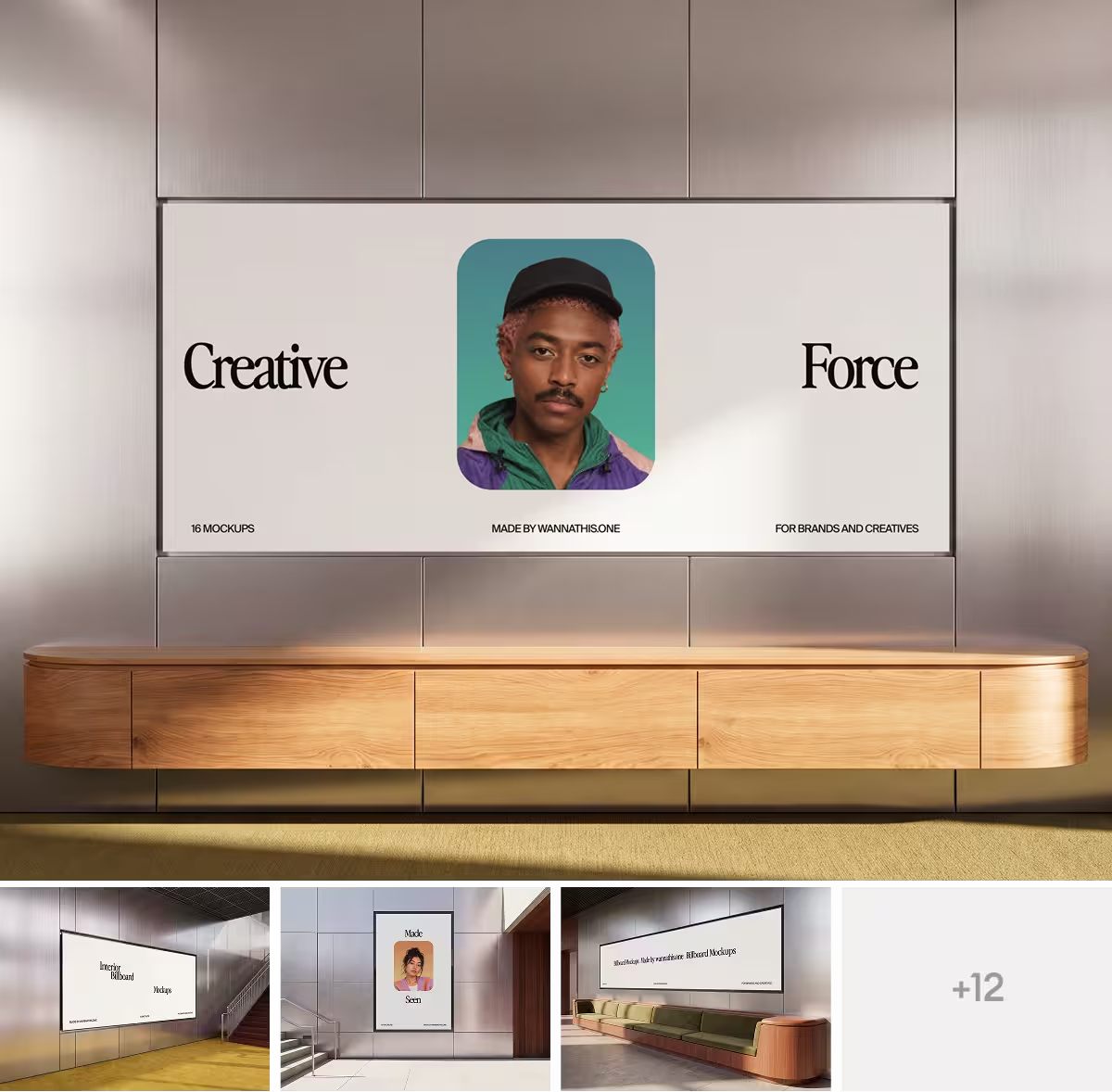
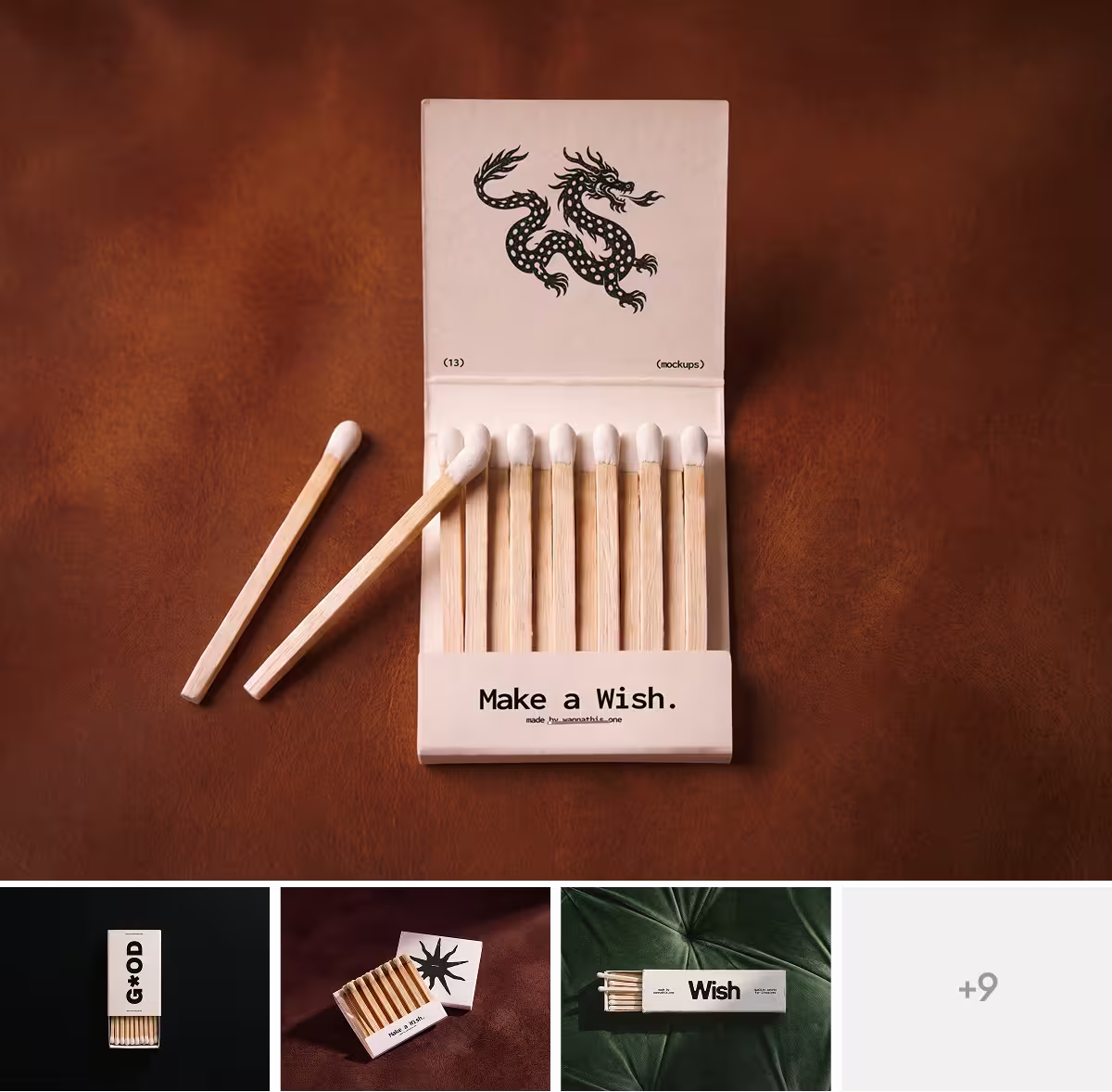
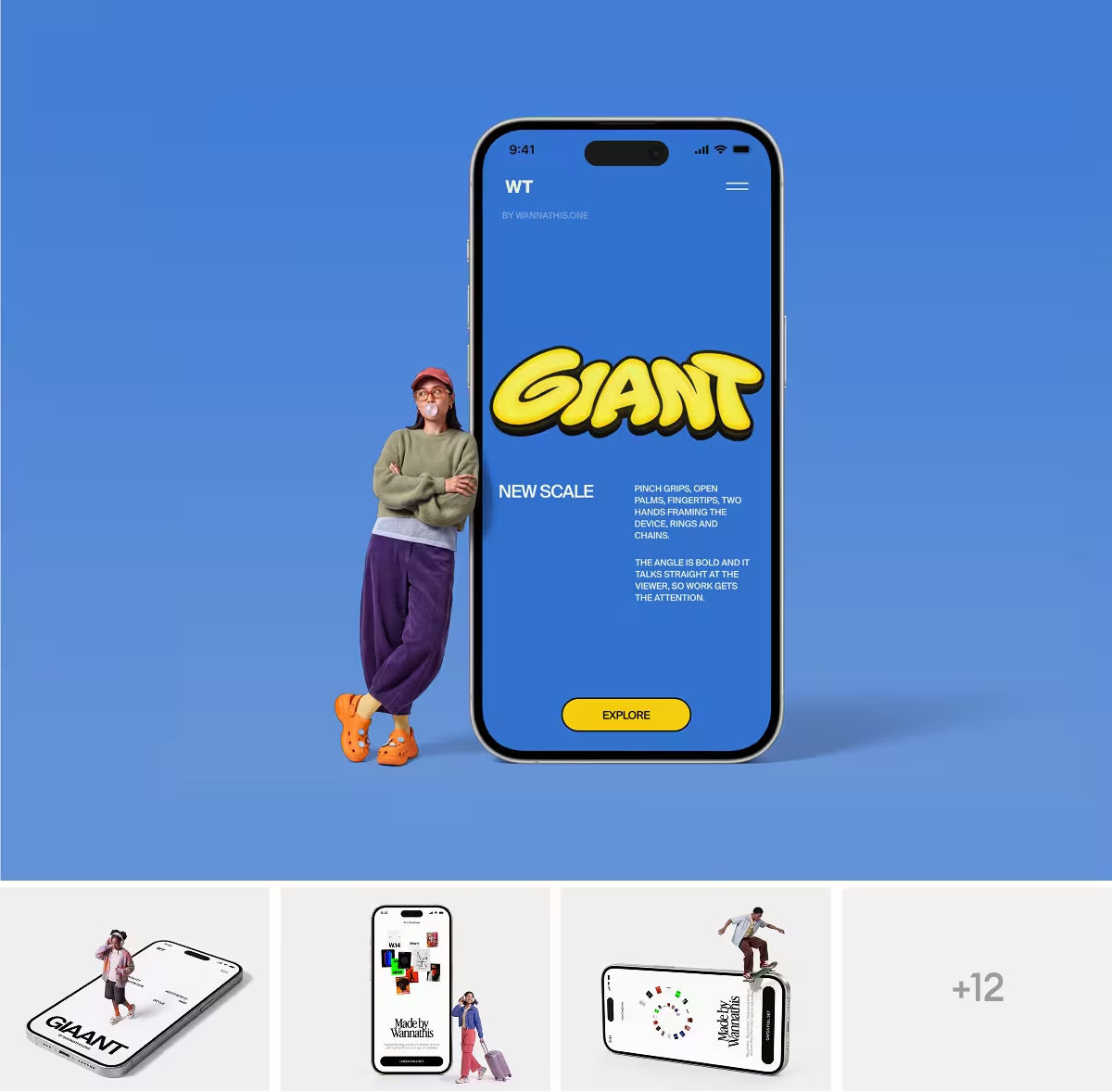
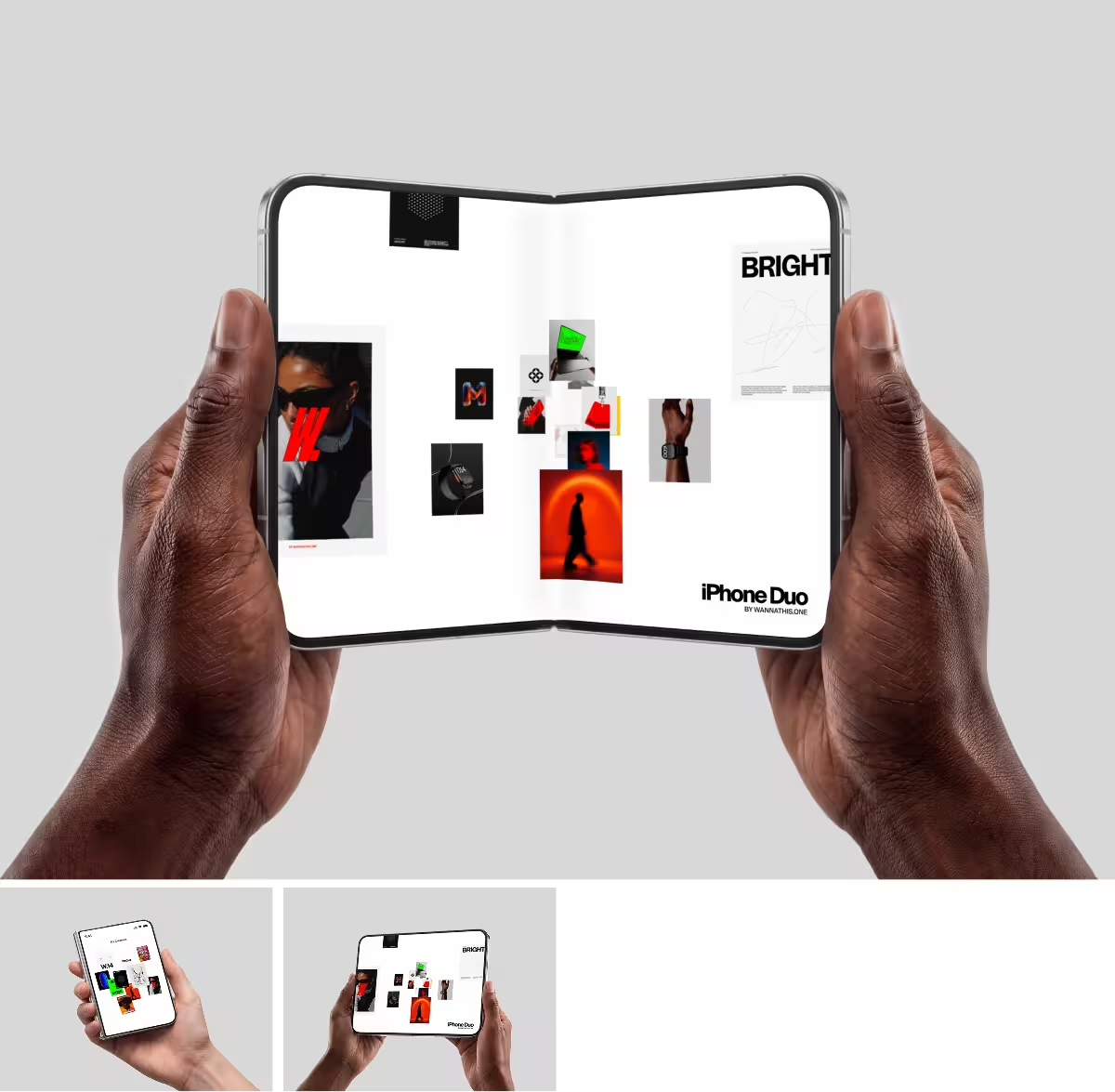
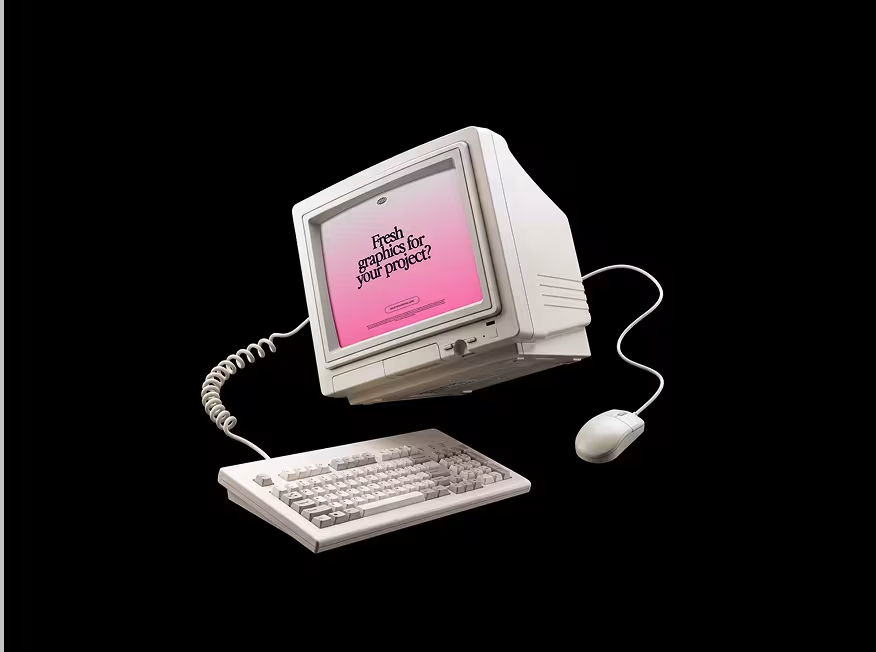
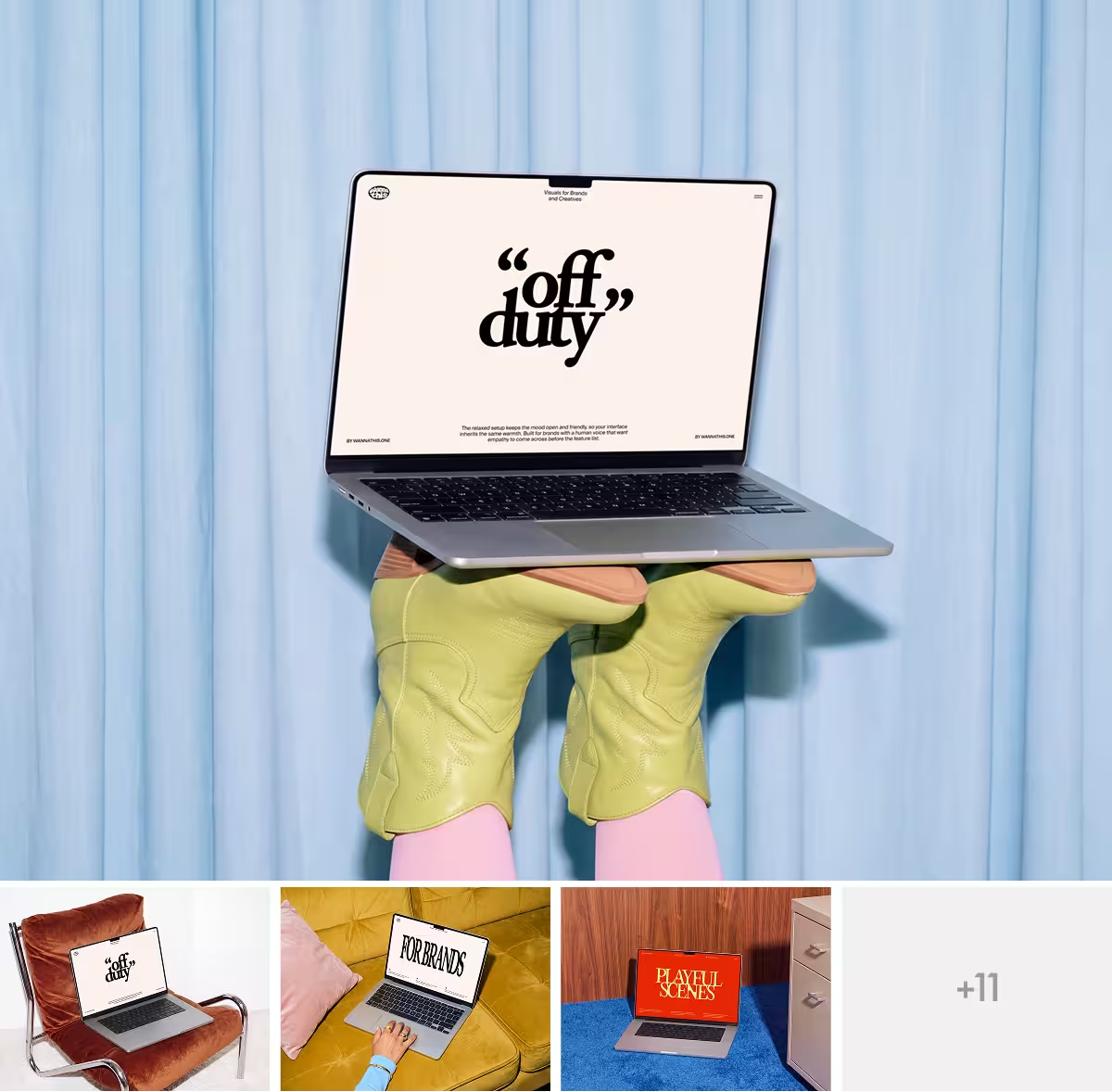
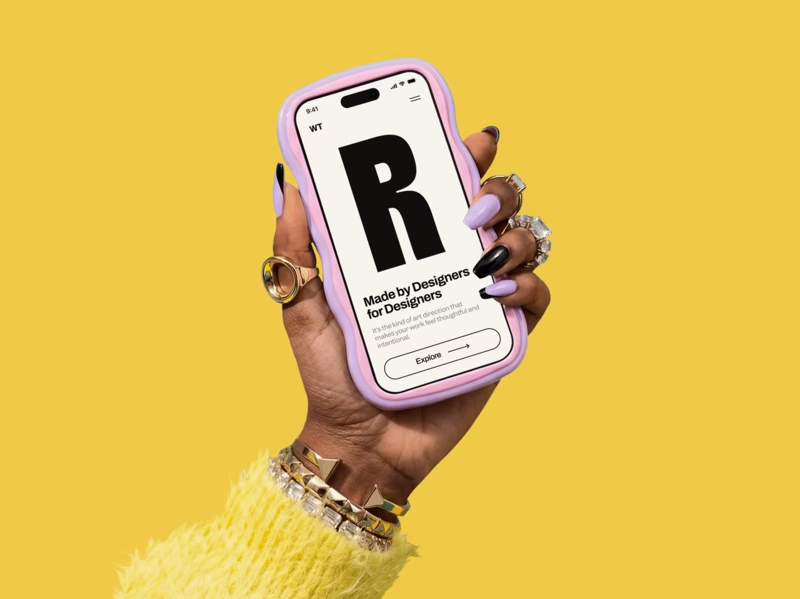
Wannathis is a mockup store with art-directed sets of its own, minimal and editorial: phones and laptops, business cards and signs, caps, tote bags and boxes, each set styled as one series.
Pro Access is the plan for all of it. You download sets in Figma or PSD, put device and some branding scenes into Figma with the plugin and edit the scenes marked Edit online in your browser. Client work is covered for one person, in a company of no more than 10 people.
Canva vs Wannathis: feature comparison
A cross means No. Regular prices and features, as each site lists them on November 11, 2026.
Key differences between Canva and Wannathis
How the mockups look
Canva describes its scenes as stock photos from a curated library, with layers for light and shadow in the ones whose color you can change. The same library serves everyone on Canva, free and paid.
Wannathis sets are art-directed: composition and light are worked out for each scene, the styling holds across the set, and there are minimal scenes as well as editorial ones. New sets come out often; the newest mockups show the look.
Canva's editor or your own tools
In Canva the mockup is one more element of your design: it lands in a post, a slide or a flyer, goes out by link and works on your phone as well. Its T-shirts, bags and boxes open there like everything else.
With Wannathis you open the set in Figma or Photoshop, bring device and some branding scenes into Figma through its plugin, or put your design on an Edit online scene in the online editor, right in your browser. Wannathis apparel and packaging come mostly as PSD files and do not open in the editor.
What you download
From Canva you download a JPG, PNG or PDF of the finished mockup, with SVG and transparent PNG on paid plans, or an MP4 of a video mockup. The scene stays behind in Canva.
Pro Access gives you the Wannathis set itself in Figma or PSD: you open the scene, put in the new version of your design and export again, as often as your project changes.
Price and license
For one person, a year costs $144 with either: Canva Pro (US price) opens Canva's premium content and tools, Pro Access every Wannathis set, the plugin and the editor. For a shorter stretch, Canva Pro is $18 a month and Pro Access $78 a quarter. A team takes Canva Business, billed per person, or Wannathis Business, from two people.
Under Canva's license, mockups made in Canva, free ones too, may go into commercial work, and a design can pass to one client under a written agreement; reselling the mockups is not allowed. Pro Access, a plan for a single person, covers client work at companies of 10 people or fewer, and free Wannathis mockups are for personal projects. Canva calls the license on each export perpetual. You can keep using your Wannathis downloads after Pro Access ends.
Choose Canva if
- Your posts, slides and flyers are made in Canva, and the mockup should land in the same design.
- You sell T-shirts, mugs or boxes and want to place your design on them in the browser.
- You need free mockups that may go into a shop listing or client work.
- You want to work from your phone.
- You want a mockup made from your own product photo.
Choose Wannathis if
- The mockup goes into your pitch, your shop or your launch, and it has to look premium.
- You want the scene itself as a Figma or PSD file, ready for the next version of your design.
- You design in Figma and want device mockups placed in your file by a plugin.
- You want scenes that are not in the library every Canva user picks from.
- You want new sets often, each one styled as a series.
Canva vs Wannathis: questions
No, not always. Canva's scenes are stock photos made to take any image you drag in, some with layers for light and shadow. A good Figma or PSD set is planned scene by scene for composition and light, and every Wannathis set is art-directed that way, so the picture holds up in a portfolio or a pitch.
Try it with your design
Open a scene, upload your design and download the picture. No setup, no software.
Explore mockups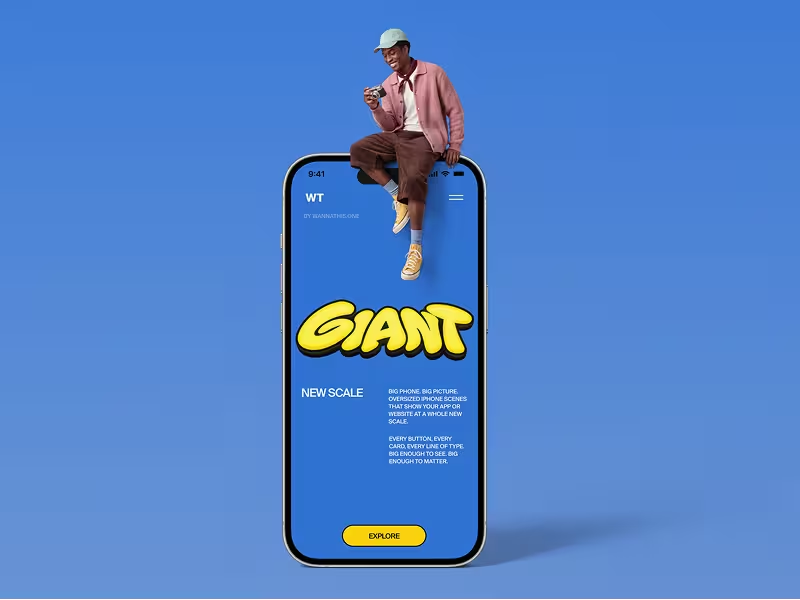
Canva and the other brands named here are trademarks of their owners. Wannathis is not affiliated with or endorsed by them.