






Mockuuups Studio alternative
Mockuuups Studio puts your design into device and print scenes, online or in an app.
Mockuuups suits one export at a time and work in Sketch or Penpot; Wannathis suits premium sets you open in Figma or Photoshop.
Regular prices and features, as each site lists them on November 11, 2026.
Upgrade how your designs look
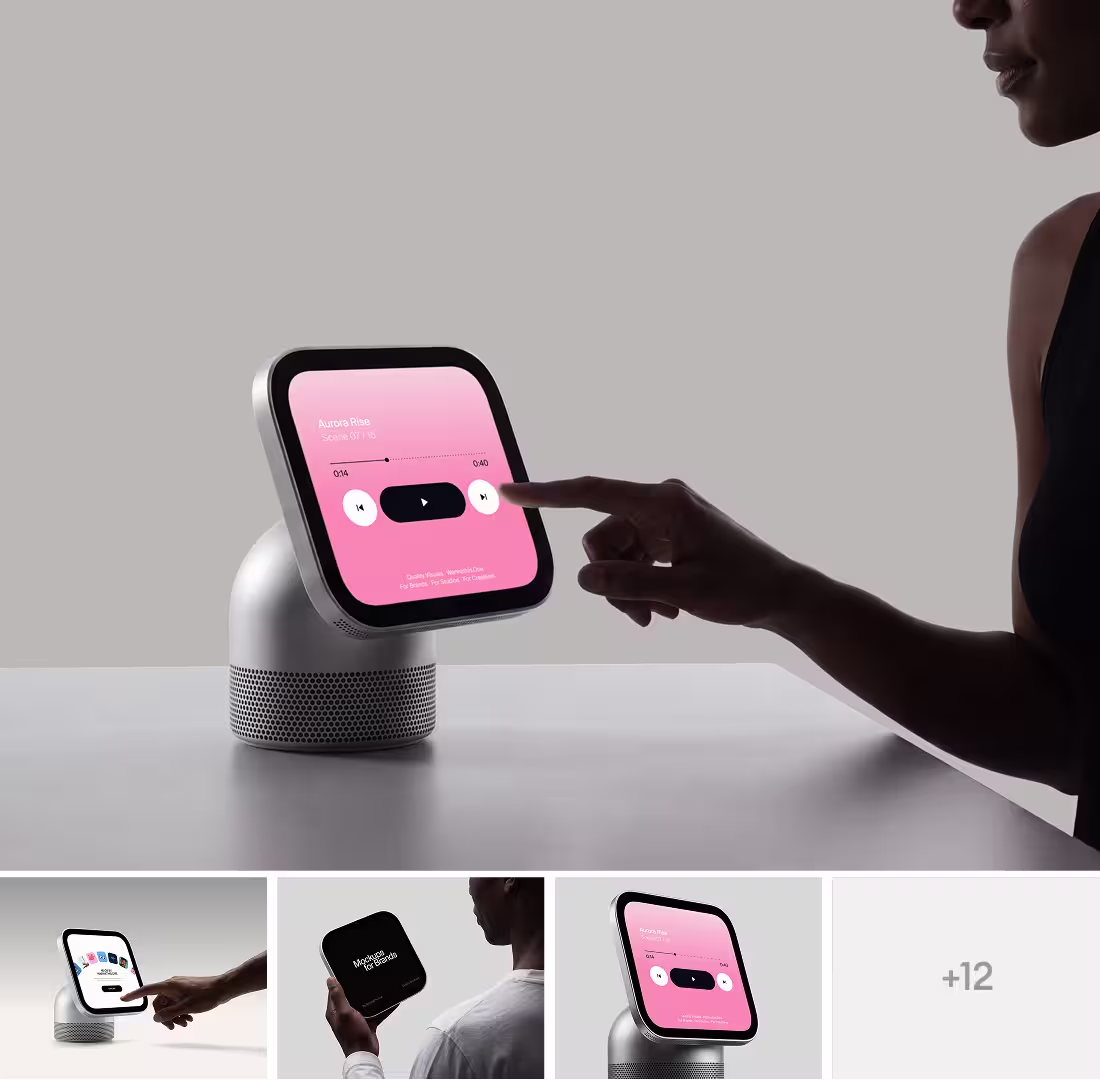
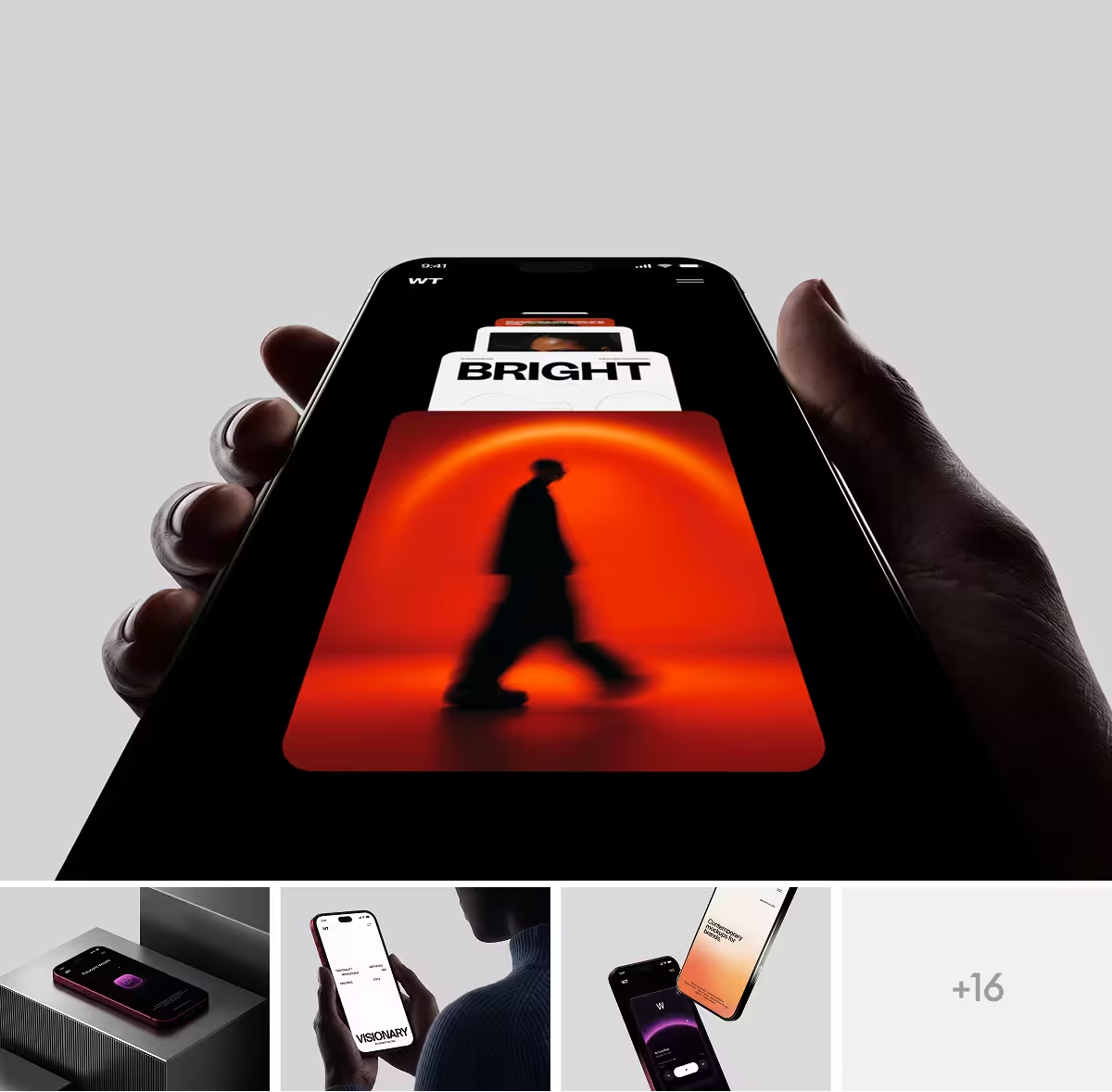
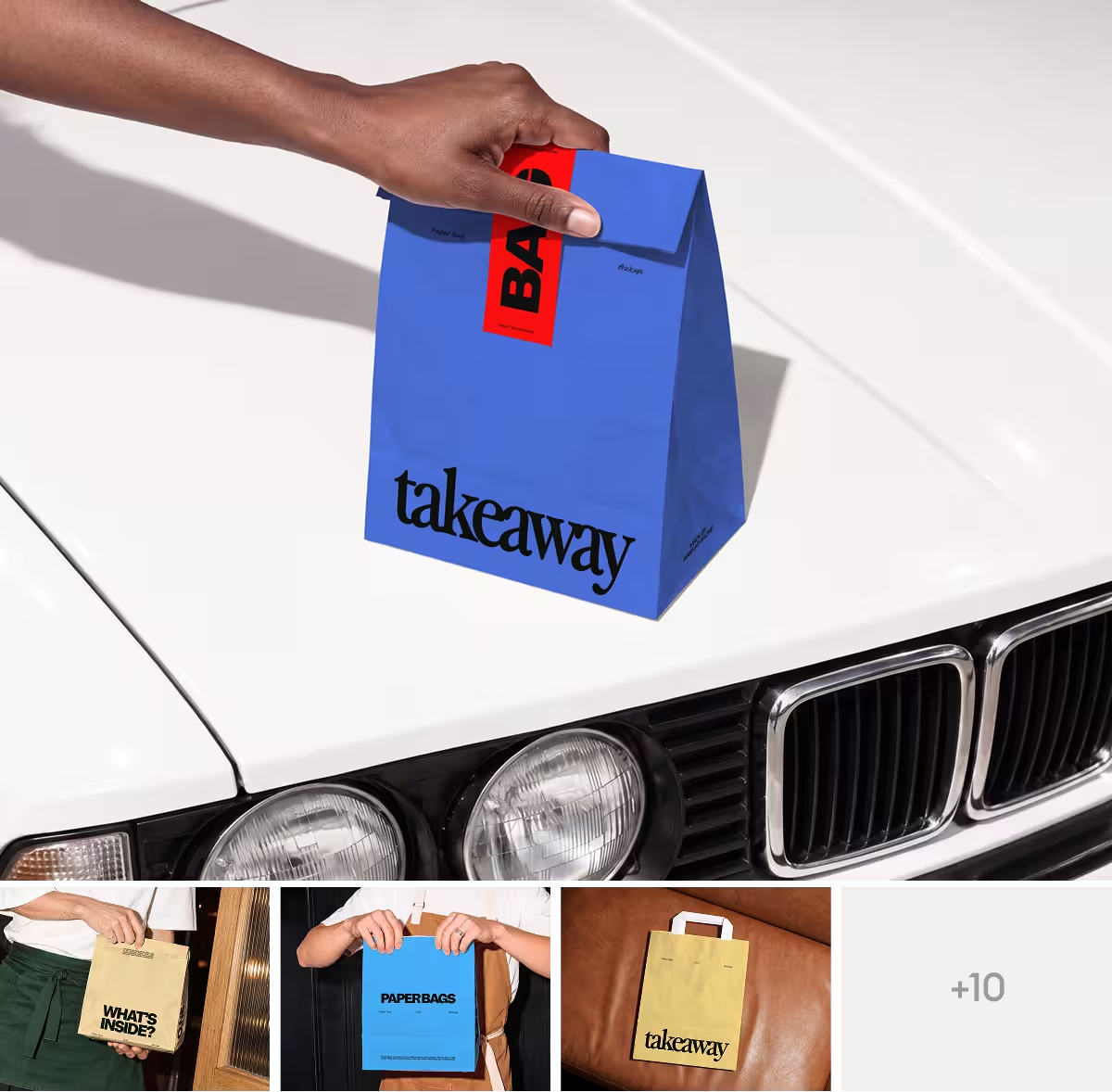
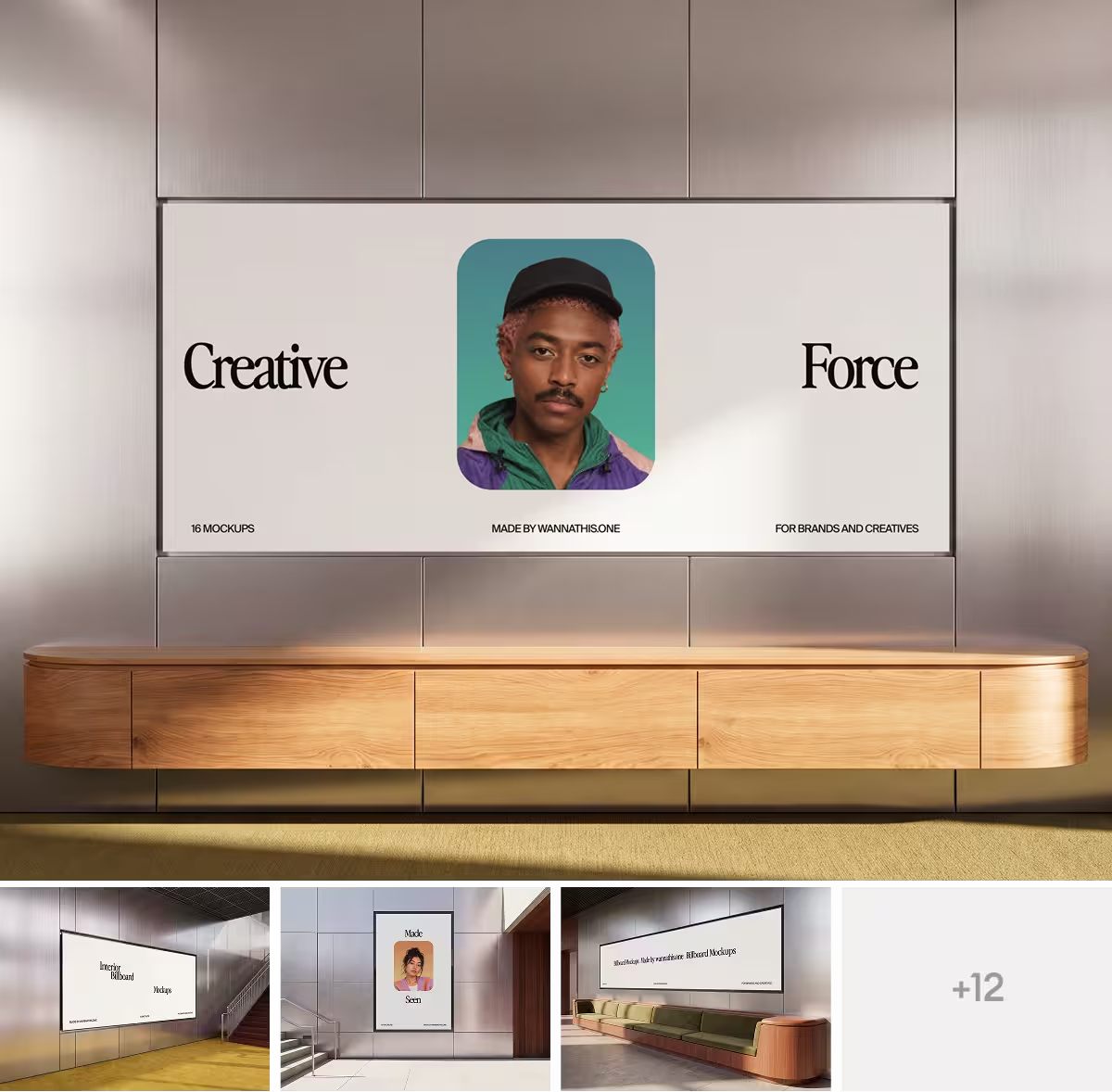
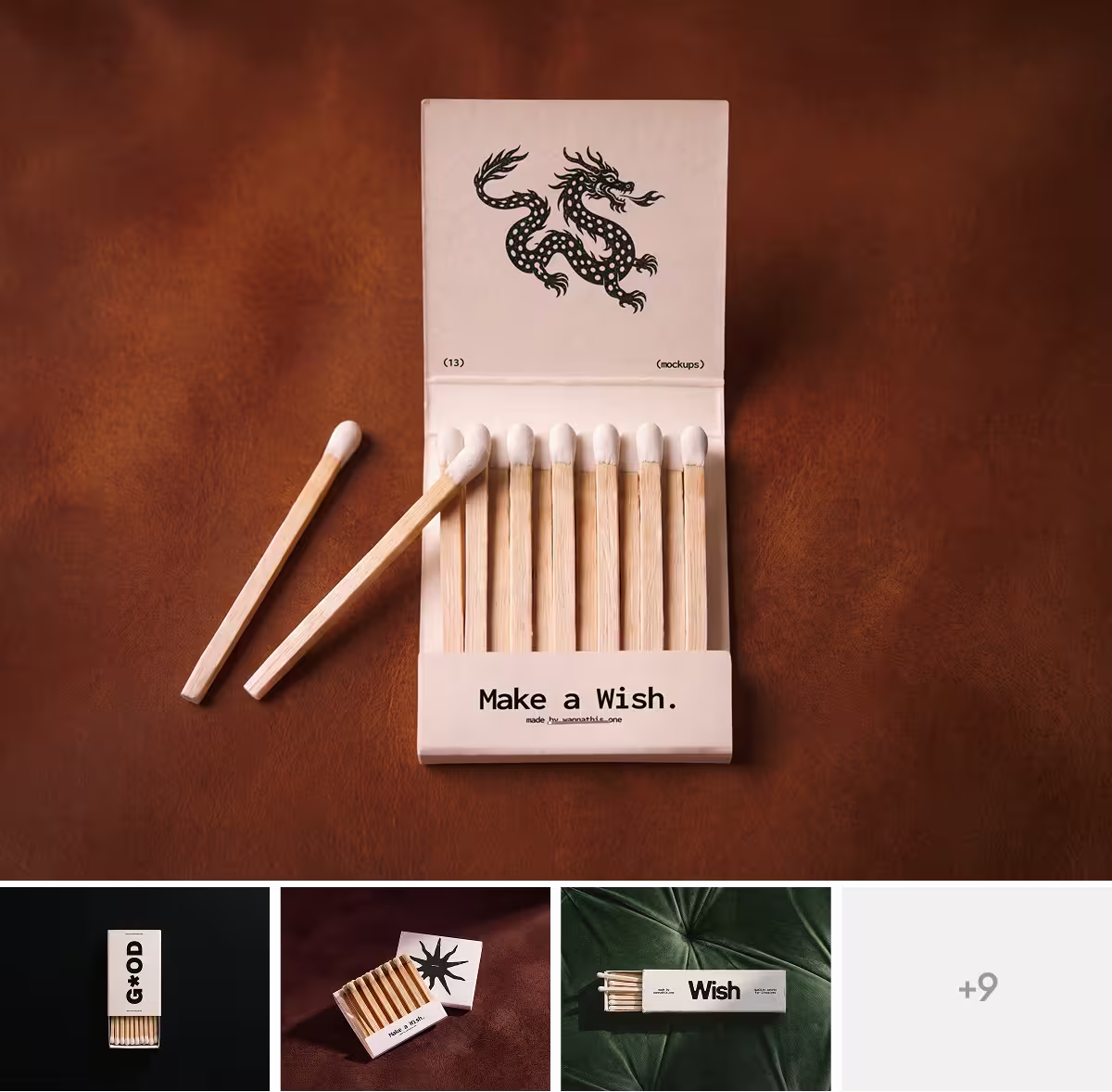
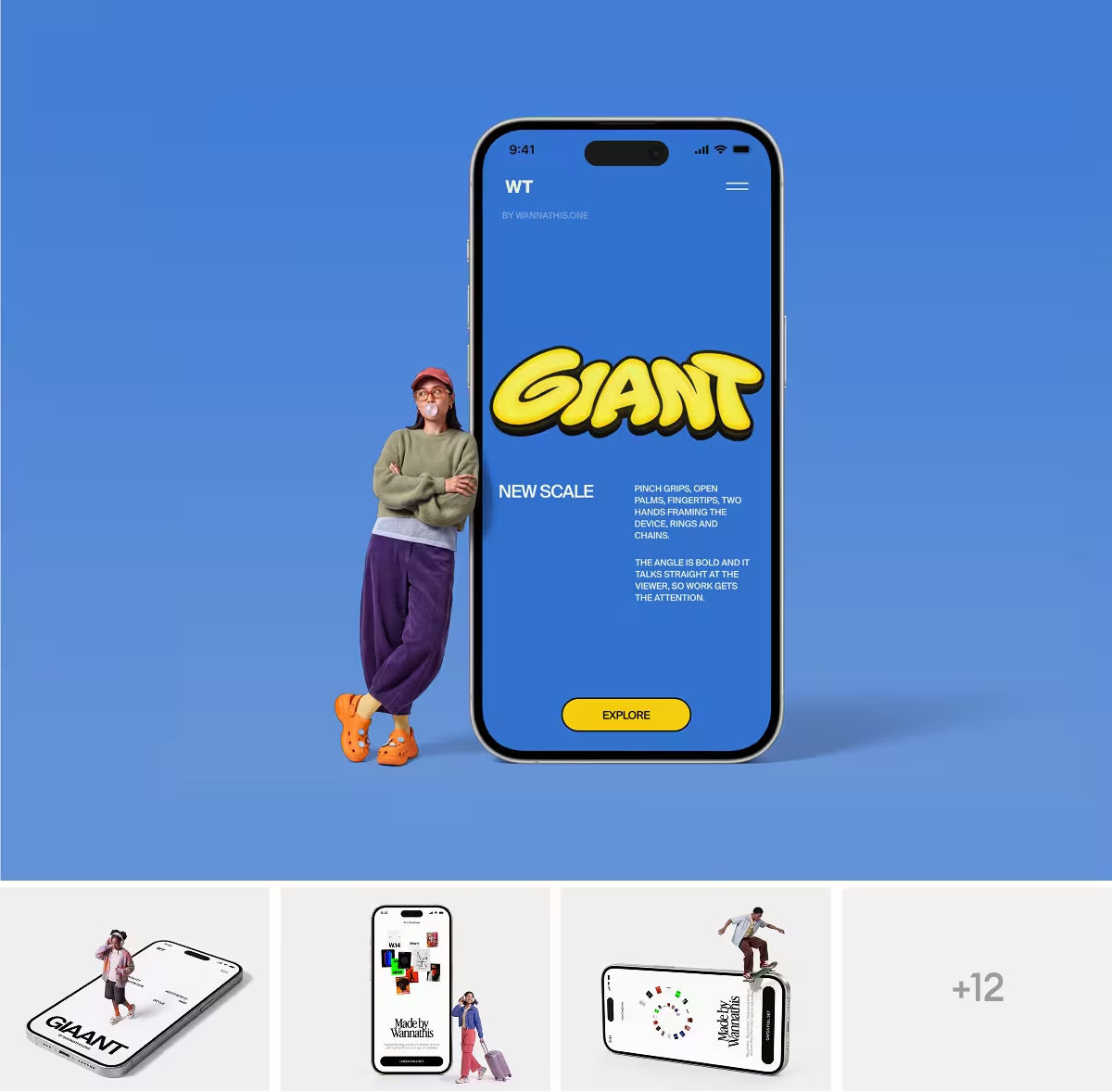
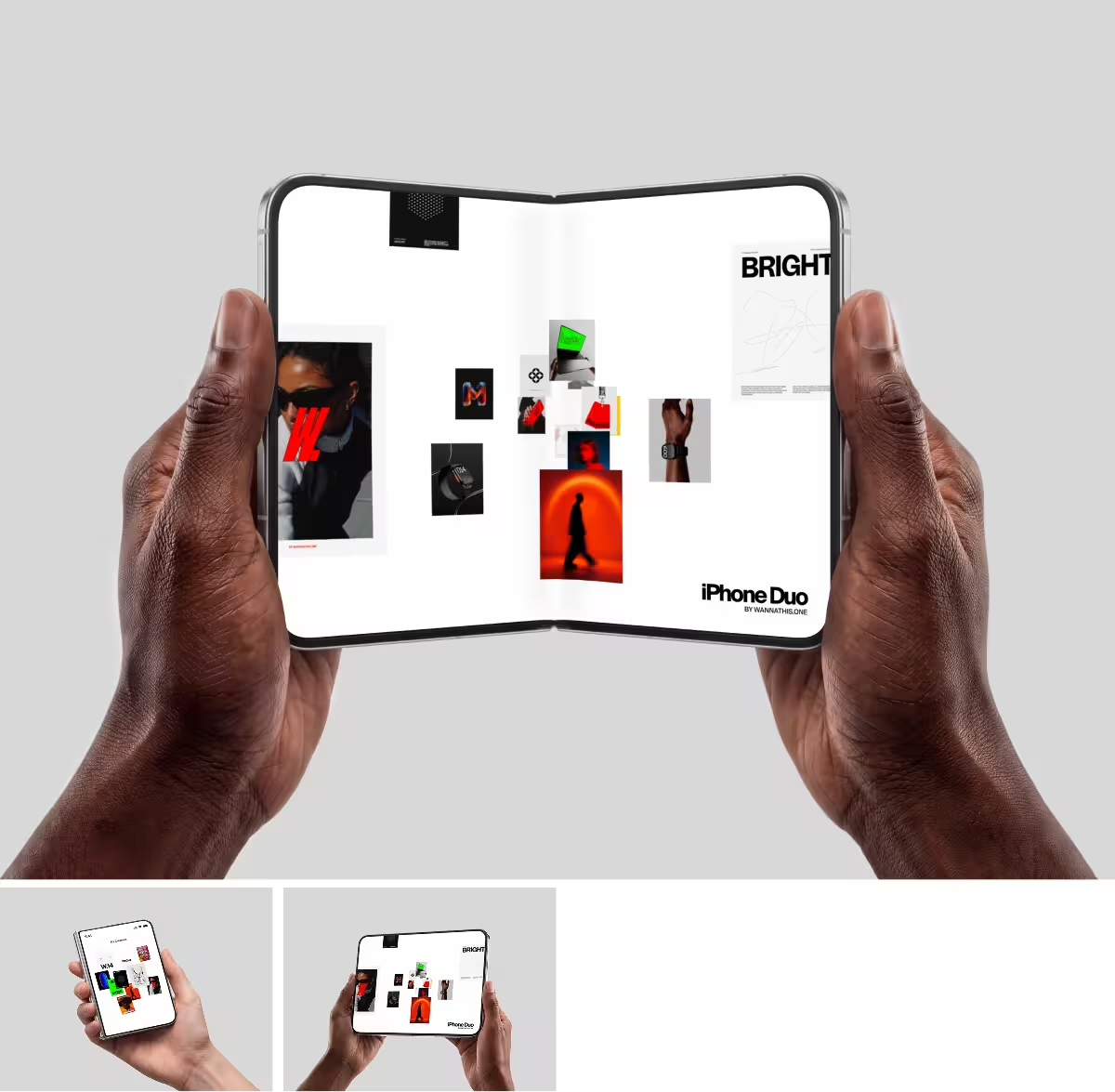
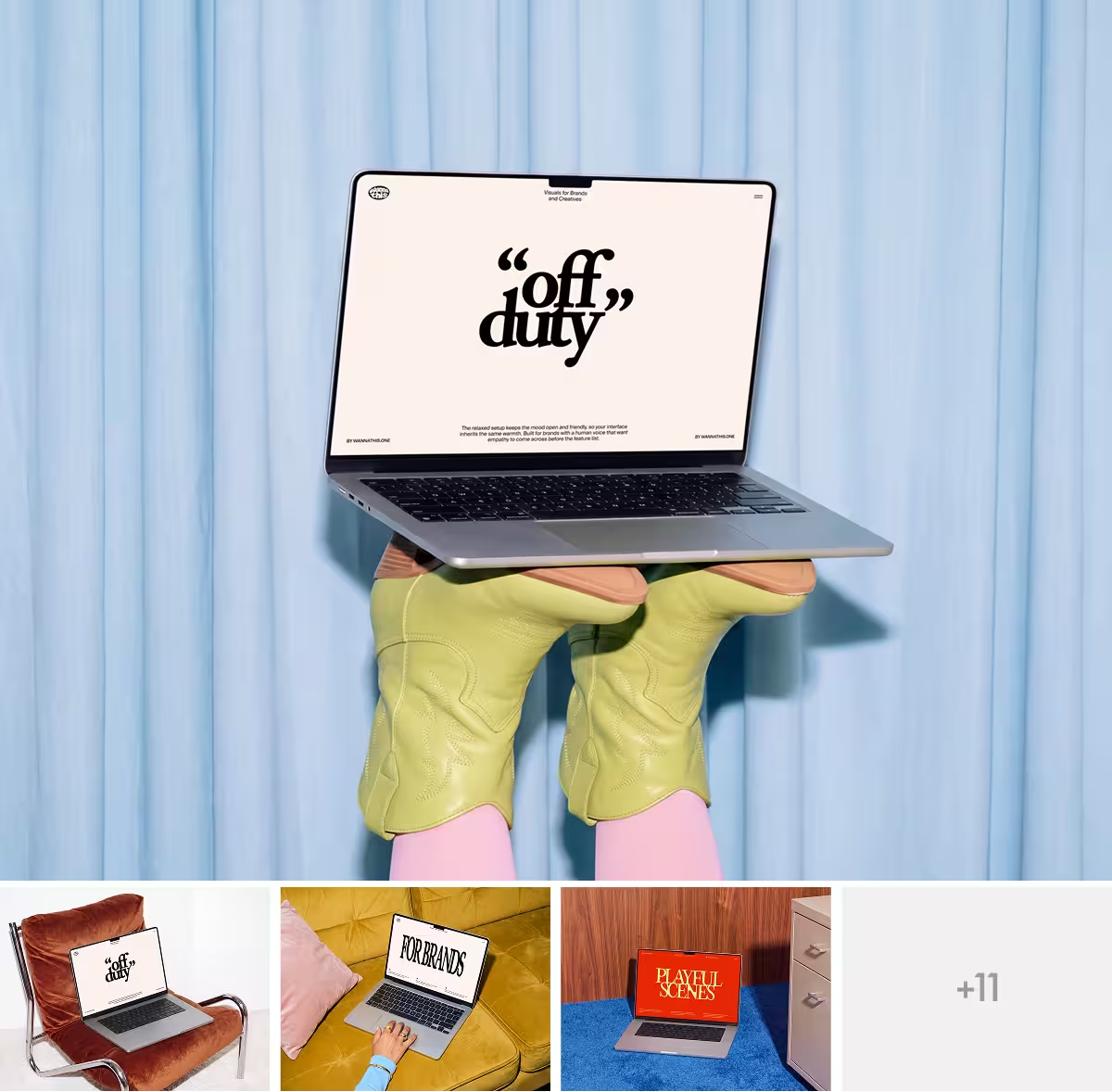
Fresh, editorial scenes, curated for composition, light, proportion and texture.



About Mockuuups Studio
Mockuuups Studio is a mockup generator made in Prague by Mockuuups s.r.o., run by its two founders since 2014. You import a screen or a print design, see it in its device and print scenes at once and export the ones you like as PNG, JPG or WebP pictures.
It runs in the browser, as a desktop app and as a plugin inside design tools, and you pay by plan or by export.
What Mockuuups Studio does well
- You can stay in the tool you design in: it has plugins for Figma, Sketch, Penpot and Adobe Express.
- You can pay for one export at a time, without a plan, and each paid export comes with the commercial license.
- When you build a phone or tablet scene in its editor, you choose the hand, the sleeve, the background and the color of the device yourself.
- On a paid plan, you can type a website's address and get a screenshot of it on every device.
- New devices arrive soon after they launch, and the library also covers Android phones and older models.
- In Figma, you can update a mockup you already placed with your new design.
Where Mockuuups Studio falls short
- For a project's hero shot, its own alternatives page points to boutique PSD sets, with Mockuuups for the rest.
- Every export is a flat PNG, JPG or WebP, and the Figma plugin places it as an image.
- It does not take video yet: a screen recording cannot play on its devices, and there are no animated mockups.
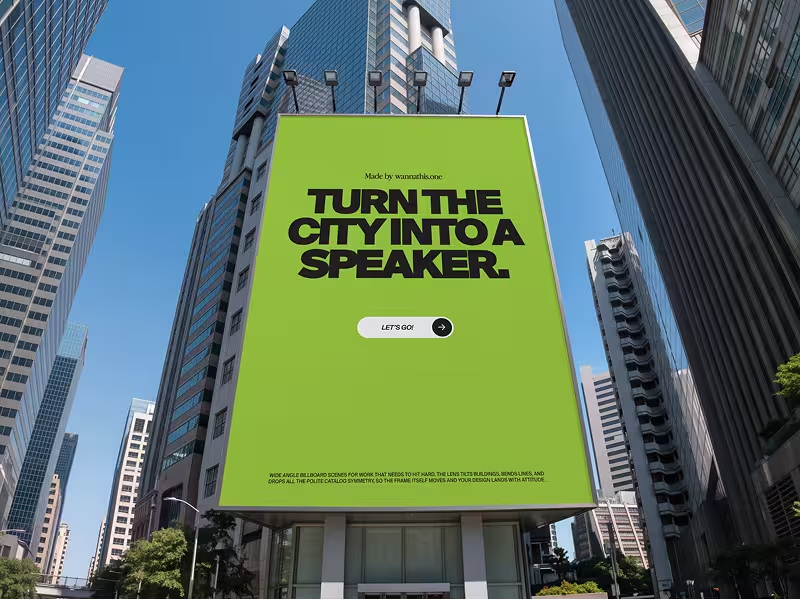
- Its library has no apparel, packaging or billboard mockups yet, and its print page lists apparel and packaging as coming next.
- Its license says free exports carry a watermark.
When Wannathis is the better pick
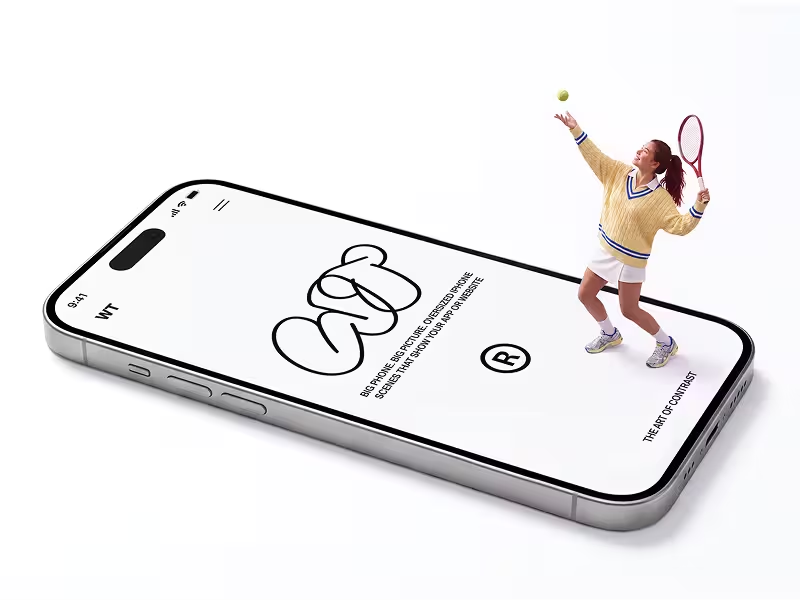
Your launch, your pitch or your case study opens with one picture. Wannathis makes that picture premium and editorial, and the rest of its set keeps the same look.
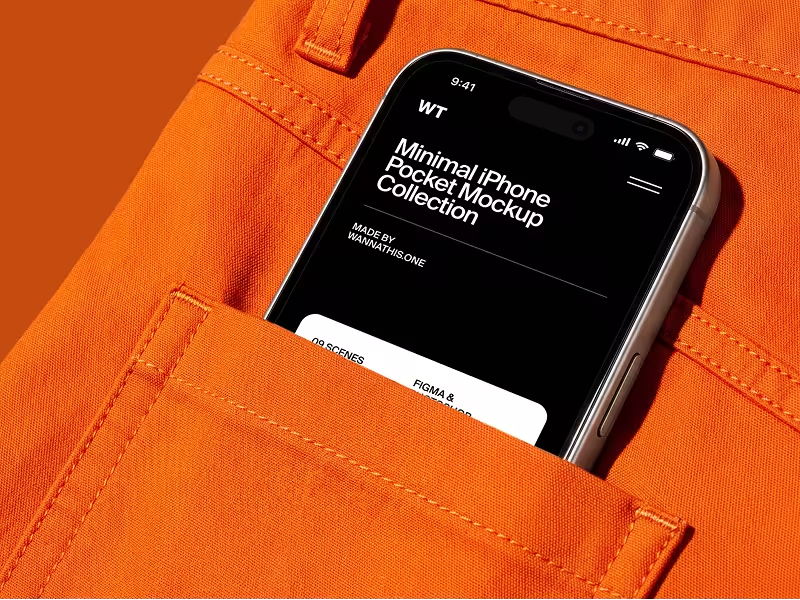
Pro Access opens each set in Figma or Photoshop, so the mockup sits in your own file. When the app changes, you put the new screens into it and export again.
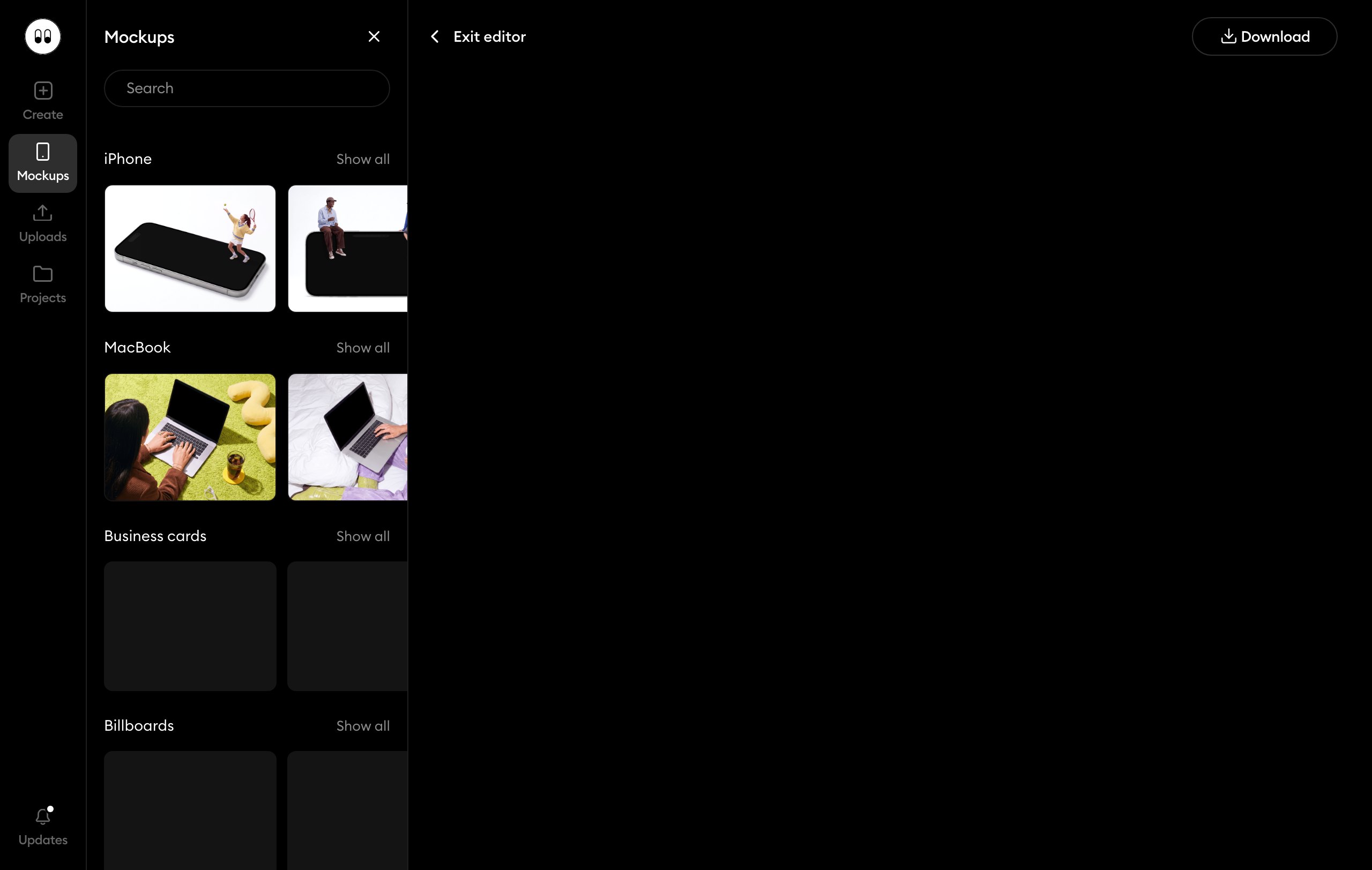
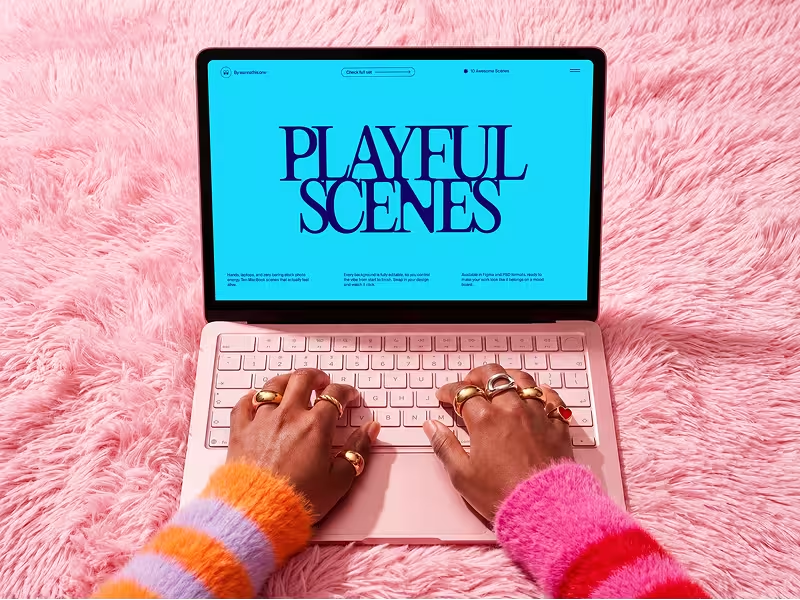
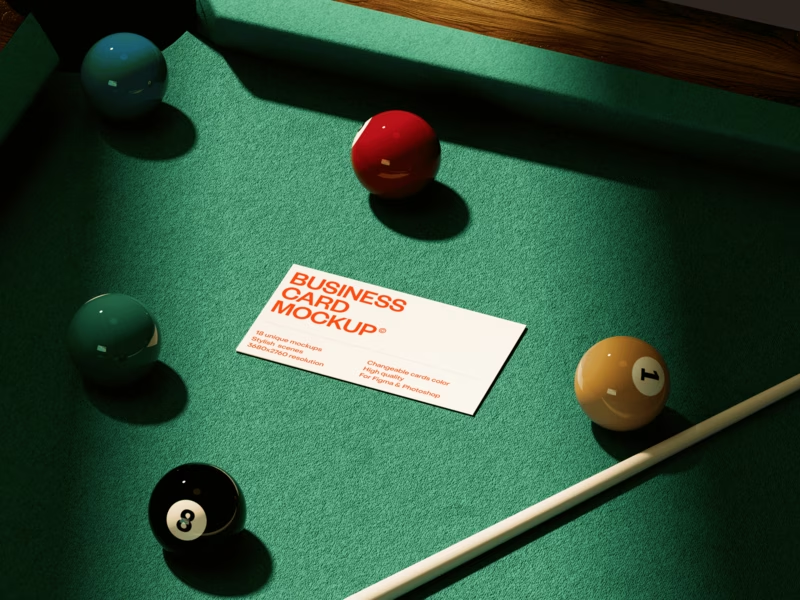
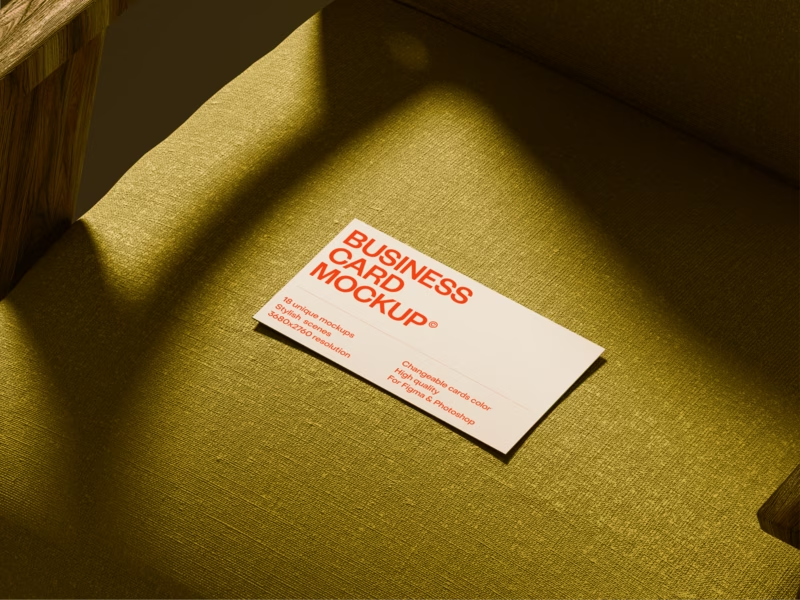
Working without Figma or Photoshop? Pick a scene marked Edit online among our iPhone mockups, MacBook mockups and business card mockups and upload your design in the browser. Free ones open with a free account, the rest with Pro Access.

When Mockuuups Studio is the better pick
If you design in Sketch, Penpot or Adobe Express, or want a desktop app on Mac, Windows or Linux, pick Mockuuups. If you need a mockup only now and then, paying per export costs less than any plan. It also has more phone models, Android and older ones included.
Questions about Mockuuups Studio
A mockup generator: it drops your app screen or print design into its phone, laptop and print scenes. Its official site is mockuuups.studio, and it is often called just Mockuuups.
Try it with your design
Open a scene, upload your design and download the picture. No setup, no software.
Explore mockups
Mockuuups Studio and the other brands named are trademarks of their owners. Wannathis is not affiliated with or endorsed by them.