






Rotato alternative
Rotato is a Mac app that turns your screens into 3D device mockups and animations.
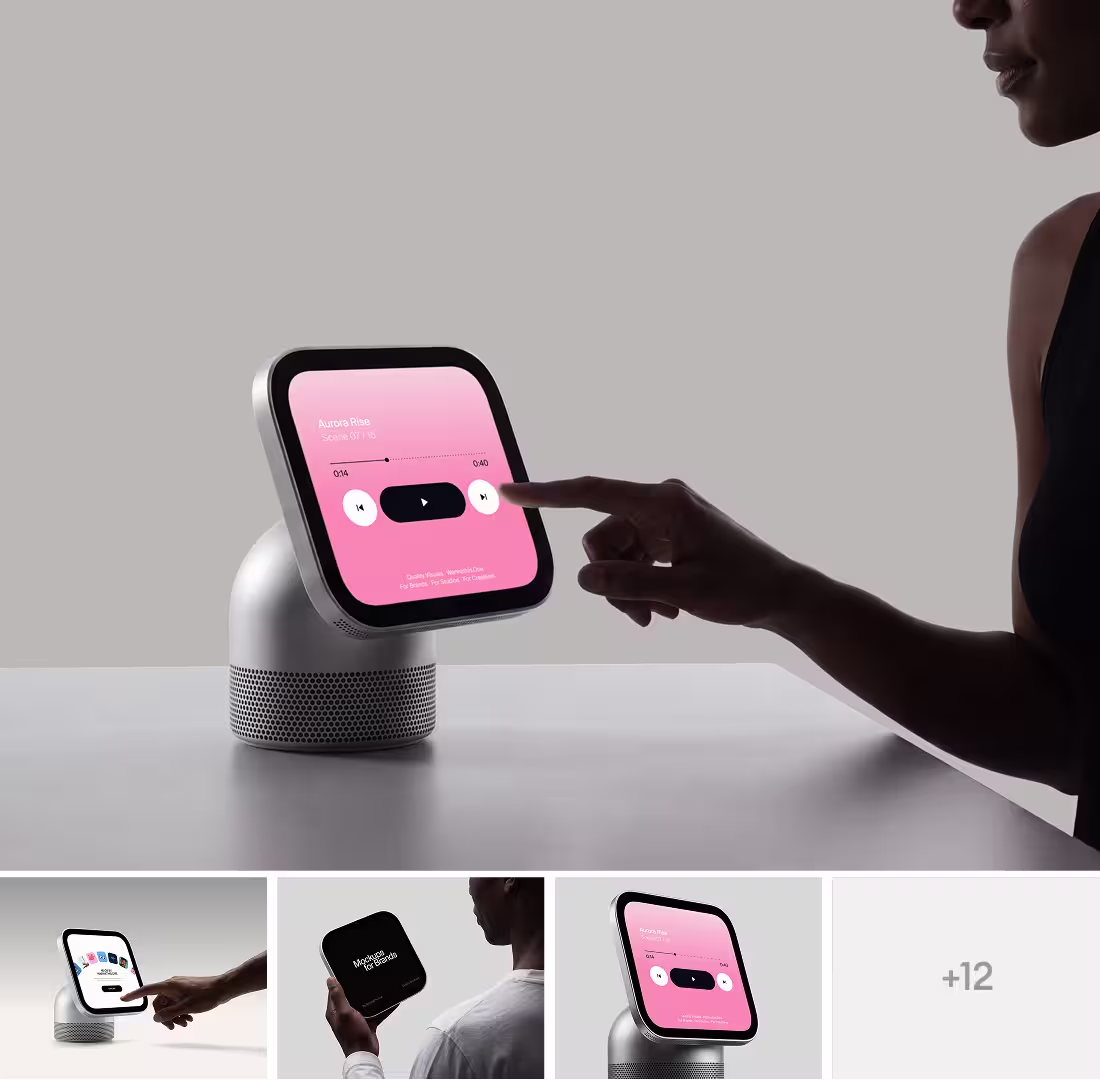
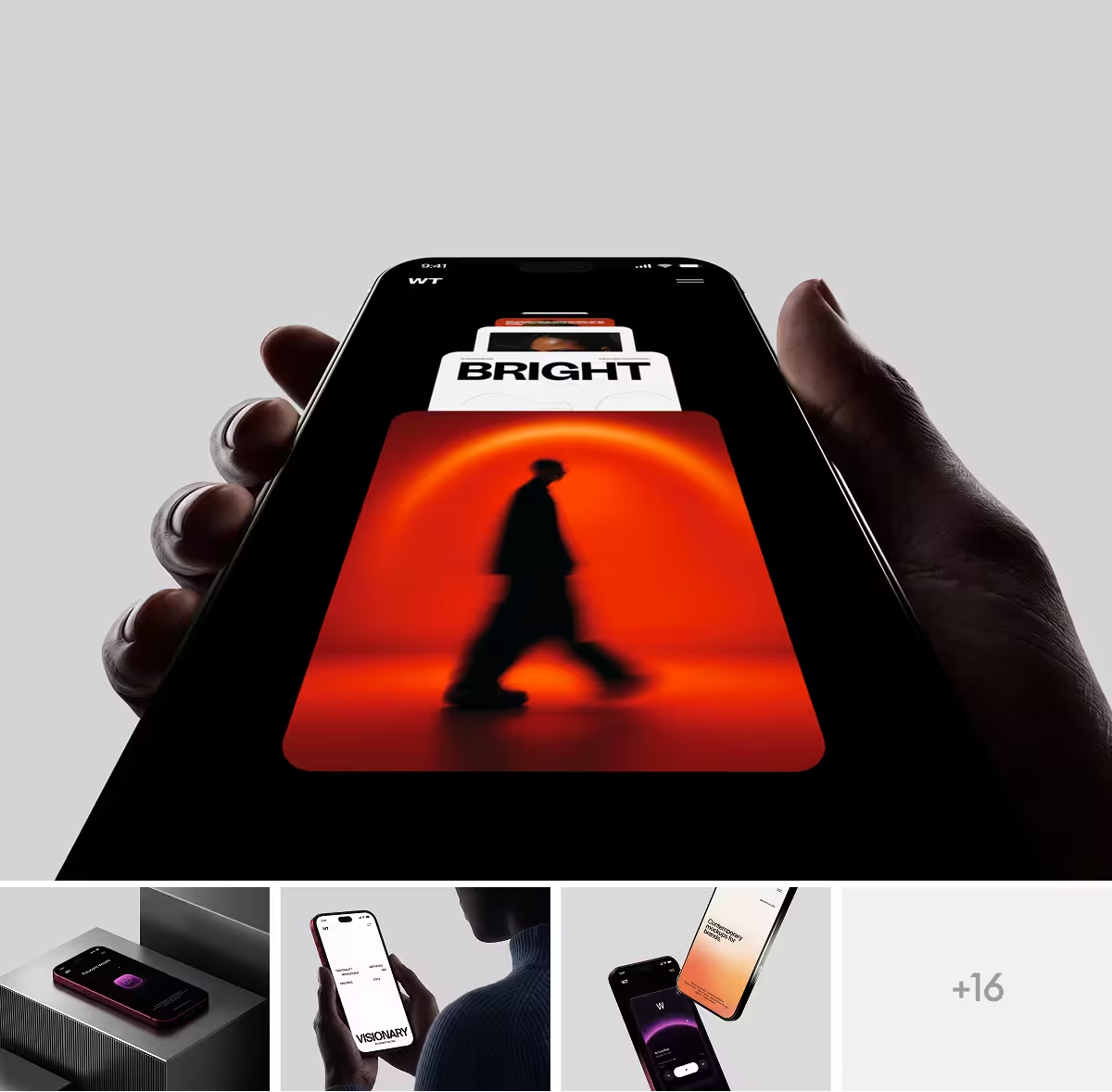
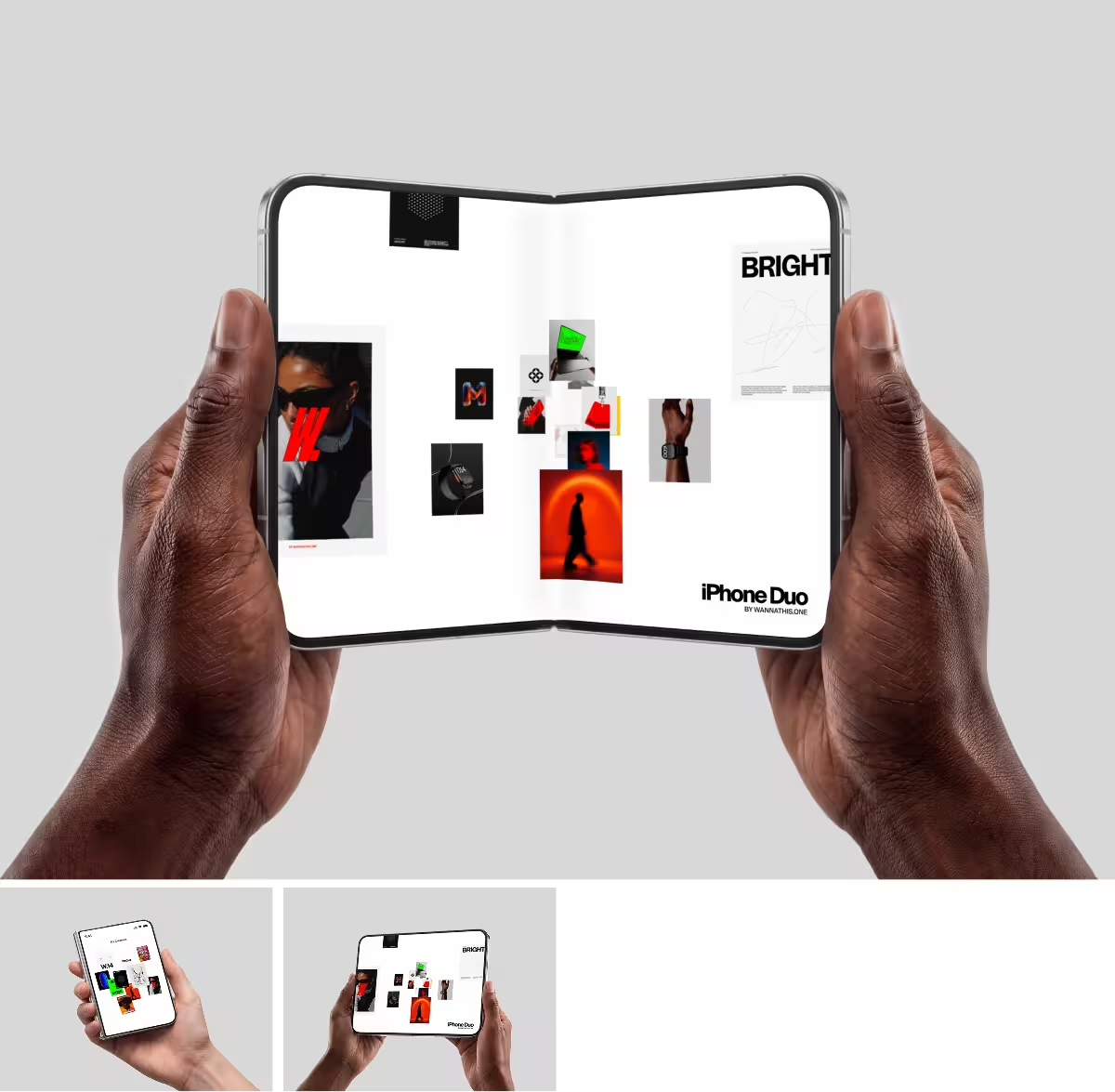
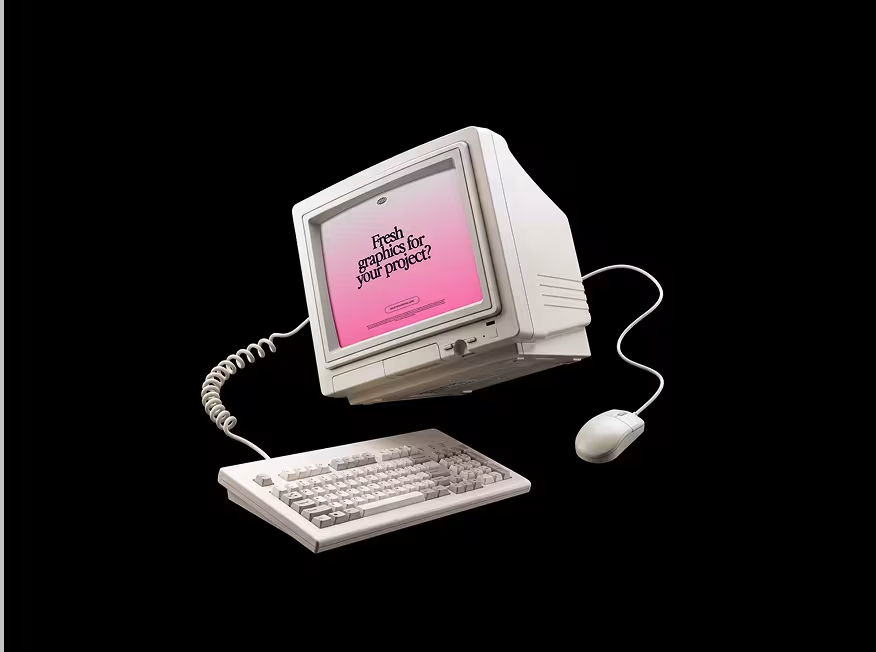
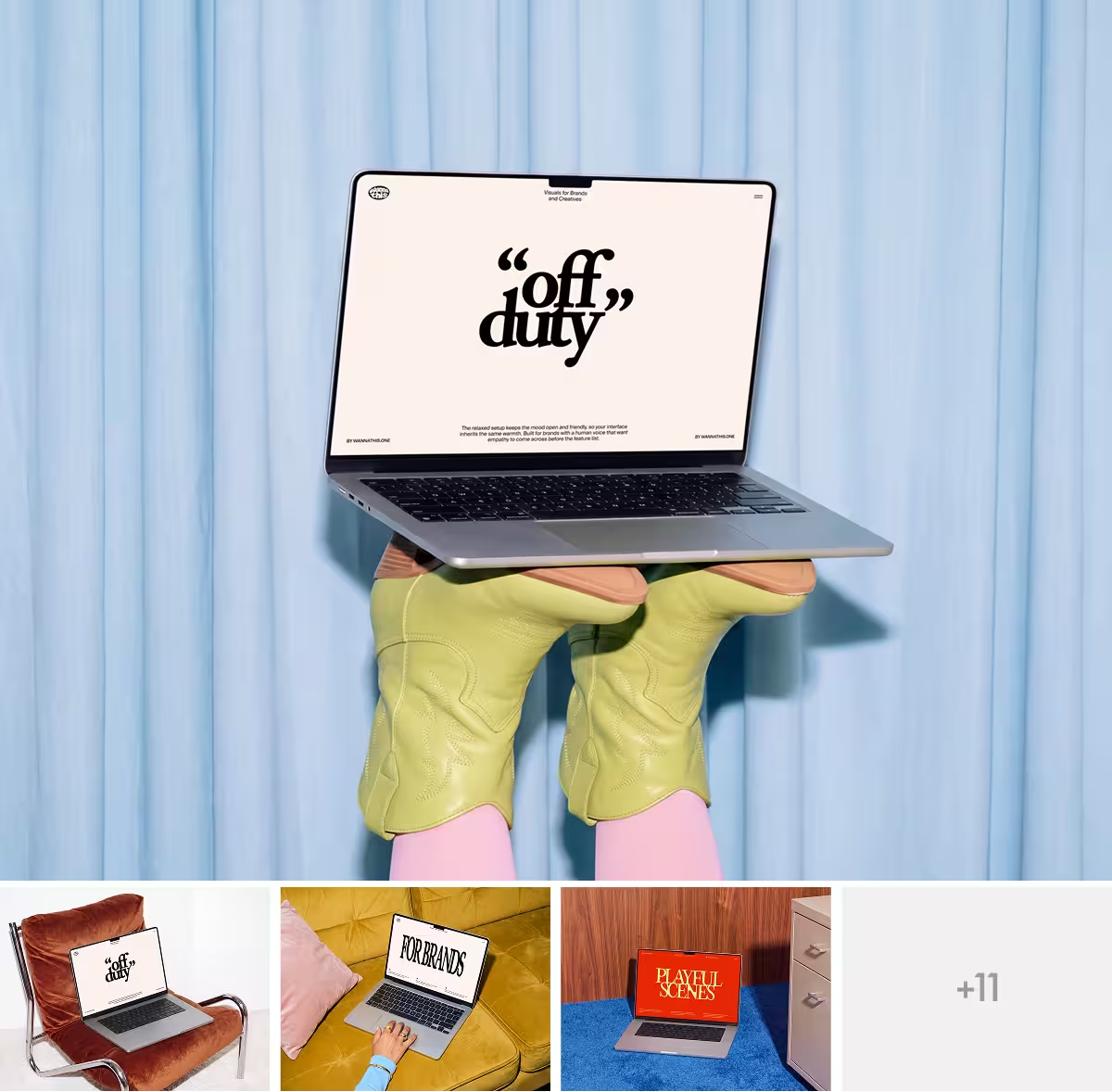
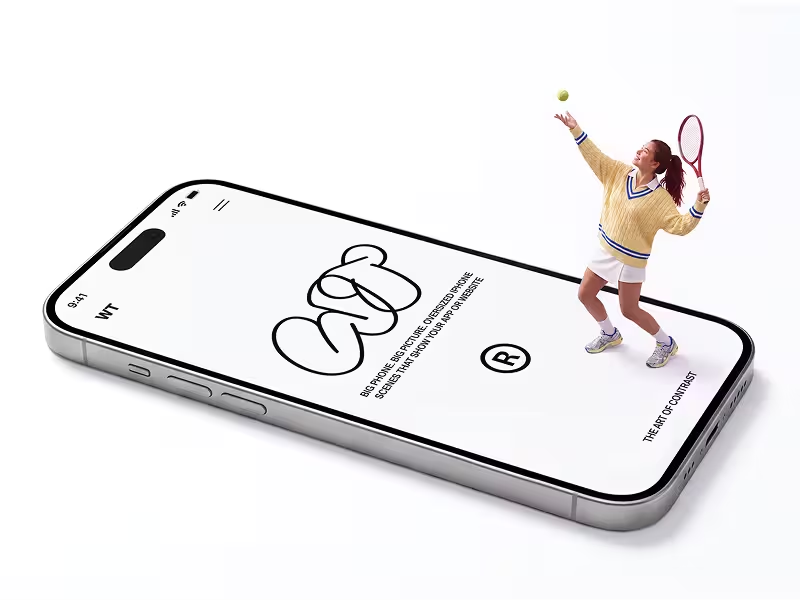
Pick Wannathis for art-directed scenes with hands, rooms and people, or stay with Rotato to turn and animate a 3D device yourself.
Regular prices and features, as each site lists them on November 10, 2026.
Upgrade how your designs look
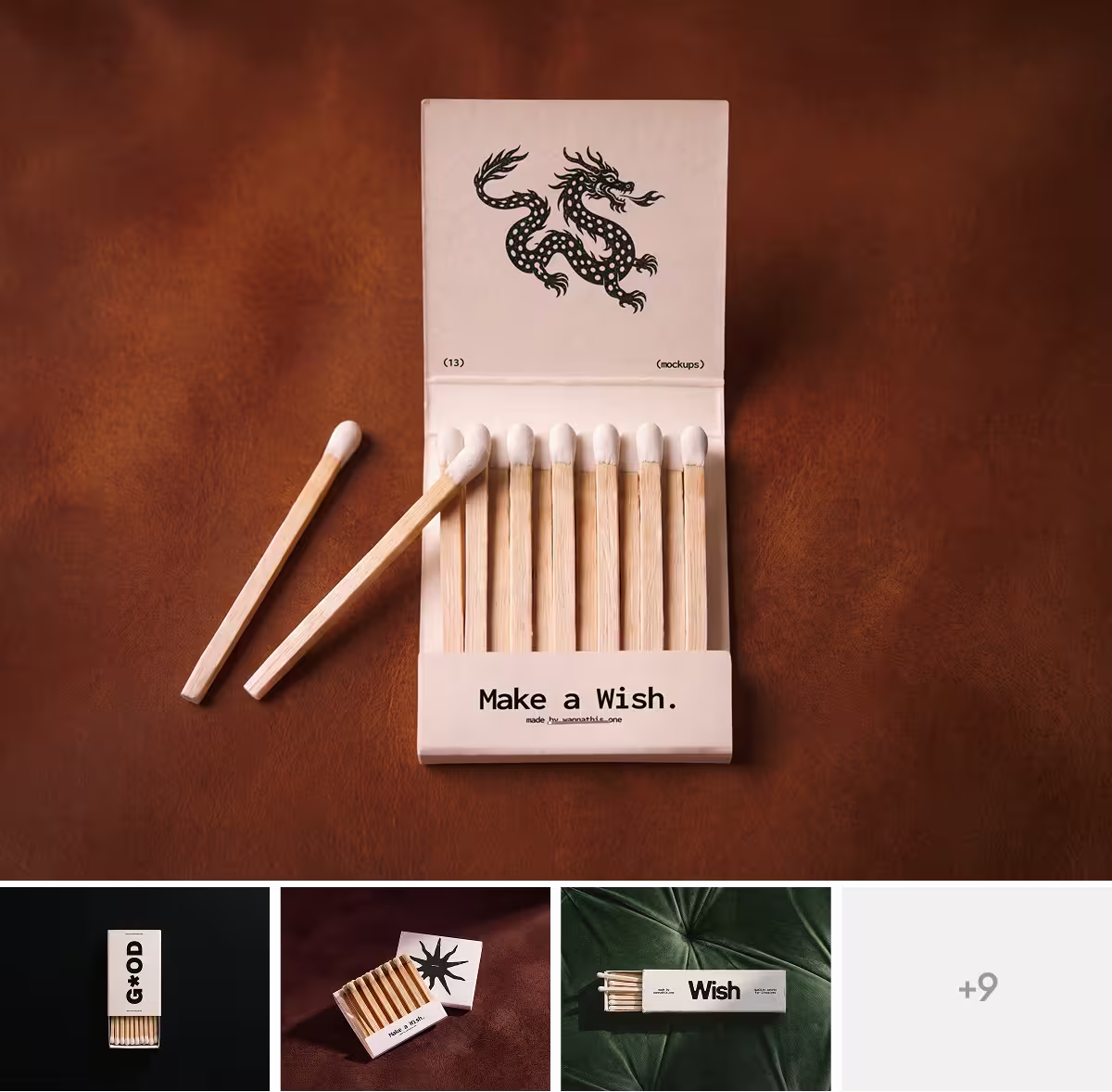
Fresh, editorial scenes, curated for composition, light, proportion and texture.




About Rotato
Rotato is a 3D mockup generator and animator by Otato GmbH in Zurich. It first came out in 2019, under the name Design Camera.
You drop a screenshot or a screen recording onto a 3D phone, tablet, laptop or monitor, set the angle, the light and the backdrop, and export an image or a video. It comes as Rotato for Mac, as Rotato Web in the browser and as a free Figma plugin that works with the Mac app open.
What Rotato does well
- You turn a 3D device to any angle and set the camera, the light and the backdrop yourself.
- You can animate it on a timeline or start from a ready video template, then export a video.
- A screen recording plays on the device, and the Mac app mirrors your iPhone over a cable.
- One click renders your screens in every iPhone size the App Store asks for.
- You pay once for the Mac app, and it works offline.
Where Rotato falls short
- Each render is a device on a backdrop: a color, a gradient, an image or a video. No hand holds it, and no room comes with it.
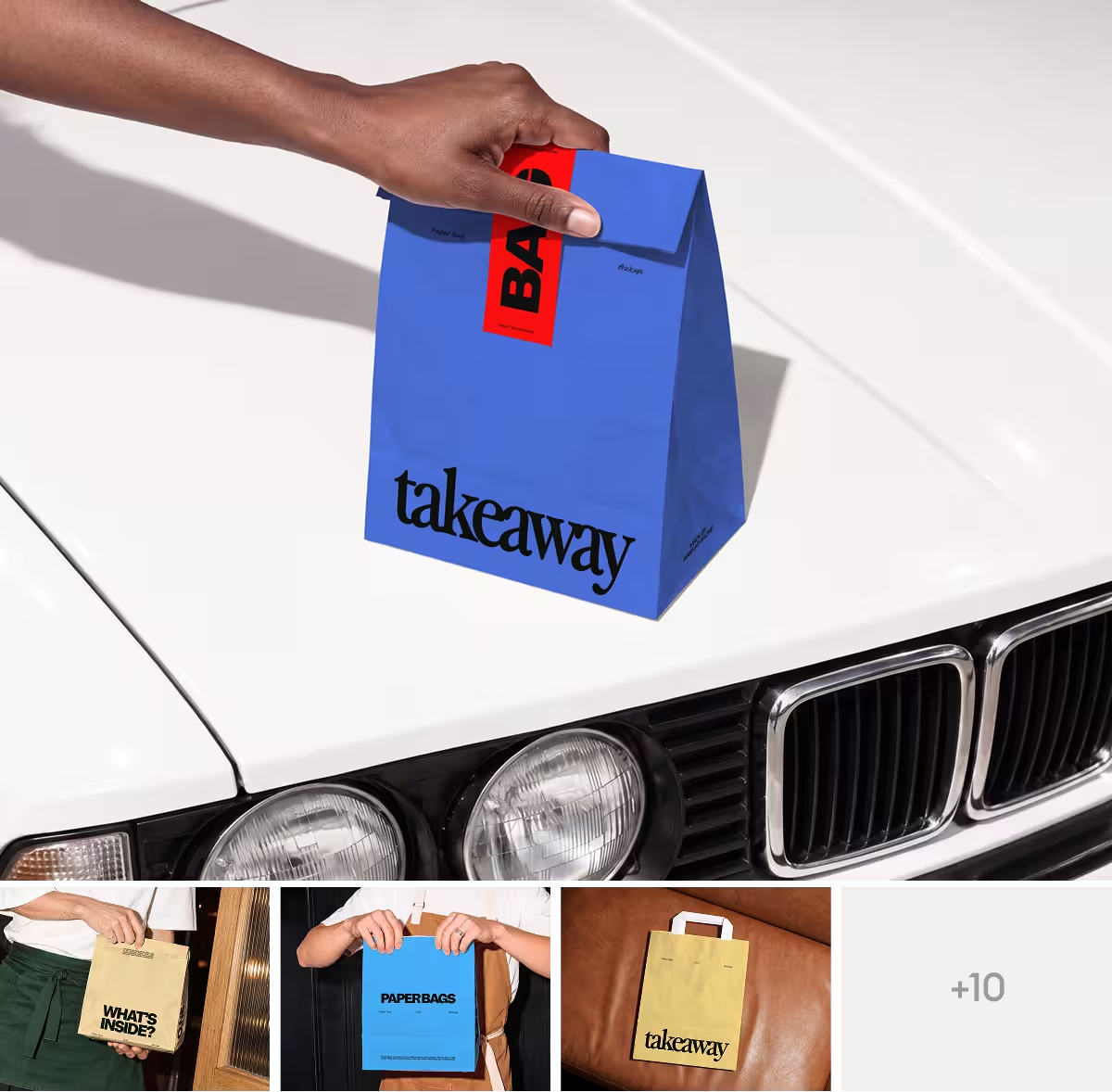
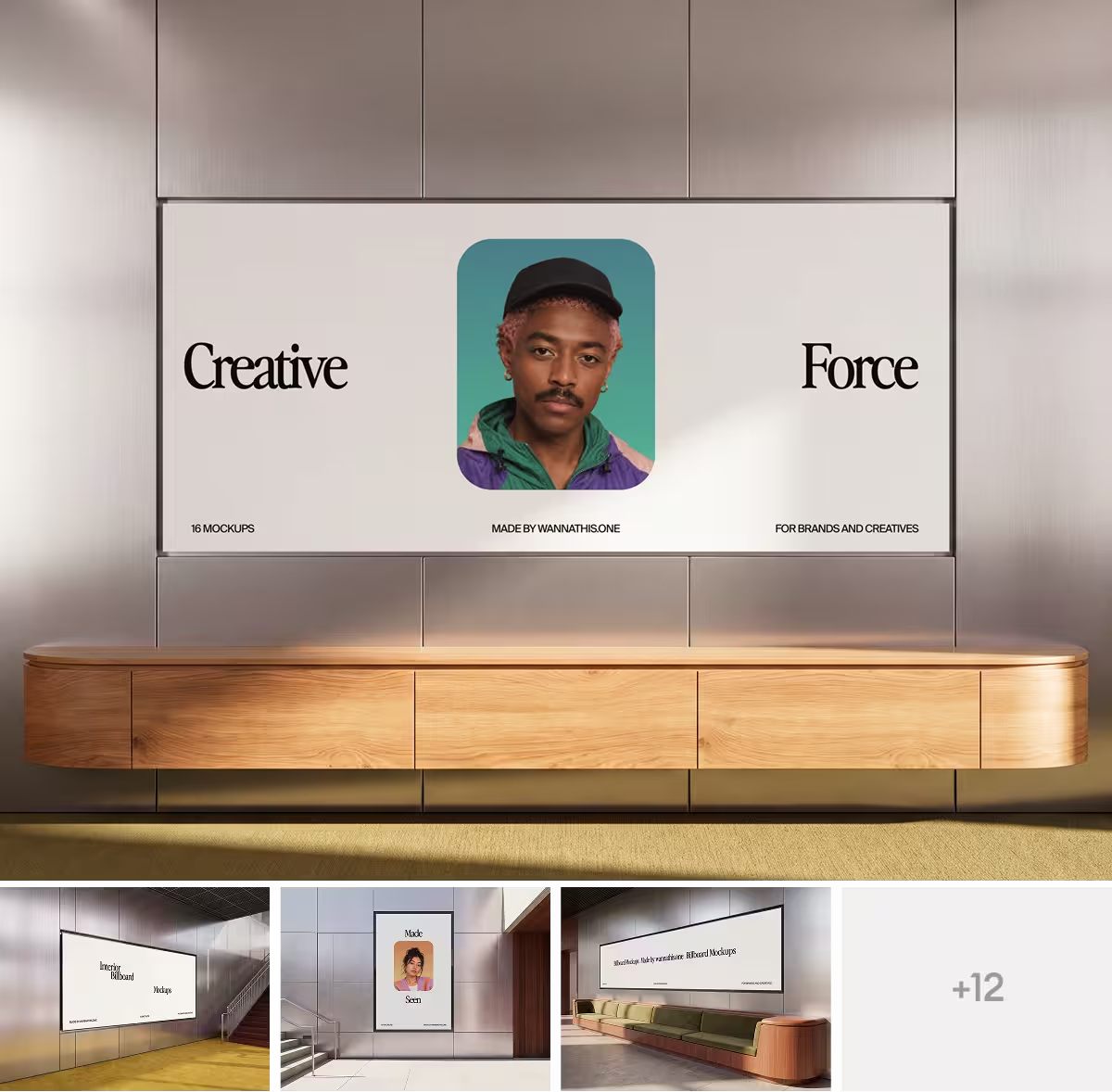
- It makes device mockups only, so a poster, apparel or packaging needs another tool.
- You get rendered images and videos, not Figma or PSD files: to change a mockup, you go back to Rotato.
- Without a Mac you get neither the app nor the Figma plugin, only Rotato in the browser, which a Mac license does not cover.
- A Mac license comes with 6 or 12 months of new devices, and the next ones need a renewal.
When Wannathis is the better pick
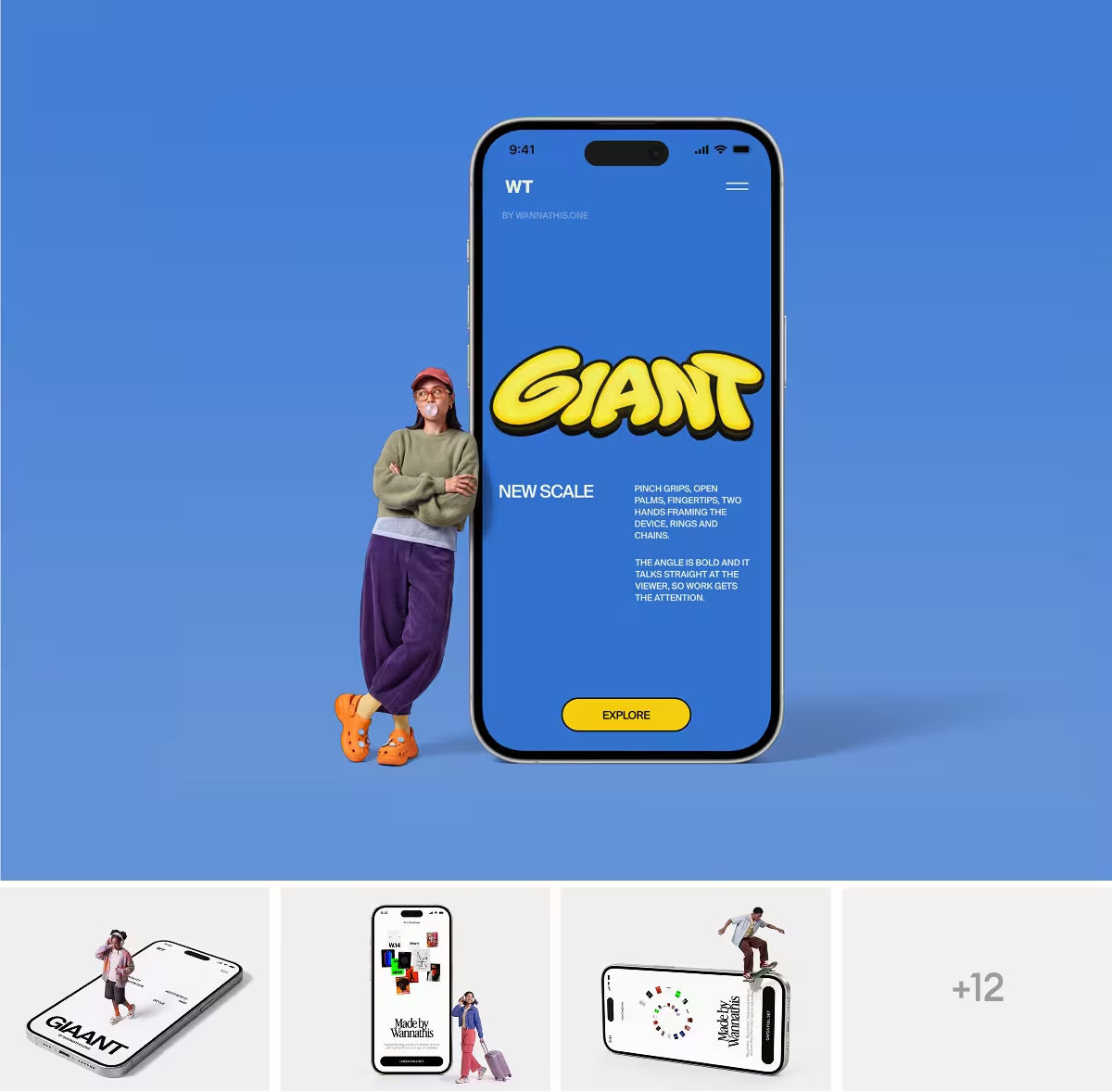
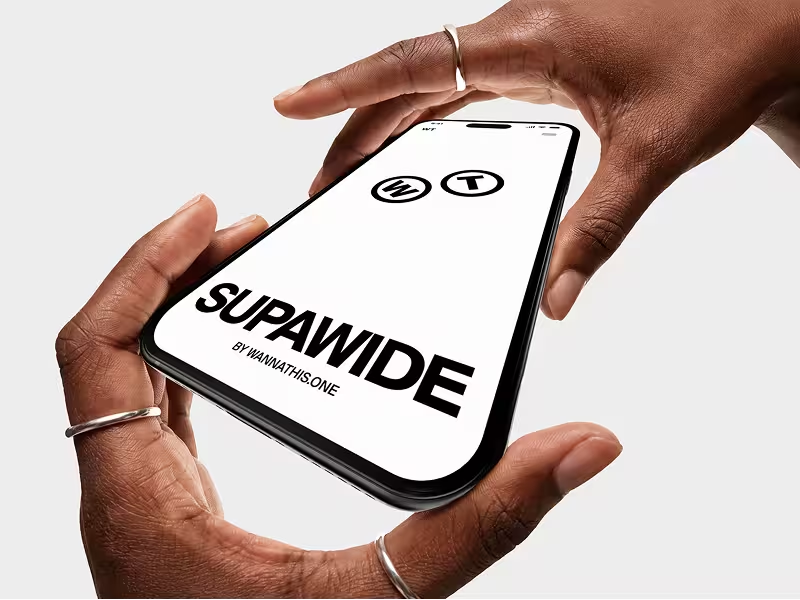
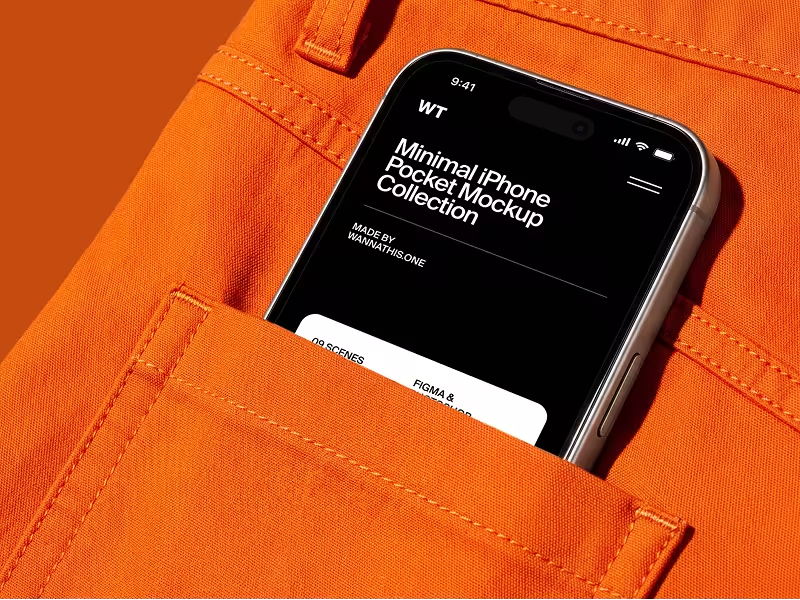
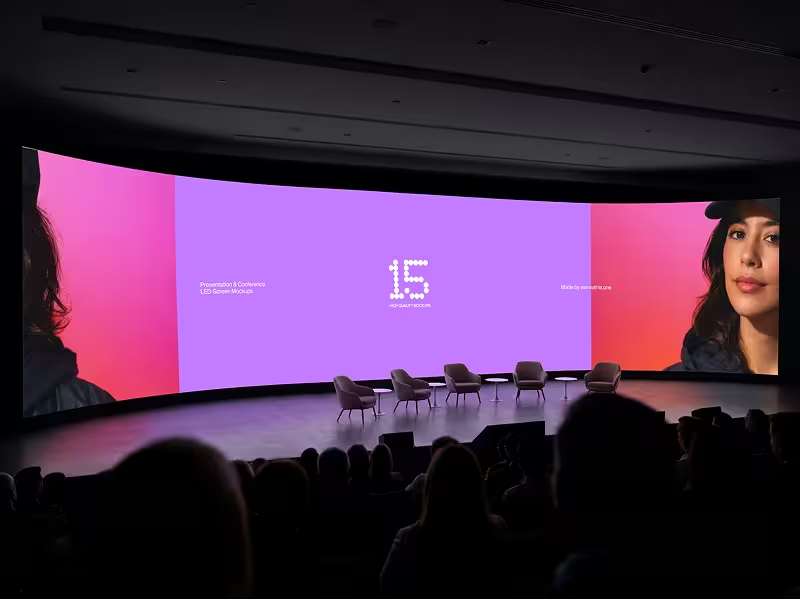
If you want your app in a hand, a pocket or a room, start here. Our sets are art-directed as series, so your case study looks premium and consistent all the way through.
If you design in Figma, Pro Access opens the whole library as Figma or PSD files. Our plugin needs no app open beside Figma, on a Mac or a PC.
On Windows nothing changes: drop your screenshot onto a scene marked Edit online in your browser, or use the files in Figma and Photoshop. Our iPhone mockups and MacBook mockups are a good place to start.




When Rotato is the better pick
If you want the phone itself to turn and move in a video, Rotato is made for that. Wannathis has animated scenes too, and they come ready-made. Rotato also saves you time on App Store screenshots, and the Mac app is paid once.
Questions about Rotato
For showing an app or a website design on a 3D device, in a still or a video for the App Store, a landing page or a demo. Rotato says you need no 3D experience to use it.
Try it with your design
Open a scene, upload your design and download the picture. No setup, no software.
Explore mockups
Rotato is a trademark of its owner. Wannathis is not affiliated with or endorsed by them.