




Canva mockups alternative
Canva Mockups is the mockup maker inside the Canva editor, on every plan.
Pick Wannathis when the mockup has to look premium and open in Figma, Photoshop or your browser; stay with Canva when it goes straight into a Canva design.
Regular prices and features, as each site lists them on November 11, 2026.
Upgrade how your designs look
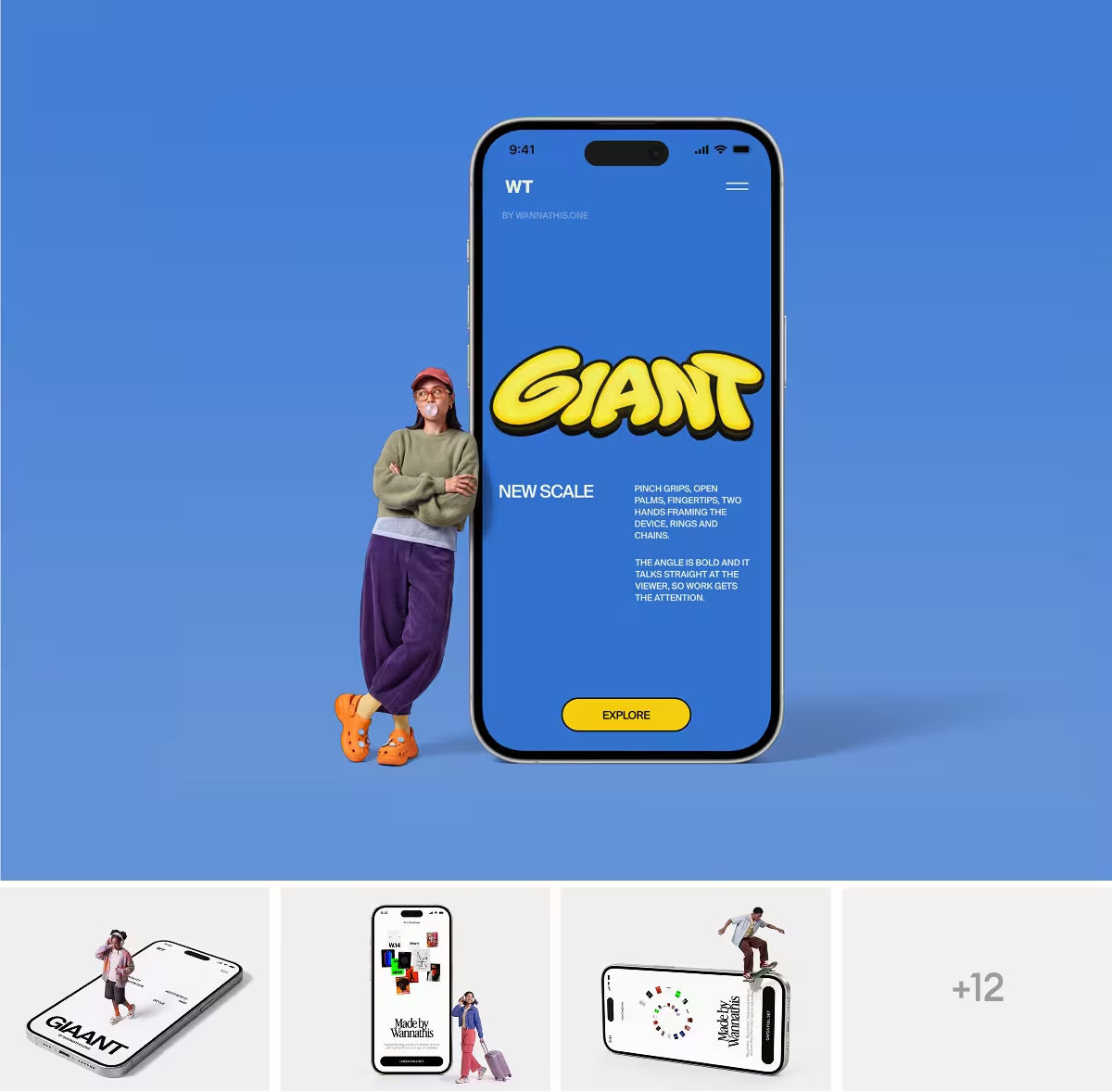
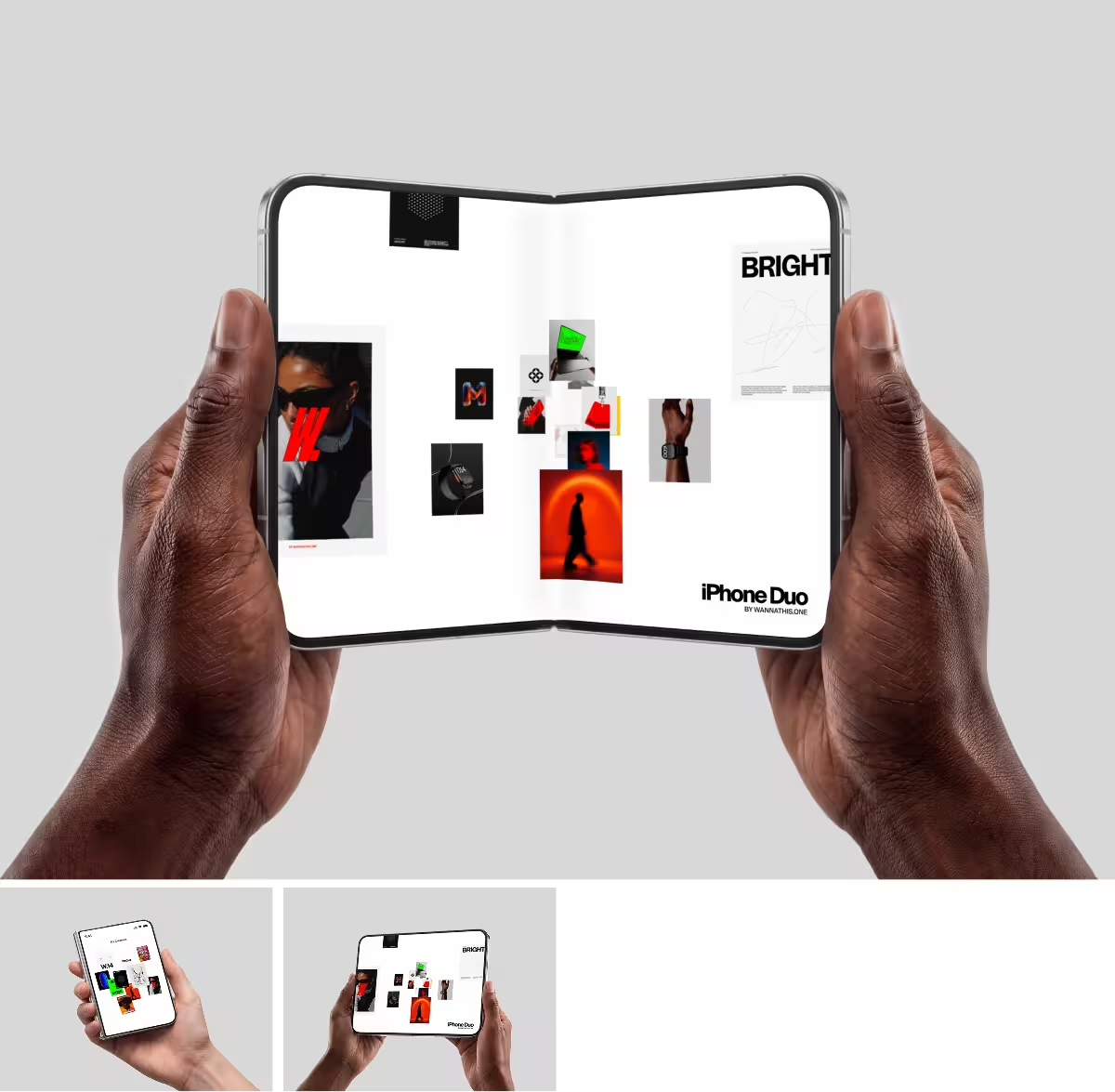
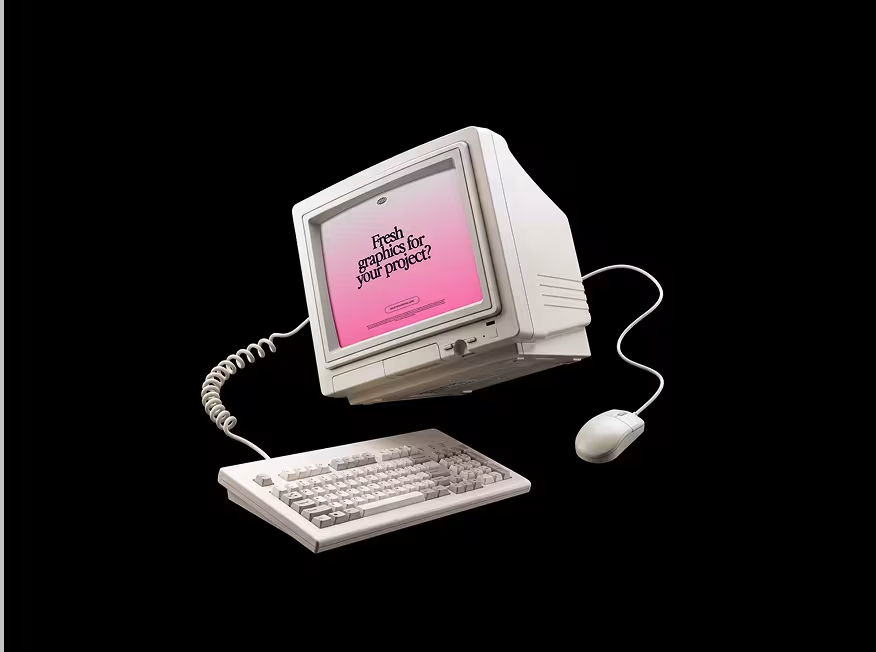
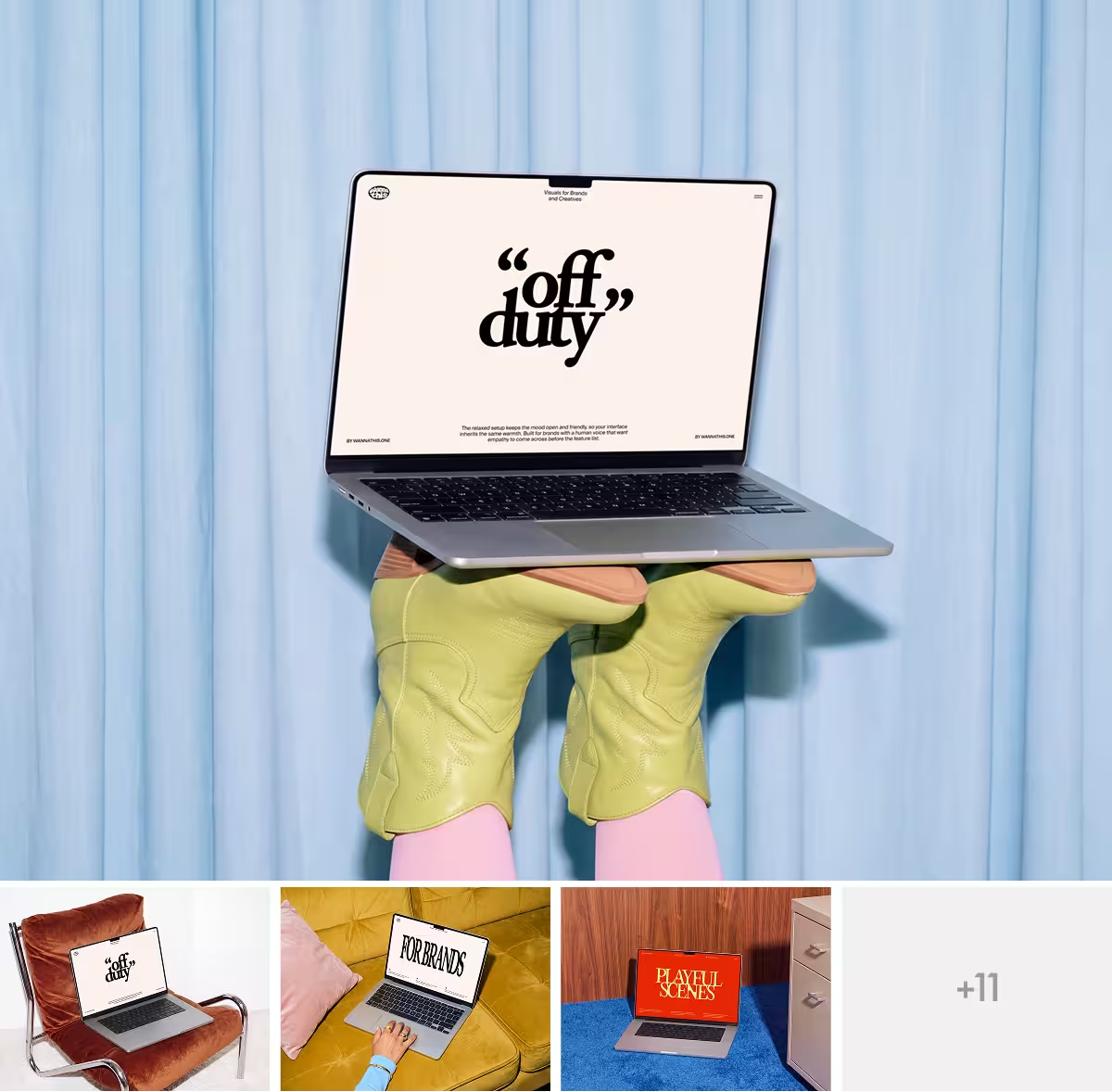
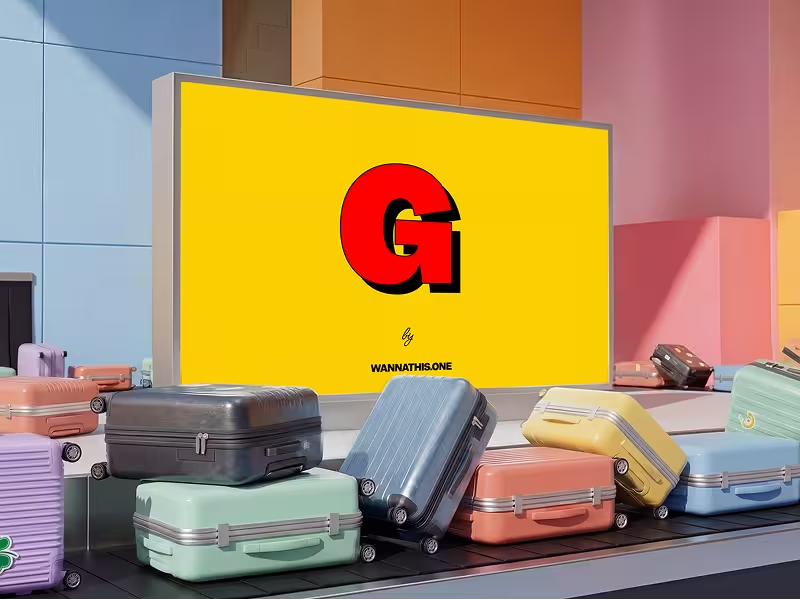
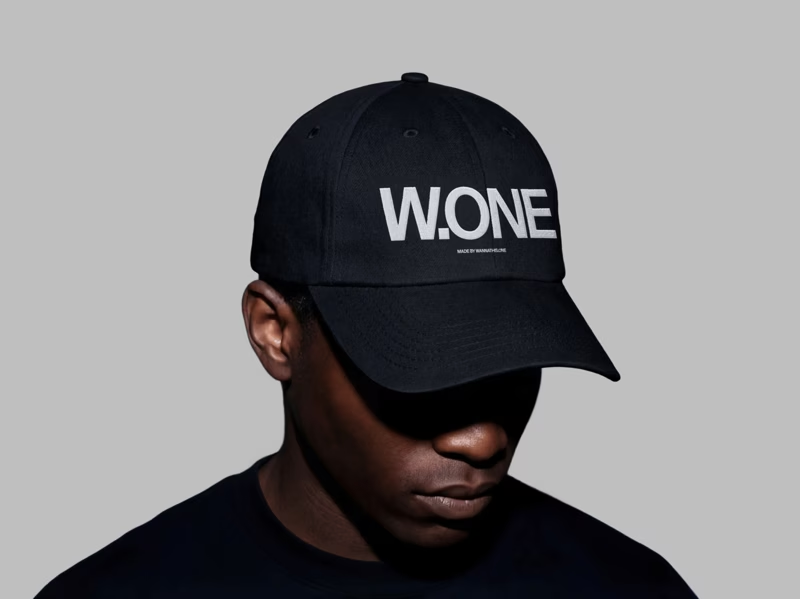
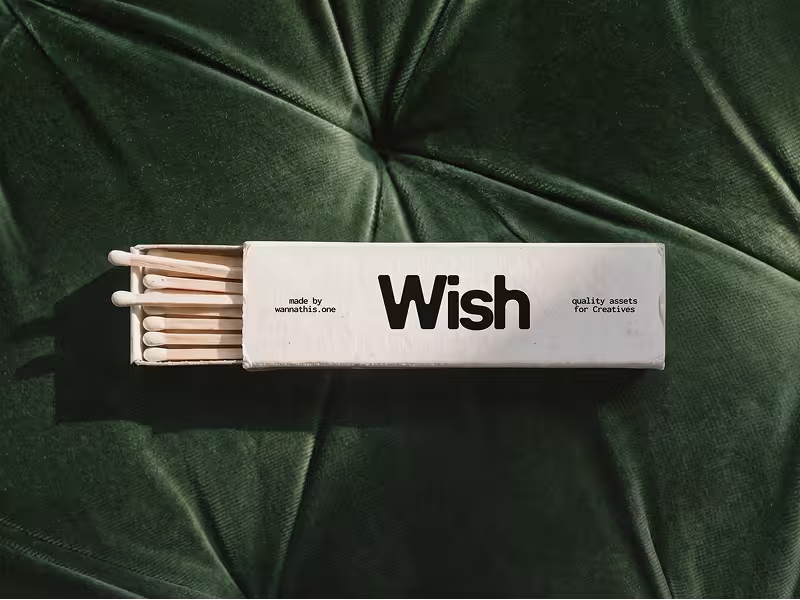
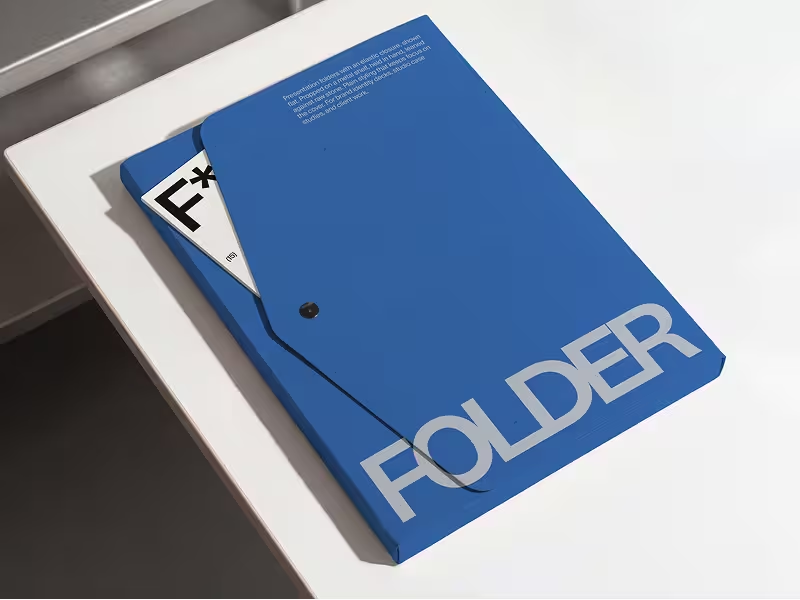
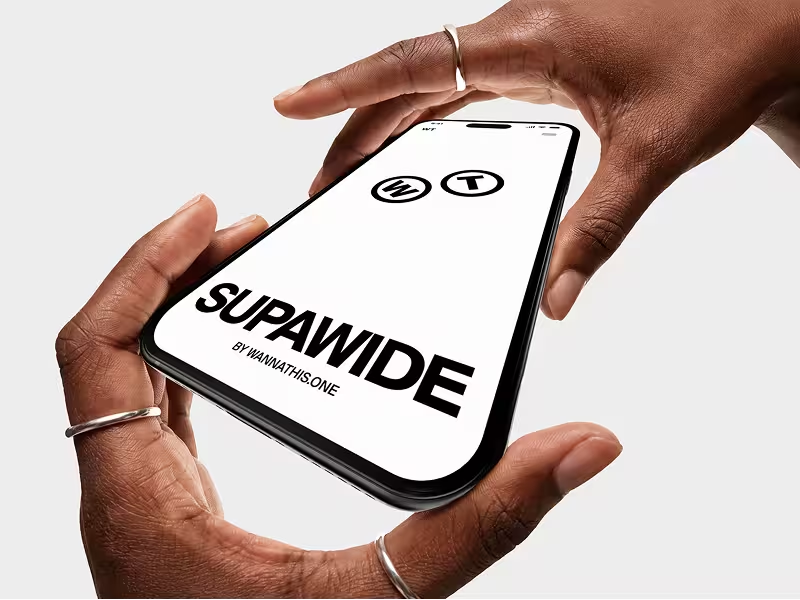
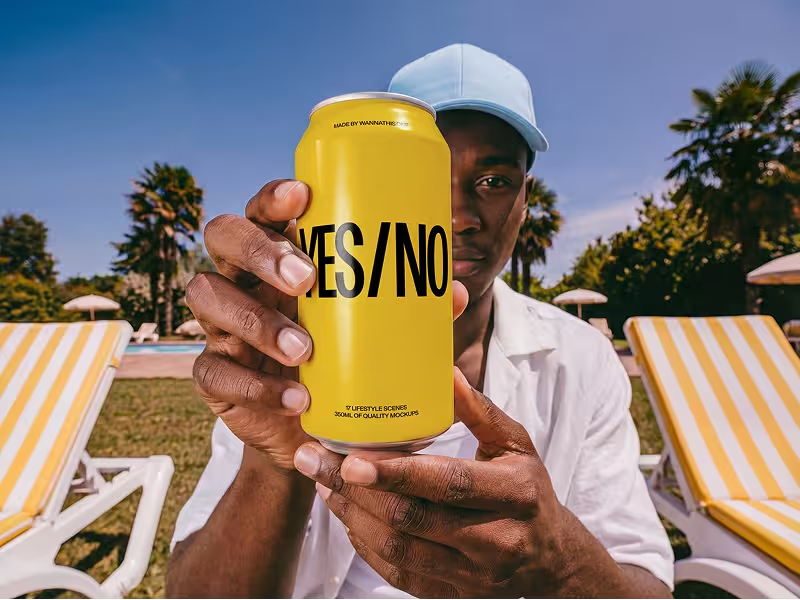
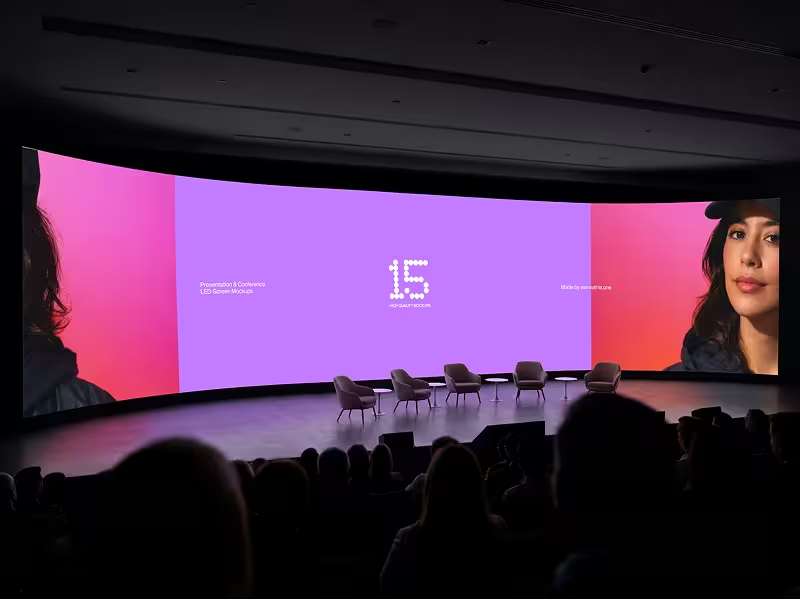
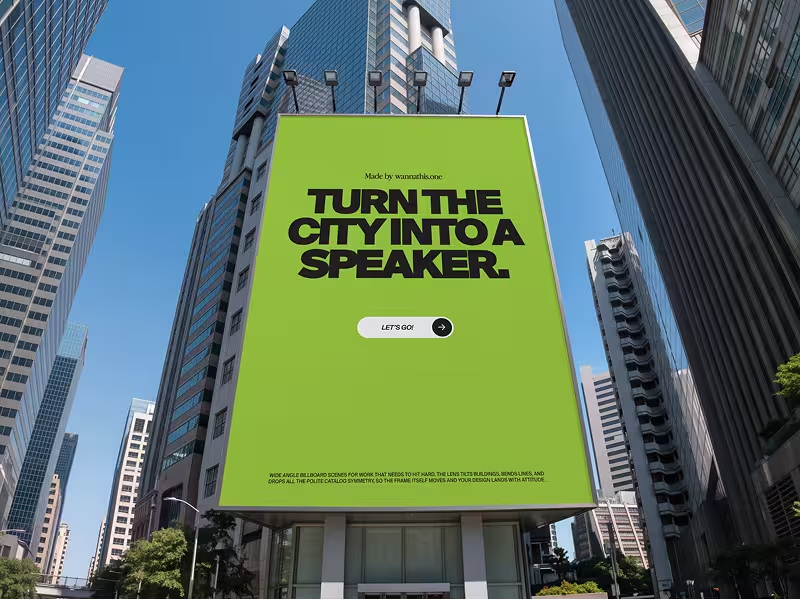
Fresh, editorial scenes, curated for composition, light, proportion and texture.
About Canva Mockups
You open it in any Canva design and drag an image onto a scene: phones and laptops, T-shirts and tote bags, boxes, bottles, posters and business cards. Then you download the picture or use it straight away in another Canva design.
It grew out of Smartmockups, which became part of Canva in 2021. You need a Canva account; a free one will do.
What Canva Mockups does well
- You can start on Canva Free, and its free scenes carry no watermark.
- Its free mockups are allowed in commercial work, including shop listings and client projects.
- A finished mockup goes straight into your Canva post, slide deck or flyer, or out by share link.
- You can put a design on apparel and packaging in the browser, not only on screens.
- Its video mockups set your picture in a moving clip, saved as an MP4.
- You can make mockups on your phone, in its apps for iPhone, iPad and Android.
Where Canva Mockups falls short
- Canva calls its scenes stock photos: a phone on a notebook, a hand against a pink wall, a flat lay with flowers. They suit a quick post more than a portfolio or a pitch.
- One library serves every Canva user, free or paid, so the scene on your listing may already be on someone else's.
- What you download is a flat image, PDF or video; Canva has no Figma or PSD version of a scene, and no Figma plugin for its mockups.
- Canva Free ends once you have made 2,500 mockups, and premium scenes, SVG files and transparent PNGs come with a paid plan.
When Wannathis is the better pick
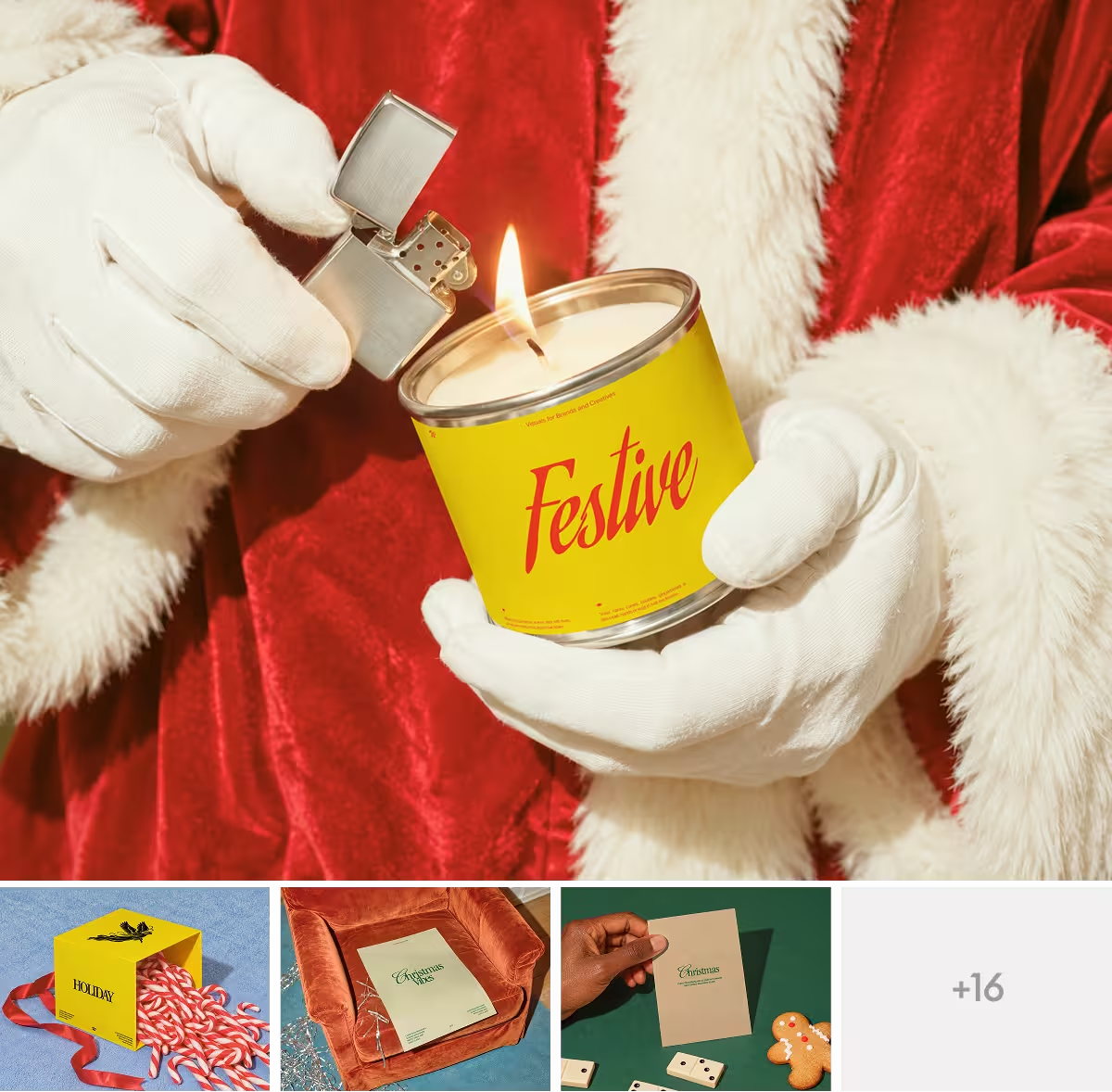
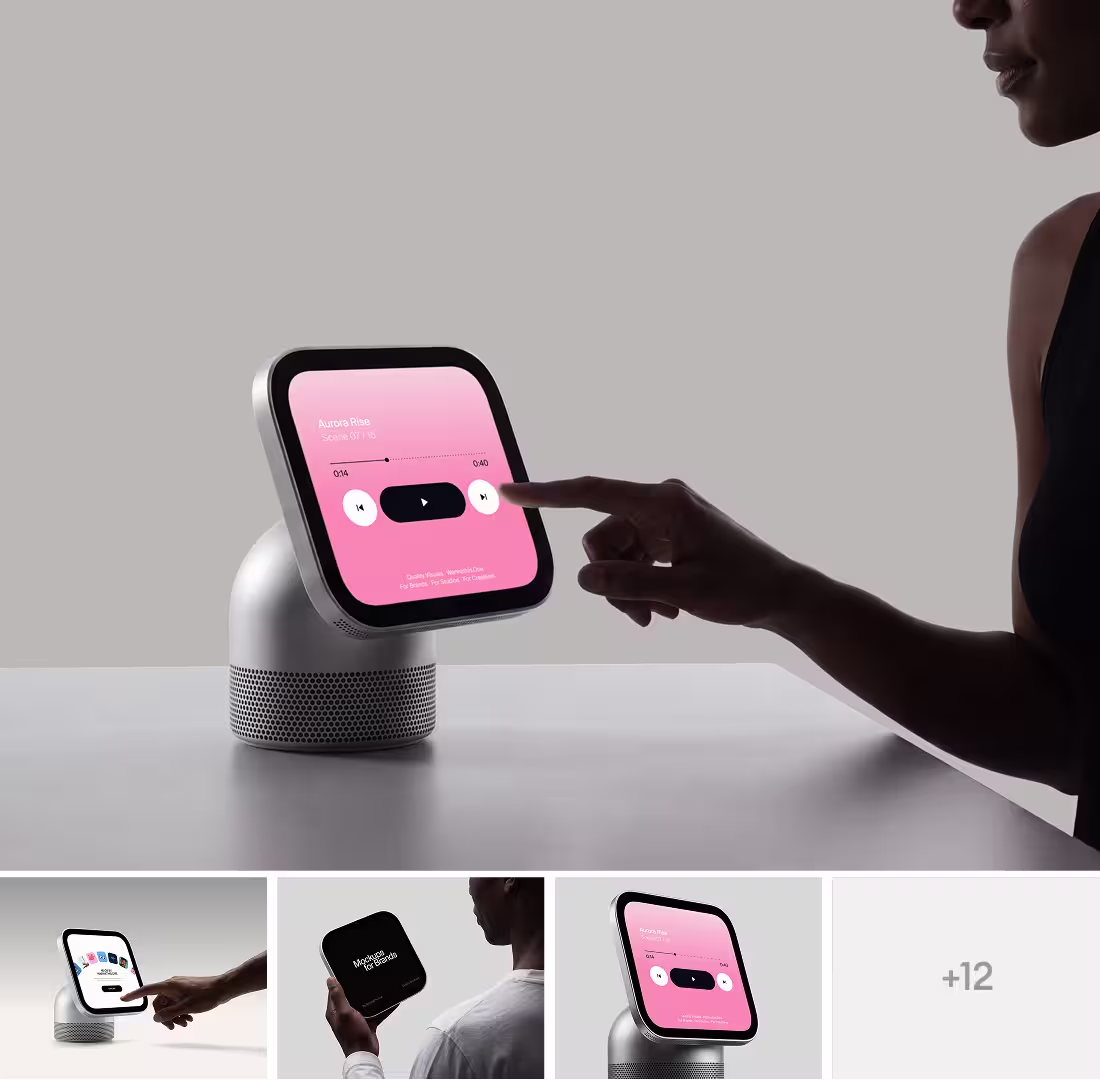
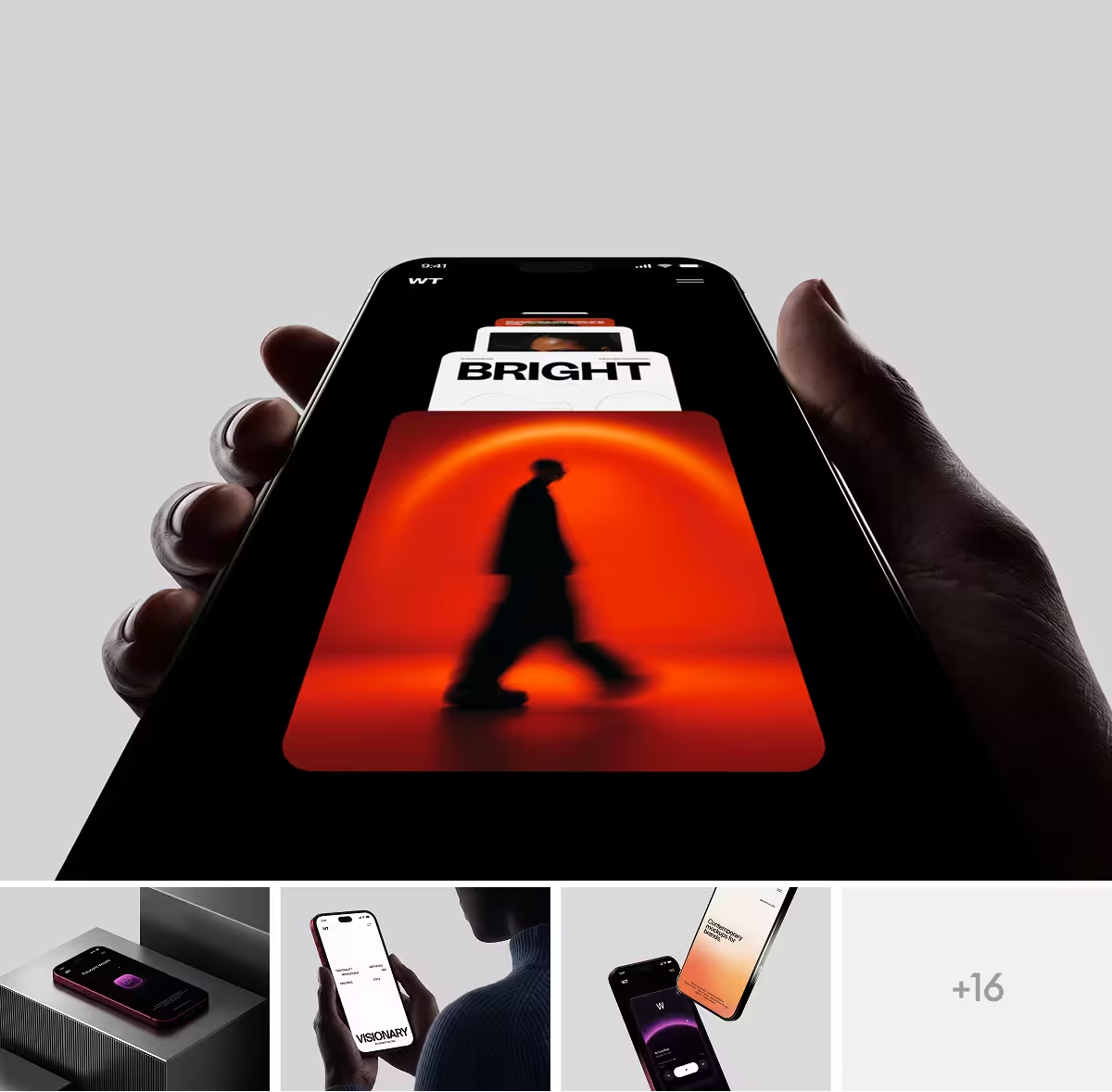
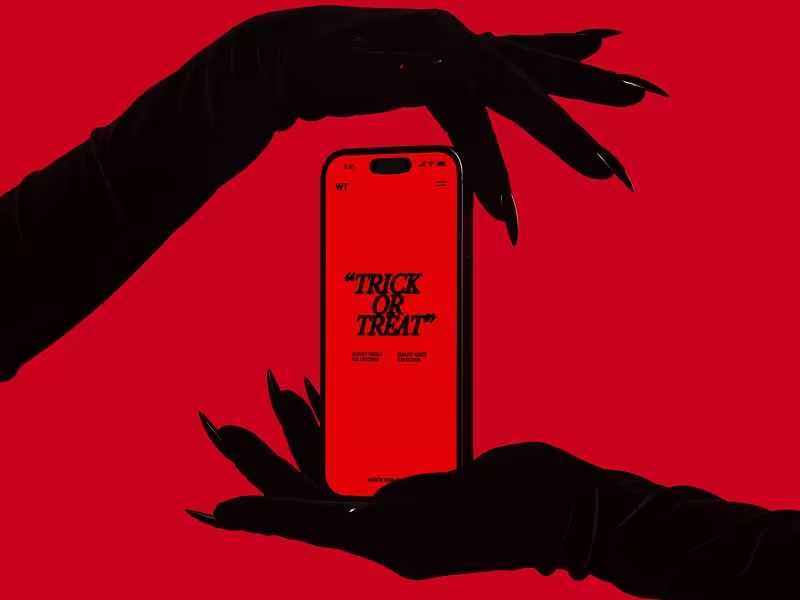
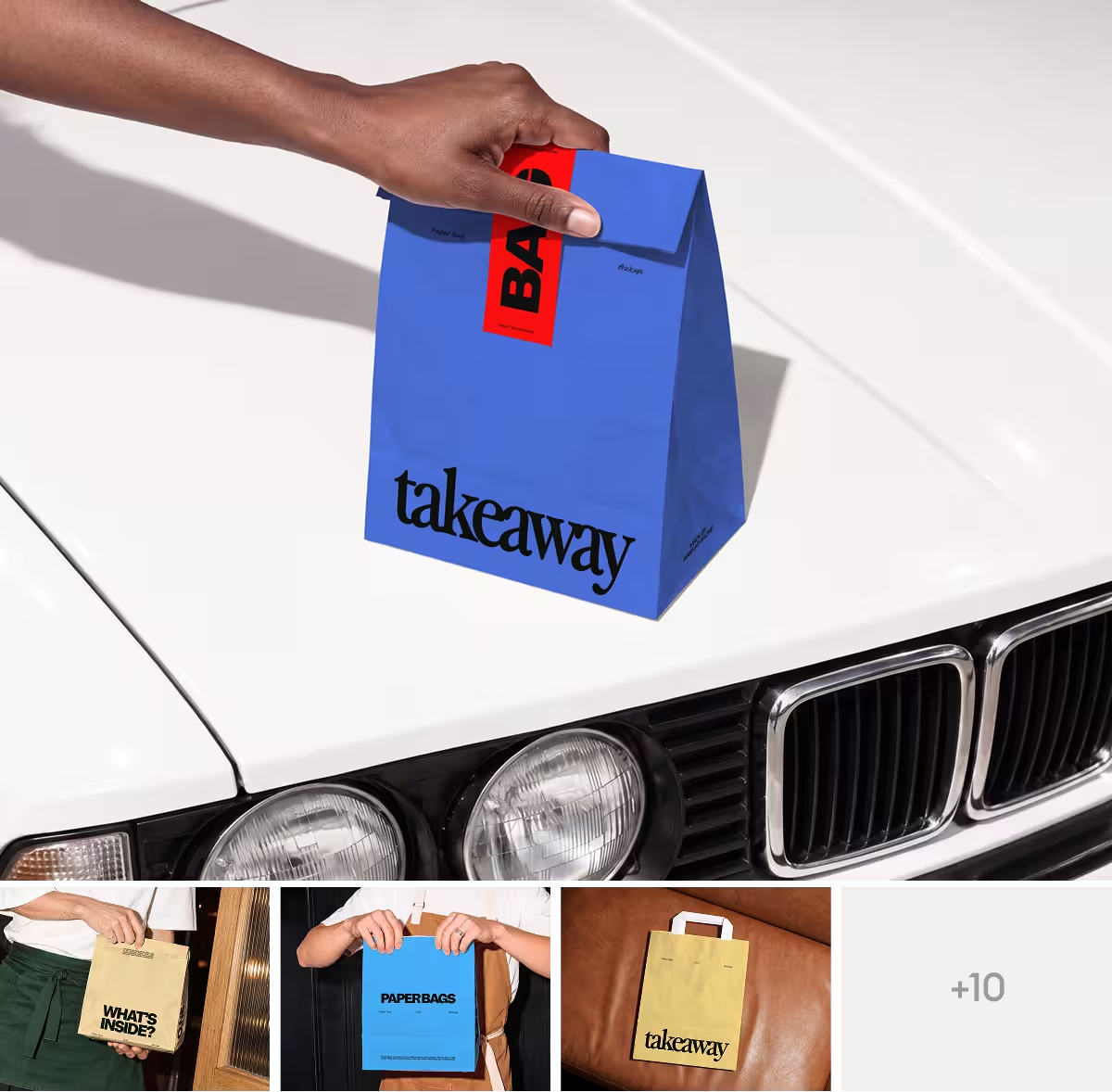
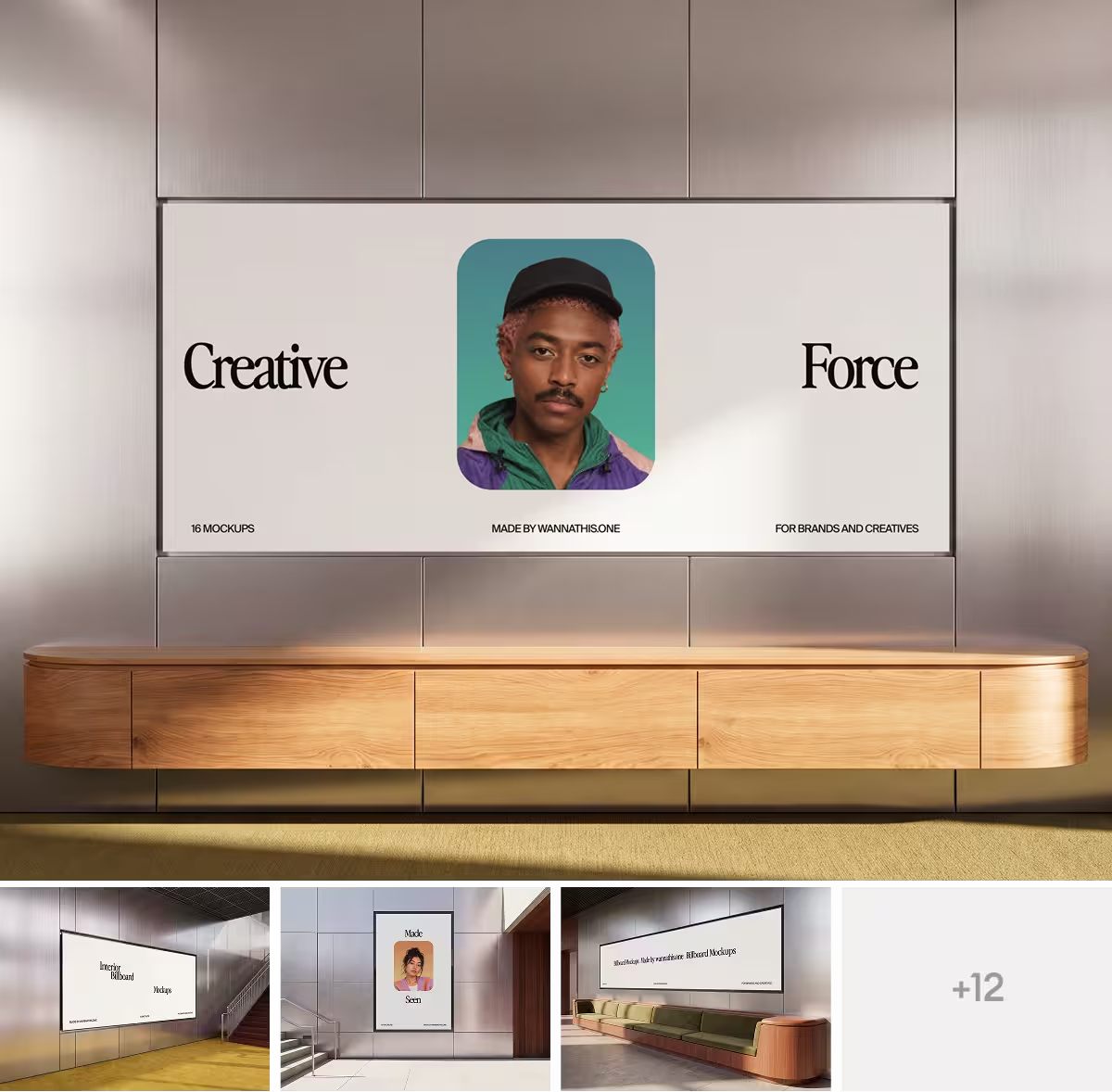
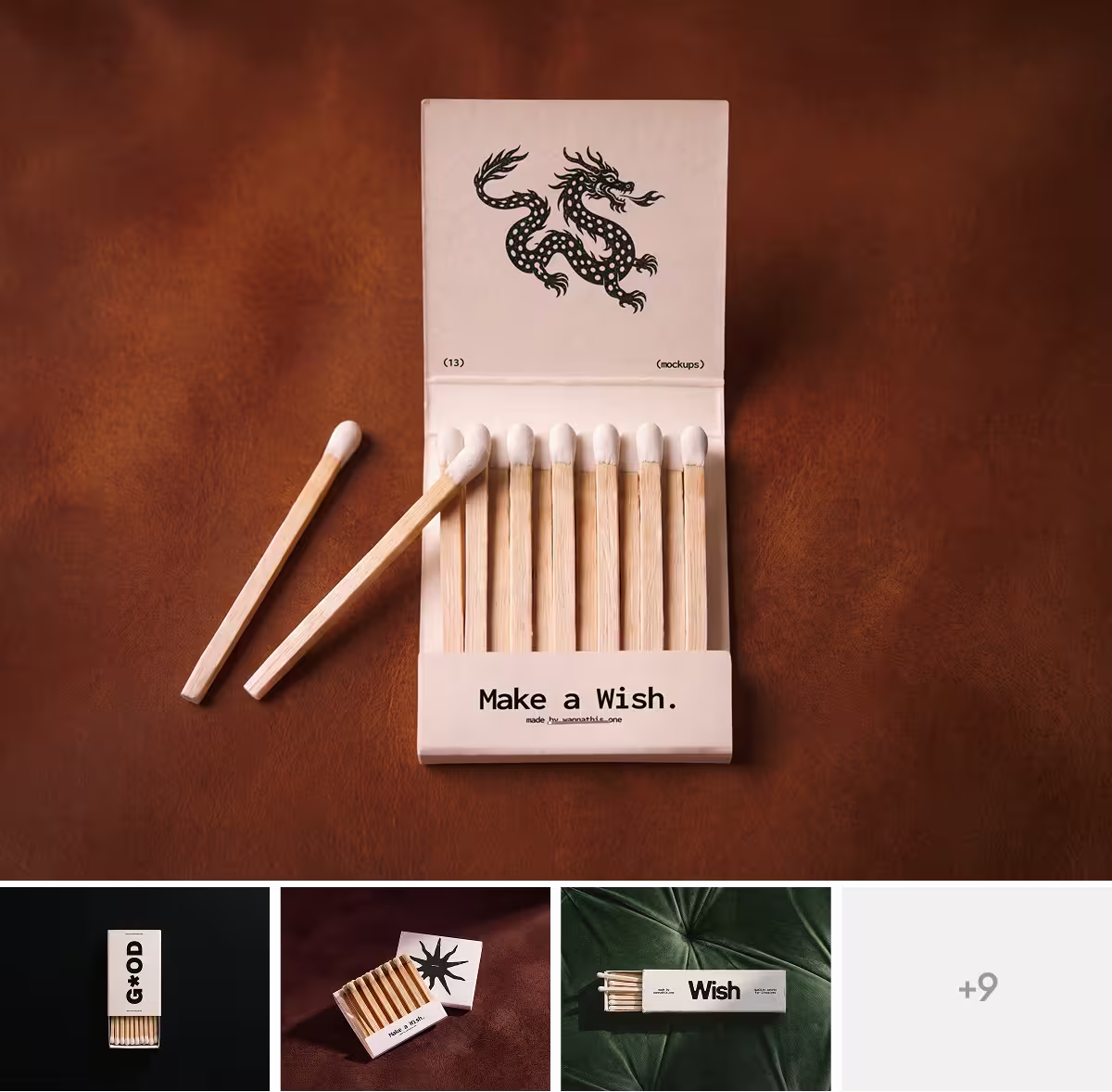
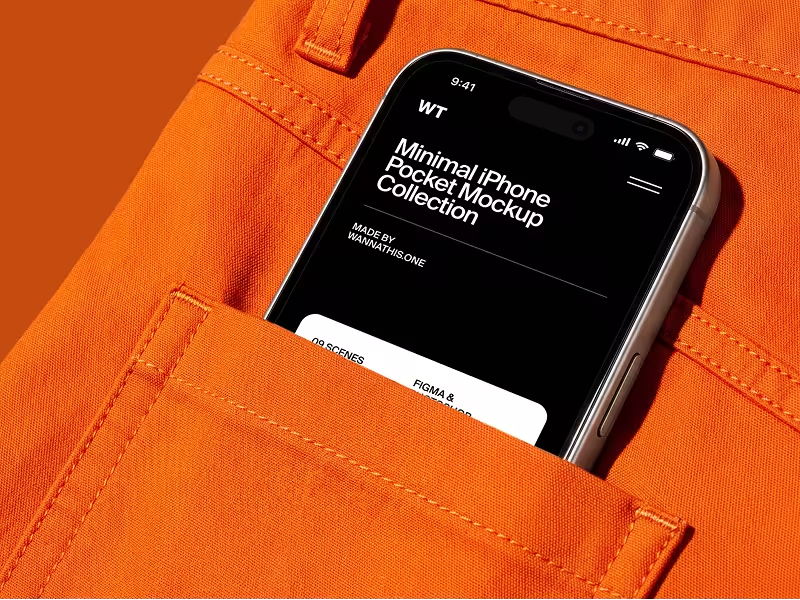
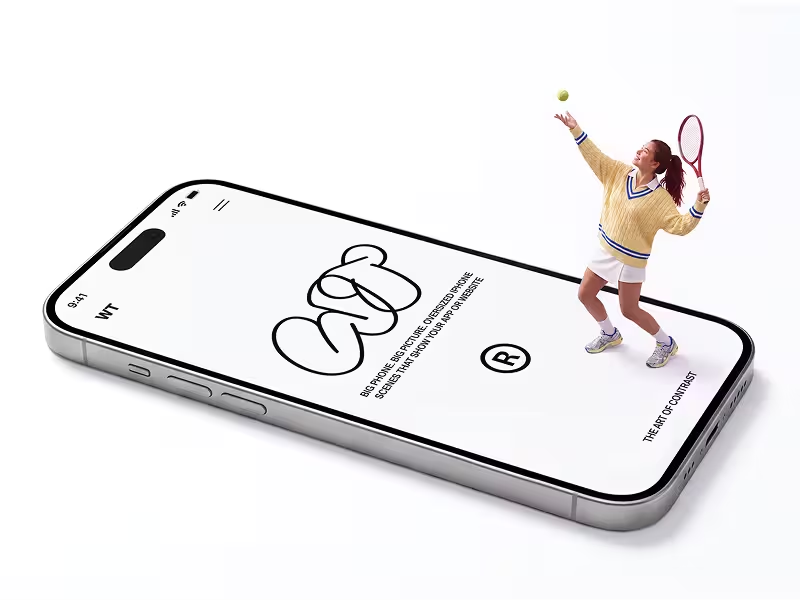
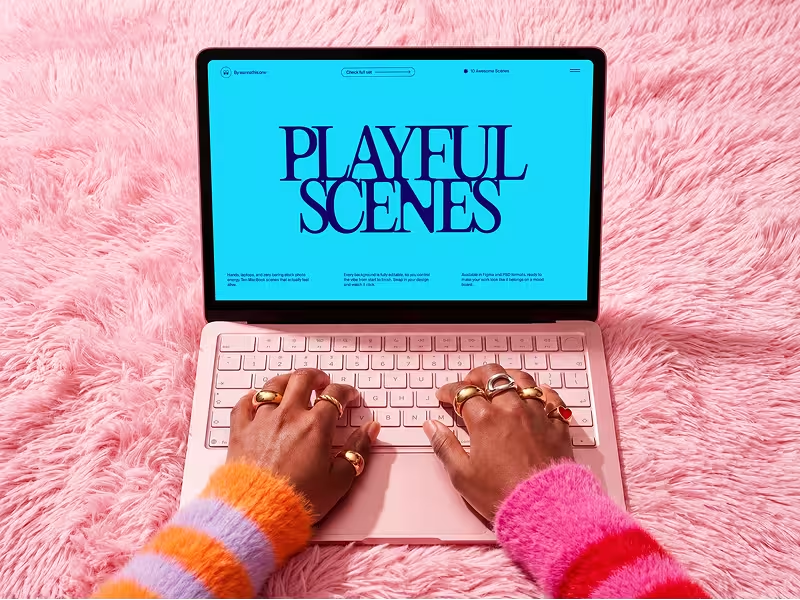
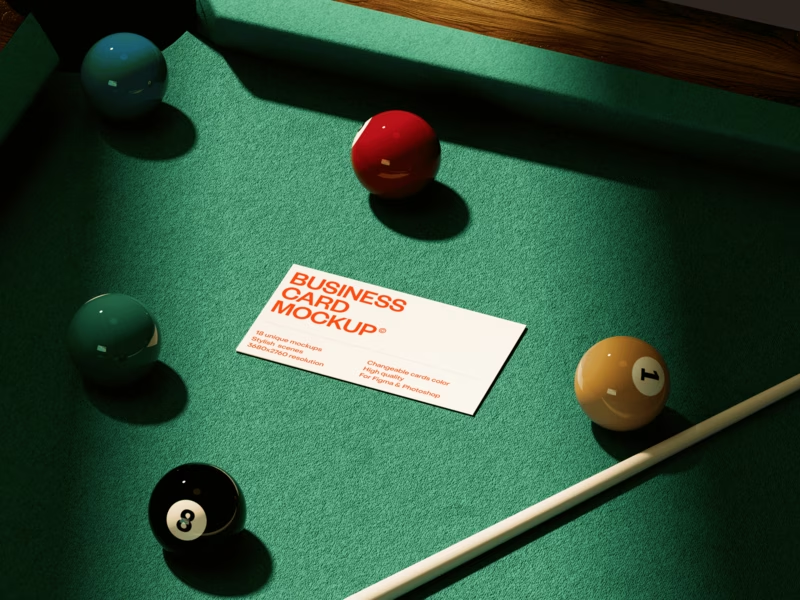
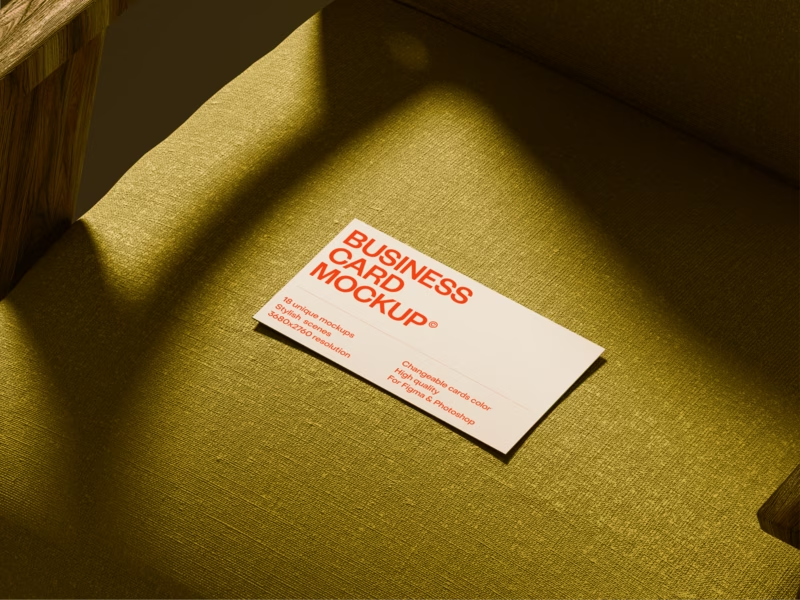
If the picture has to sell your work, in a pitch, a shop or a launch post, Wannathis gives it a premium look. Each set is art-directed as one series, minimal or editorial. New sets come out often. Have a look at our iPhone mockups, branding mockups and apparel mockups.
With Pro Access, every set downloads as Figma or PSD files, and the Figma plugin drops device and some branding scenes right into your file. When the design changes, drop the new version into the same scene.
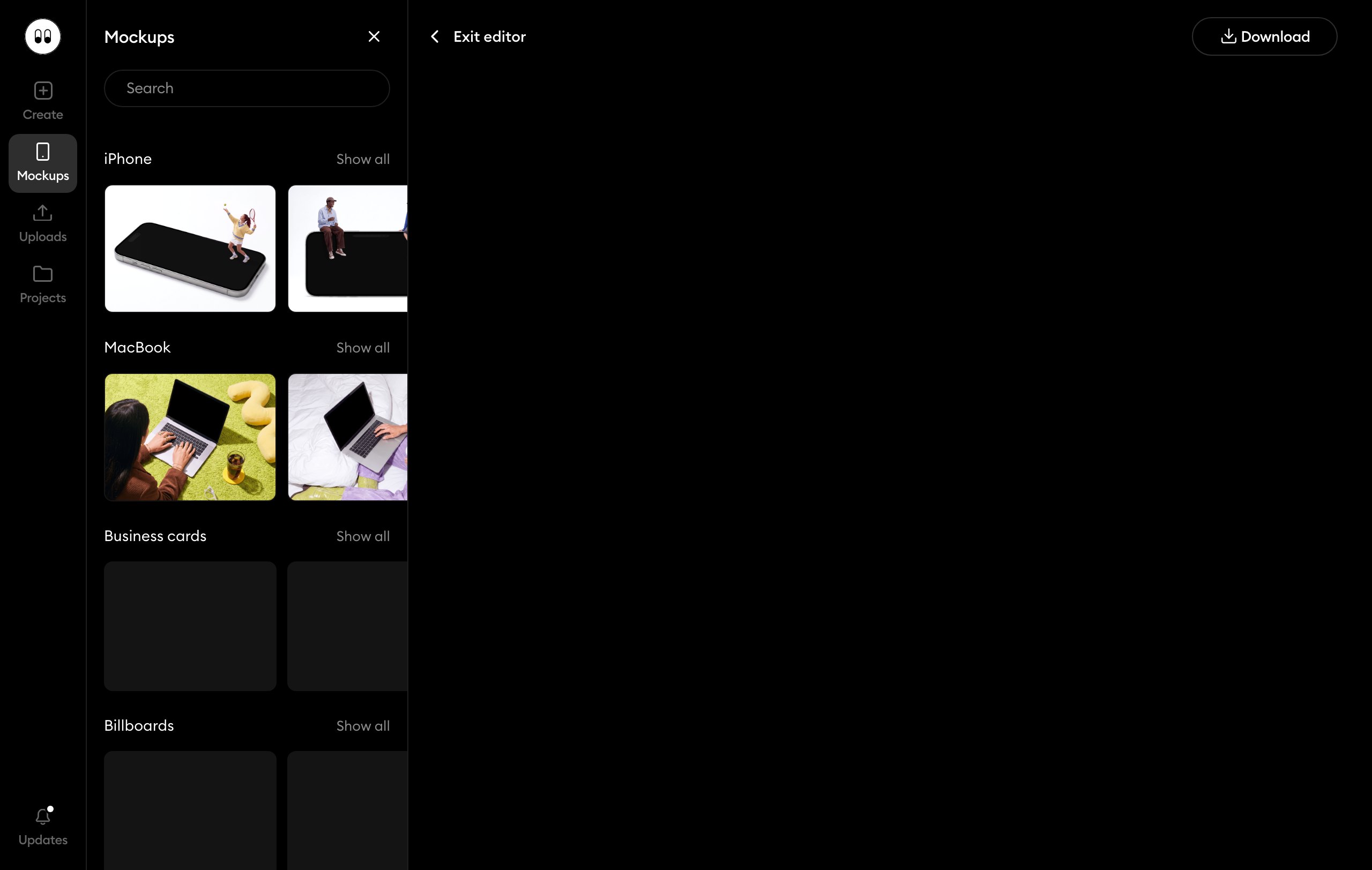
Not working in Figma or Photoshop? Open a scene with the Edit online label in your browser and drop in your design. A free account opens the free ones; Pro Access opens the others.

When Canva Mockups is the better pick
If your posts, slides and flyers already live in Canva, its mockups save a step: the scene lands in the same design. It also suits you if you sell apparel or packaging: those scenes open in its browser editor. Our apparel and packaging sets come mostly as PSD files and stay out of our online editor.
Questions about Canva mockups
Yes, on every Canva plan. Open a design, pick Elements and then the Mockups category, and drag any image onto a scene. You can also select a photo, press Edit and choose Mockups under Apps.
Try it with your design
Open a scene, upload your design and download the picture. No setup, no software.
Explore mockups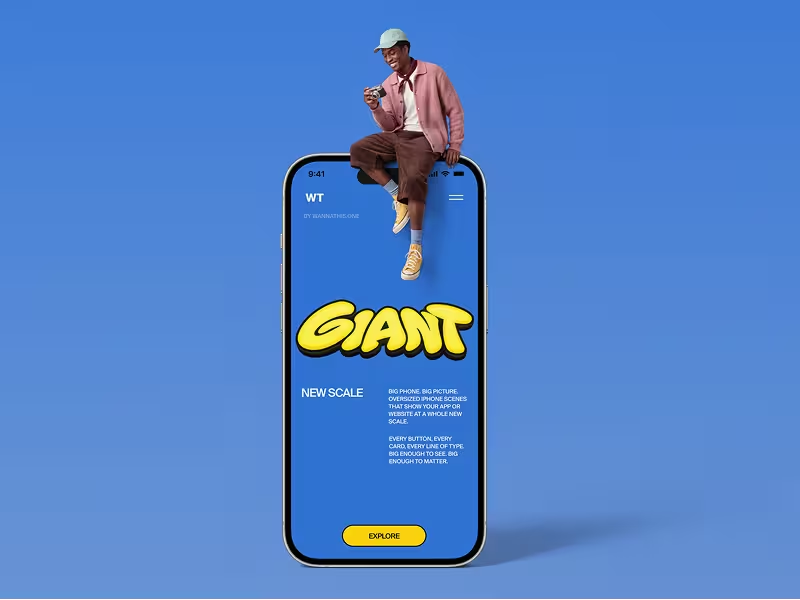
Canva and the other brands named here are trademarks of their owners. Wannathis is not affiliated with or endorsed by them.