






Smartmockups alternative
The Smartmockups website closed in 2024, and its mockups moved into Canva.
Pick Wannathis for premium, art-directed mockups in Figma, PSD and the browser, or stay with Smartmockups in Canva if you design there.
Regular prices and features, as each site lists them on November 9, 2026.
Upgrade how your designs look
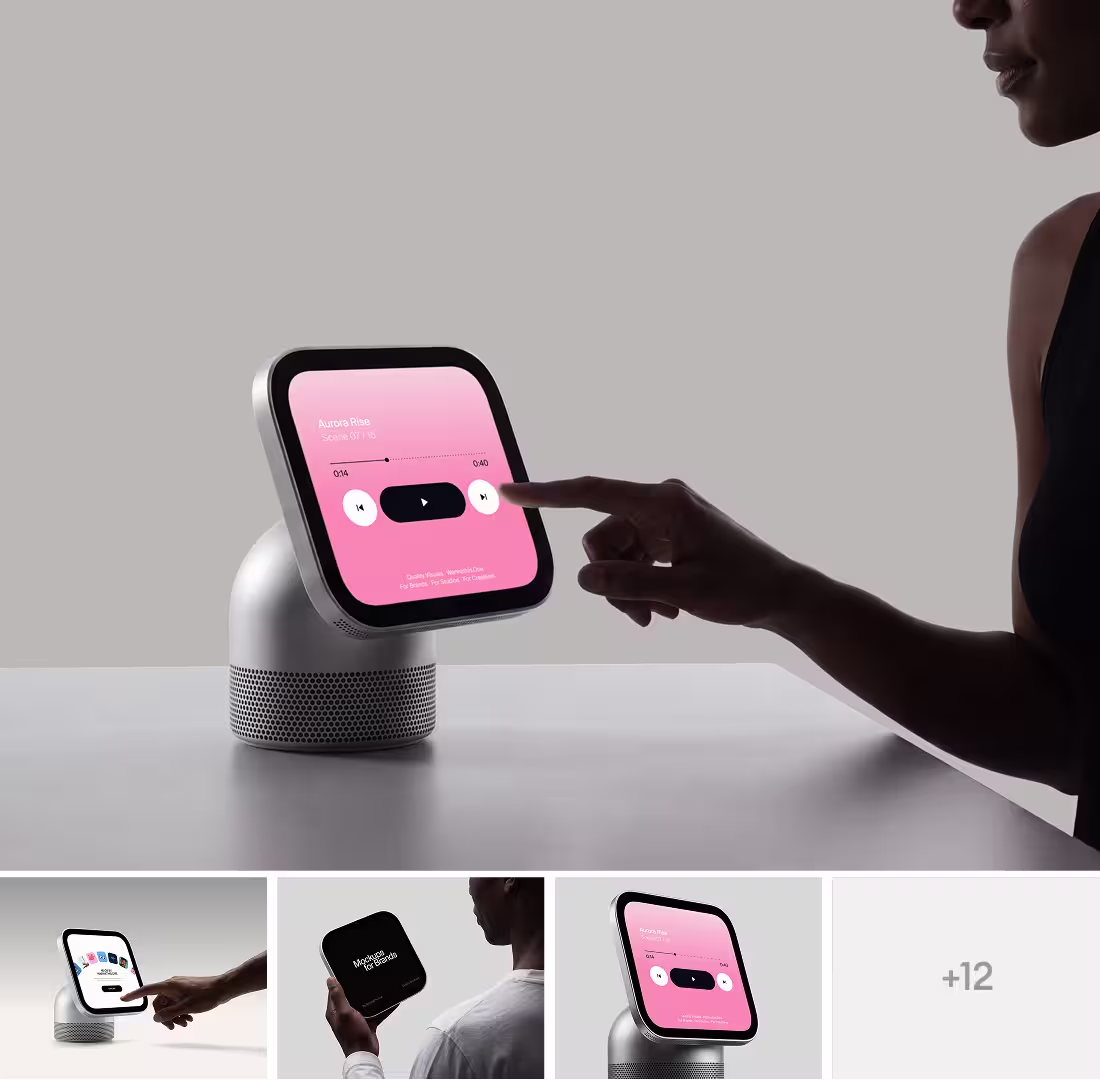
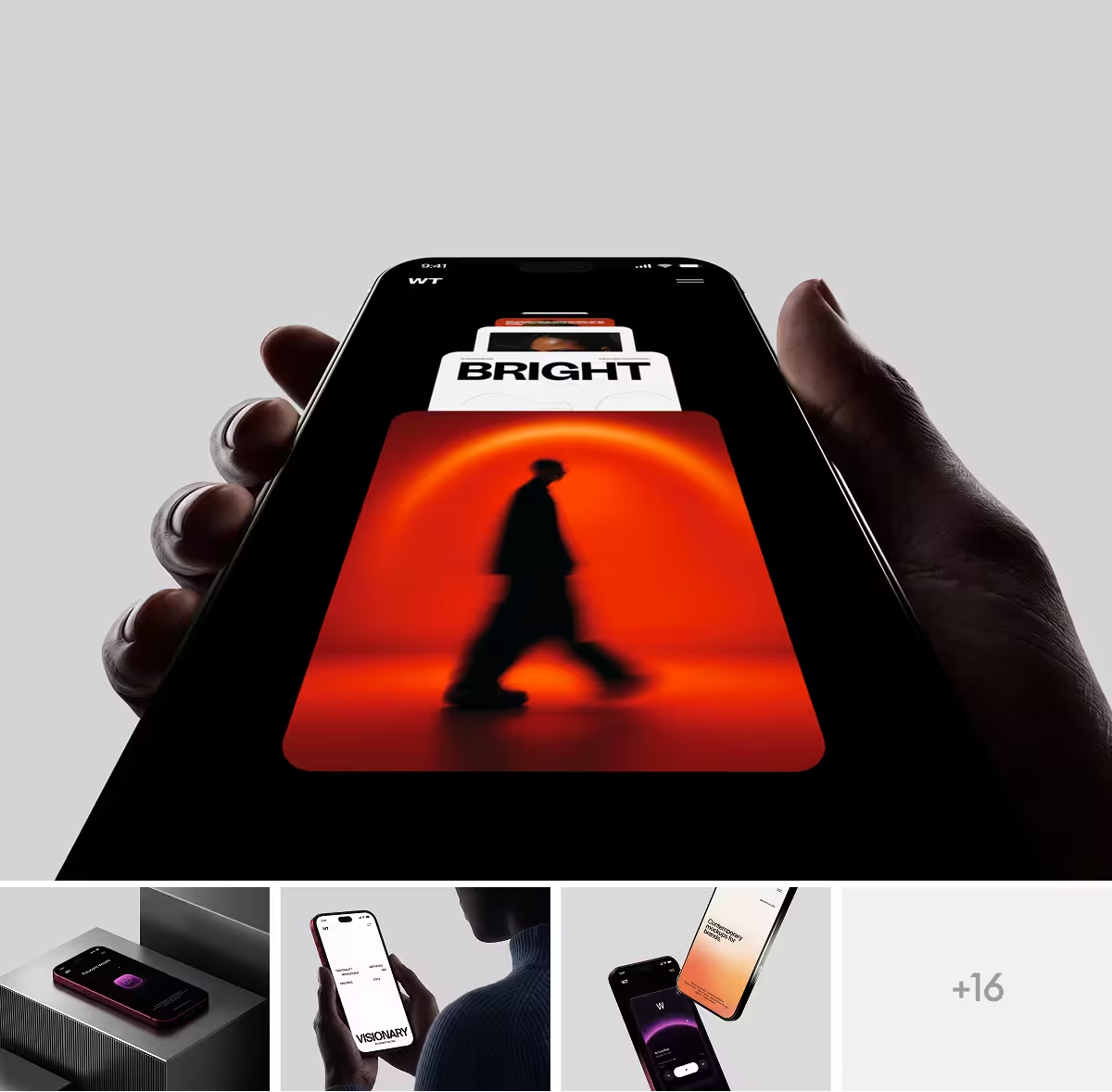
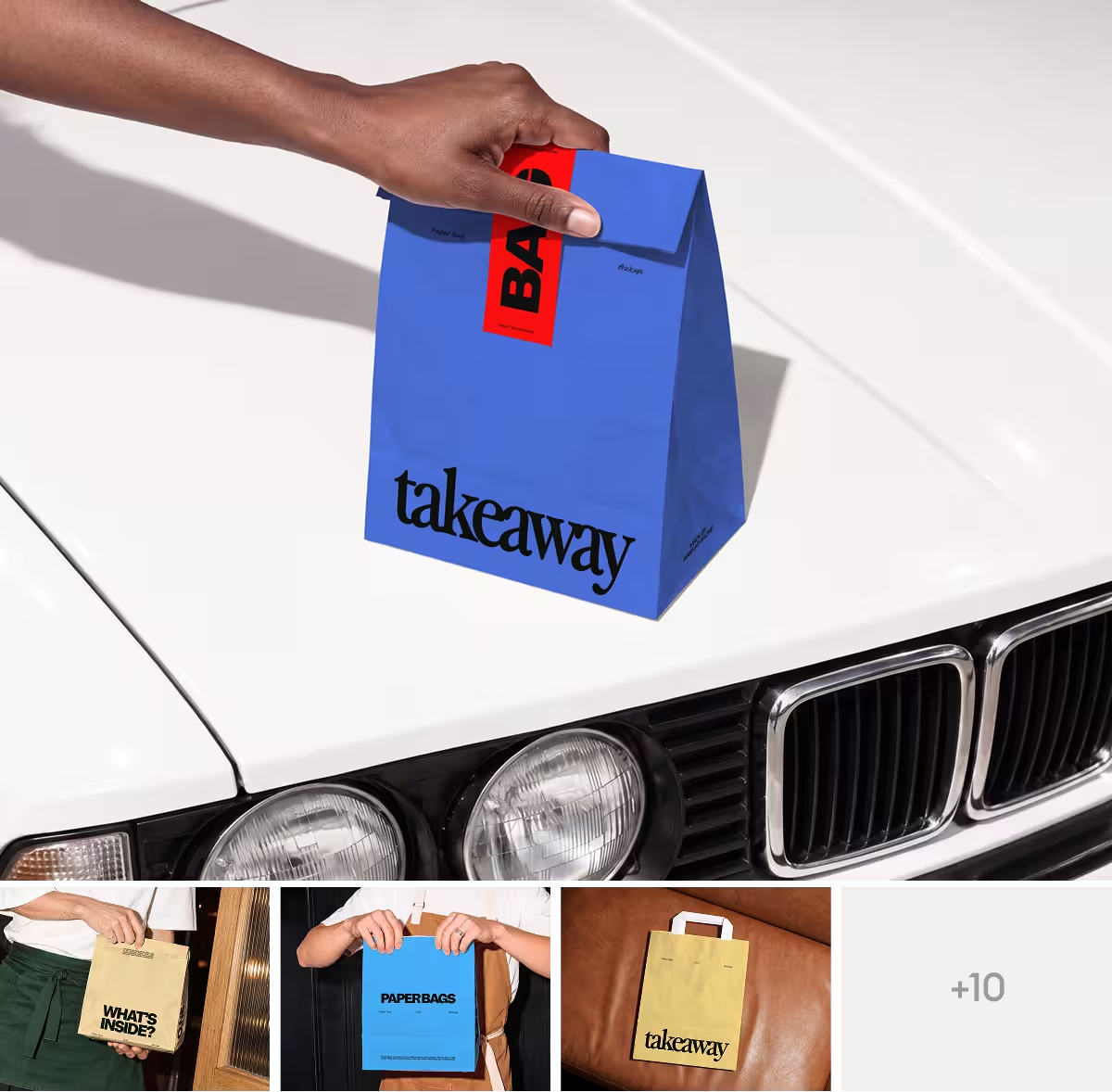
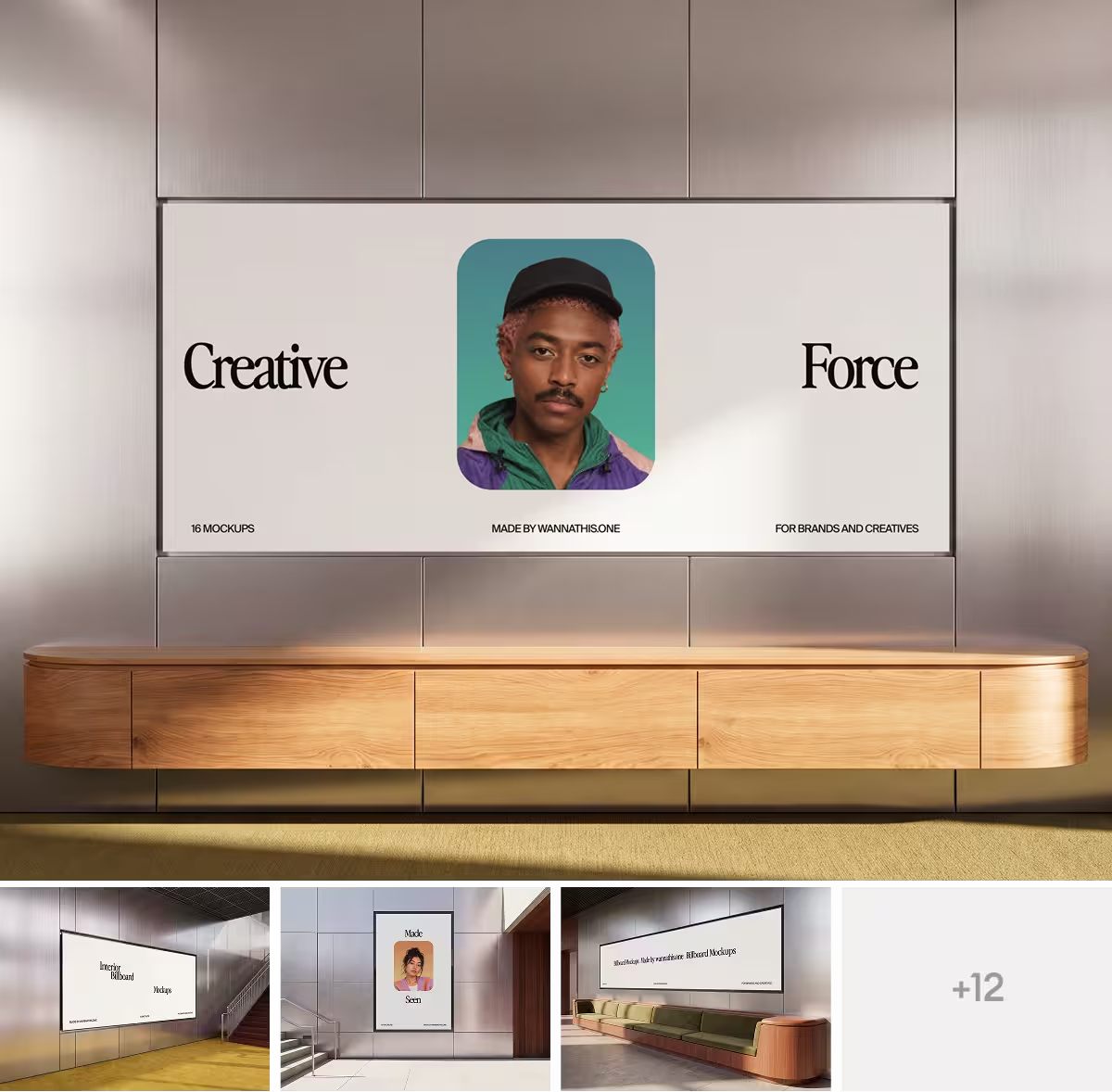
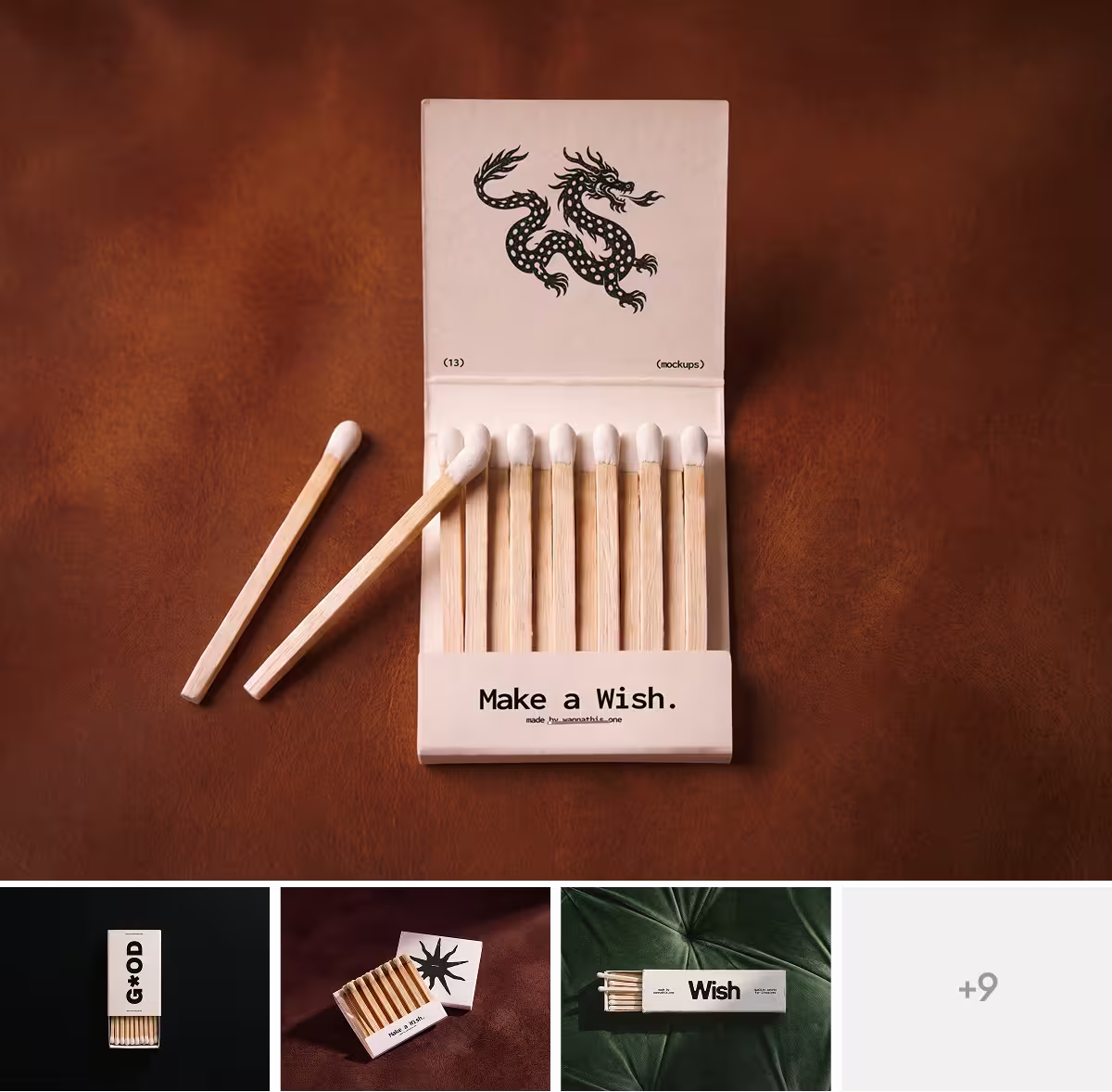
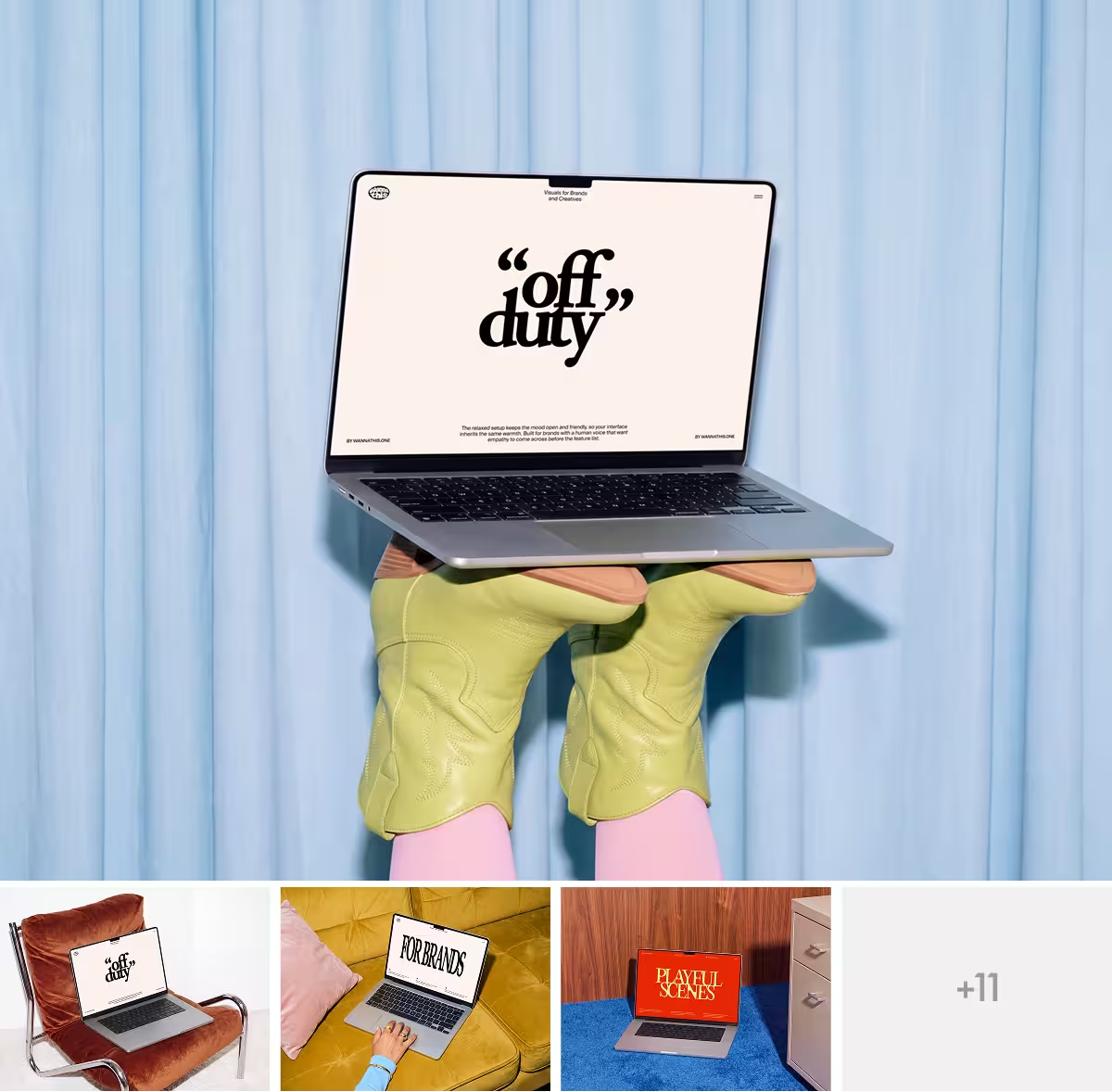
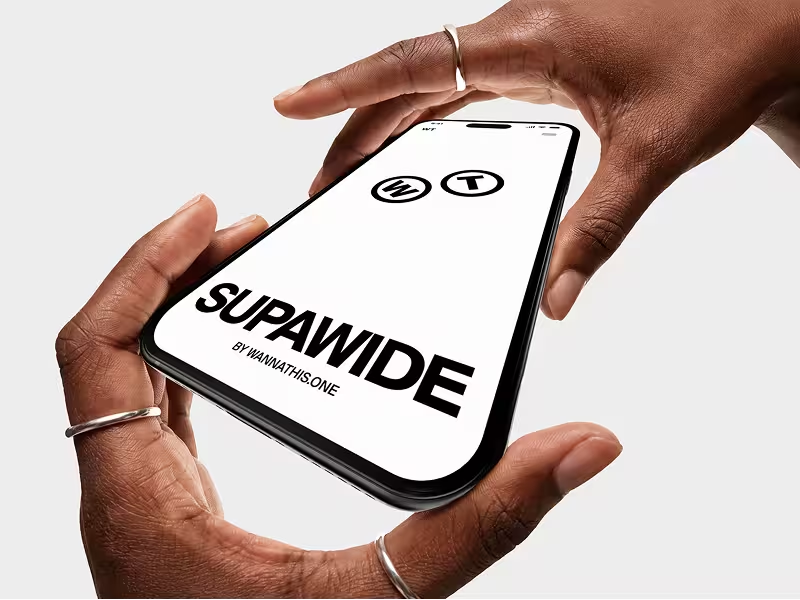
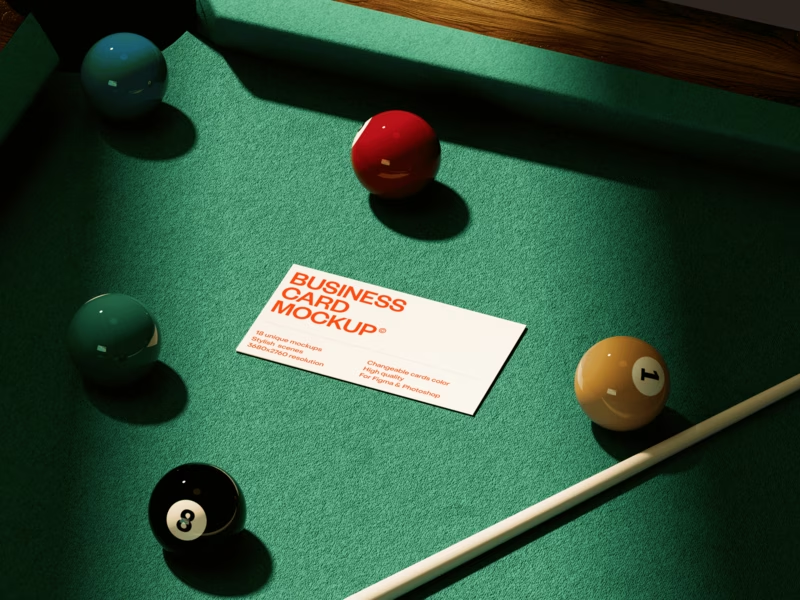
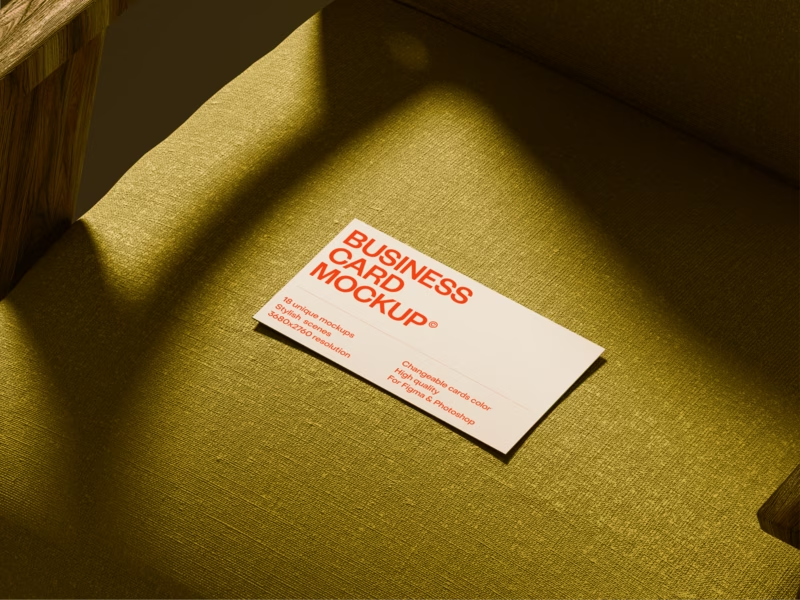
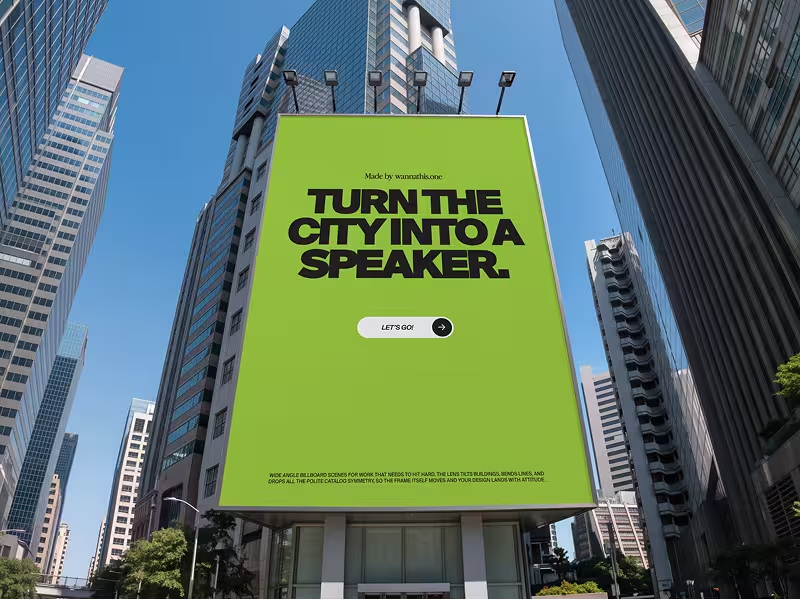
Fresh, editorial scenes, curated for composition, light, proportion and texture.



About Smartmockups
Smartmockups, or Smart Mockups, was an online mockup generator: you uploaded a screen or a logo, picked a device or print scene and downloaded the picture.
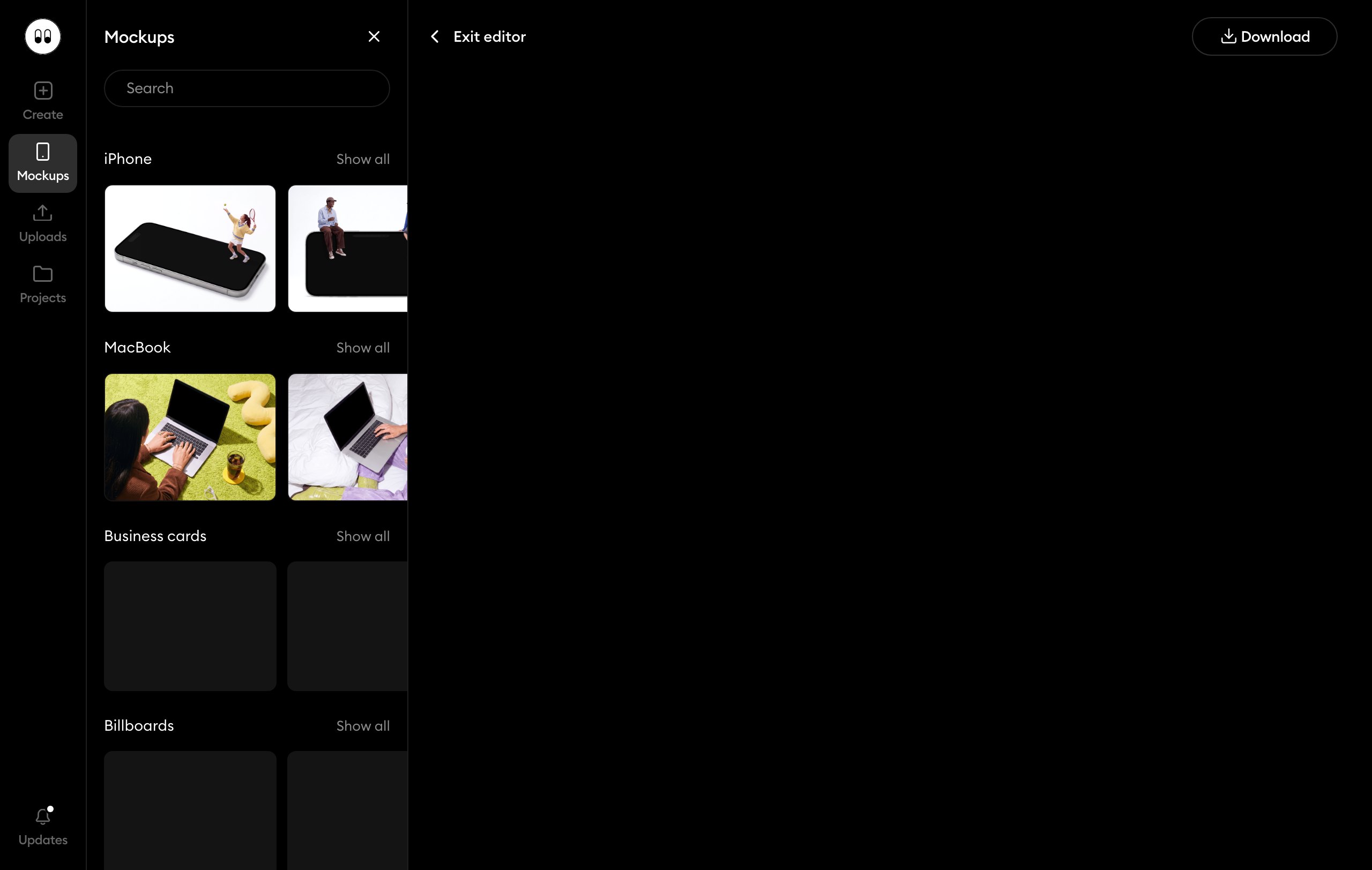
Today smartmockups.com opens Canva Mockups, a tool inside the Canva editor that comes with every Canva plan.
What Smartmockups does well
- You can make mockups for free, since they come with Canva Free.
- Beyond screens, you can show your design on posters, apparel, packaging and home decor.
- You can make video mockups, not only still images.
- On Canva Pro, you can turn your own photo into a mockup template.
Where Smartmockups falls short
- Its mockups are plain stock photo scenes made for every niche, like a laptop by a vase or a T-shirt on a model. They do for a quick post and look flat in a portfolio or a pitch.
- Every Canva user picks from the same library, so your mockup can look like someone else's.
- Smartmockups now works only inside Canva, so you need a Canva account.
- You get no Figma or PSD files and no Figma plugin.
- Canva Free stops at 2,500 mockups, and after that you need Canva Pro.
When Wannathis is the better pick
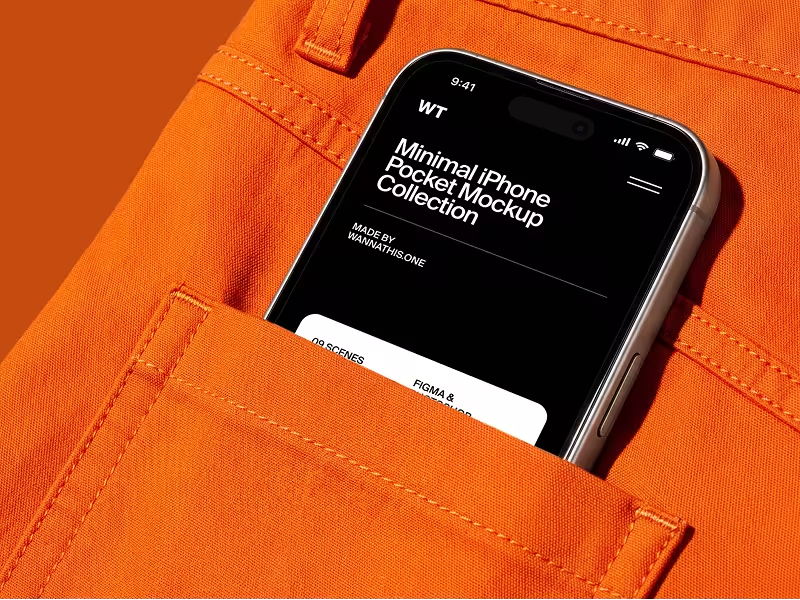
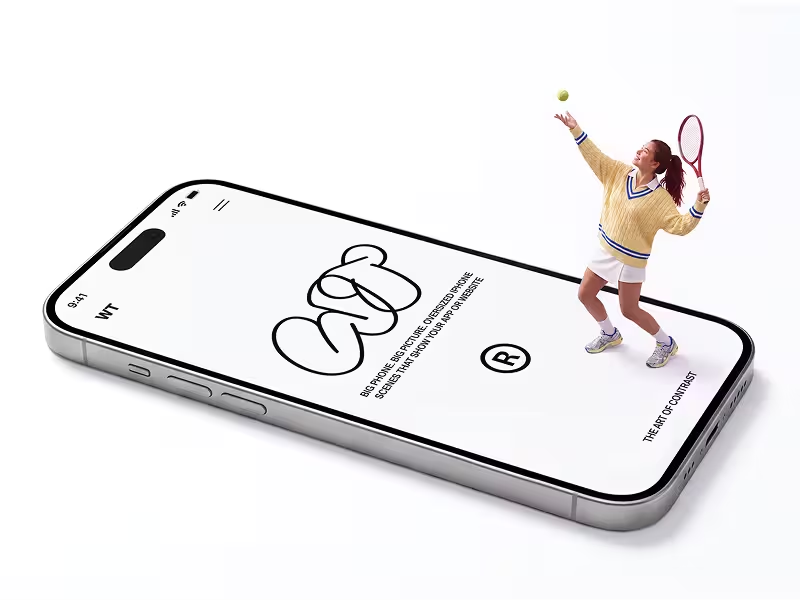
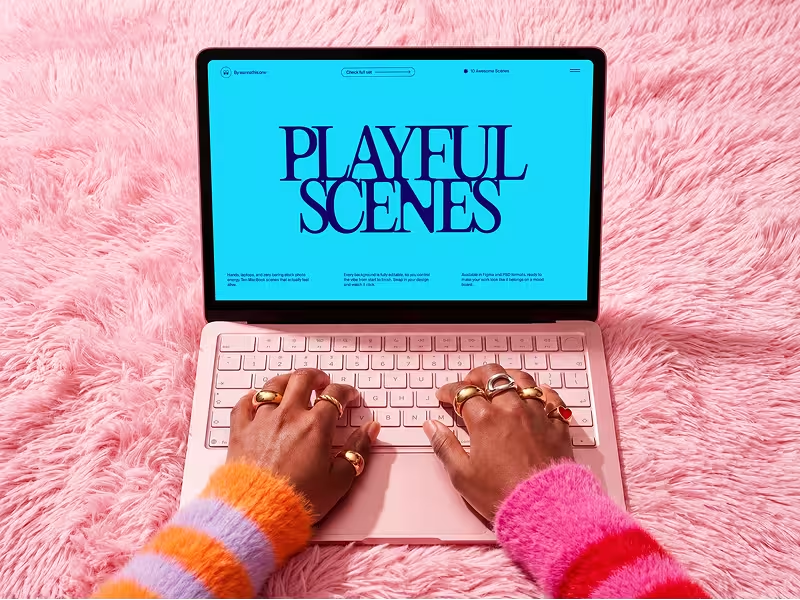
If the look of your work matters, start here. Every Wannathis set is art-directed and curated for composition, light, proportion and texture, so the picture looks premium, and new sets come out often.
If you work in Figma or Photoshop, Pro Access gives you the full library as Figma or PSD files. The Figma plugin places mockups right in your file.
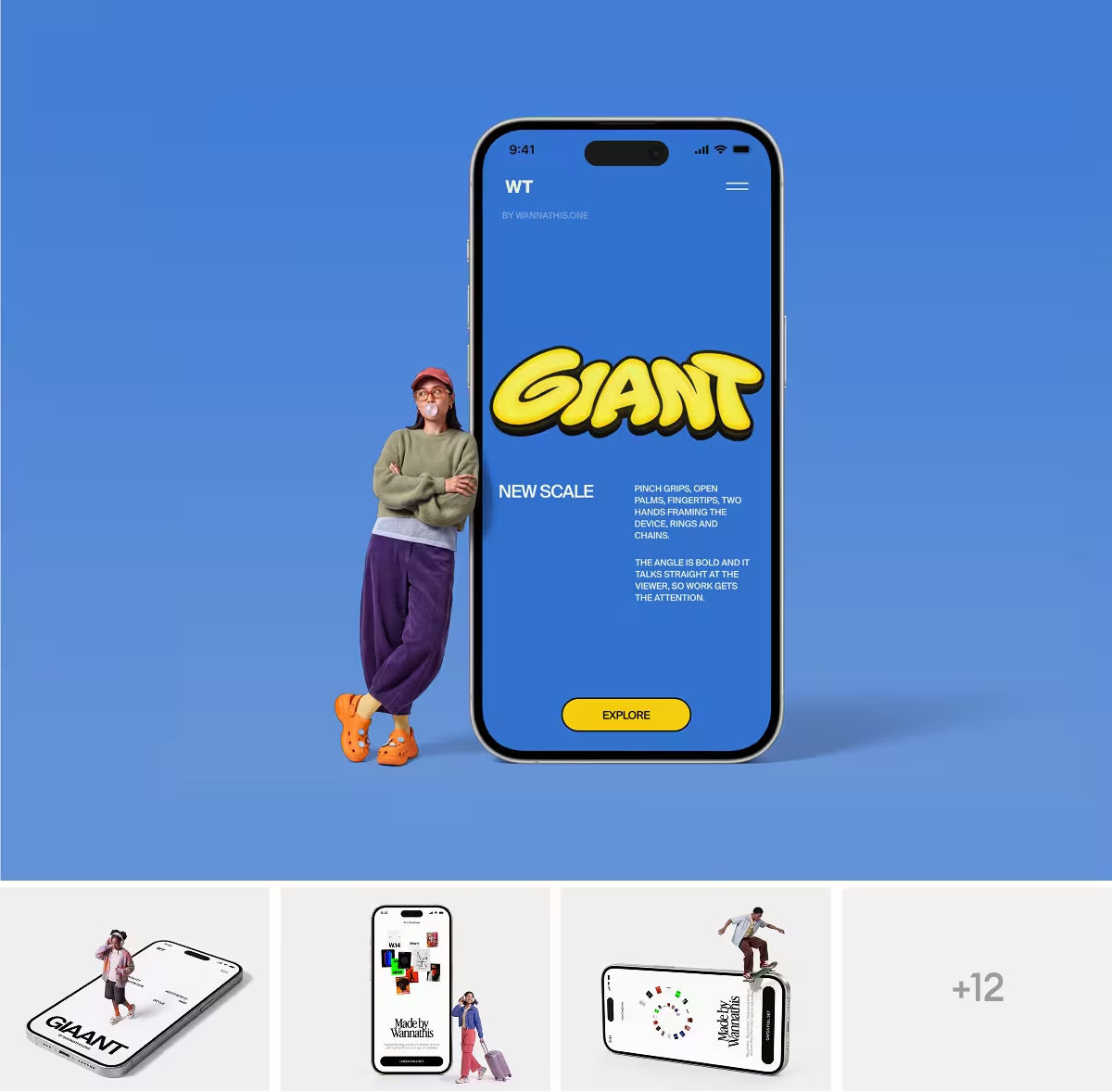
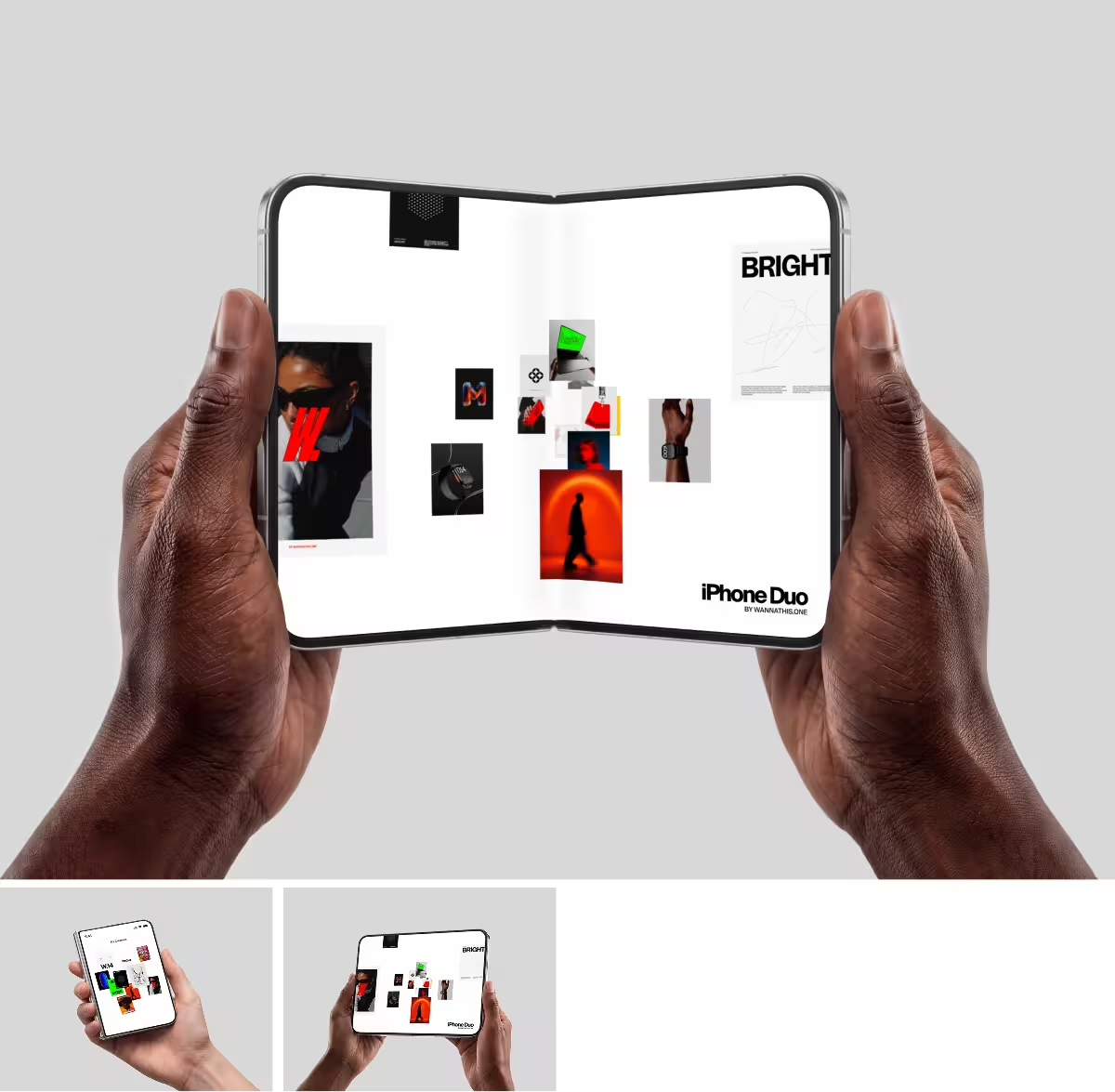
If you use neither, open a mockup in your browser and upload your design. Start with our iPhone mockups and MacBook mockups.


When Smartmockups is the better pick
If you already design in Canva, make the mockup in the same editor. Canva also allows its free mockups in client work. Ours are for personal projects.
Questions about Smartmockups
The official Smartmockups website closed on September 27, 2024, and smartmockups.com now takes you to Canva's mockups page. Canva bought Smartmockups in February 2021. To use its mockups now, log in to Canva, open Elements in the editor and pick Mockups.
Try it with your design
Open a scene, upload your design and download the picture. No setup, no software.
Explore mockups
Smartmockups and Canva are trademarks of their owners. Wannathis is not affiliated with or endorsed by them.