






Smartmockups vs Wannathis
Smartmockups or Wannathis? The look of the mockups, the editor, the files, the license and the price, side by side, as each site lists them.
Smartmockups
Smartmockups began as a mockup site of its own and is now a tool inside Canva, called Canva Mockups.
You make them with a Canva account, on the web or in the Canva app, and download your mockup as a PNG, JPG or PDF, as an SVG on a paid plan, or a video mockup as an MP4. There is no Figma or PSD file of the mockup.
Wannathis
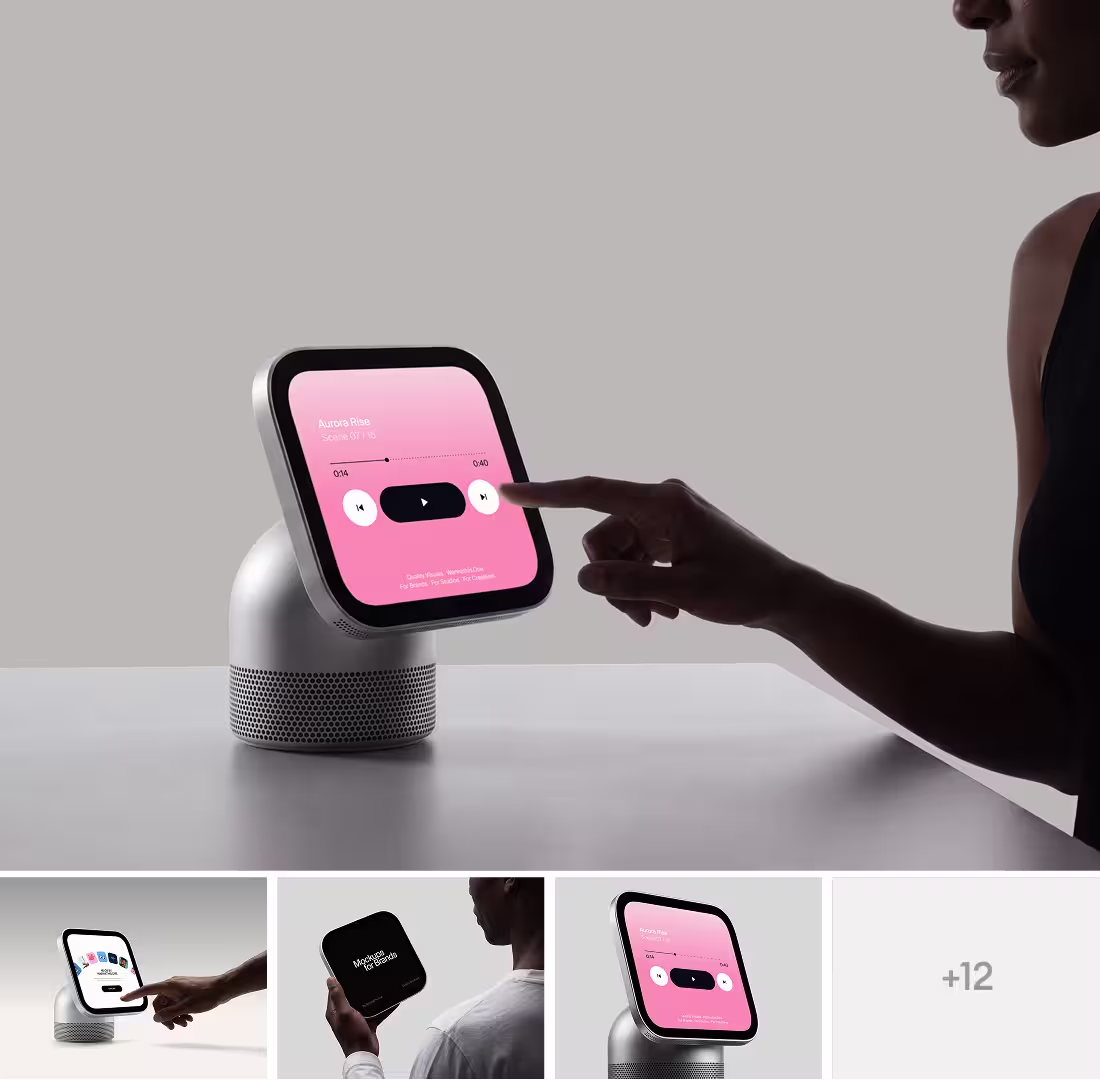
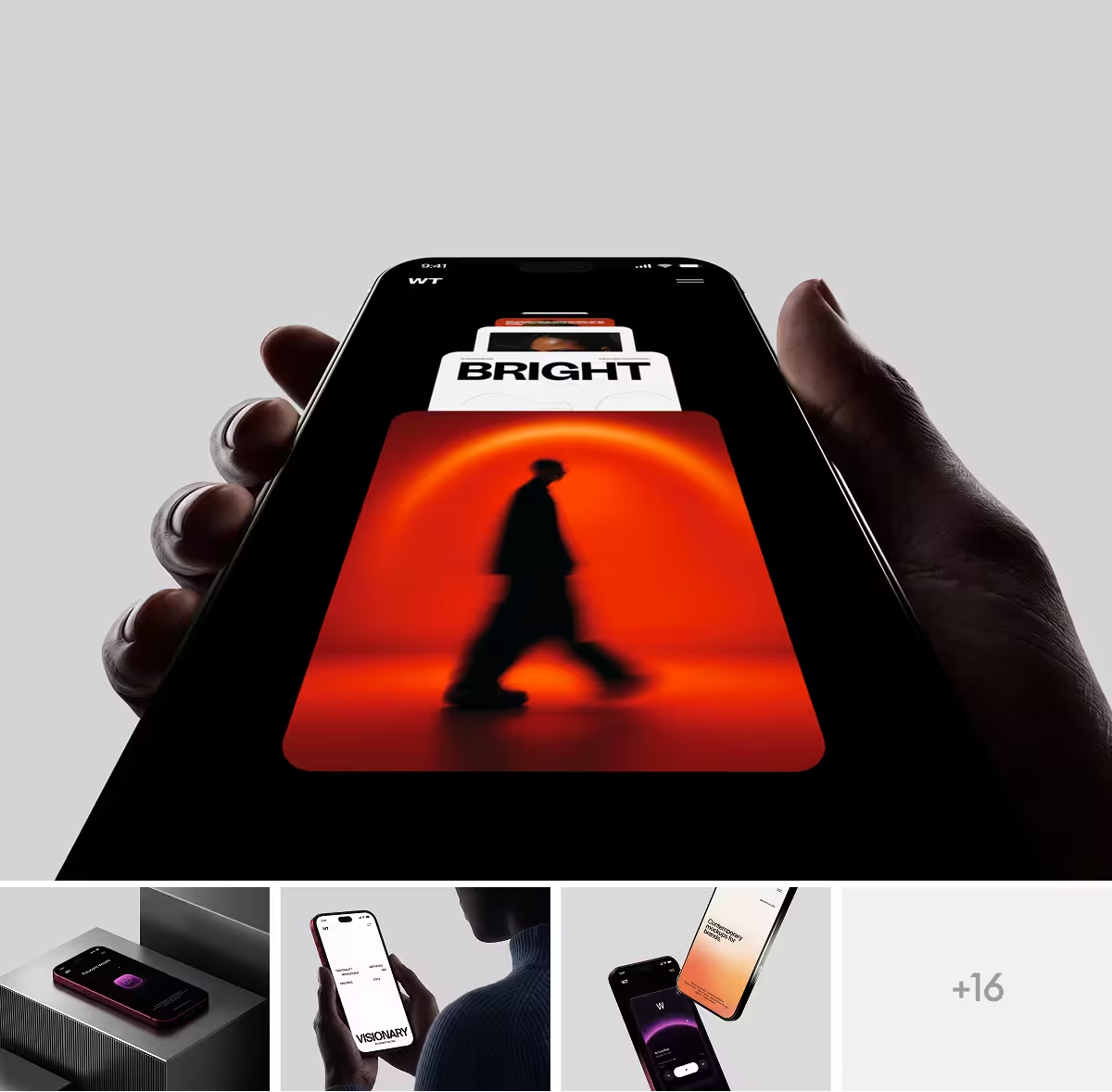
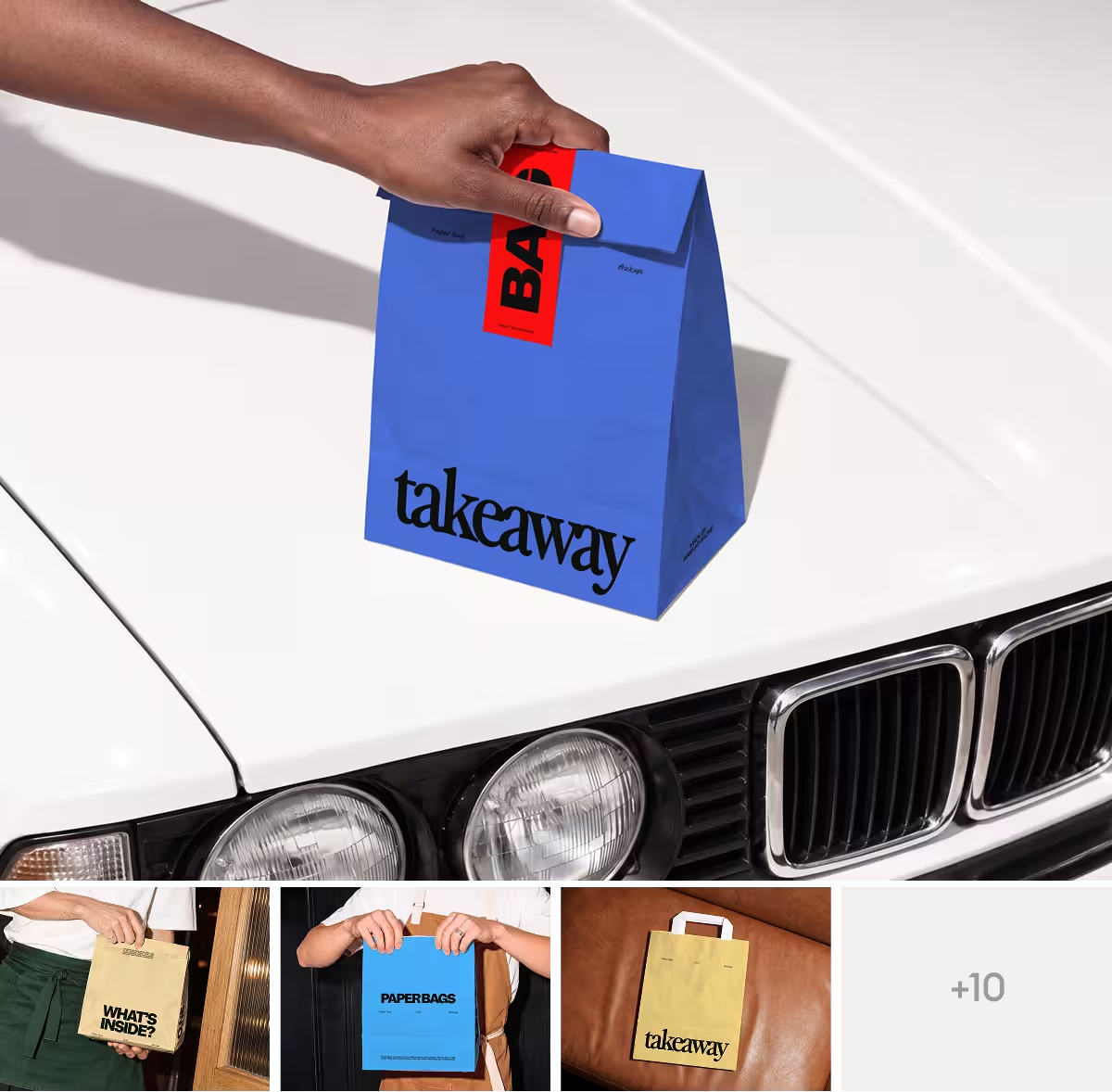
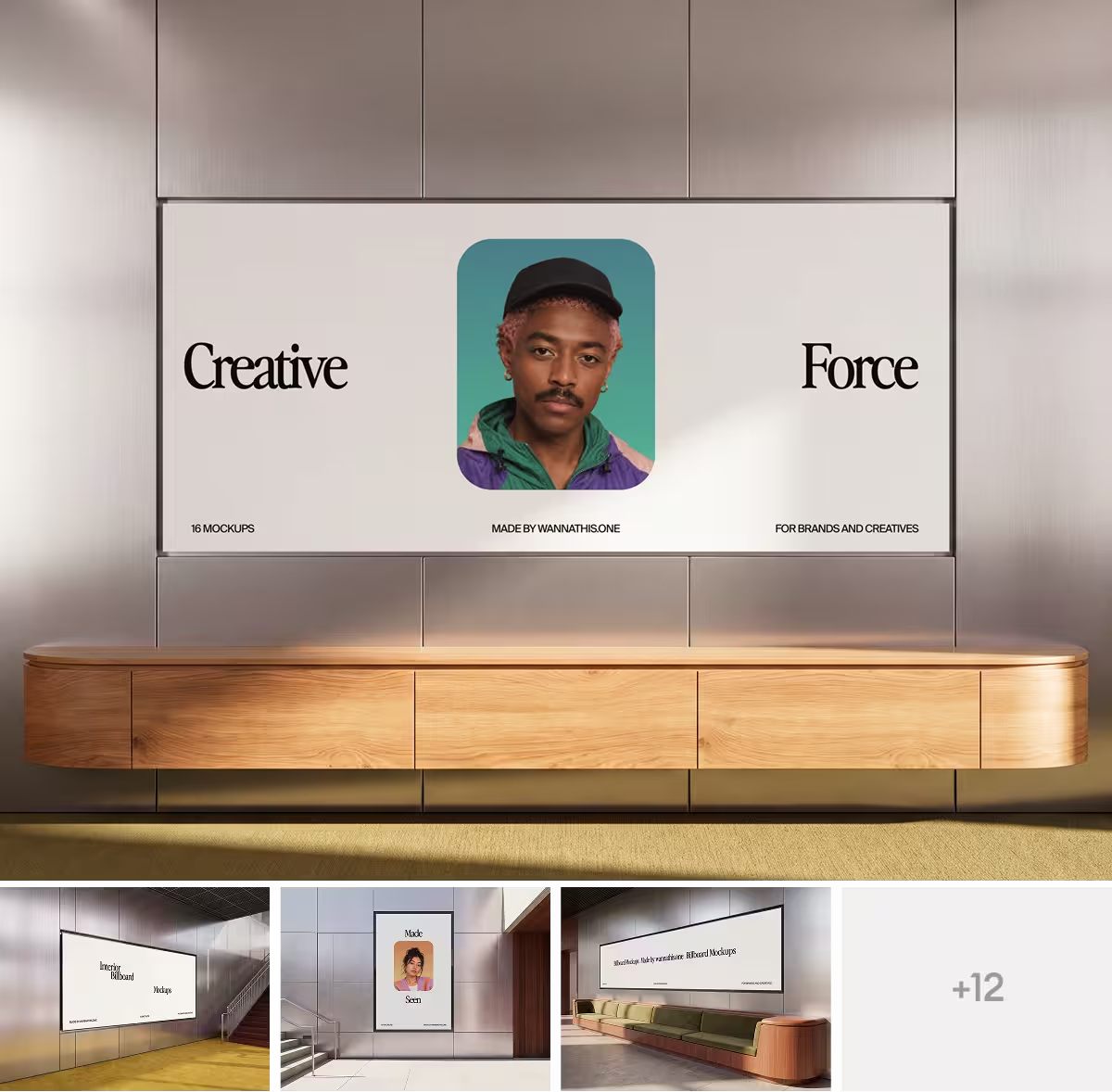
Wannathis is a premium mockup store for designers, studios and brands. Every set is art-directed and curated for composition, light, proportion and texture, and new sets come out often.
With Pro Access you get the full library as Figma or PSD files, the Figma plugin, the online editor and a license for client work.
Smartmockups vs Wannathis: feature comparison
A cross means No. Regular prices and features, as each site lists them on November 11, 2026.
Key differences between Smartmockups and Wannathis
The look: stock scenes or art-directed sets
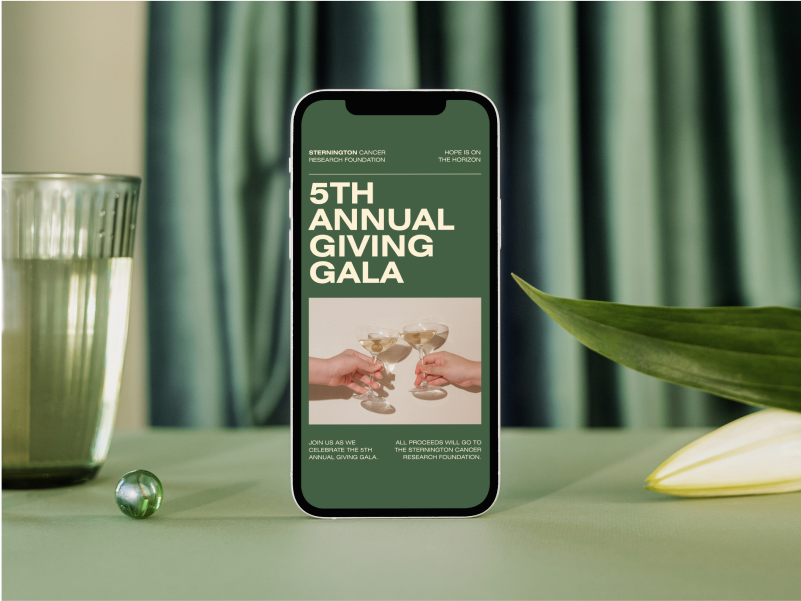
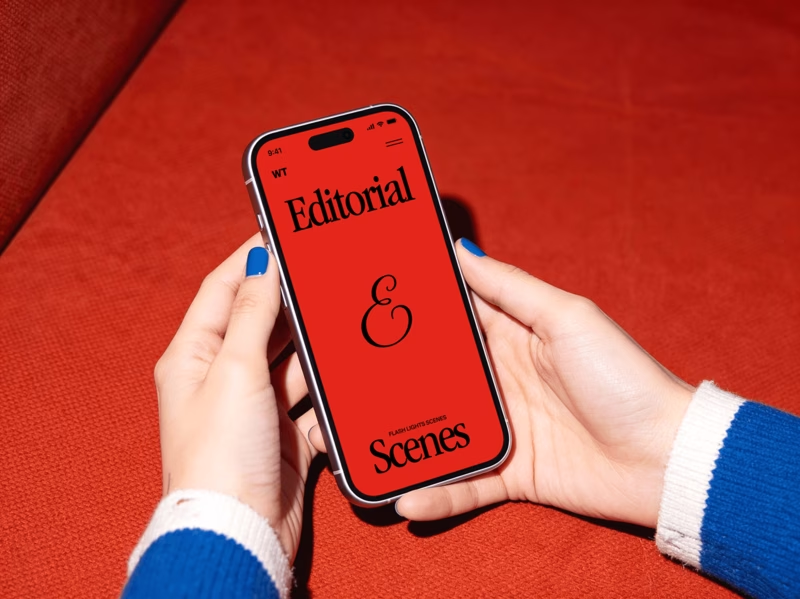
Smartmockups gives you stock photo scenes: tidy, general and made to fit any business. They are quick to fill, and the same scenes are open to everyone on Canva.
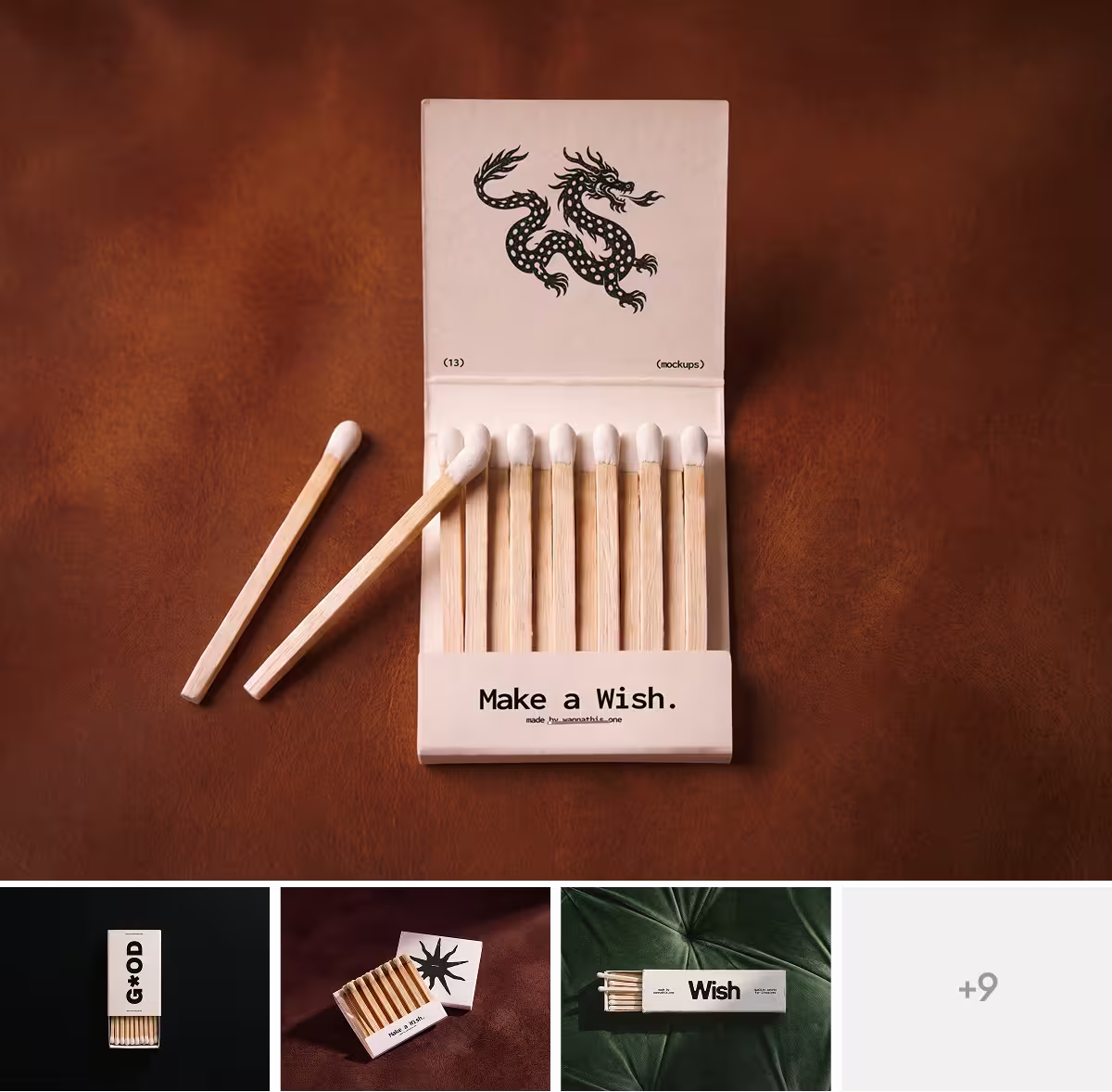
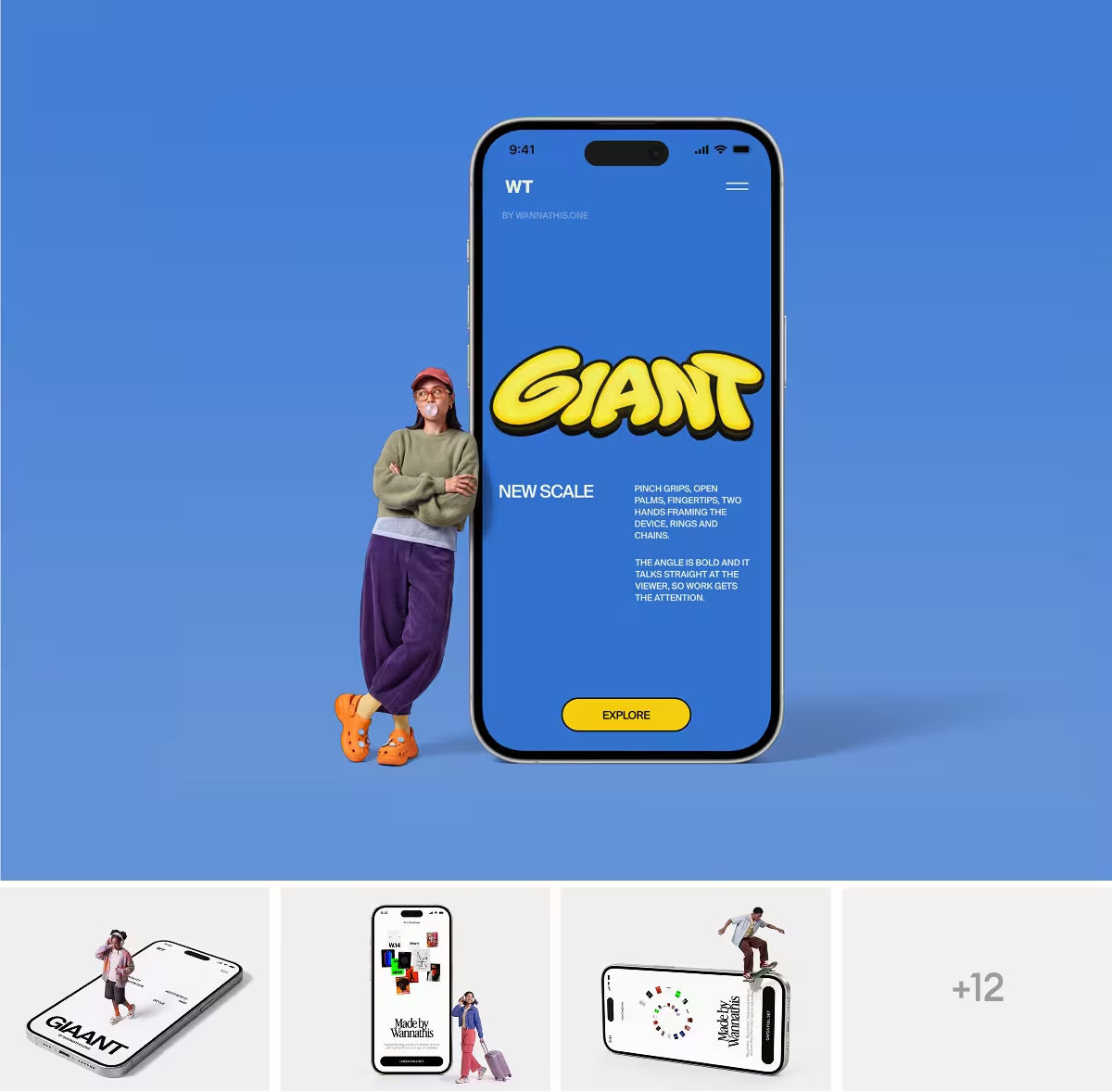
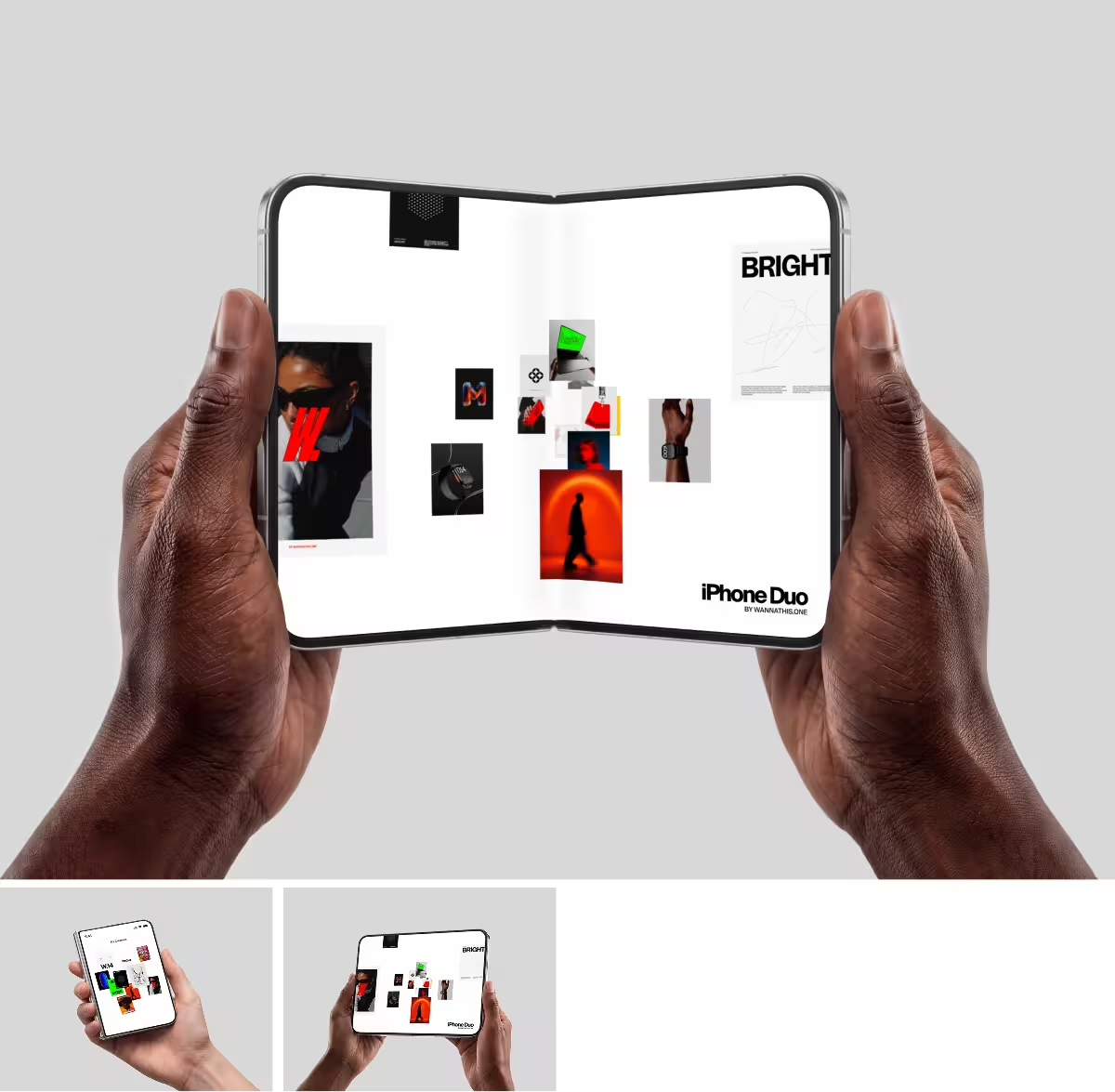
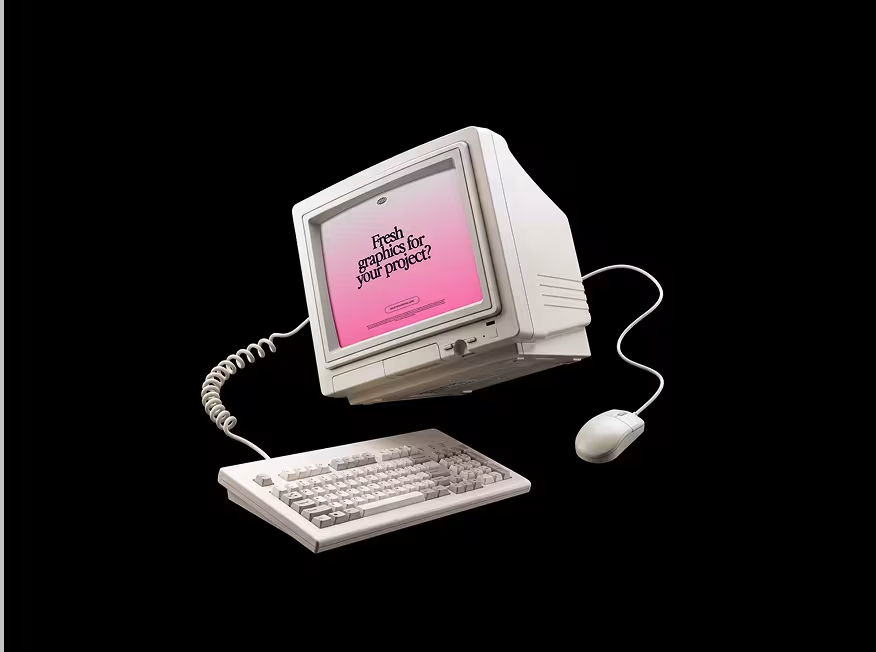
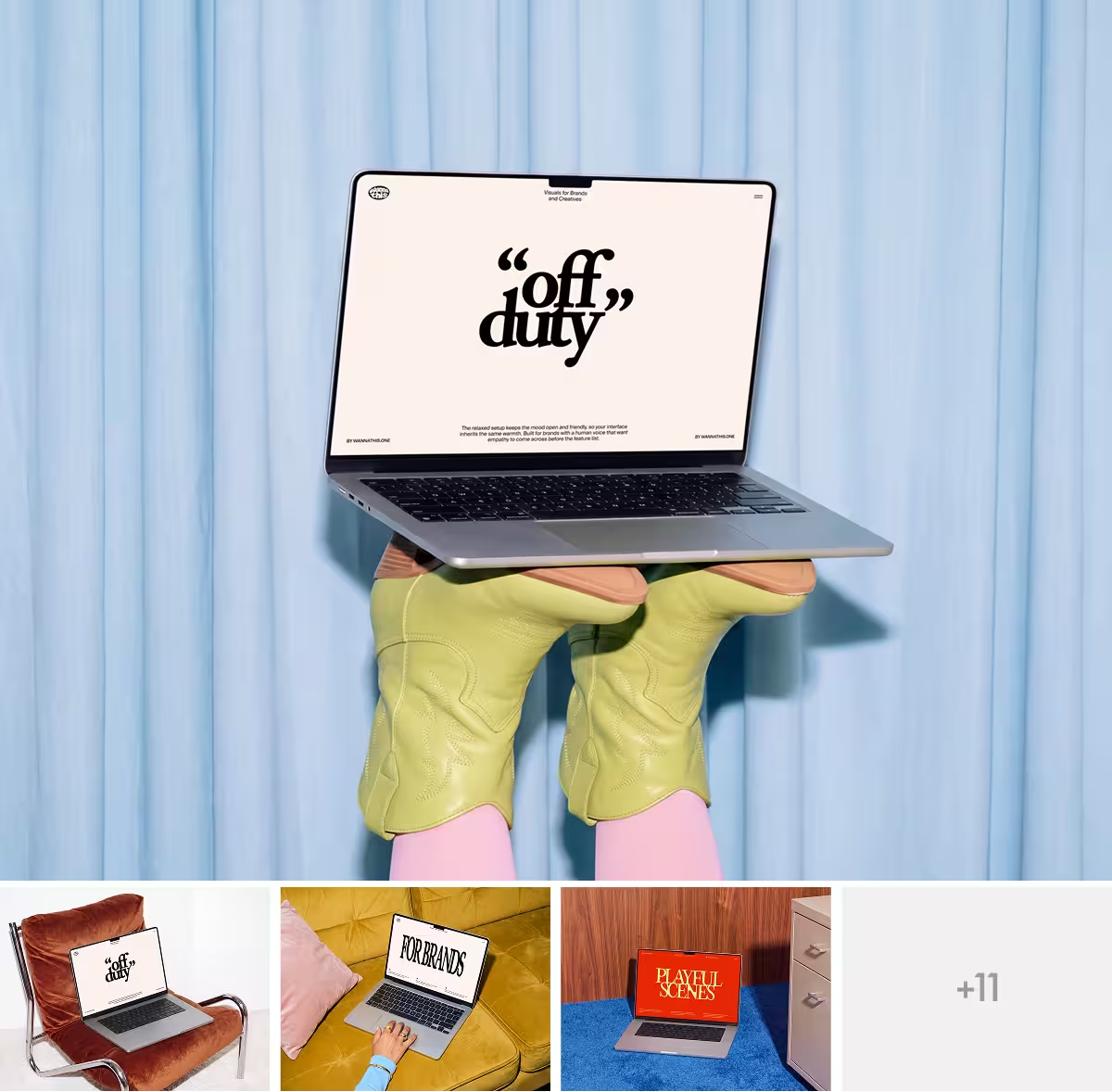
Wannathis is made for the look. Every set is art-directed like an editorial shoot, with strong composition, the right light in every scene and care for proportion and texture, and it comes as a series in one style, so a case study holds together from the first picture to the last.
New sets come out often and follow today's styles, so your work does not look like last year's. Your design looks premium in a portfolio, a pitch or a launch. See the newest mockups.
Where you work: Canva, or Figma, Photoshop and the browser
Smartmockups works only inside the Canva editor, with a Canva account. Wannathis mockups open as files in Figma or Photoshop, land right in your Figma file with the plugin, and the ones marked Edit online open in your browser in the online editor, with nothing to install.
The files you keep
In Canva you download an image or a video of your mockup, and the mockup itself stays in Canva. With Wannathis Pro Access you also get the mockup as a Figma or PSD file, so you can swap the design later and use the mockup again in the next project.
Price and license
In the US, both cost $144 a year for one person: Canva Pro, a plan for all of Canva, or Pro Access, the full mockup library with the plugin and the editor. Canva Pro is also $18 a month; Pro Access is also $78 a quarter.
Both let you use the mockups in commercial work. Canva lets you use mockups made in Canva in personal and commercial projects but not resell them. Pro Access covers commercial and client work for companies up to 10 people, and Business covers bigger teams.
Choose Smartmockups if
- You already design in Canva and want the mockup in the same editor.
- You need a quick mockup for a social post and the look matters less.
- You want to turn your own photo into a mockup, a Canva Pro feature.
- You want to make mockups on your phone, in the Canva app.
Choose Wannathis if
- The look of your work matters: a portfolio, a pitch, a launch.
- You work in Figma or Photoshop and want the source files.
- You want to edit a mockup in your browser without a Canva account.
- You make mockups for clients and want scenes they will not find in Canva.
- You want one set without a subscription.
Smartmockups vs Wannathis: questions
Yes. Smartmockups is now Canva Mockups, the mockup tool inside the Canva editor, so this page compares Canva Mockups with Wannathis.
Try it with your design
Open a scene, upload your design and download the picture. No setup, no software.
Explore mockups
Smartmockups and Canva are trademarks of their owners. Wannathis is not affiliated with or endorsed by them.