







Artboard Studio vs Wannathis
Build your own scene in Artboard Studio, or start from a finished Wannathis scene.

Artboard Studio
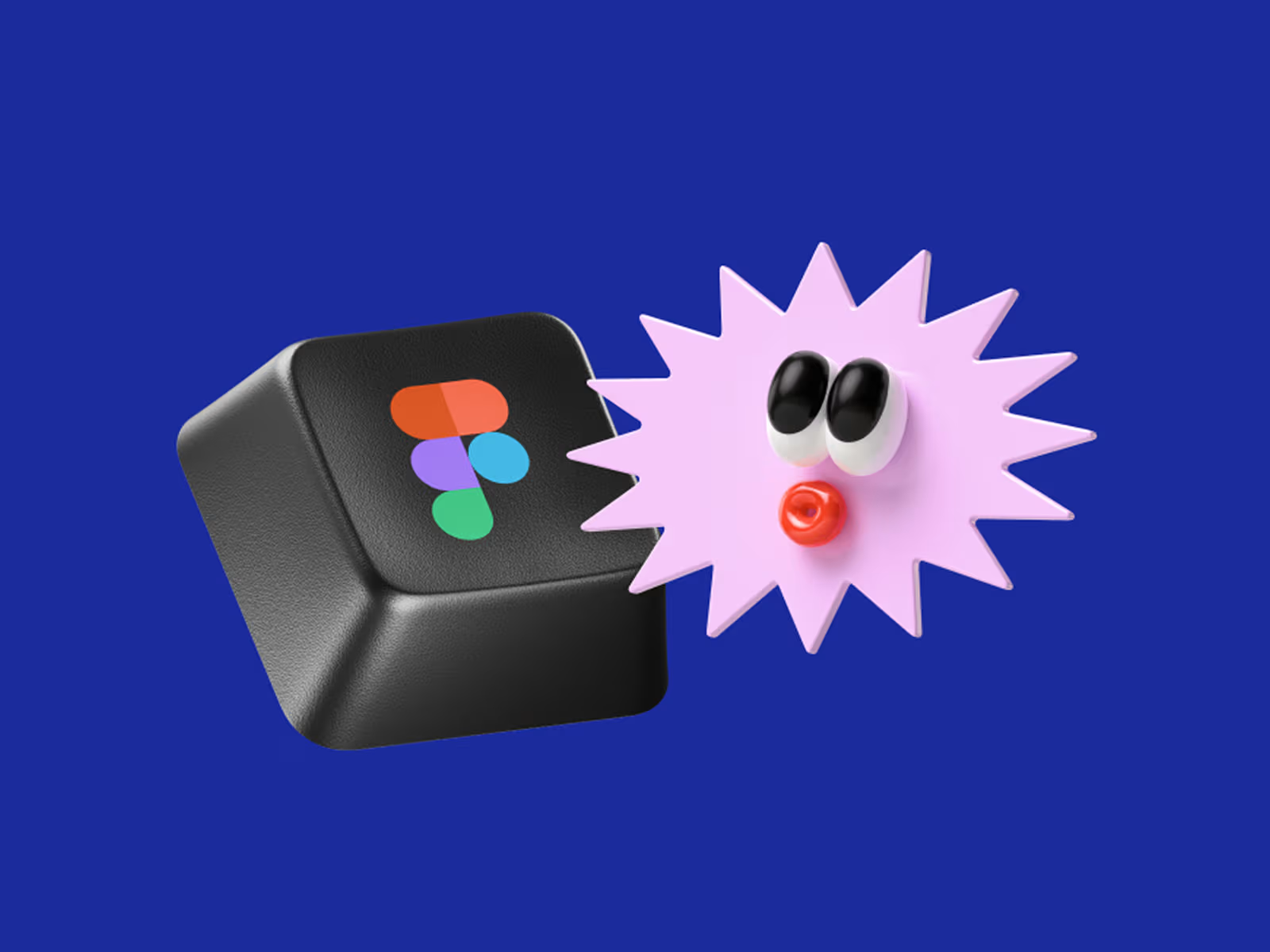
Artboard Studio is a browser mockup editor with plugins for Figma and Adobe Express. Most of its mockups are cut-out objects you set on a surface or in a scene of your own.
It also puts your videos on mockups, and its templates animate your screens for a case study.
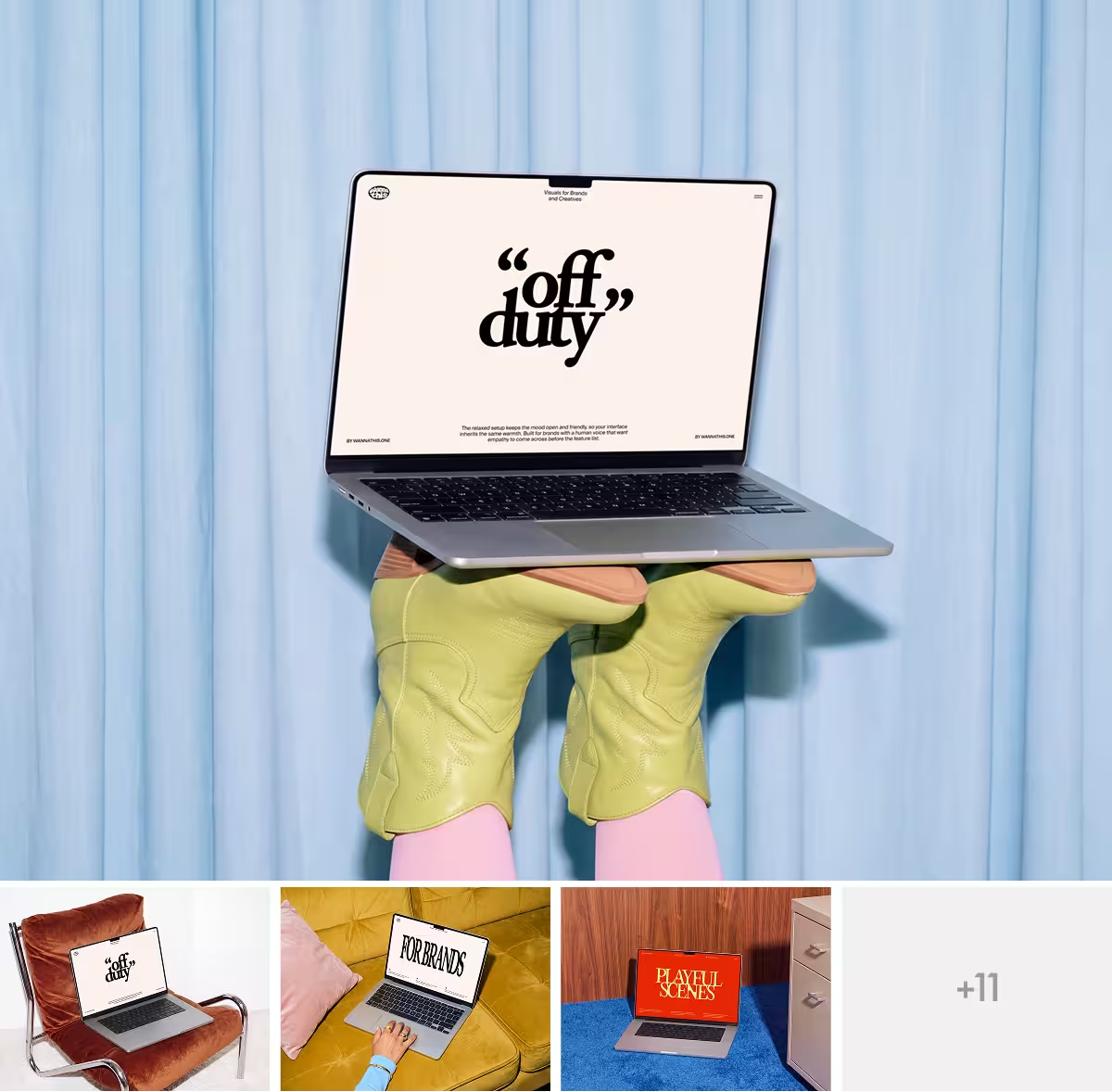
Wannathis
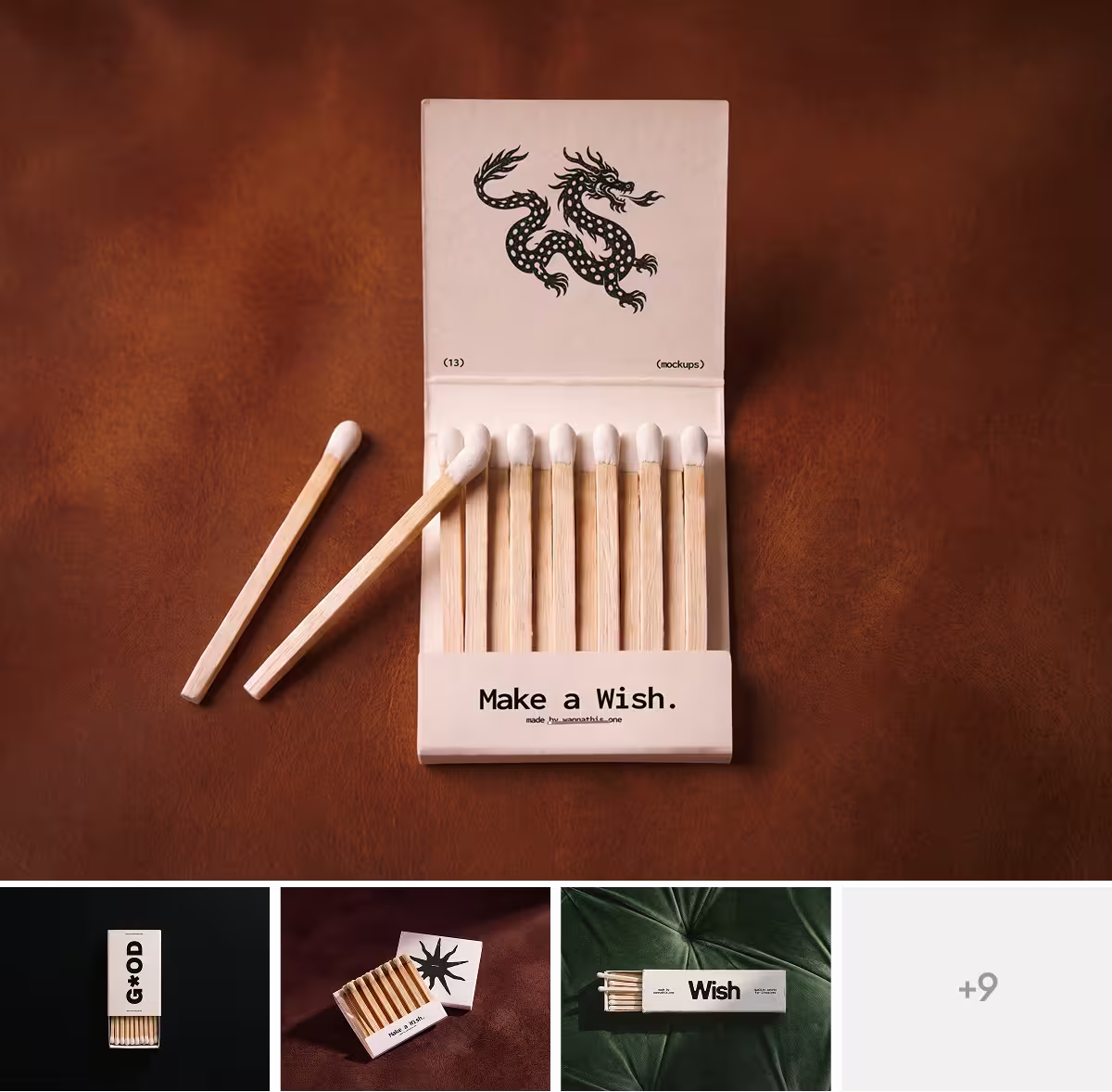
Wannathis is a store of premium mockup sets, art-directed scene by scene.
Pro Access opens every set to download, as Figma or PSD files, along with the online editor and a Figma plugin with devices and some branding scenes.
Artboard Studio vs Wannathis: feature comparison
A cross means No. Regular prices and features, as each site lists them on November 11, 2026.
Key differences between Artboard Studio and Wannathis
Cut-out objects or finished scenes
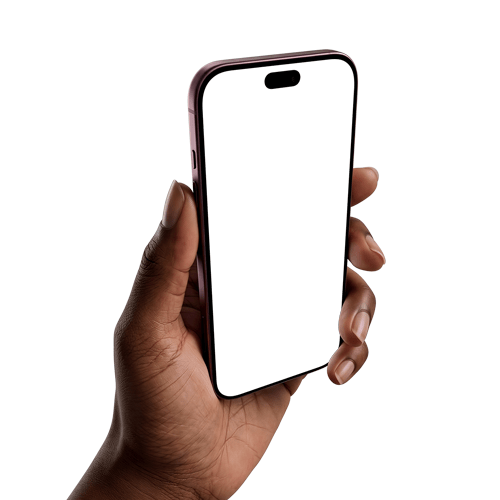
A typical Artboard Studio mockup is a device or a product on a transparent background. You decide what goes behind it, add props and arrange the composition, or start from one of its ready-made scenes.
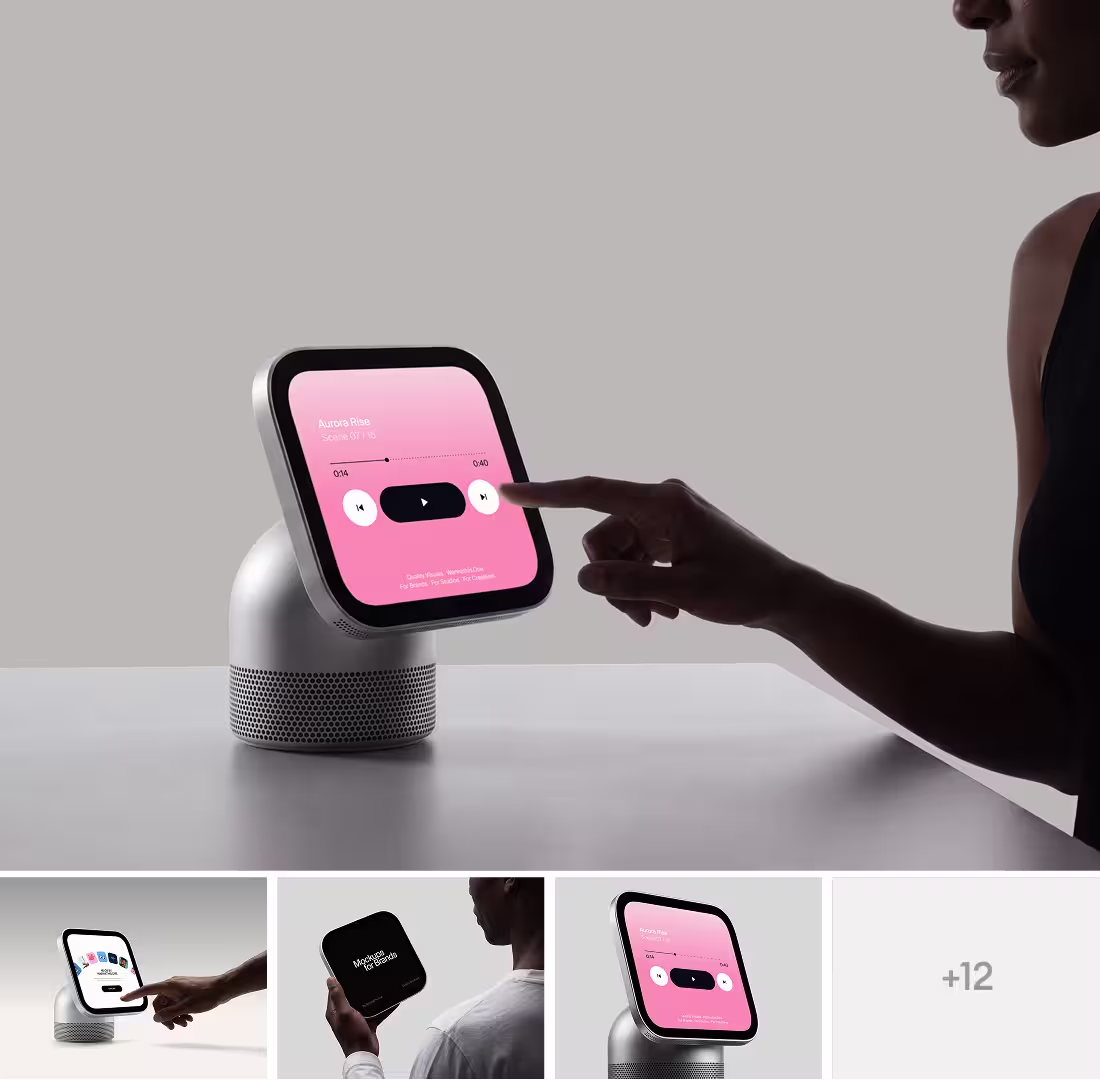
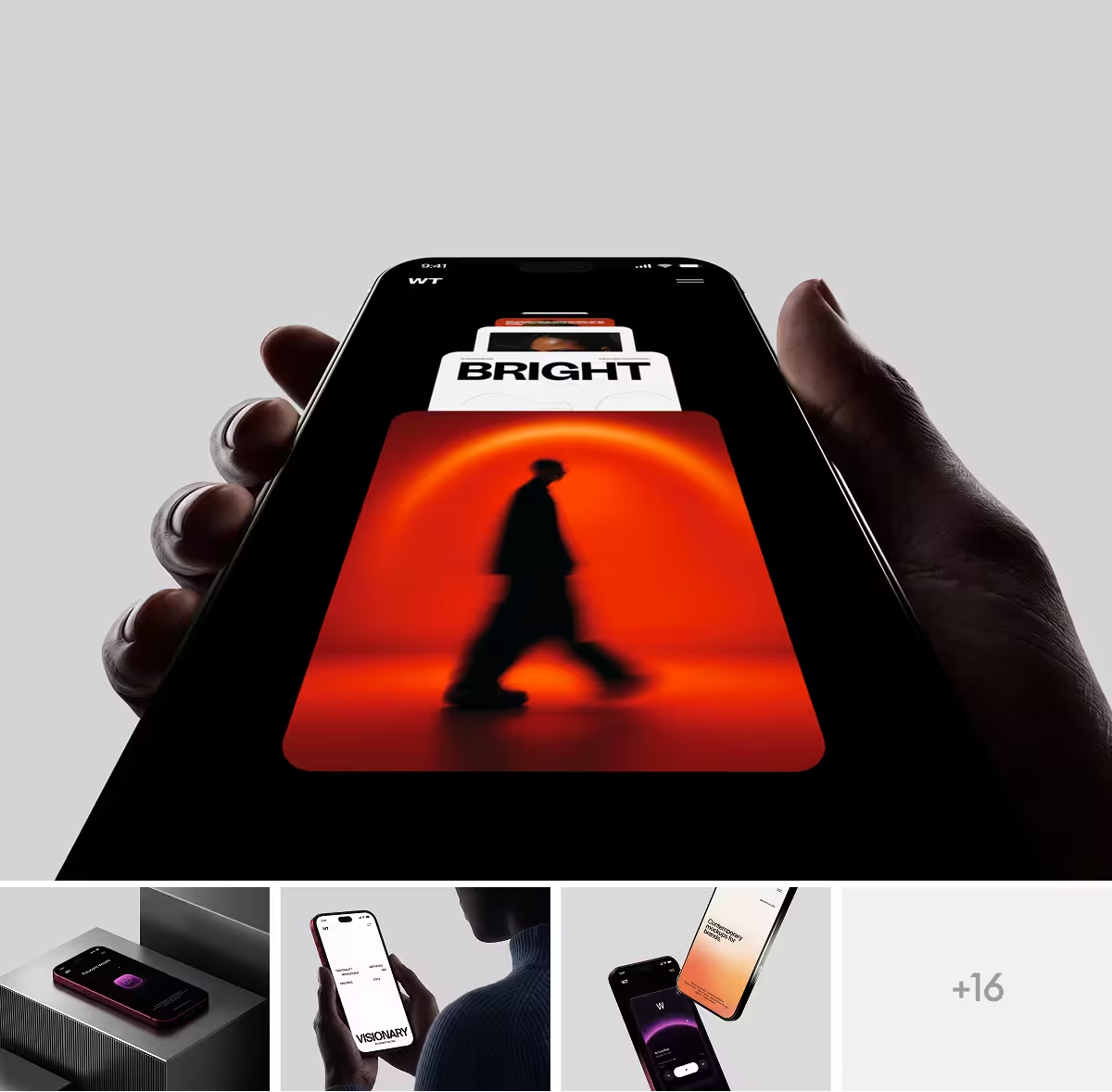
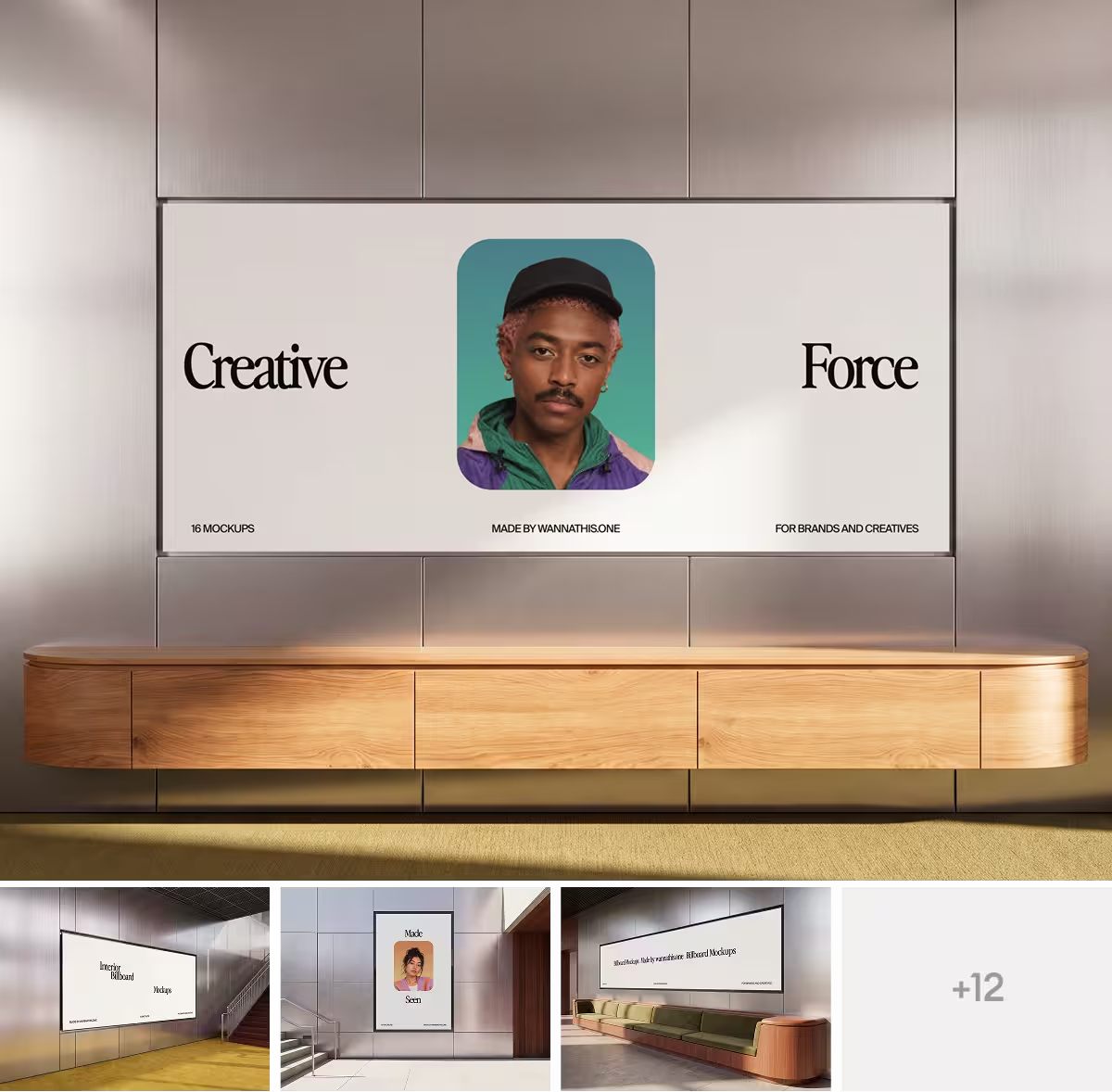
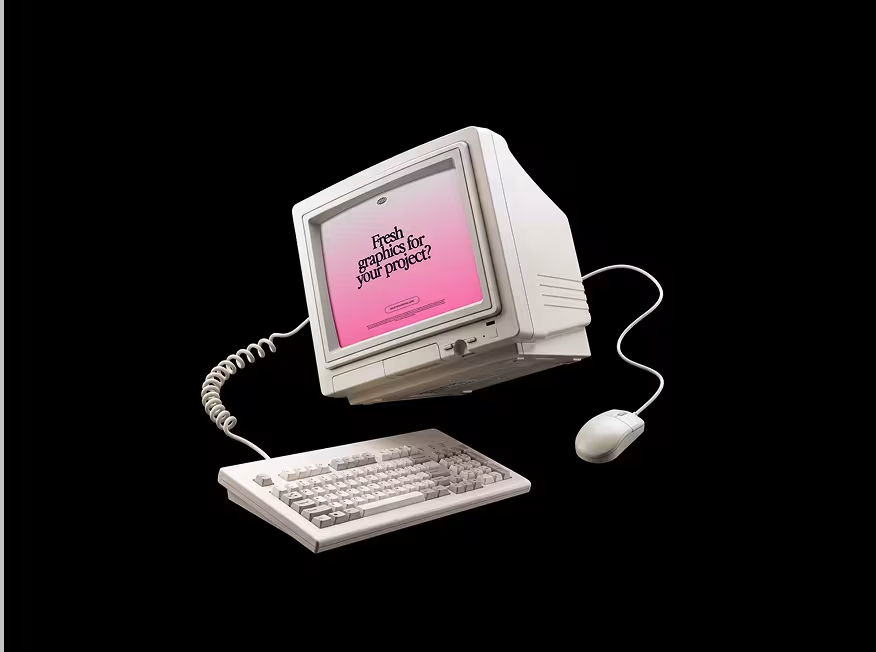
Wannathis scenes come art-directed: the framing, the light and the textures are set before your design goes in, and one look runs through every scene of a set. In the online editor you can change the background color in some scenes. See the MacBook mockups.
Video and animation
In Artboard Studio you lay a video over a mockup and export it as an MP4 or WEBM.
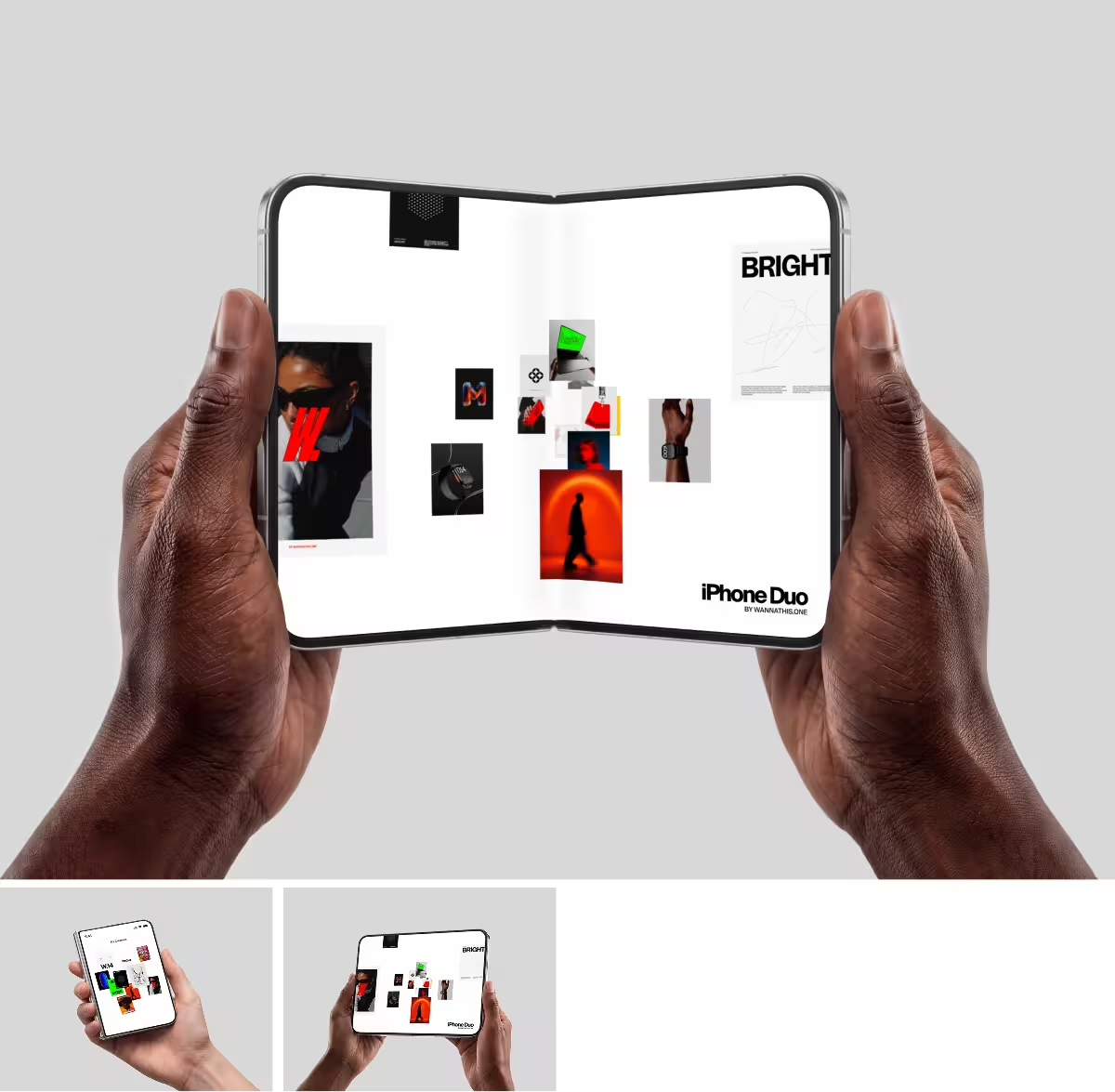
At Wannathis, animated scenes come ready-made, and a phone or laptop scene in the online editor plays the video you upload.
Files, plugins and where you work
With Artboard Studio you work in its editor and its plugins for Figma and Adobe Express, where every kind of mockup opens, apparel and packaging included. What its editor exports is a picture or a video, so a new version of your design goes back through Artboard Studio.
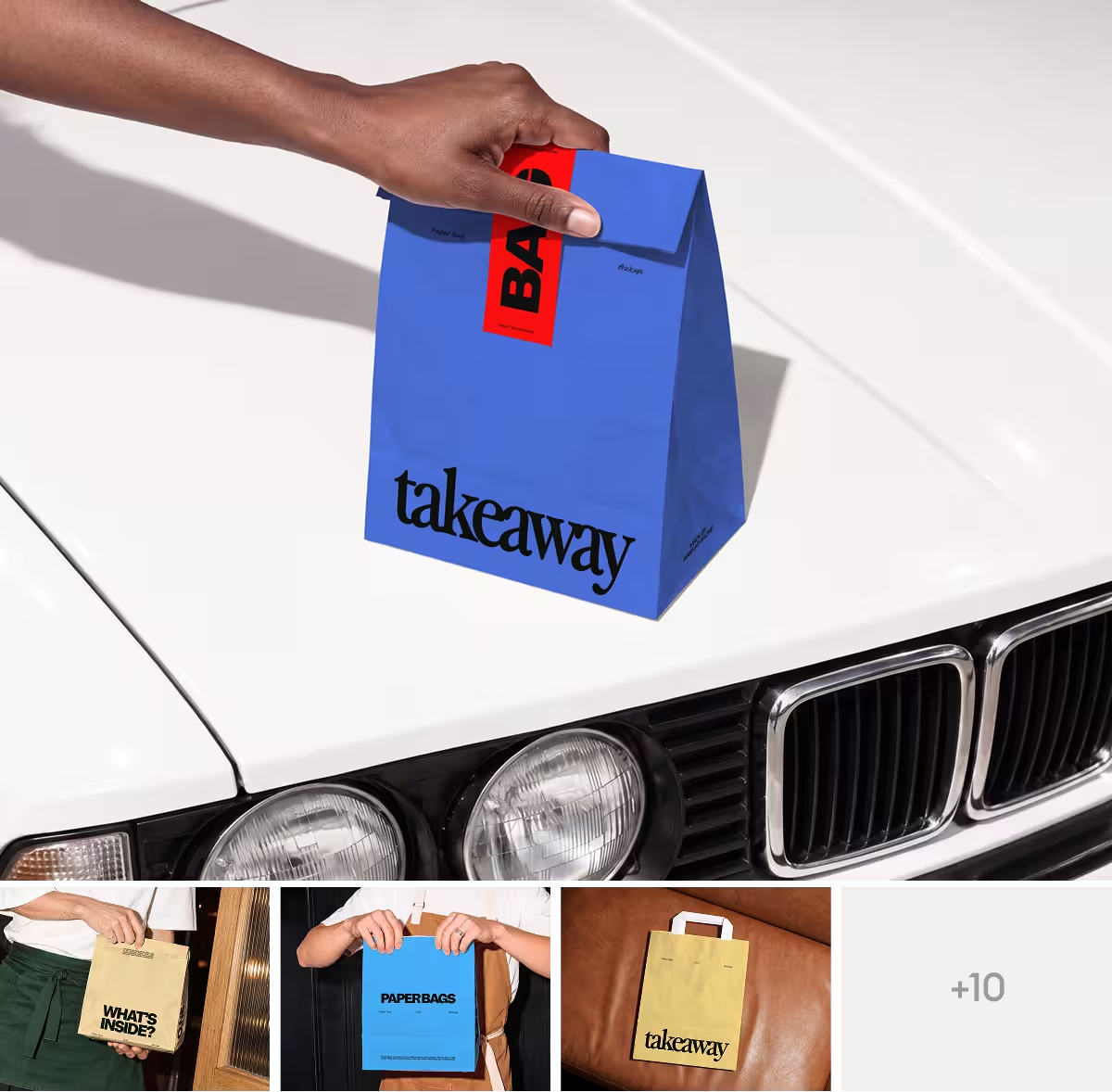
With Pro Access you download the file itself, in Figma or PSD, and change the design in it whenever you like. The Figma plugin covers screens and some branding scenes, and the Edit online scenes open in your browser. Apparel and packaging are not in the plugin or the online editor, and most of them are PSD only.
Price and license
Artboard Studio has a free plan, then Lite at $108 a year, Pro at $228 a year or the Lifetime plan at $129, paid once. Team seats cost $9 a month each, and its Licensing page grants a commercial license only with a paid plan.
Pro Access costs you $144 a year or $78 a quarter. It is for one person and allows client work while your company has up to 10 people; larger teams take Business or Enterprise, and any set can also be bought on its own.
Choose Artboard Studio if
- You like to build each scene yourself, from the background to the props.
- You want your screen recording on a mockup, or your screens moving in an animated grid.
- You make apparel or packaging mockups and want to do it in the browser.
- You work in Adobe Express.
- You would rather pay $129 once than keep a subscription.
Choose Wannathis if
- You want a scene that is already composed and lit, waiting for your design.
- The pictures of your case study have to match each other.
- You want to reopen the mockup in Figma or Photoshop each time your design changes.
- You present to clients and want your work to look premium.
Artboard Studio vs Wannathis: questions
No, most do not: they are isolated objects with no setting around them, so you add the surface and the props yourself, though some ready-made scenes exist too. A Wannathis mockup is a finished scene, its light and framing already set.
Try it with your design
Open a scene, upload your design and download the picture. No setup, no software.
Explore mockups
Artboard Studio, Adobe Express and the other brands named here are trademarks of their owners. Wannathis is not affiliated with or endorsed by them.