






LS Graphics vs Wannathis
LS Graphics leads on editors and 3D, Wannathis on editorial scenes.
LS Graphics
LS Graphics has three browser editors: Static for still scenes, Live Mockups for 3D devices you turn and 3d Studio for animation.
On Pro you also get the source files of every static pack, many as Figma, PSD and Sketch, and a Figma plugin that brings its 3D and video mockups into Figma.
Wannathis
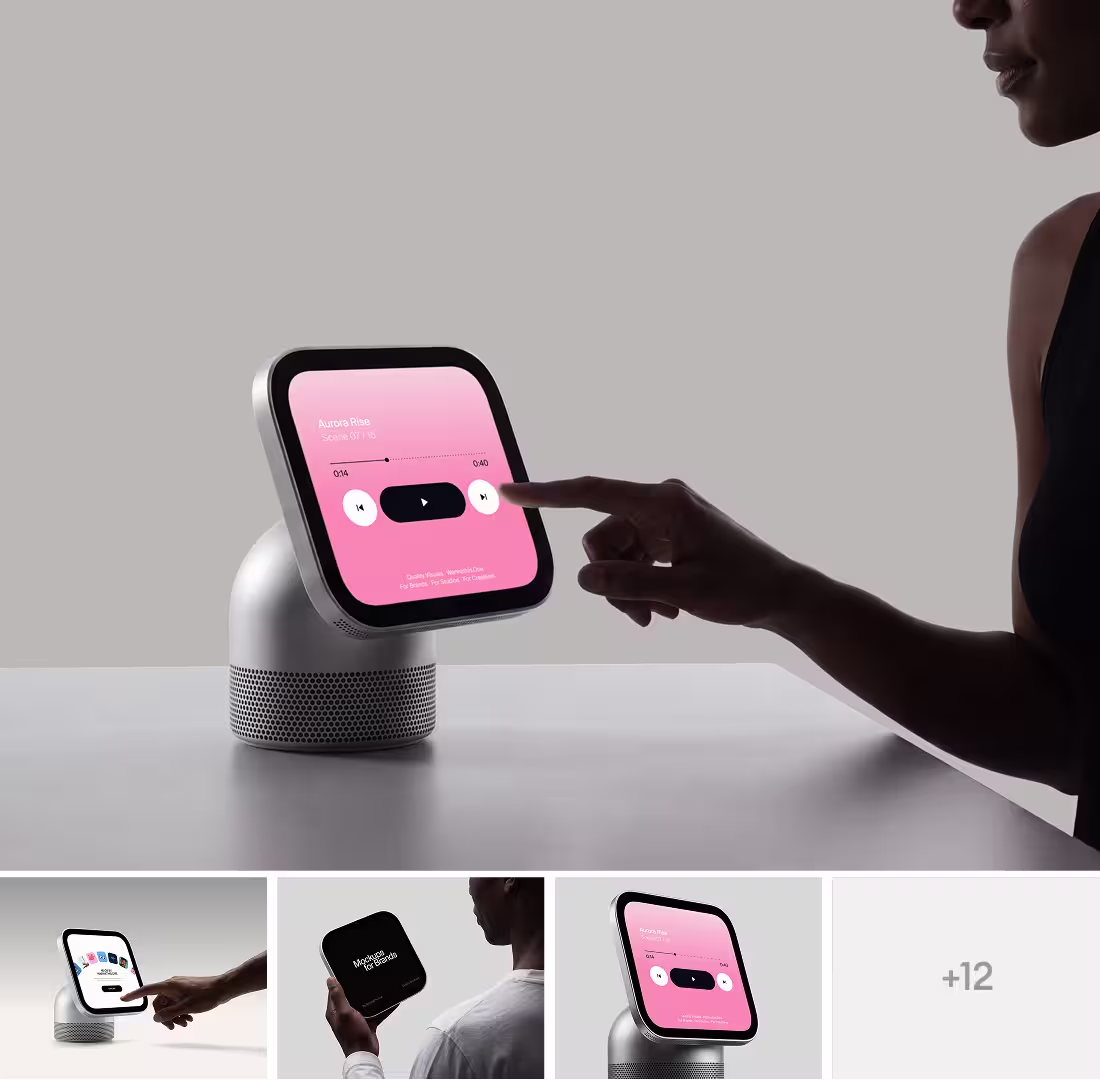
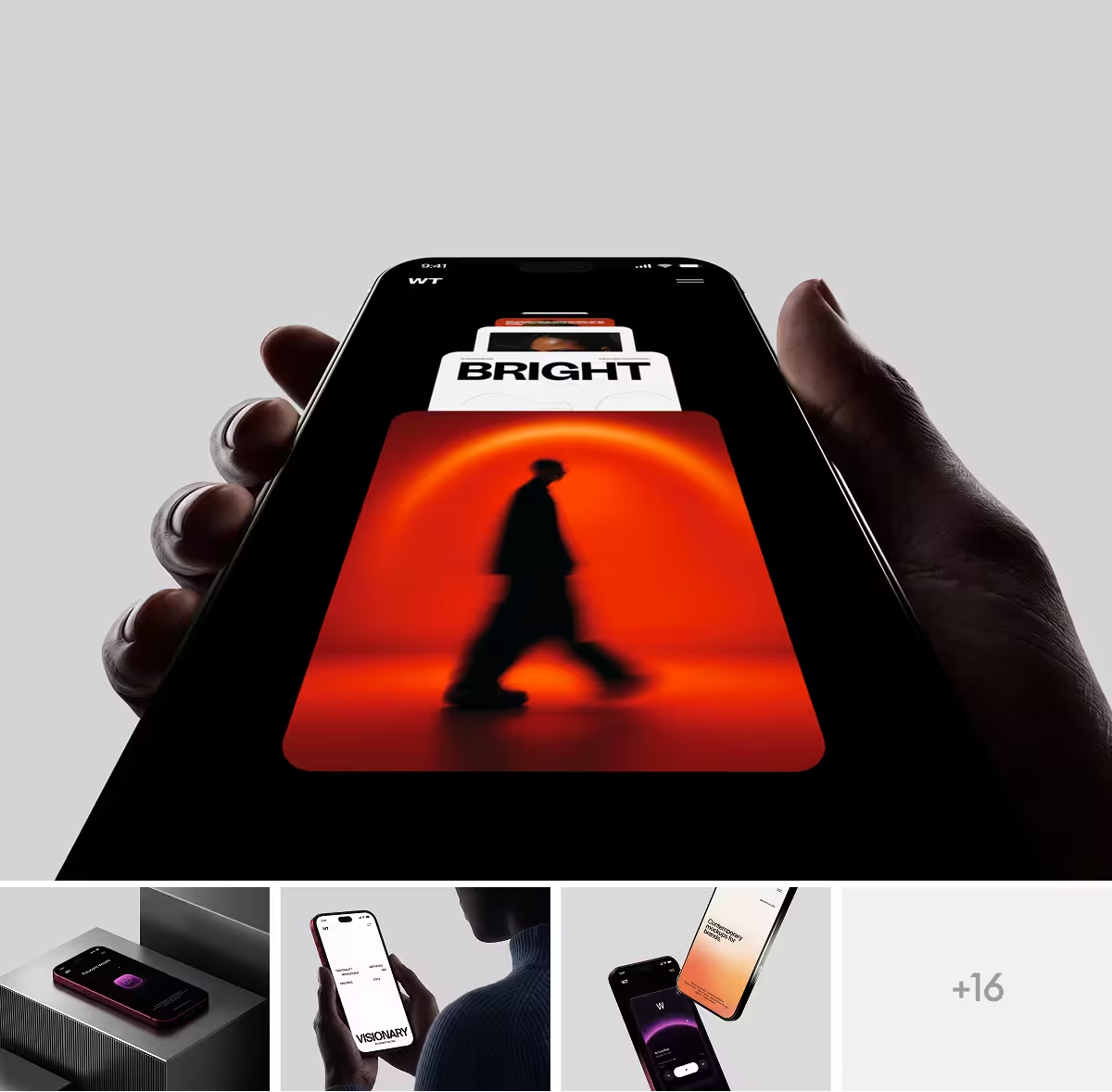
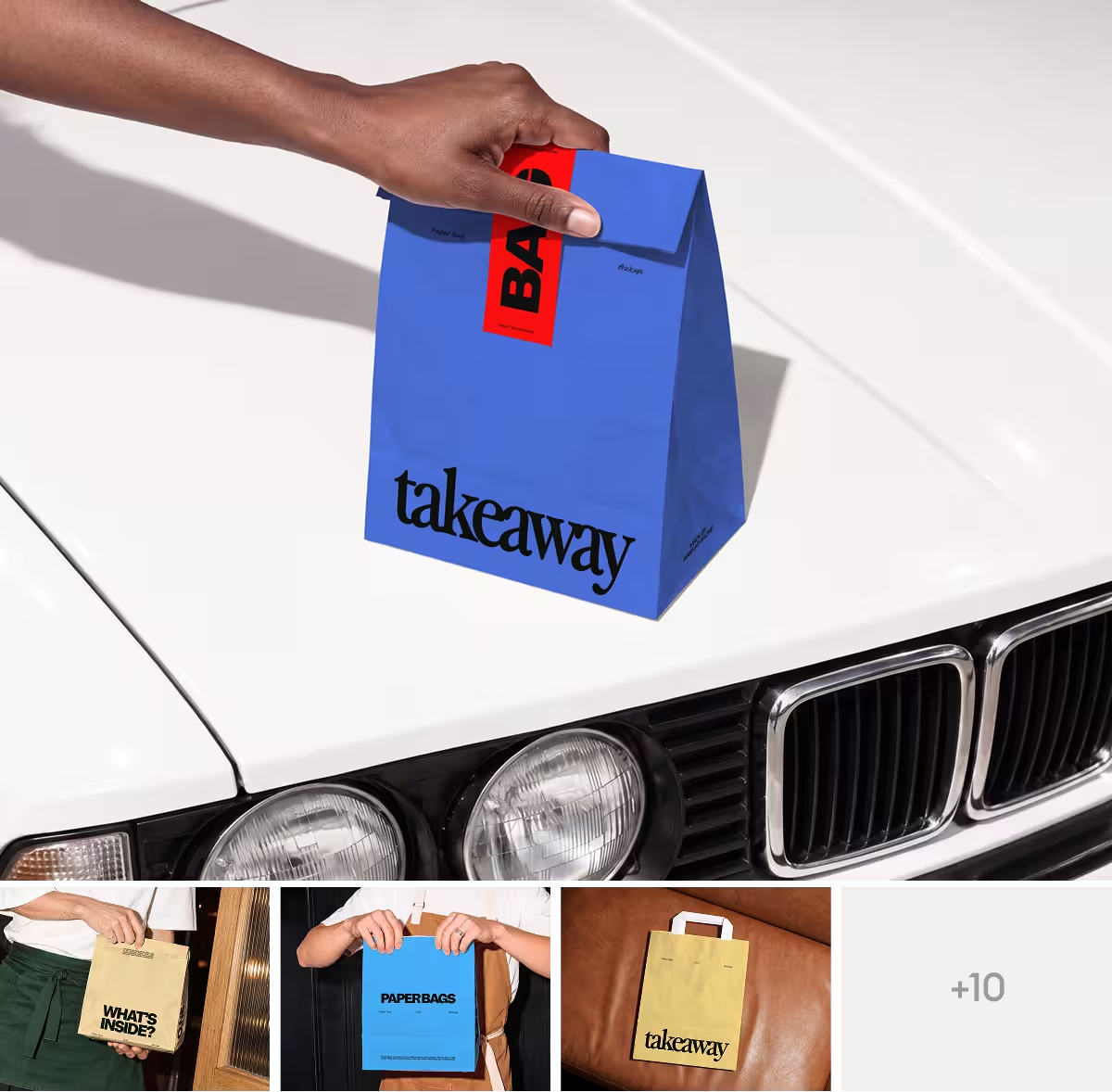
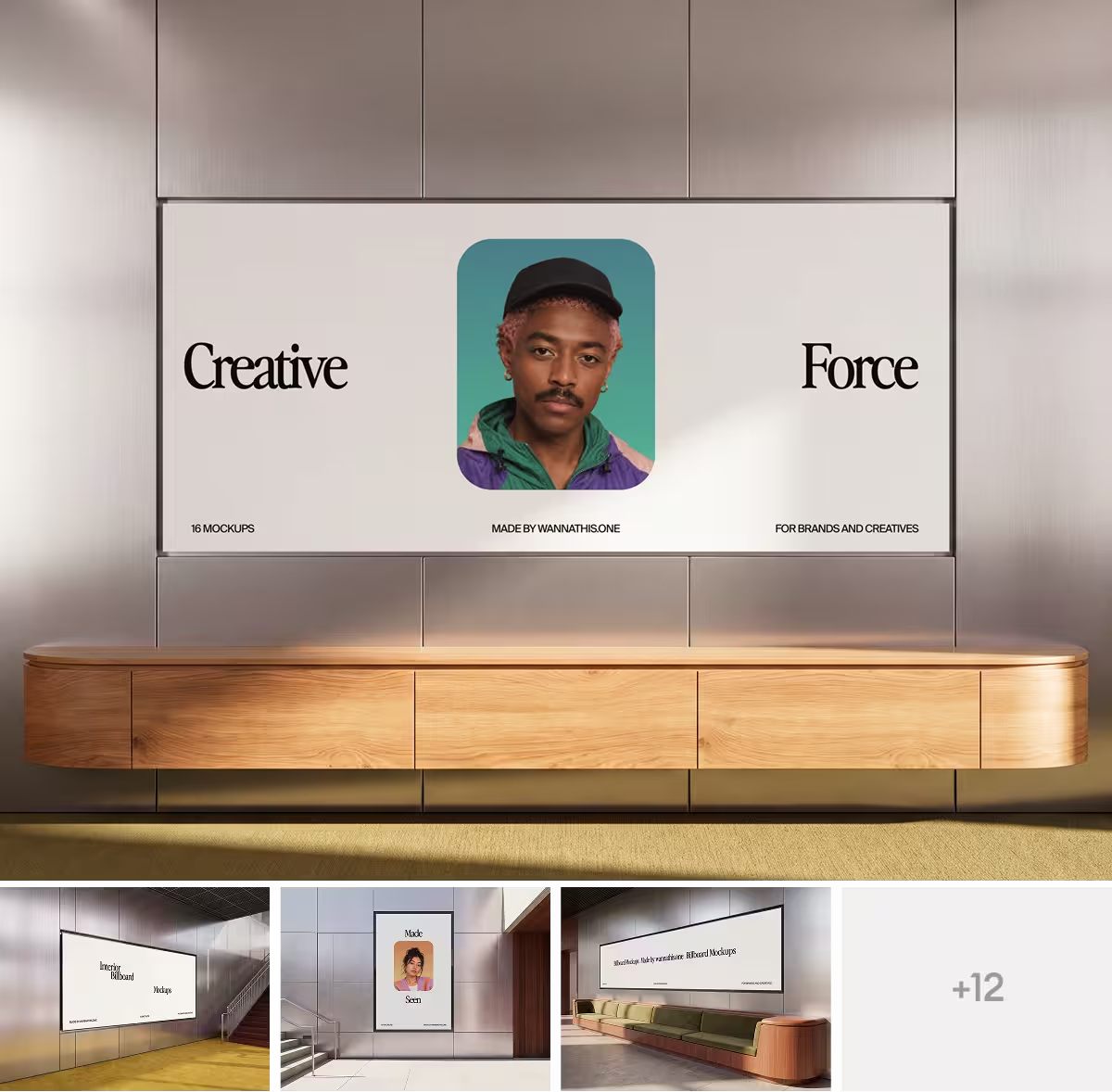
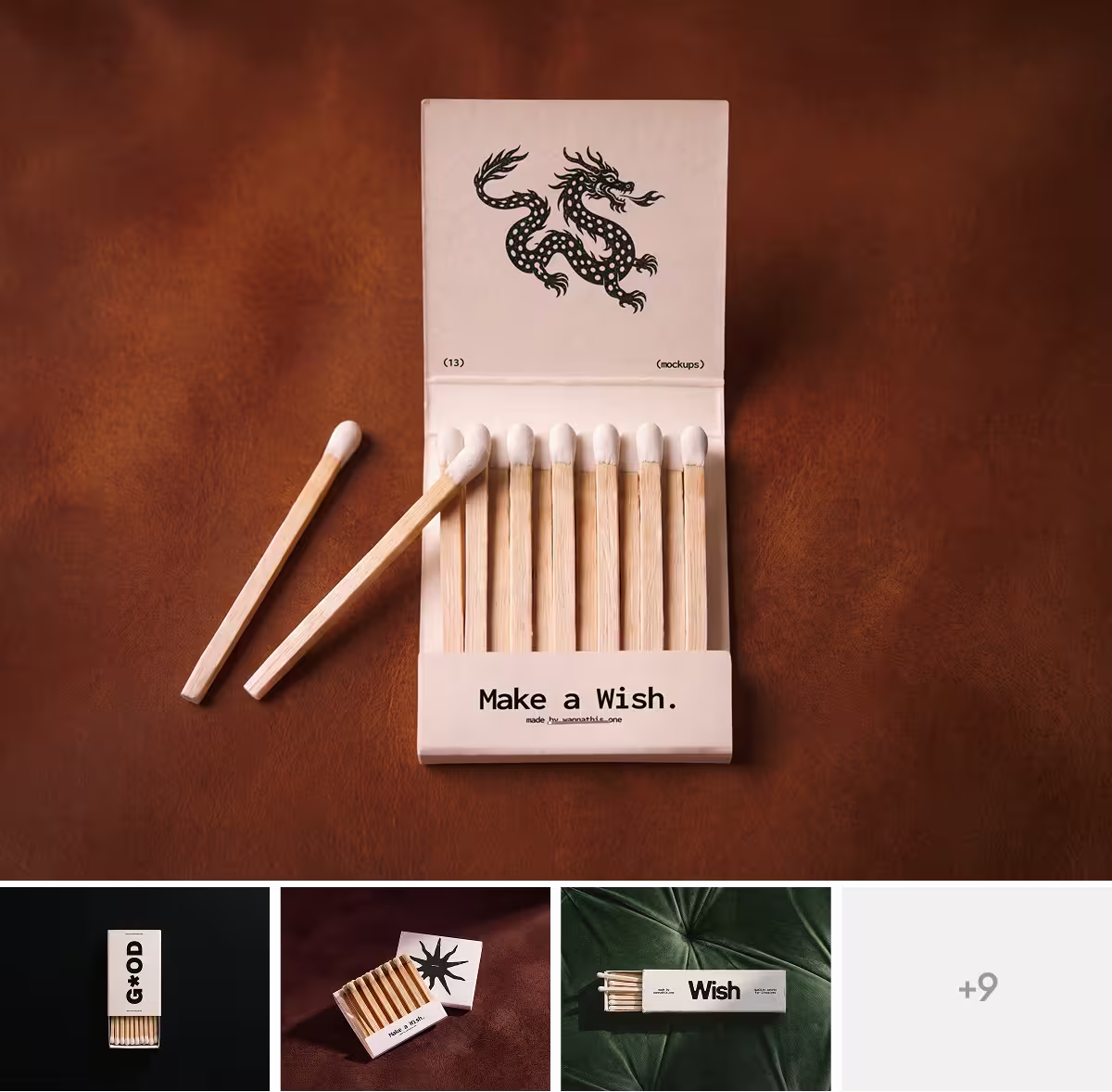
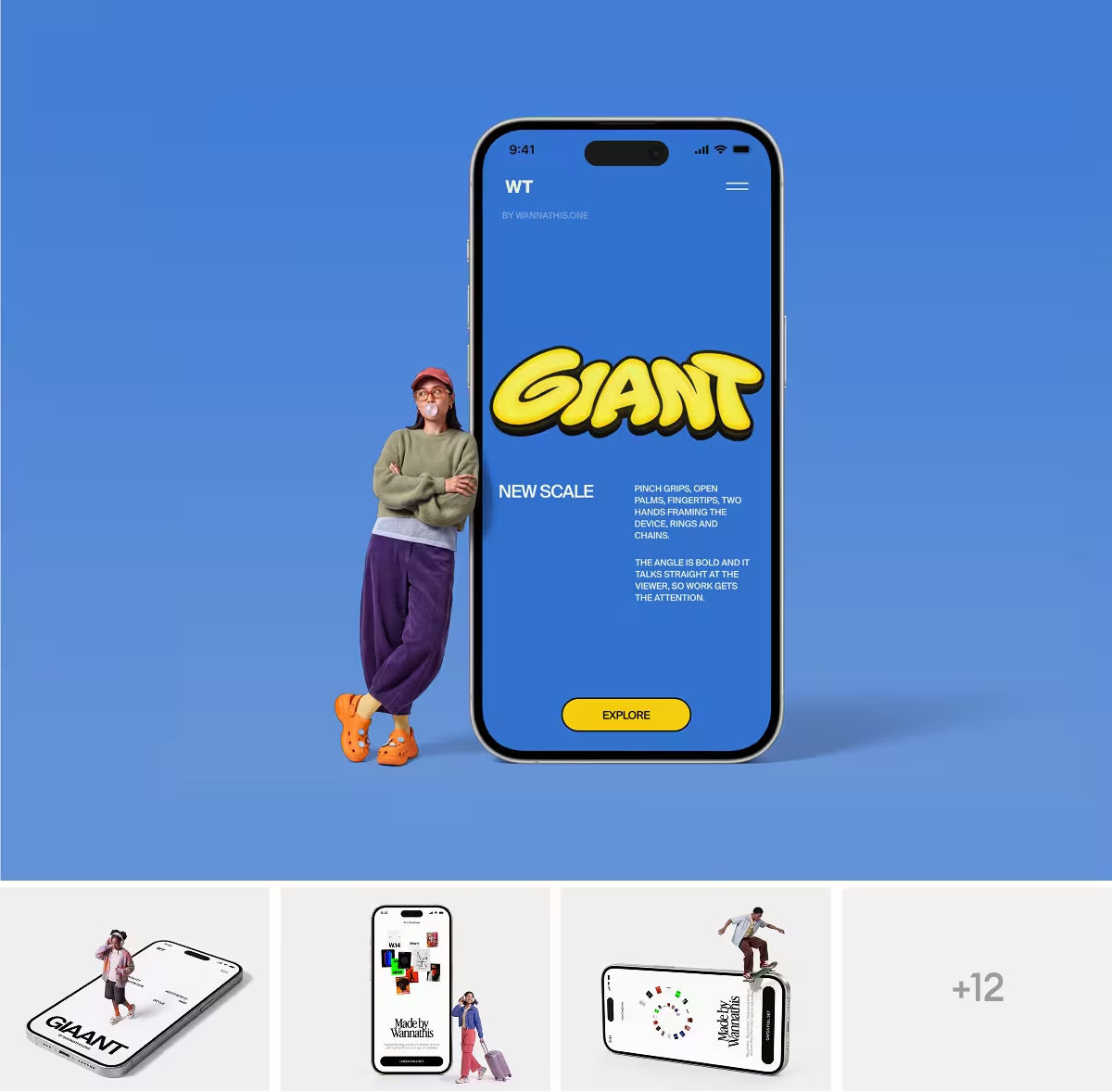
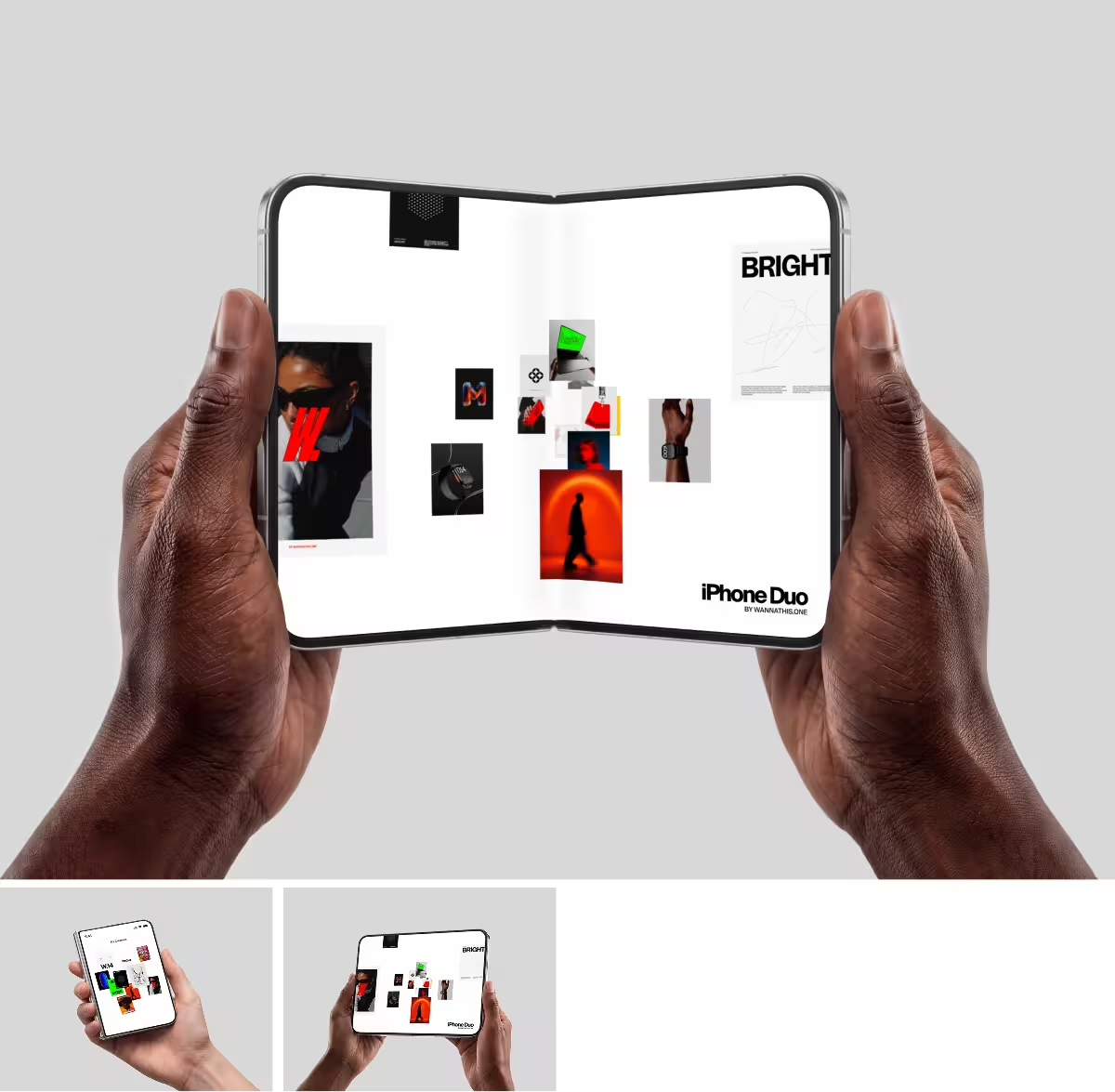
Wannathis makes art-directed mockup sets: iPhones in hand, MacBooks on sofas, caps on models, coffee cups and billboards, each set in one look.
Pro Access opens every set in Figma or PSD. The plugin and the online editor come with it, and client work is covered.
LS Graphics vs Wannathis: feature comparison
A cross means No. Regular prices and features, as each site lists them on November 11, 2026.
Key differences between LS Graphics and Wannathis
The look of the scenes
LS Graphics keeps most of its devices clean and minimal: in its newest packs a phone or a laptop stands on its own.
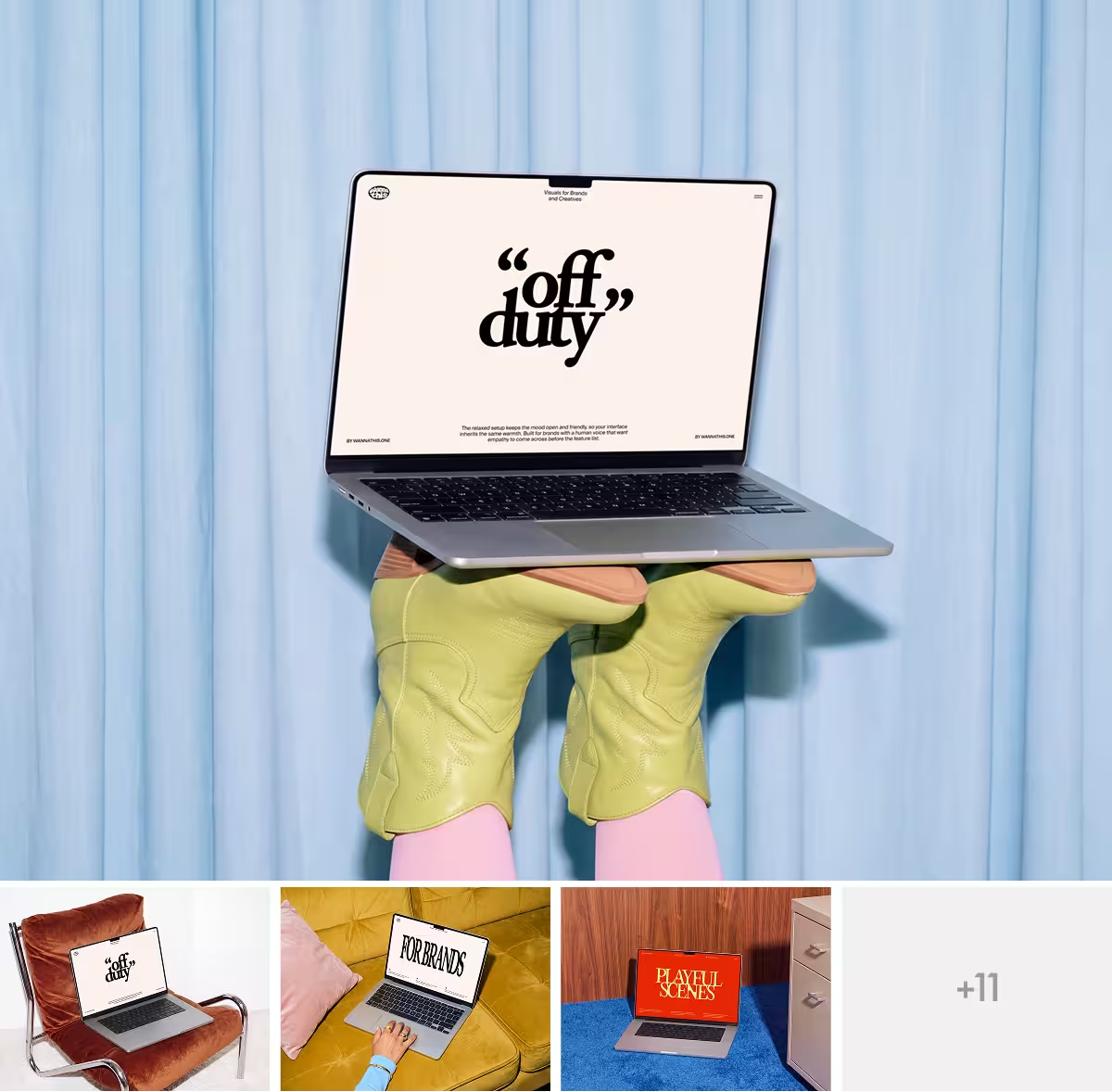
Wannathis has minimal scenes too, like an iPhone in a shirt pocket or a MacBook on a wooden desk.
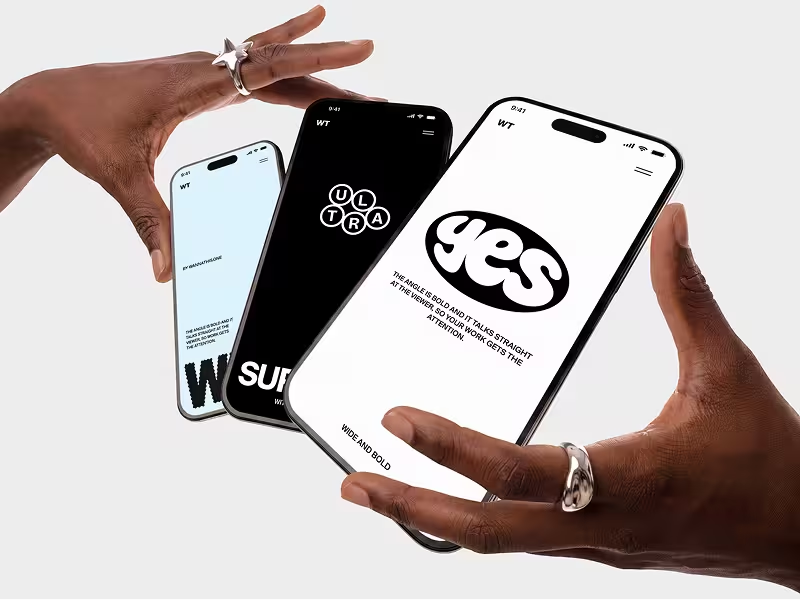
And editorial ones beside them: three iPhones fanned out between two hands with silver rings, a MacBook held up against the sky, a cap on a model.
See more scenes like these in the iPhone mockups.
Editors, 3D and motion
This is where LS Graphics leads. Its Static editor opens most static scenes, Live Mockups lets you rotate a 3D device by dragging it, and 3d Studio animates it on a timeline. Your video plays on the screen in all three, and you can embed a Live Mockups or 3d Studio scene on your own site.
Wannathis has one online editor, and every scene marked Edit online opens in it: phones, laptops, displays, business cards, billboards and signs. There your video plays on the screen, and some scenes take a background color of your choice. Each scene has one angle, and the animated ones are ready-made.
Files and the Figma plugin
Pro Access and LS Graphics Pro both give you Figma or PSD files. LS Graphics adds Sketch files to many of its packs, and its plugin puts 3D and video mockups on your Figma canvas.
For Wannathis apparel and packaging, the files are mostly PSD, and the plugin is for device scenes and some branding.
Price and license
A year costs the same, $144 for LS Graphics Pro or for Pro Access. For shorter stretches, Pro Access comes at $78 a quarter, and LS Graphics Pro at $59 a month.
Both licenses cover client work. LS Graphics names no company size; Pro Access is for one person at a company of up to 10 people, and Business for teams at companies of up to 30.
Choose LS Graphics if
- You want a 3D device you can spin and animate yourself.
- You want apparel and packaging in a browser editor, not only devices.
- You need Sketch files.
- You want a moving mockup on your own website.
- You want free mockups cleared for client work.
- You would rather pay month by month.
Choose Wannathis if
- You want your screens in a styled scene, with hands, fabric and color.
- Your whole case study should look like one series, with people in it.
- You want brand pictures like a cap on a model or a coffee cup in hand.
- Your project runs two or three months, so a quarter is enough.
LS Graphics vs Wannathis: questions
Pro Access, for two or three months: a quarter costs $78, while two months of LS Graphics Pro cost $118, and for three its $144 year is the cheaper way. For one month LS Graphics costs less, at $59, and from four months on both cost $144 for a year.
Try it with your design
Open a scene, upload your design and download the picture. No setup, no software.
Explore mockups
LS Graphics and the other brands named here are trademarks of their owners. Wannathis is not affiliated with or endorsed by them.