






Mockuuups Studio vs Wannathis
A big library inside your design tools, or curated sets for Figma or Photoshop.
Mockuuups Studio
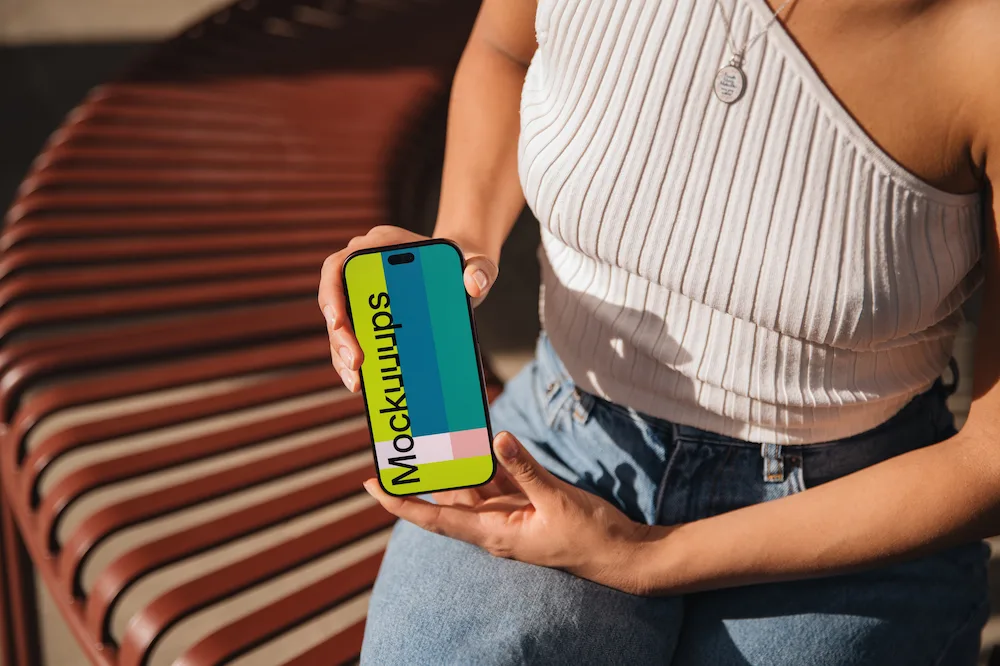
Mockuuups Studio is one large library of phone, laptop, poster and business card scenes, with themed collections among them.
You reach it from its plugins in Figma, Sketch, Penpot and Adobe Express, its desktop app or the browser, and each mockup is saved as a PNG, JPG or WebP.
Wannathis
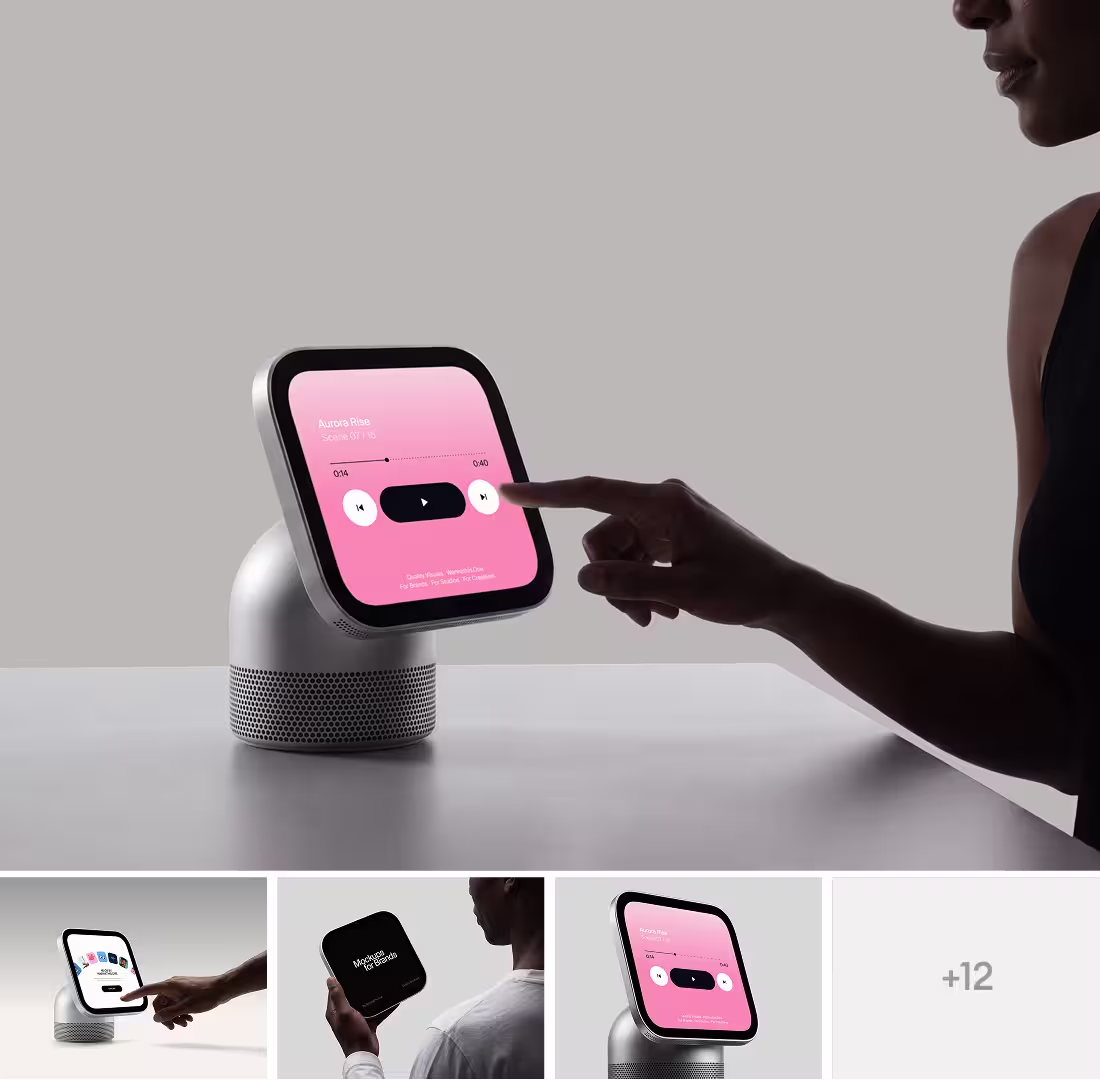
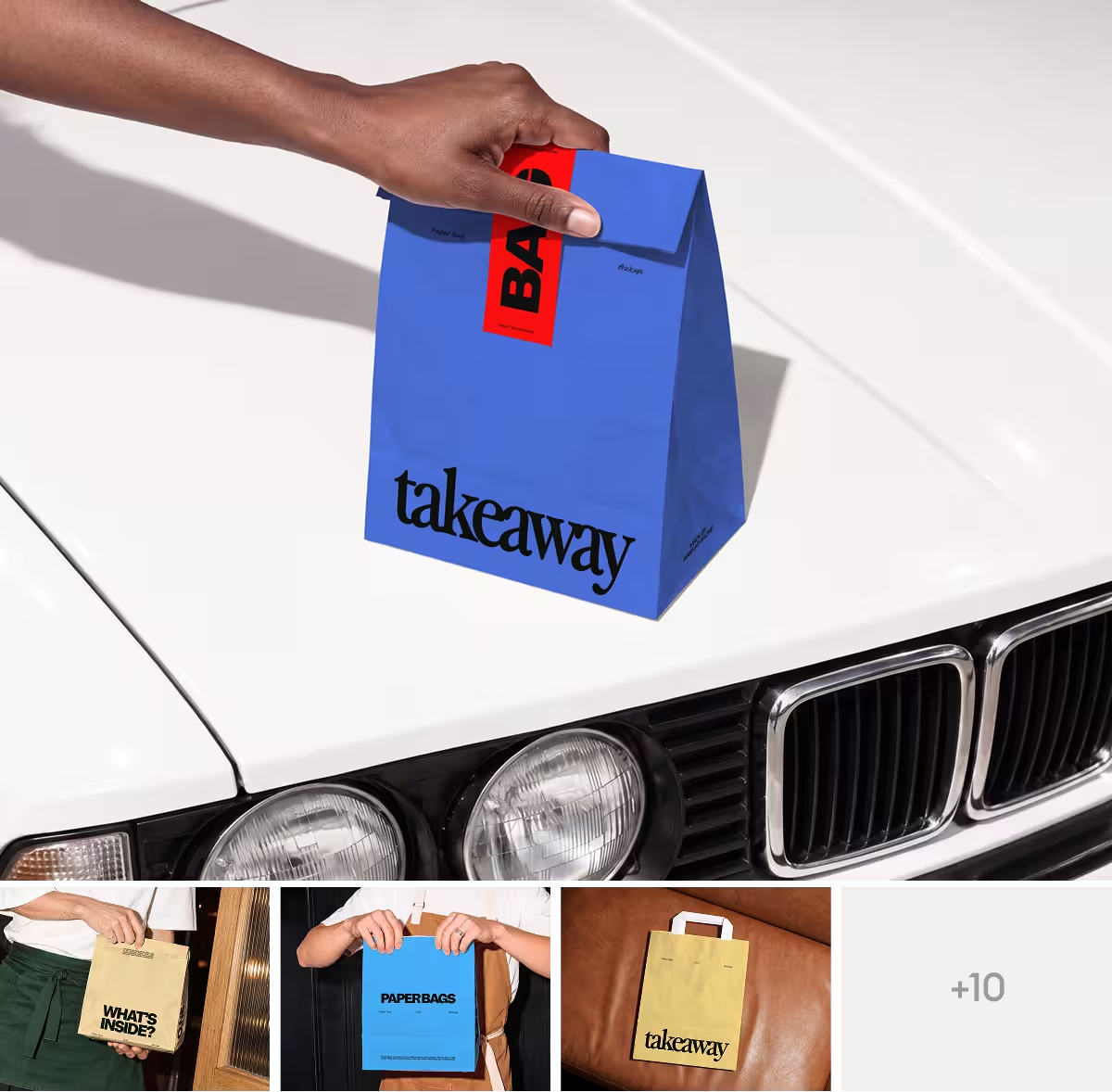
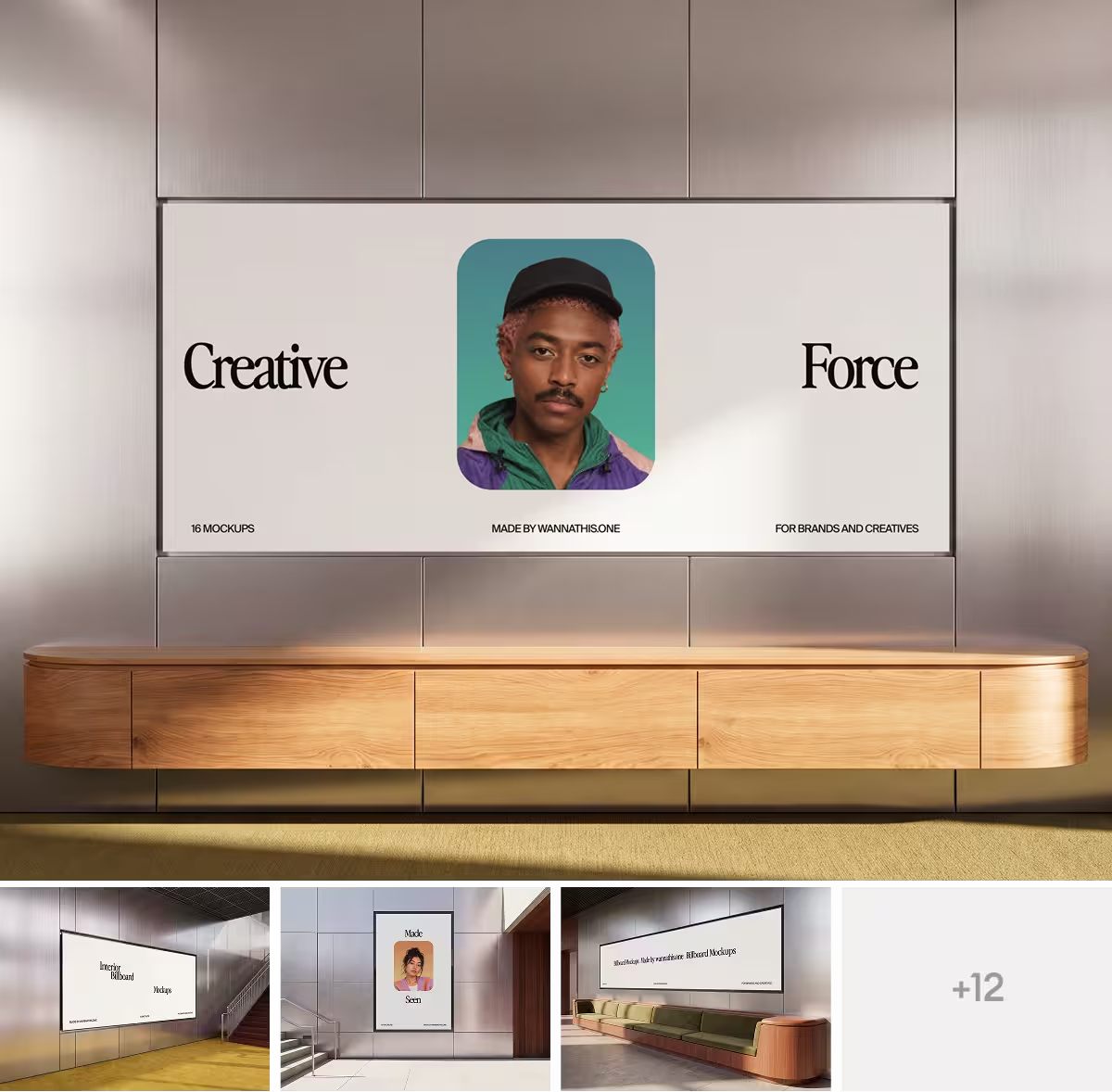
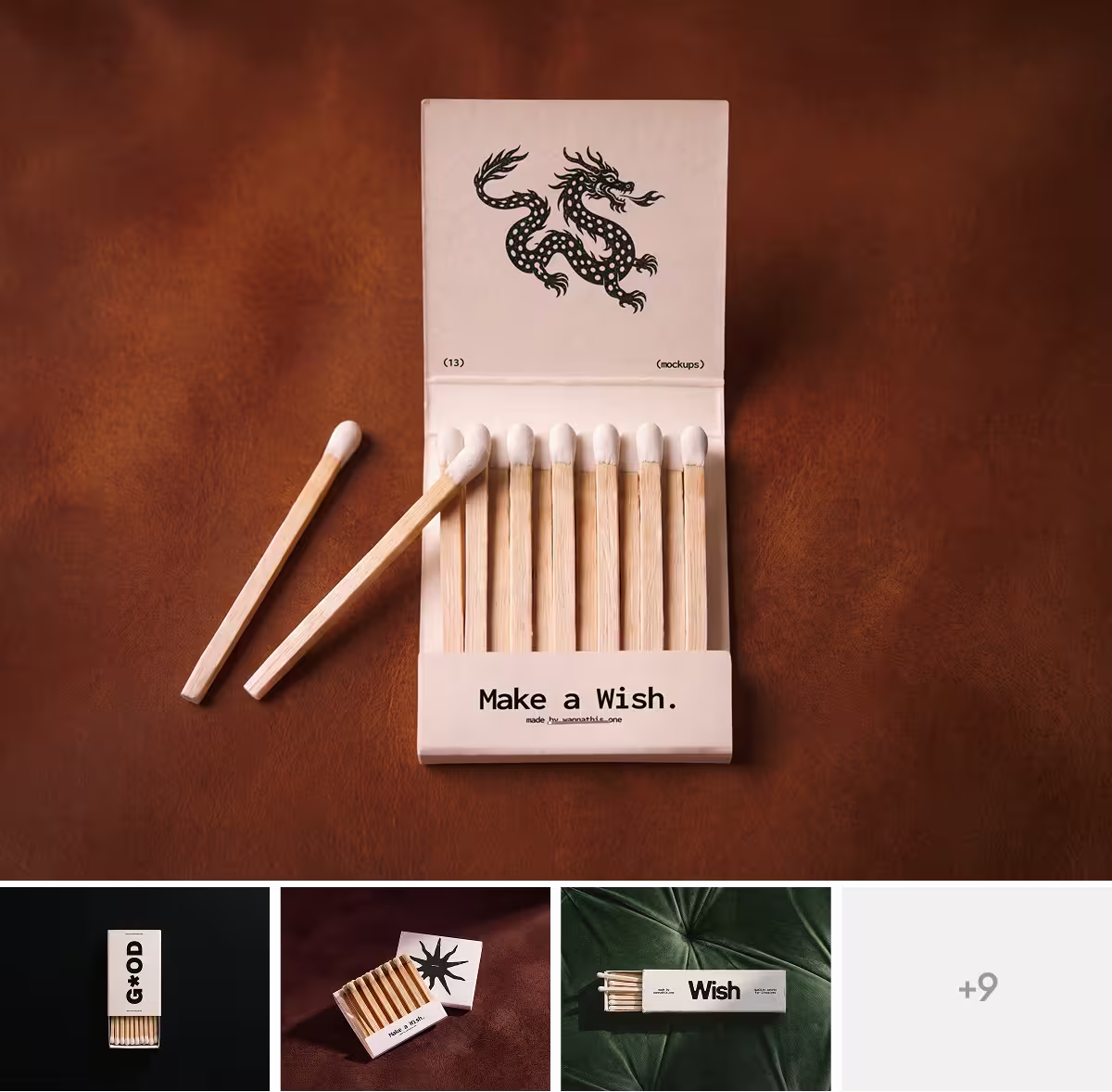
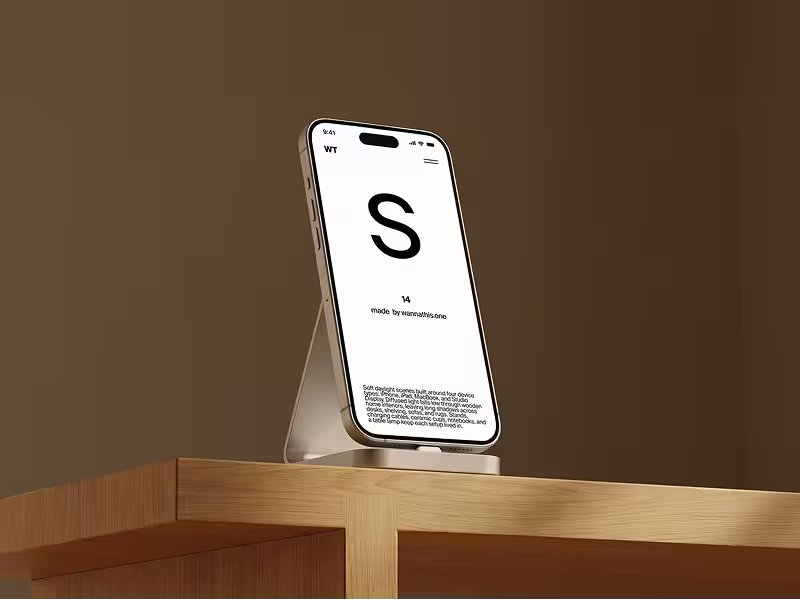
Wannathis is a store of premium, editorial mockup sets, from phones and laptops to print, packaging, apparel and billboards, with new ones out often.
One plan, Pro Access, holds it all: every set to open in Figma or Photoshop, the online editor, the Figma plugin and commercial use for one person whose company has 10 people or fewer.
Mockuuups Studio vs Wannathis: feature comparison
A cross means No. Regular prices and features, as each site lists them on November 11, 2026.
Key differences between Mockuuups Studio and Wannathis
One big library or curated sets
Mockuuups is built for breadth: a large library you search, themed collections with their own light, and new devices soon after they launch.
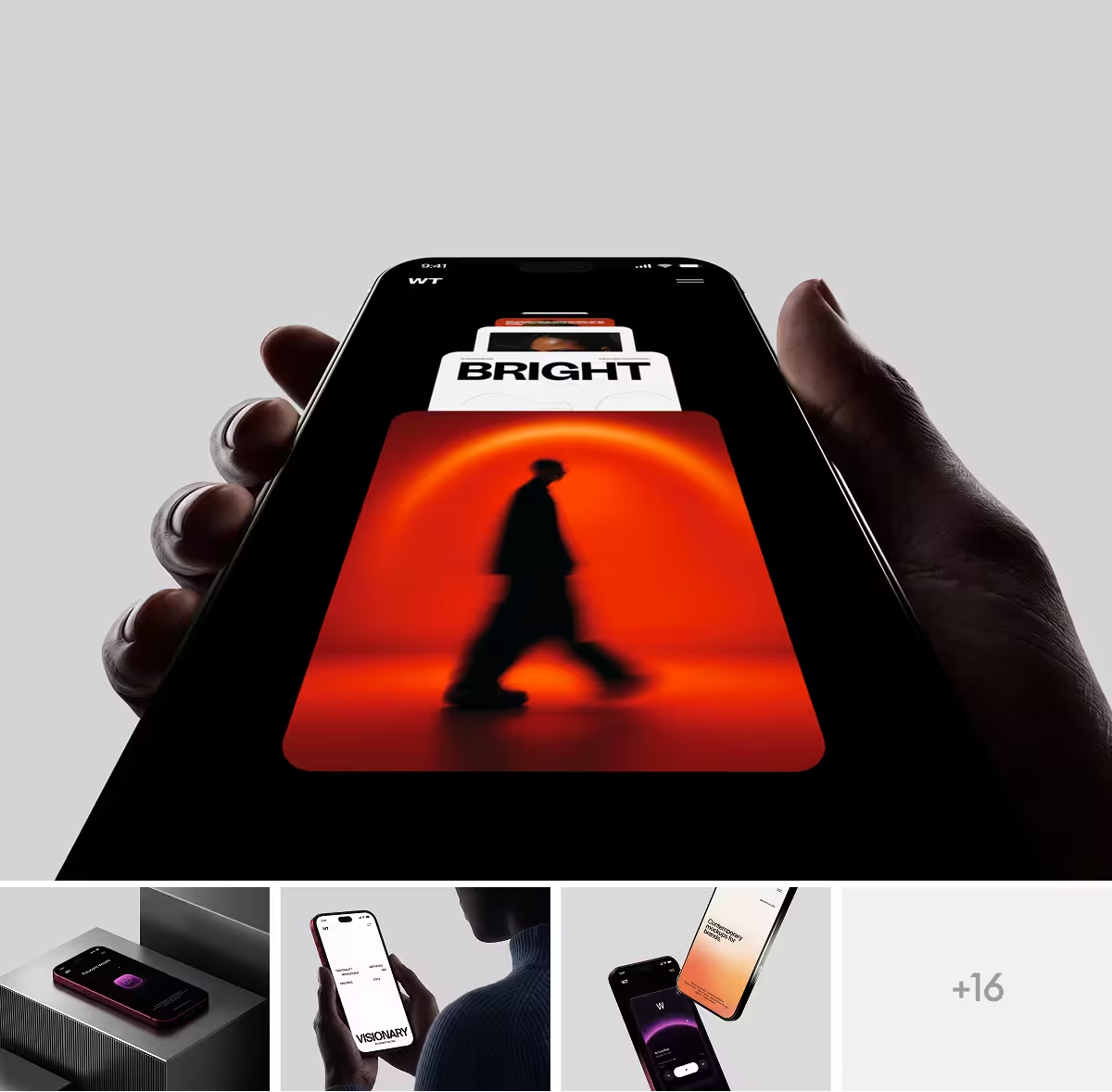
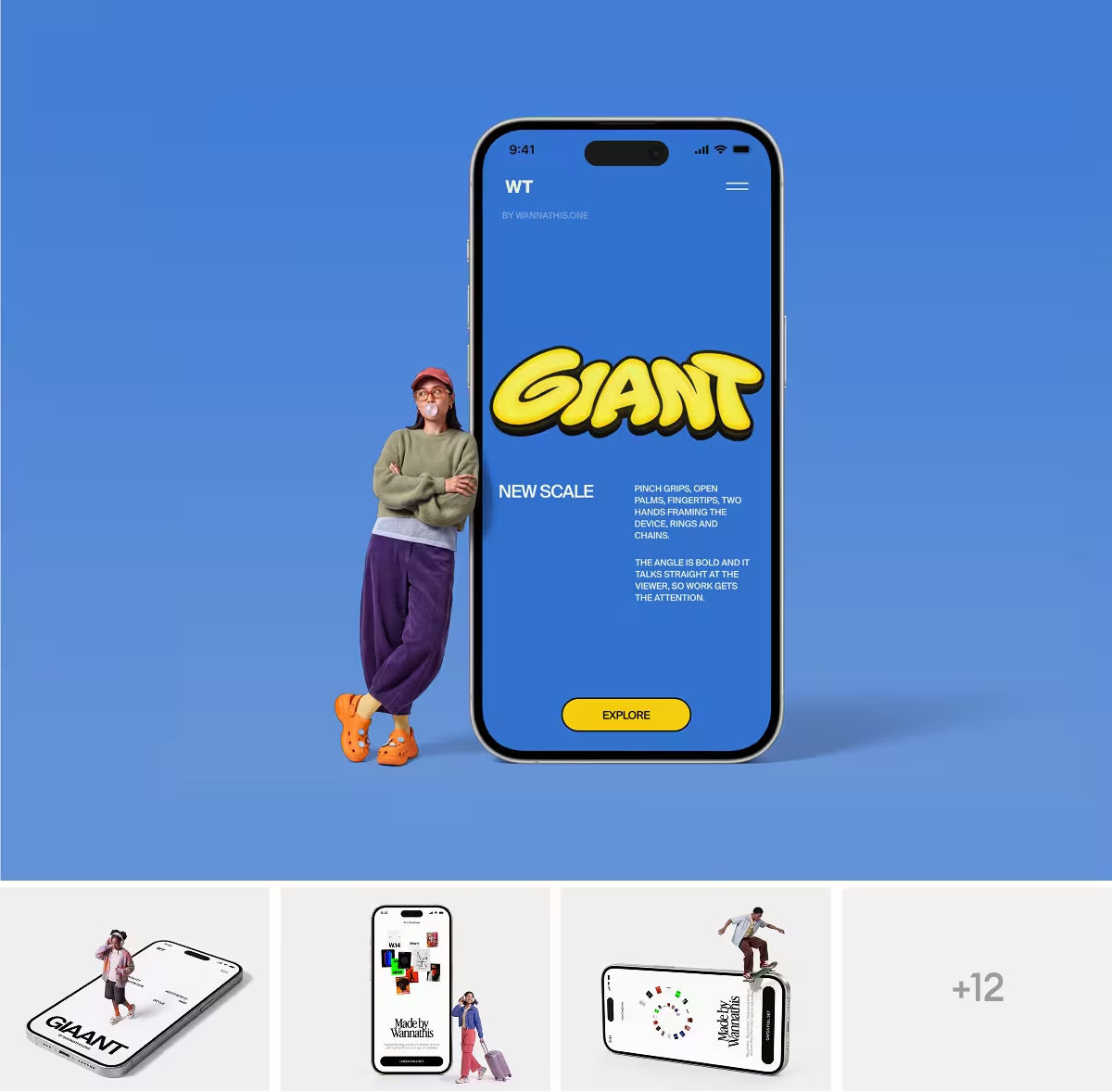
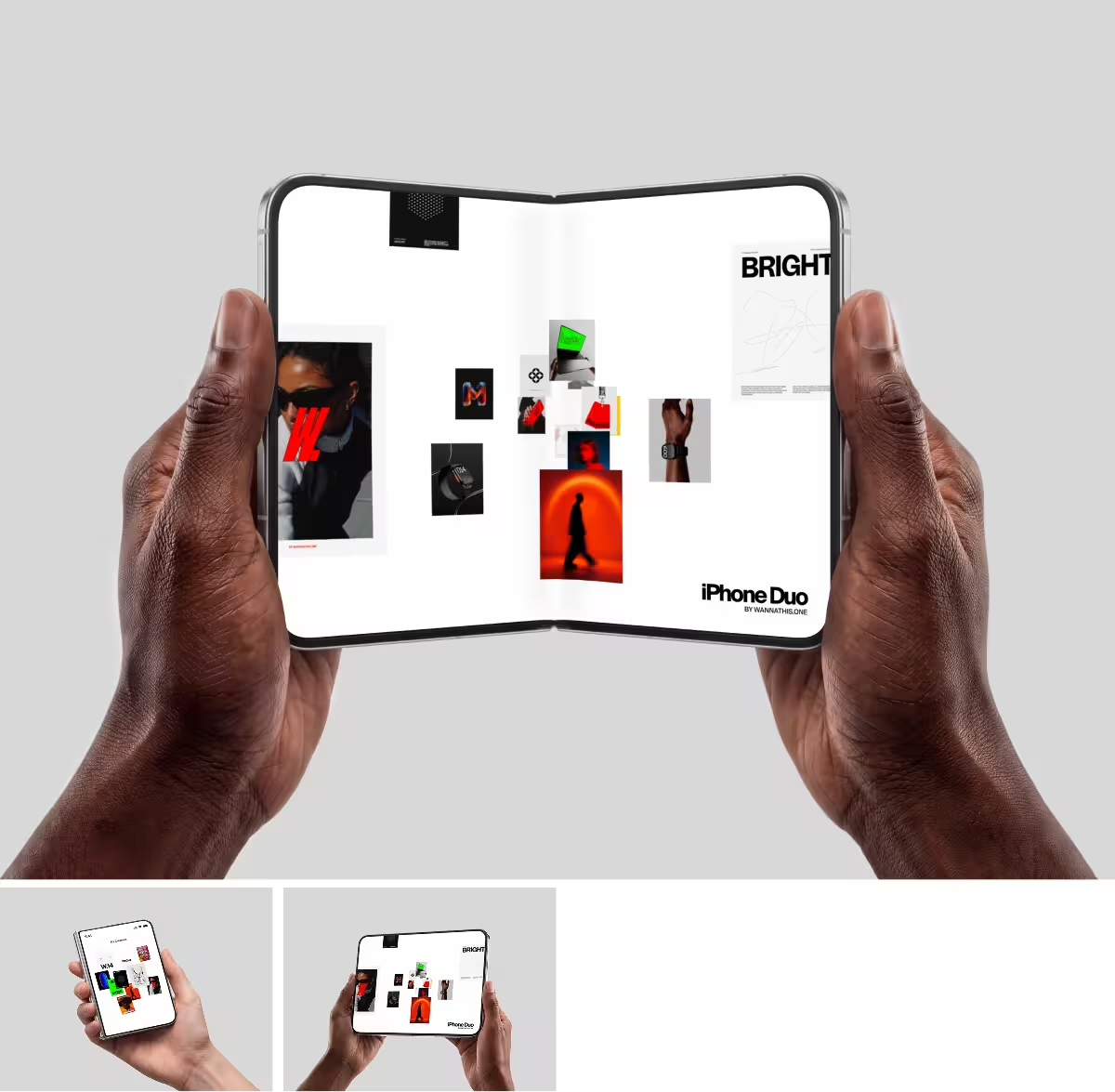
Wannathis works the other way round: one art direction holds across all the scenes in a set, so your hero shot and the rest of the case study match. New sets come out often, and the iPhone mockups are a good place to look.
Where you make the mockup
Mockuuups goes where you already work: the browser, a desktop app that runs on Windows and Linux as well as Mac, and plugins for Sketch, Penpot, Adobe Express and Figma. Its posters, books and business cards work in the browser, the app and the Figma, Sketch and Penpot plugins.
Wannathis has no desktop app and no plugin beyond Figma. You work on a set in Figma or Photoshop, add device and some branding scenes through the Figma plugin, or try your design on a scene marked Edit online in the online editor, where free scenes need only a free account. Posters and books come only as Figma or PSD files.
An export or the scene itself
Mockuuups gives you a PNG, JPG or WebP, and in Figma an image you can update with a new design. The scene itself never comes as a Figma or PSD file.
The Wannathis scene itself comes with Pro Access, ready for Figma or Photoshop.
Price and license
Pay for a year and it is $144 for one person either way: Mockuuups Professional (US price) or Pro Access. Paid month by month, Mockuuups is $20; Pro Access is billed every three months, at $78. Mockuuups also sells single exports, from €5.60 for one (EU prices), and single Wannathis sets are sold on their own.
Every paid Mockuuups export can go into commercial and client work, with one person per seat. Pro Access covers one person, client work included, as long as the company has no more than 10 people. Teams take Business, from $19 a month for a team of two, billed yearly.
Choose Mockuuups Studio if
- You work in Sketch, Penpot or Adobe Express.
- You want a desktop app, on Windows or Linux too.
- You need a mockup now and then and would rather pay per export.
- You want to pick the hand, the sleeve and the background yourself.
- You need many phone models, older ones and Android included.
Choose Wannathis if
- The first picture of your launch or case study has to look premium.
- You want to open the scene itself in Figma or Photoshop.
- Your brand also needs packaging, apparel or a billboard.
- You want free mockups with no watermark.
- You buy for a team and want to pay less per person.
Mockuuups Studio vs Wannathis: questions
Mockuuups, if you also want print scenes in Figma. Wannathis, if you want premium device scenes: its plugin, free to start, holds devices and a handful of branding scenes, and Pro Access also gives you the sets as Figma or PSD files.
Try it with your design
Open a scene, upload your design and download the picture. No setup, no software.
Explore mockups
Mockuuups Studio and the other brands named are trademarks of their owners. Wannathis is not affiliated with or endorsed by them.