





Best Framer portfolio templates 2026
Let's be real, most of us would rather spend our time on the actual work than on building the site that shows it off. And starting a portfolio from scratch means weeks of wrestling with layout and structure before you get anywhere near the fun part.
That's why a good Framer template is such a gift. You duplicate the file, drop in your projects, nudge a few colors around, and you're online by the afternoon. The only catch is the marketplace is huge and the quality is all over the place. Some templates are made with real care. Others fall apart the moment you touch them.
So we spent a while digging through the portfolio section and picked out ones that genuinely hold up. Free and paid, quiet and loud, tidy little solo sites and full-blown studio setups. And if you want a sense of where design is heading before you commit to a look, our web design trends for 2026 piece is a good companion read.

1. Mike Bennet


Lazar Filipović · Free
A dark, minimal portfolio made with brand designers in mind. It keeps everything pointed at your work, with big confident type and a project-first layout that doesn't get in its own way. Projects run on a CMS, so once it's set up, updates take minutes.
One heads-up: the CMS is built a certain way, and big structural changes to the projects section can get a little annoying. Stay close to the original layout and you'll have a great free site with zero fuss.
2. Justin

Hvade · Free
Justin has an editorial thing going on. Strong type, a tidy Works section, and a proper Services page, which most portfolio templates just skip. If you freelance, that Services page is gold for actually telling people what you do.
It's free and still packs the nicer Framer toys like code components and variable fonts, which feels almost too generous. Great pick for independent designers and small studios who want a considered feel.
3. Nudge

Huehaus Studio · $49
This one's a clever idea. Nudge borrows layout patterns straight out of design software, so if you're a product or UX designer, the whole site quietly signals that you know your craft. The case study pages read like well-documented design files, walking people from the problem through to the result.
It's really made for product folks who want a portfolio that feels senior without making a big deal of it. If your work is more visual or brand-led, the tool-like look might feel a bit dry for you. But for UX case studies, it's one of the smartest things on the marketplace.
4. Oblica

Satto.studio · Free
Oblica is quiet in the best way. Minimal layouts, smooth transitions, and CMS pages that step back so your visuals do the talking. It was built with photography and art direction in mind, and you can feel how much room it gives images to breathe.
Seven pages, fully responsive, and free. If your work is visual and you want something that adds no noise at all, this is an easy yes. Just don't expect it to carry a text-heavy portfolio, since restraint is the entire point.
5. Dockfolio

designbydeke · $59
Dockfolio turns the macOS interface into a portfolio. Dock-style navigation, soft shadows, gentle little interactions. It's genuinely fun and it stands out in a sea of near-identical minimal sites.
It even throws in three months of Framer Pro, which is a sweet little bonus. The macOS idea is the whole appeal and also the risk. If it doesn't match your vibe, there isn't much underneath to reshape. But when it clicks, honestly not many templates feel this distinctive.
6. Iterate

Studio Apes · $79
Iterate is the big one on this list. Multi-page, light and dark modes, a full CMS for both projects and a blog, plus extras like a waitlist page and a nicely styled 404. This is less a personal portfolio and more a whole agency site in a box.
That price only really makes sense if you'll use everything it gives you. A solo freelancer would be paying for a bunch of empty rooms. But an agency that wants to launch something polished in a hurry will feel every bit of it was worth it.
7. Pulvinar

Satto.studio · $69
If you work in motion, film, or photography, Pulvinar just fits. It's cinematic and editorial, built around big media and calm type, with a CMS-linked horizontal carousel on the index page. There's even a video player with a few styles, which really matters when your reel is the main event.
You get an archive page, custom components, and the kind of animation polish that production studios love. It's not the one for a product or text portfolio, but for cinematic work it's a lovely fit.
8. DELANE

Bryan Hermoza · Free
Delane ships with both light and dark versions, so you pick the mood instead of fighting the default. Clean type, clear hierarchy, and a project-focused layout make it a comfy home for case studies. It suits designers and frontend devs equally.
Free, recently refreshed with project categories and a new About page, and it includes three months of Framer Pro. Bryan keeps this one updated, which is more than you can say for a lot of free templates that get posted and then forgotten. A safe, no-drama choice.
9. Fiber

Jamik · Free
Fiber has real editorial polish for something free. Animated intro loader, a Motion Layer marquee in the hero, a Works collection on the CMS, and a separate Shots grid for quick visual snaps. That Shots page is handy if you make lots of one-off stuff that doesn't need a full case study.
Built for agencies and studios, and the docs are unusually clear about customizing the loader and motion bits. If you're newish to Framer, that hand-holding really helps. The intro animation is central to the look, so if loaders aren't your thing, just plan for a little rework.
10. WorkDesk

Nick404 · Free
WorkDesk is the fun one. A retro portfolio and agency template built around old office bits like floppy disks and sticky notes and pagers. Playful without going full gimmick, and honestly a relief after a hundred minimal dark sites that all blur together.
It runs on a CMS and comes with a pricing section and a workflow breakdown and an FAQ already built in, so it's ready to sell services, not just show work. Free, and full of personality. Won't suit every brand, but if yours leans warm and characterful, lean right in.
11. Majd

Mejed Alkoutaini · Free
Majd has quietly become one of the most popular free portfolios on the marketplace, and it's easy to see why. Minimal and smooth, flexible enough to fit a designer or a developer or an artist without much wrestling. Smooth scrolling runs on Lenis, and the whole thing feels considered rather than slapped together.
Free, responsive, and quick to launch. A lovely starting point if you want something polished and understated that won't box you into one look.
12. Panorama

André Lacerda · $50
Panorama goes for immersive 3D, aimed at filmmakers, photographers, designers, and production companies who want their portfolio to make a statement. Rich media and custom cursors give it a more dramatic, high-production feel than the minimal picks above.
Worth knowing it's the oldest one here, from 2024, and the copy on its page is very hype. Look past that and judge the design on its own. It can work for a bold visual creative who wants some dimensionality, though If you lean more toward clean and calm, one of the minimal picks above might feel more like home.
13. Anamorph

Hamza Ehsan · $129
Anamorph is made specifically for video editors, and it really commits to that. It's cinematic and art-directed, the kind of dark, big-type site that feels more like a film than a content folder. Your showreel plays from the first frame and every project gets its own full-screen screening page.
It's the priciest on the list, but you can see where the money goes. It's built as a booking funnel and not just a gallery, with rate cards, availability slots, and a project brief that turn a viewer into an actual client, plus a step-by-step video course and a hidden mini-game in the nav. Really one for editors ready to treat their portfolio as a client-booking machine. From Hamza Ehsan, whose templates have sold over 10,000 copies.
Wrap-Up
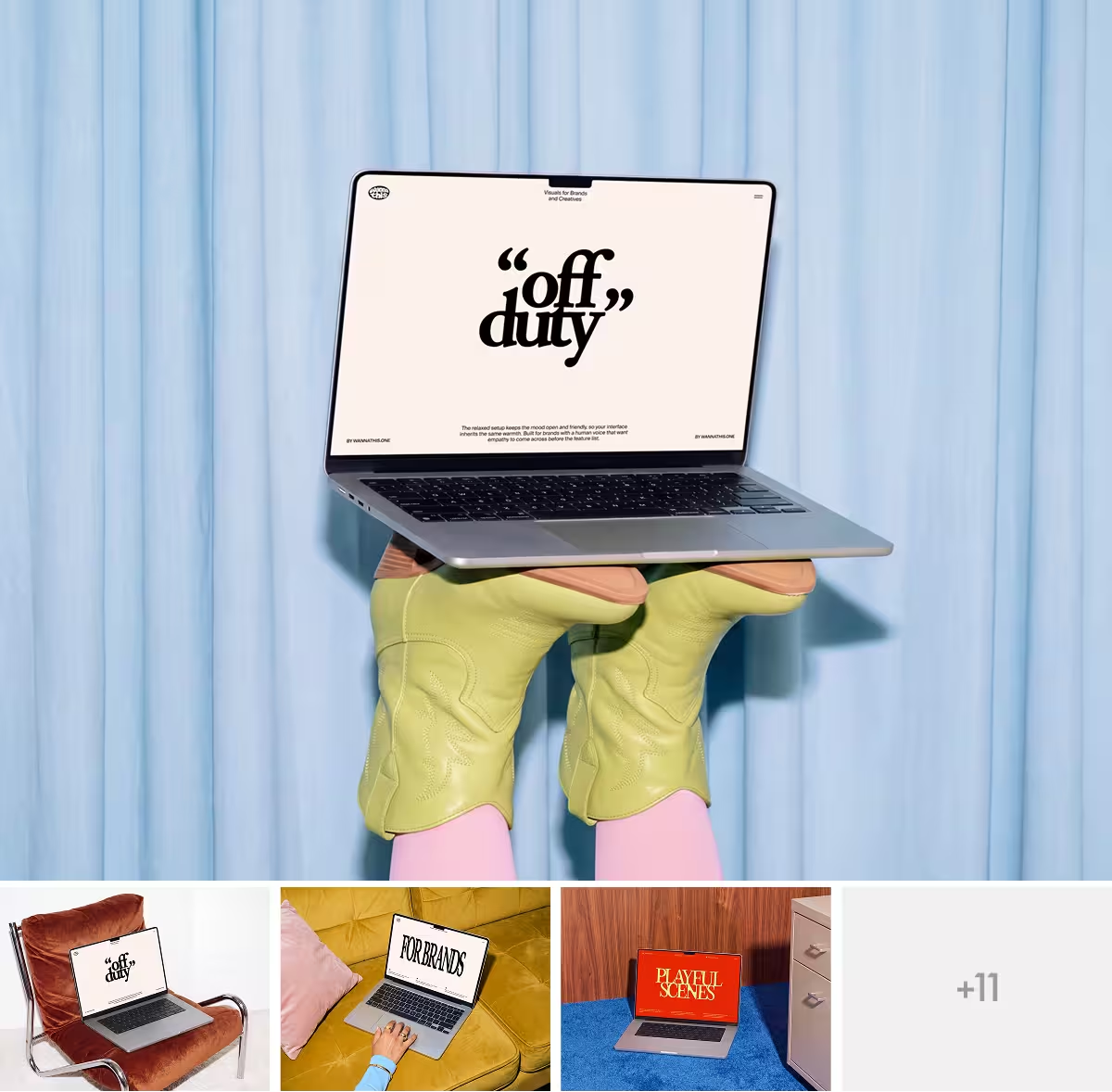
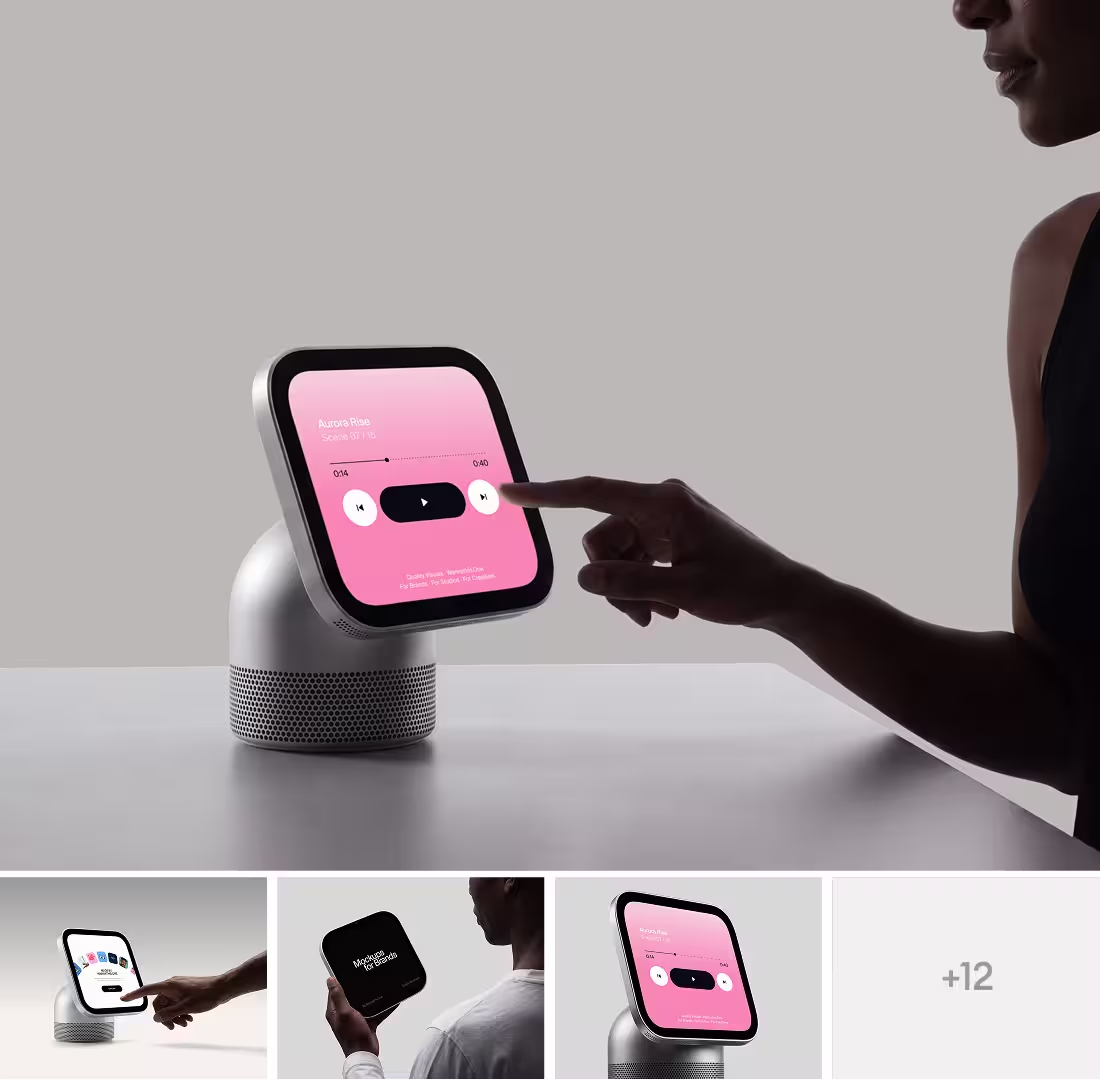
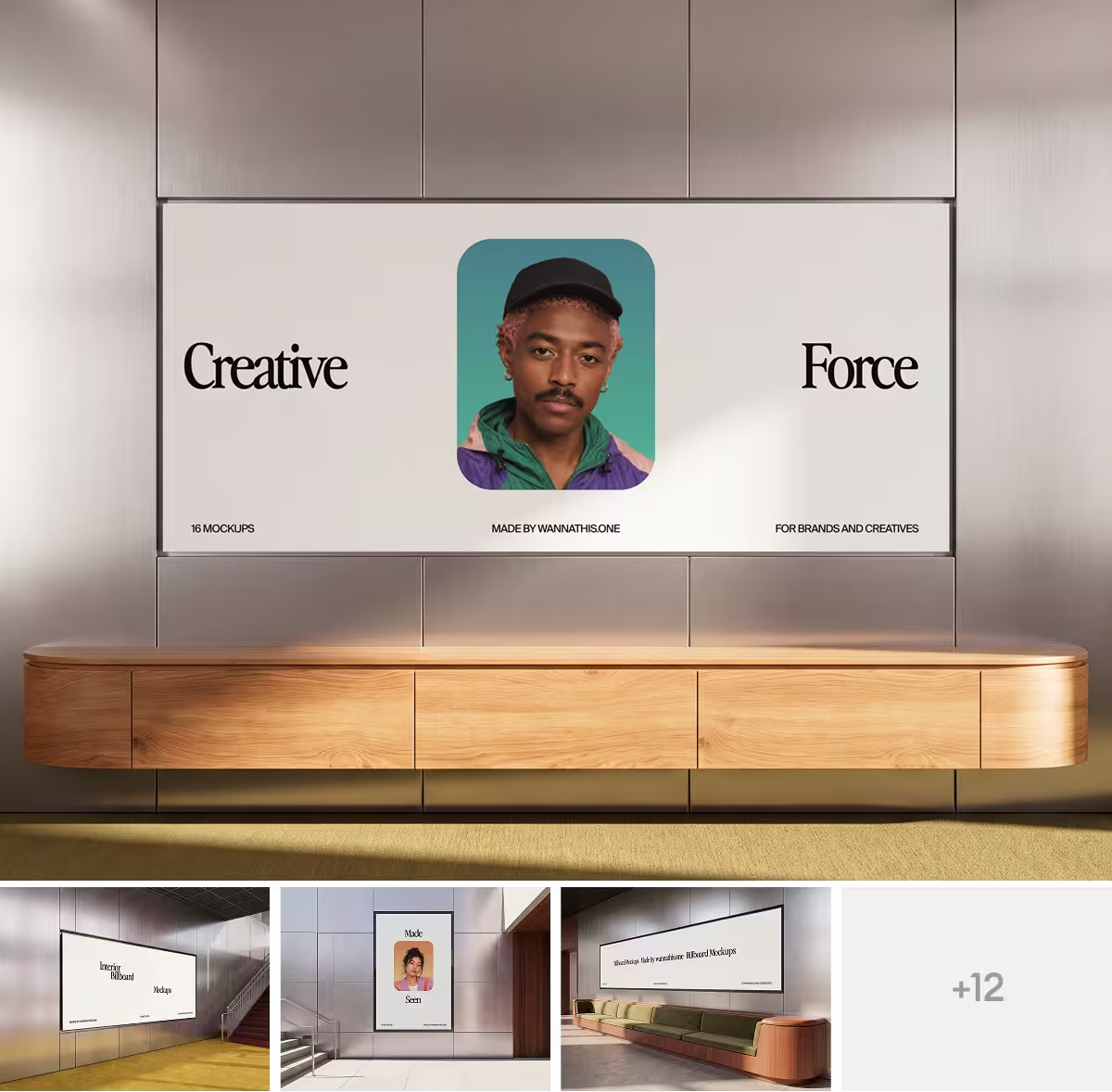
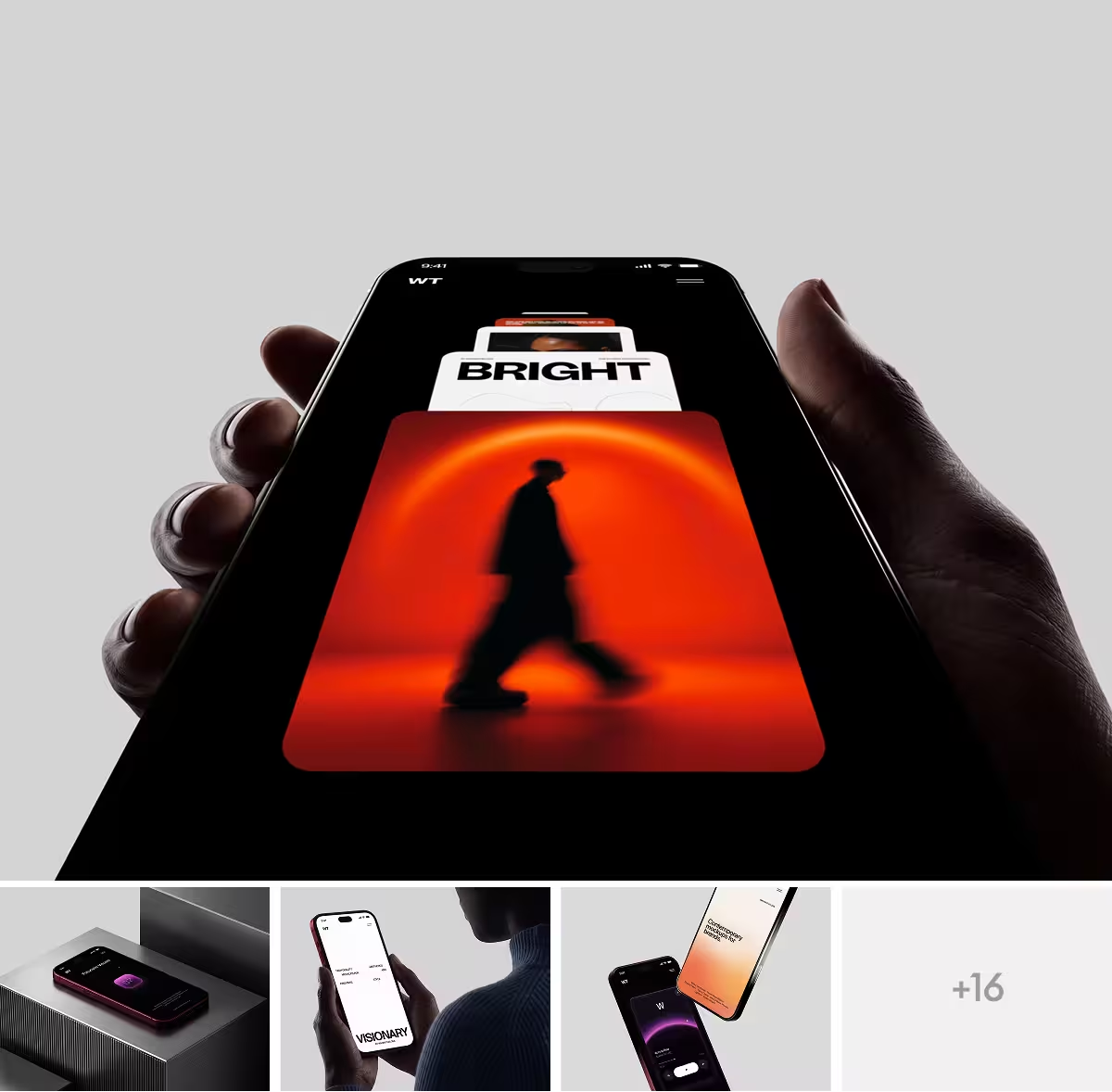
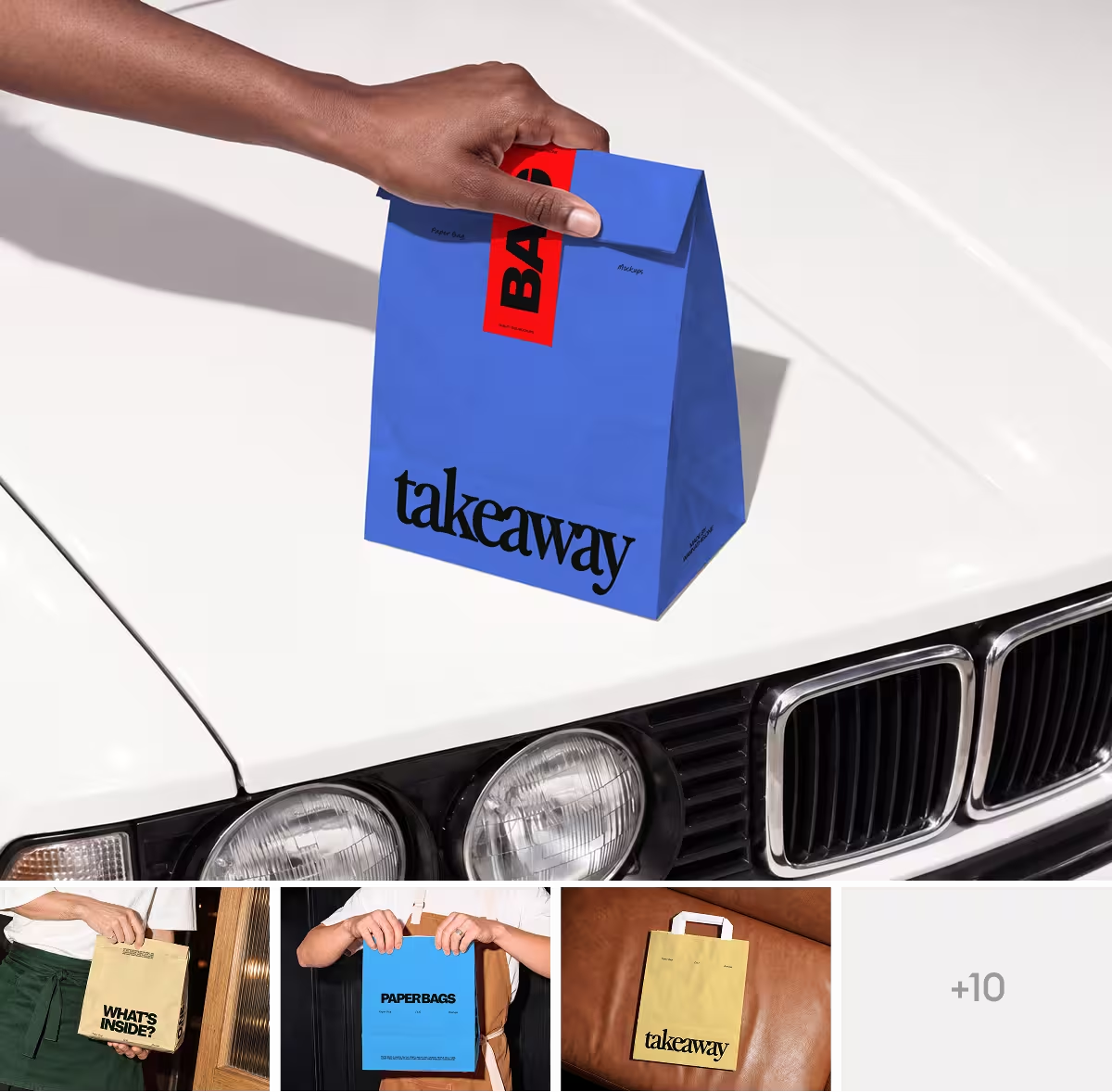
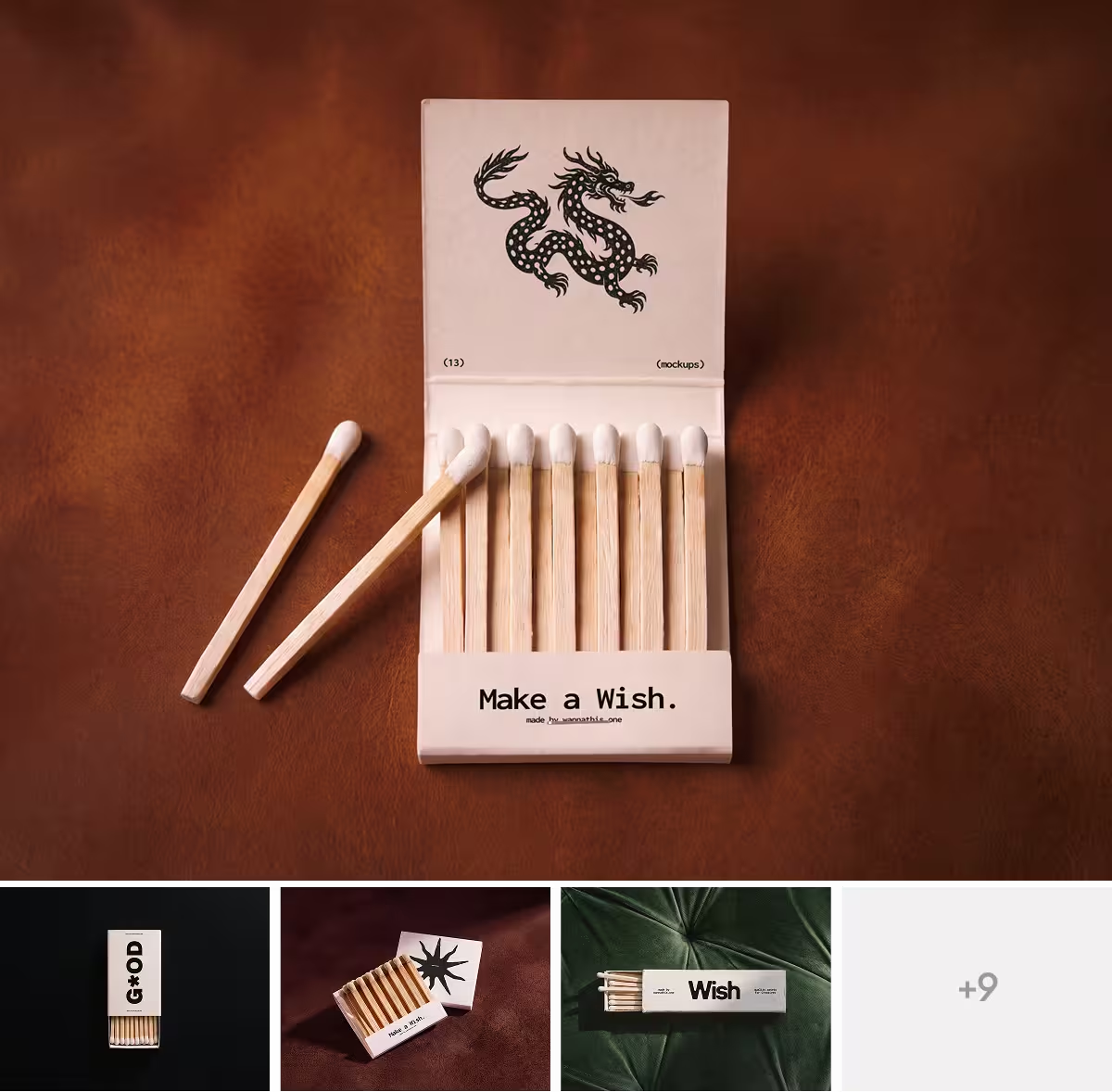
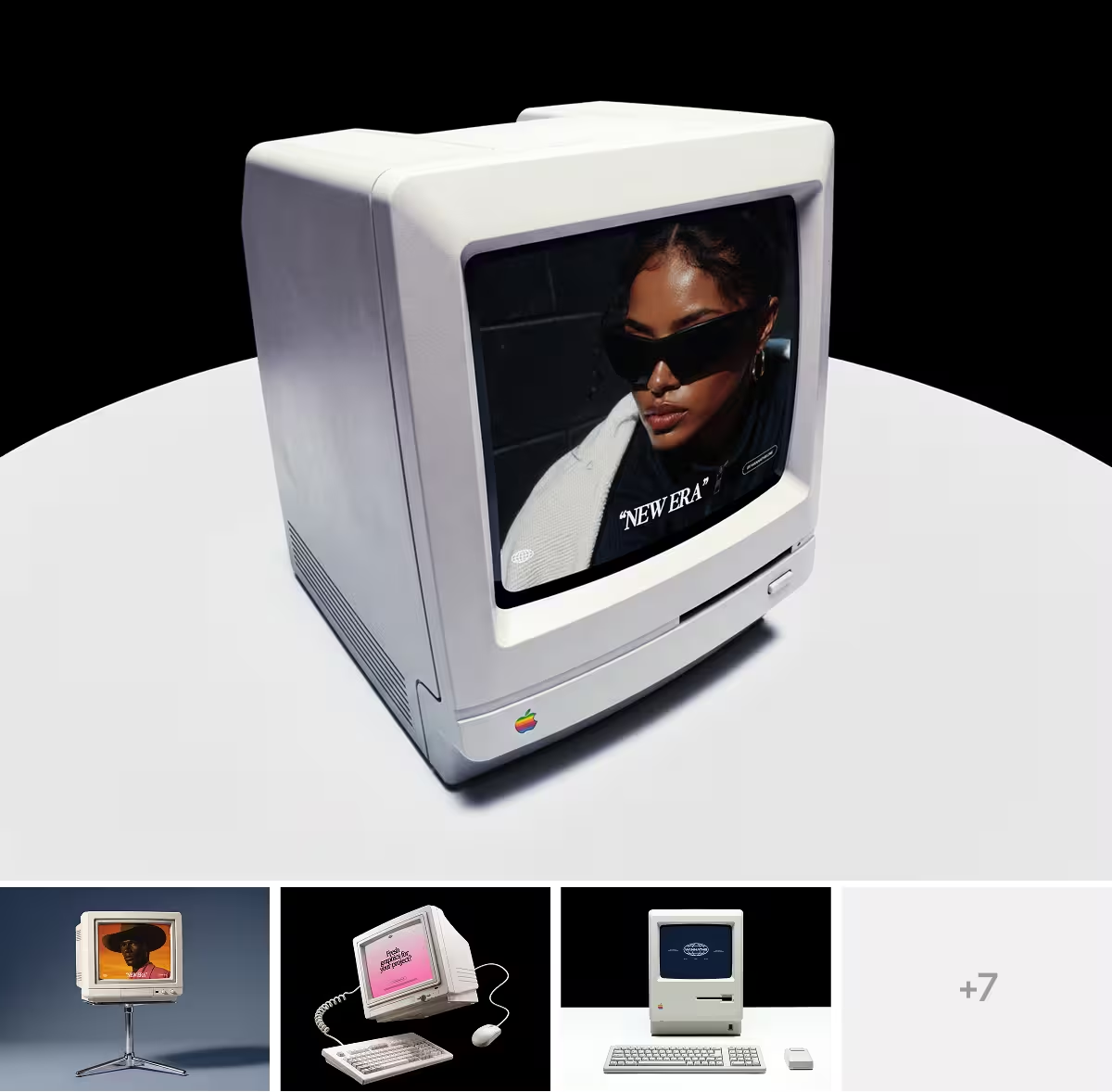
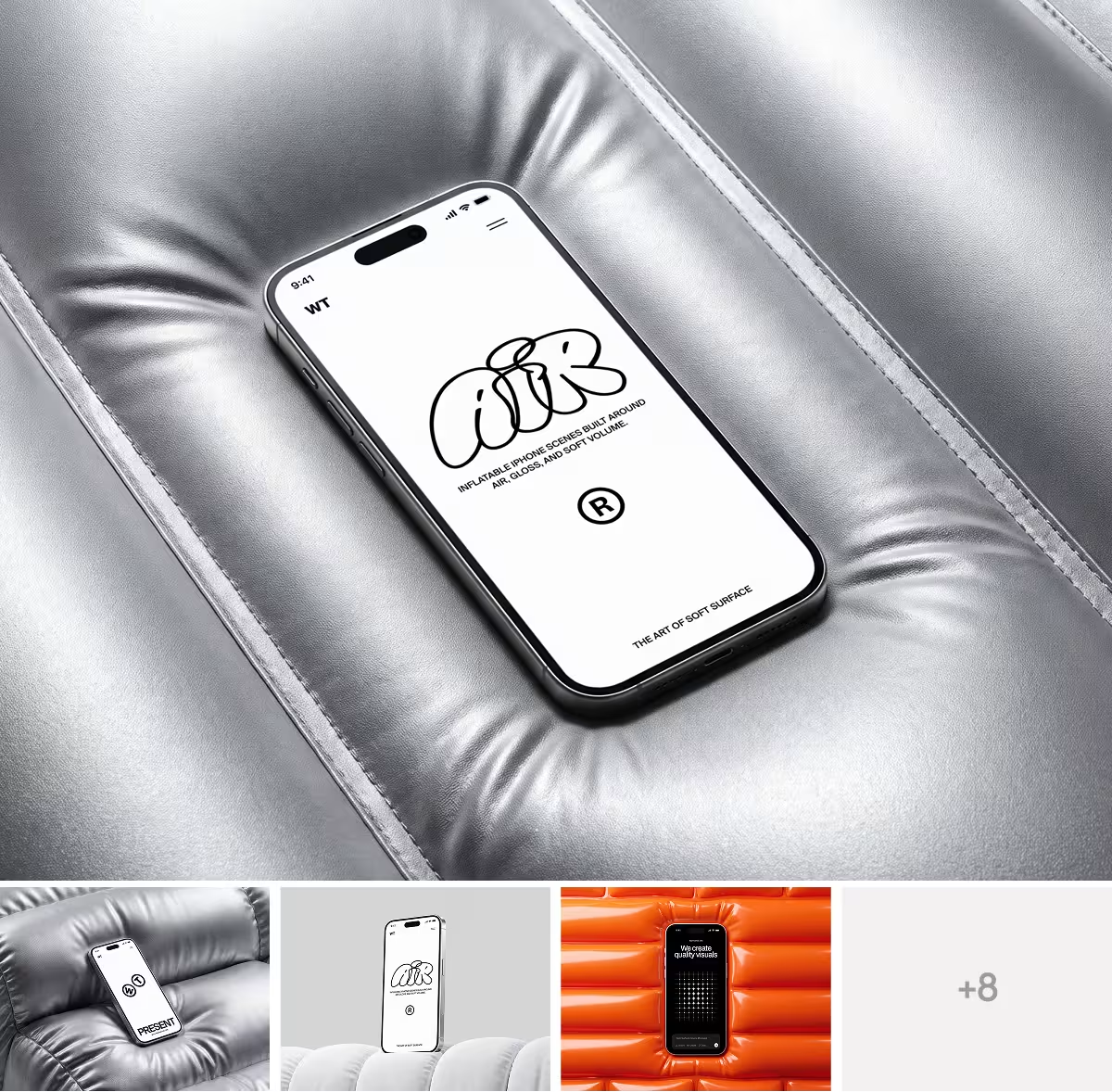
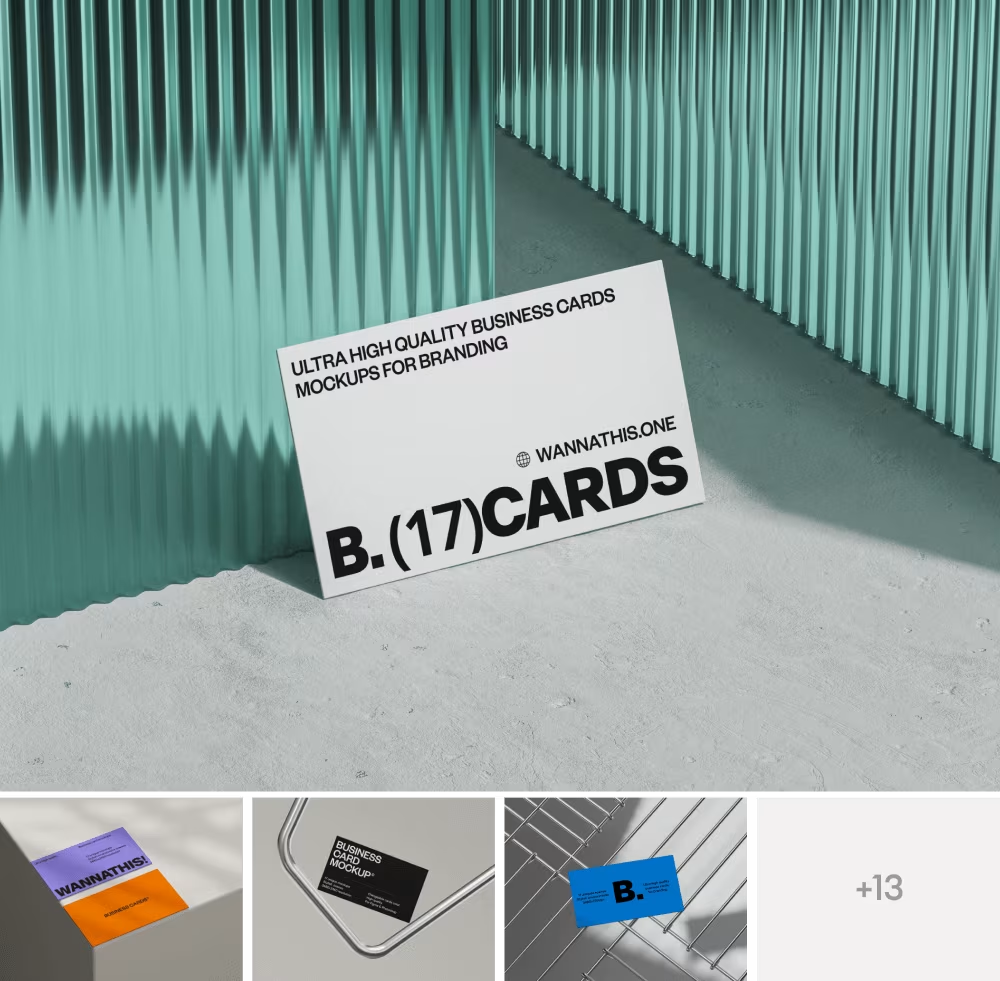
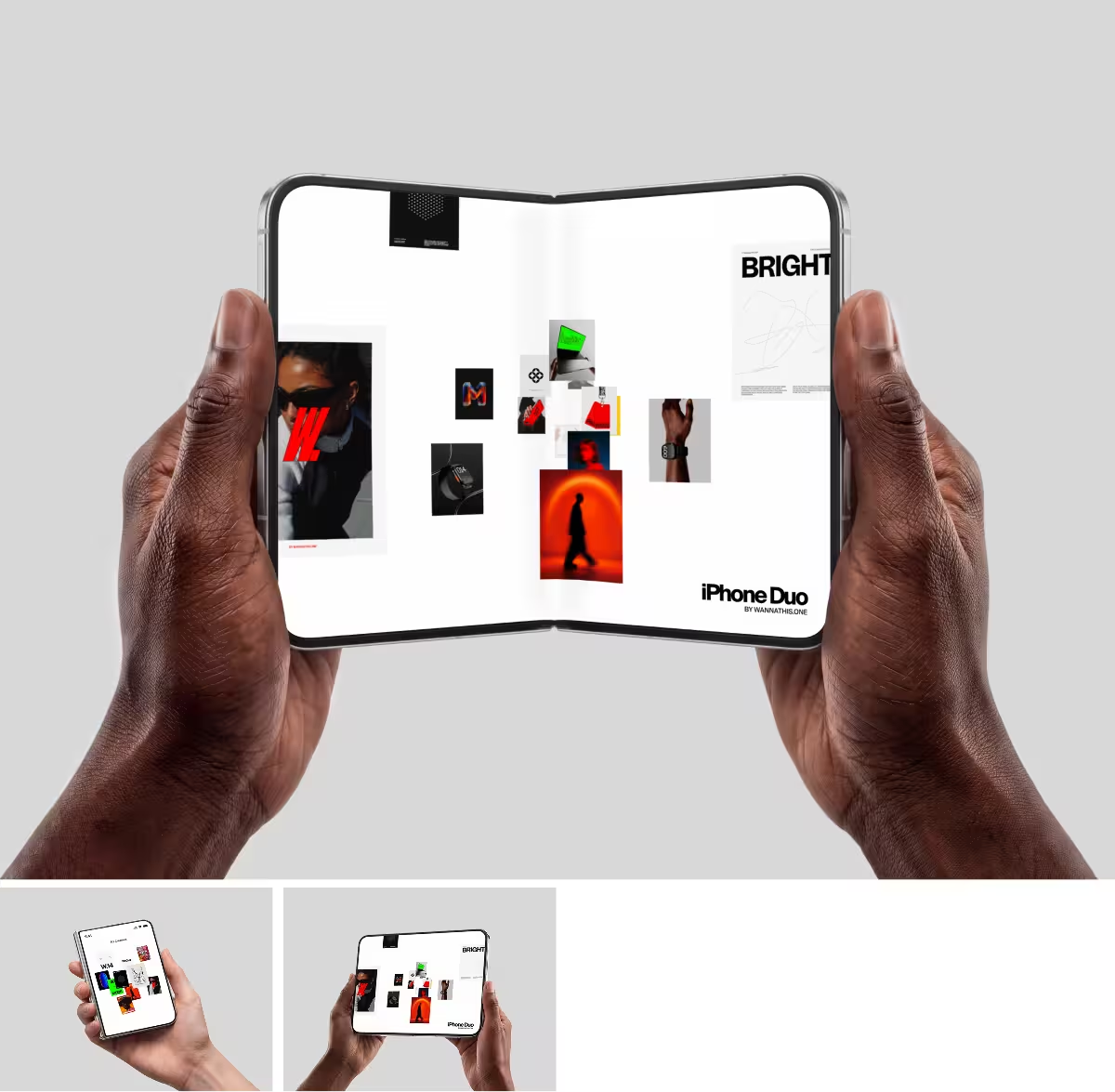
Quick thing you might've already noticed: every template up there is shown sitting inside a device mockup. And those are actually ours! We put each one into a mockup because a design almost always looks better tucked into a real phone or laptop than it does as a flat screenshot.
That's kind of the point. When you're putting your own portfolio together, mockups end up doing a lot of quiet work too. We make them over at wannathis.one, for phones, laptops, and branding things like business cards and tote bags. So once you've picked your template and filled it with your best work, check out our mockup catalog for those.
Recent articles

Best Mockup Resources (Free and Premium)

Color Trends 2026 for Designers and Brands


