


Best Premium Mockup Sites for High Quality Visuals
If you’ve been designing for a while, you already know how much a good mockup can change the whole vibe of a project. The right scene makes your concept feel real, believable, and ten times easier for clients to understand. But with so many platforms around, figuring out where to look in 2026 can feel a little overwhelming.
That’s why we put together this list. These are the sites designers actually use: from big libraries to smaller studios that keep things clean and intentional like us. No fluff, just a friendly overview to help you find what fits your workflow.
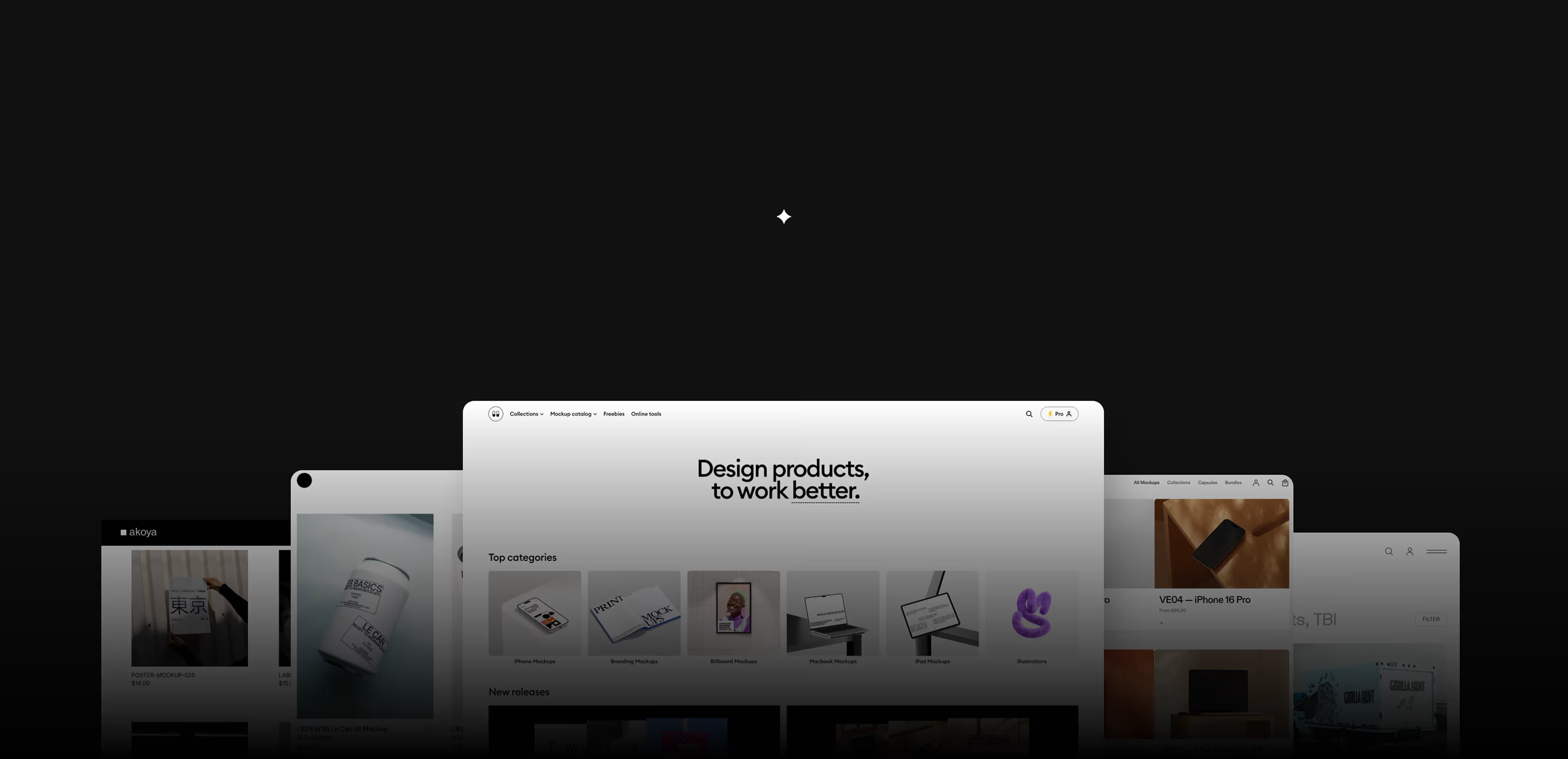
1. Wannathis.one


Wannathis is a premium mockup studio built around intention and craft. Instead of chasing volume, we focus on carefully curated collections designed for branding, editorial presentations, high-resolution product mockups, and clean device visuals. Each set is put together with the kind of visual language that works well for modern identity projects - refined color palettes, premium styling, and scenes that feel ready for real client decks.
The catalog updates regularly, and every new release is treated as its own small project rather than a batch drop (which is kind of the whole point). It’s less about adding as many files as possible and more about shaping mockups that feel cohesive, modern, and quietly premium. There’s also a practical side designers really appreciate: a Figma plugin for placing mockups directly into Figma, plus an online mockup editor that lets you edit mockups right in the browser.
So if you like mockups that look considered rather than mass–produced, this is the kind of place that feels comfortable to work with.
Pros: crafted aesthetic, curated collections, Figma plugin, browser editor
Cons: not a huge catalog, more of a curated boutique-style selection
Pricing: ~$28-48 per collection, full access $12/month subscription
2. Supply.Family

Supply.Family works almost like a curated directory of premium mockups from different creators. You can discover a lot here: minimal, bold, lifestyle, editorial assets all in one place. Because it’s a mix of many studios, the visual language can jump between styles, so presentations sometimes require extra coordination to stay cohesive.
Pros: neutral, modern look; visually consistent; easy to style
Cons: high pricetag
Pricing: ~$20 per mockup, bundles available
3. Bendito Mockups

Bendito uses stage photography produced together with different talented photographers, which gives their mockups a clean photographic look. The catalog focuses mainly on packaging rather than devices, so it’s a place designers usually check when they need stylish, real-light product shots for beauty, lifestyle, or food-related projects.
Pros: Clear photographic look, strong art direction
Cons: Very few device mockups
Pricing: ~$16-18 per mockup, ~$39-139 per collection
4. Mockup Maison

Mockup Maison also relies on photography-based mockups, building a catalog of clean, premium-looking scenes with a contemporary feel. The setups are consistent and well executed, and the overall tone sits somewhere between minimal and editorial. Prices run a bit higher than average, but the work is solid and dependable when you need photographic mockups with a modern mood.
Pros: Premium photography, consistent execution
Cons: Higher pricing
Pricing: ~$18–35 per mockup, $50–$290 per collection. Yearly license $1,300
5. Mockups Directory

Mockups Directory is a studio that focuses on clean, minimal mockups with a very controlled, modern look. The scenes are simple, sharp, and free from decorative props, which makes them easy to use when you want the mockup to stay fully neutral. Packaging mockups are basically not part of their catalog, but their print and device mockups work well for straightforward identity presentations and digital projects that need a clear, distraction-free setup.
Pros: clean minimal style, art direction
Cons: no packaging mockups, high pricetag
Pricing: ~$15–25 per mockup (varies by set)
6. Mockup Lab

Mockup Lab creates Photoshop-only mockups, with scenes that are built using AI. The catalog is fairly stylish and includes quite a few outdoor shots, which can be helpful when you want something less studio-like. The overall look is clean and modern, though the main limitation is that you can’t buy mockups individually - the platform works only through a subscription. On the upside, the subscription is unlimited and gives you access to all existing and new mockups for life.
Pros: stylish selection, many outdoor scenes
Cons: small library, no option to buy mockup/collection individually
Pricing: $129 subscription (unlimited access)
7. MadeByAttic

MadeByAttic uses warm, natural photography and builds a small but focused catalog. The setups tend to feel simple and approachable, making them useful for smaller lifestyle-oriented branding projects.
Pros: natural photography
Cons: no subscription option; small catalog
Pricing: ~$5–10 per mockup, ~$15–50 per collection
8. Art Directed

Art Directed is a boutique mockup platform built around carefully styled photography. Many of their scenes look almost like pages from a magazine - strong art direction and thoughtful compositions. It’s a great place when you want something atmospheric and visually rich.
Pros: strong art direction, magazine-like scenes
Cons: no packaging mockups, high pricetag
Pricing: ~$12-16 per mockup, ~$60-150 per collection
9. Sedshop.co

Sedshop.co offers straightforward studio photography with a clean, neutral look. All of their mockups are built from real photos, so the files come only in Photoshop format, without Figma or browser-ready options. It’s useful for packaging designers who want simple, brand-friendly visuals.
Pros: Clean studio setups
Cons: Mostly packaging-focused
Pricing: ~$15 per mockup, ~$39-199 per collection
10. The Brand Identity Store

The Brand Identity Store is a curated marketplace that brings together mockups, templates, and various design assets from different creators. It’s a great place to browse when you want to compare styles or quickly see what different studios are doing. Just keep in mind that when you actually buy something, it’s usually a bit cheaper to purchase directly from the original creator, since the platform adds a small markup.
Pros: curated selection, a mix of creators
Cons: small markup on mockups, high pricetag
Pricing: ~$19-24per mockup, bundles availible
11. Darkroom

Darkroom offers Photoshop-only packaging mockups, with files that allow customization such as adjusting labels and materials. It’s a small, focused platform that designers usually use when they need straightforward packaging presentations.
Pros: allows customization
Cons: Photoshop-only, only packaging mockups
Pricing: ~$18 per mockup, lifetime access ≈ $330 USD
12. Moyo Studio

Moyo Studio offers polished studio photography across a consistent catalog. All their mockups come only as Photoshop files. The overall look is very calm, making it a solid choice if you prefer simple, polished scenes and you’re working primarily in Photoshop.
Pros: polished studio photography
Cons: limited mood variety, no Figma or browser-friendly versions
Pricing: ~$25–35 per mockup
13. Akoya Mockups

Akoya focuses on photorealistic PSD mockups, keeping the catalog small but very solid in overall quality. Everything here comes only as Photoshop files. There are no packaging mockups, so the selection is more about clean device and product scenes rather than full packaging setups. It’s a small, curated collection that works well when you need something straightforward and realistic without too many variations.
Pros: photorealistic, clean and simple scenes
Cons: Photoshop-only; no packaging mockups; small catalog
Pricing: ~$14–16 per mockup, $32–215 per collection, lifetime access ≈ $107 USD
Wrap-Up
Premium mockups aren’t just “nice extras”, they change how people read your work. Good lighting, real textures, and believable scenes help clients connect with the idea faster. The design feels more refined, more grounded, and simply easier to imagine in the real world. And that clarity often makes the whole creative process smoother for both sides.
If you’re exploring new tools next year, try mixing a few different platforms to see what fits your style. And if you ever want something that feels carefully built, with calm scenes and materials that behave like the real thing, our mockups at Wannathis are always there to browse ;)
Recent articles

Free iPhone Mockup Collection

What is a mockup?


